Cart and browsing
Abandoned cart WhatsApp templates
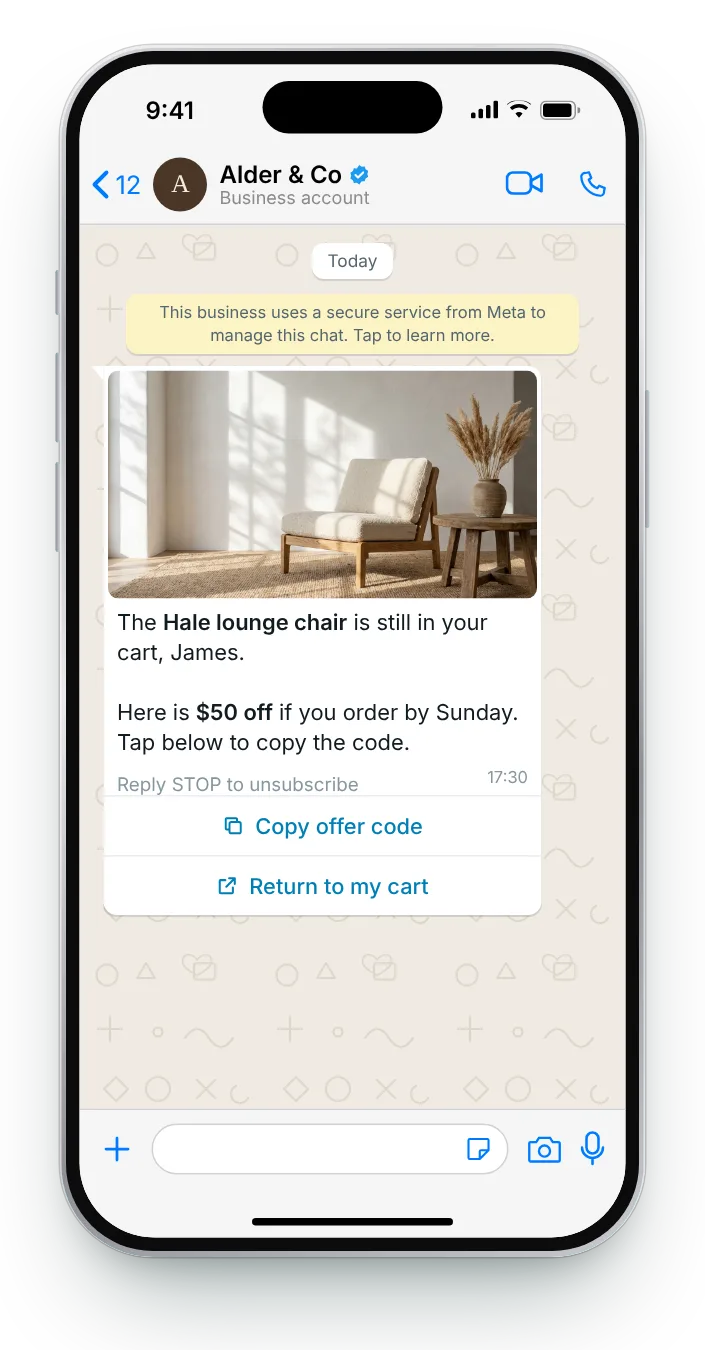
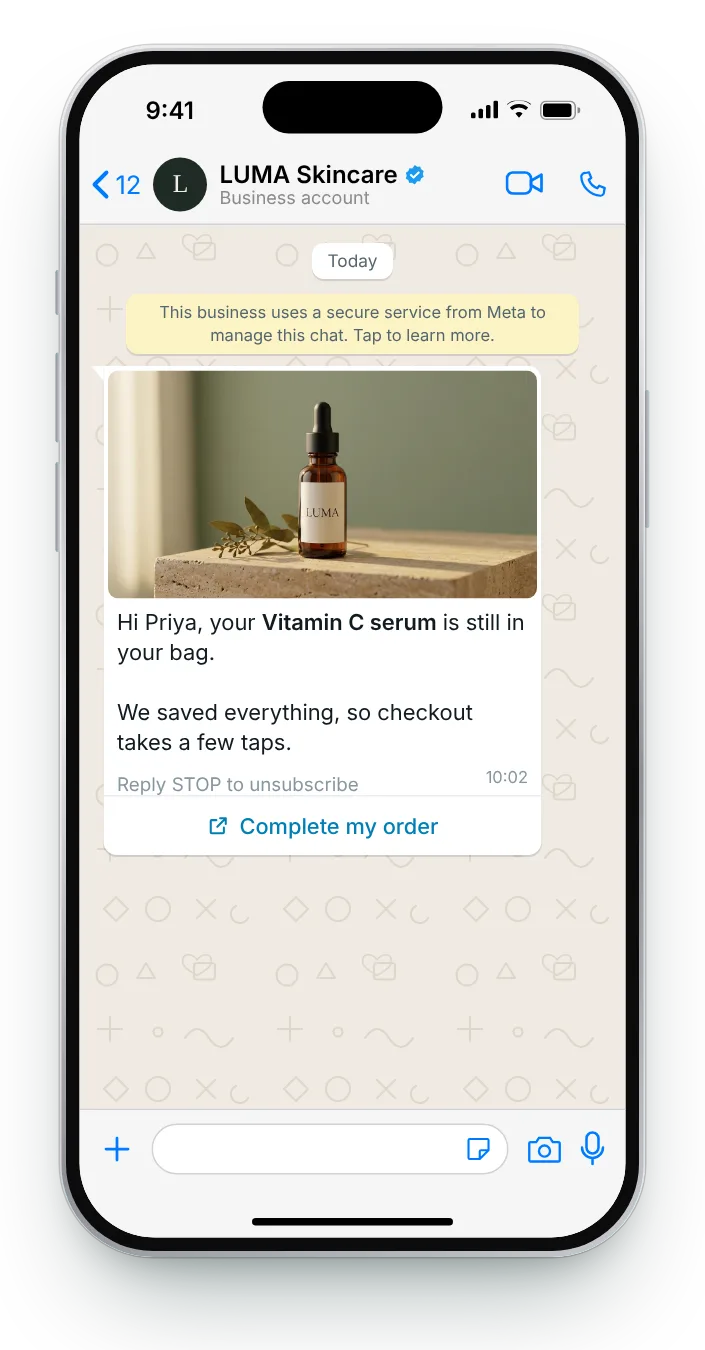
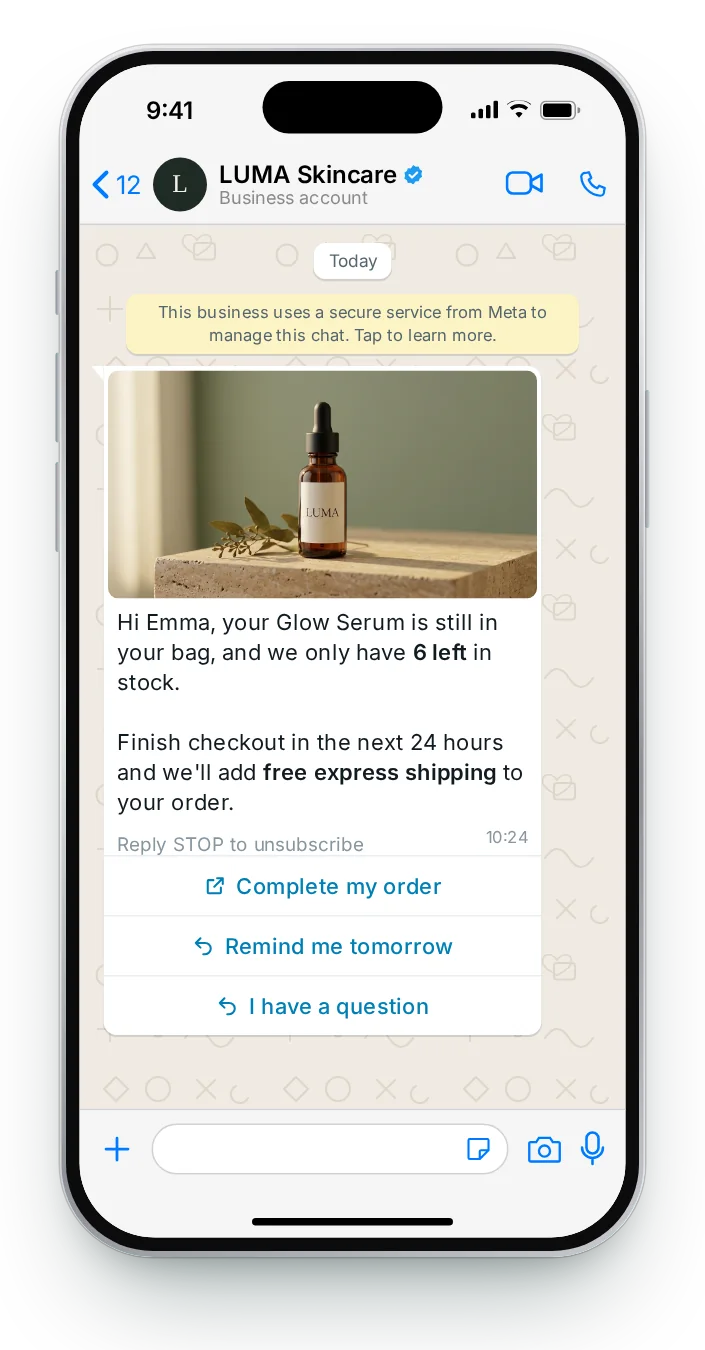
Product photos, carousels and copy-code buttons that bring shoppers back to a saved cart.
See the messages →
WhatsApp messages with product images, buttons and copy codes, written to pass Meta's review and shown the way they land in the chat, on iPhone and Android.
Product photos, carousels and copy-code buttons that bring shoppers back to a saved cart.
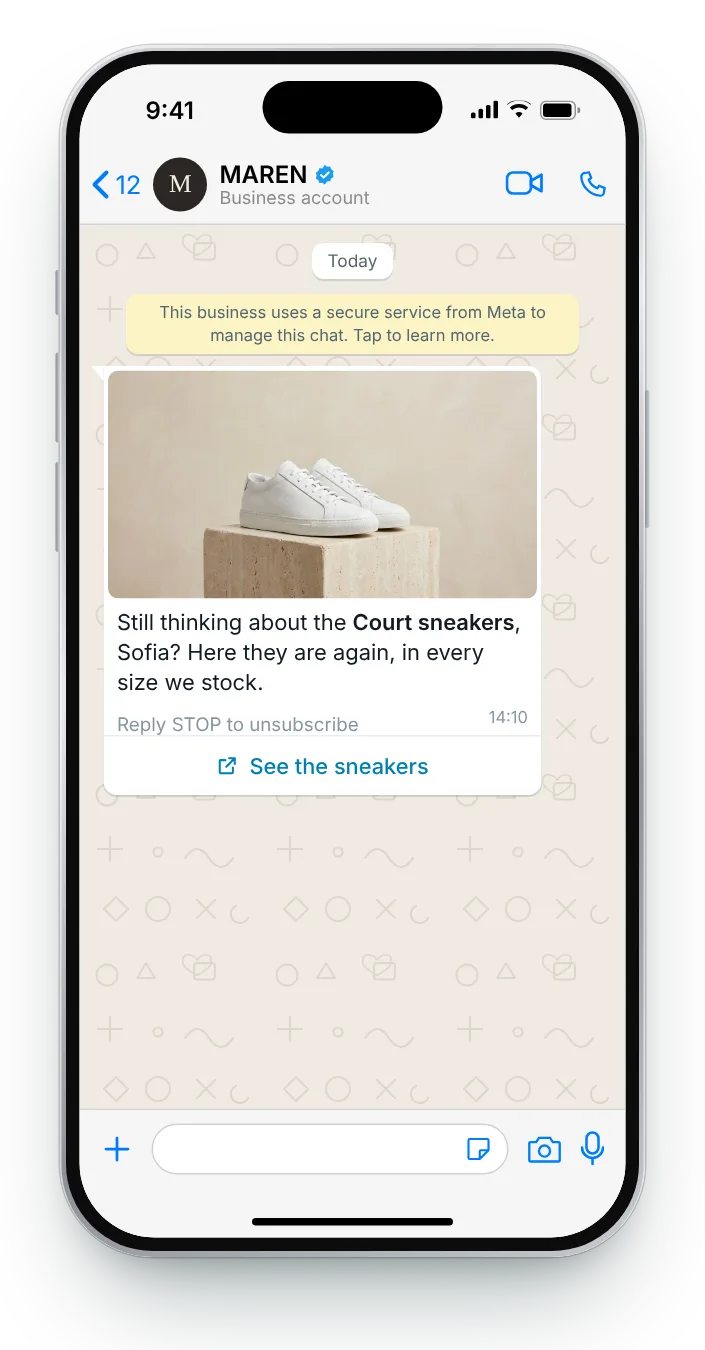
Follow-ups for products someone viewed but never added, from fit guides to one-tap questions.
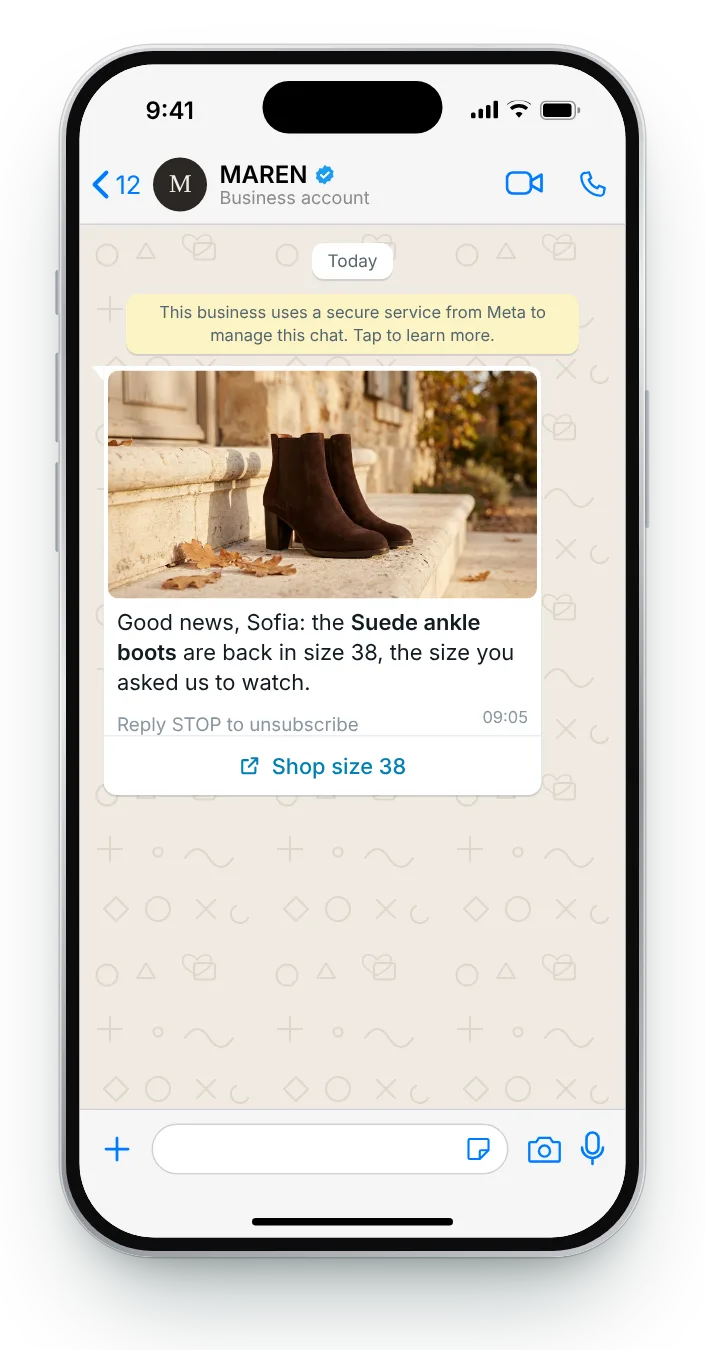
Restock alerts for the size, colour or product a shopper asked you to watch.
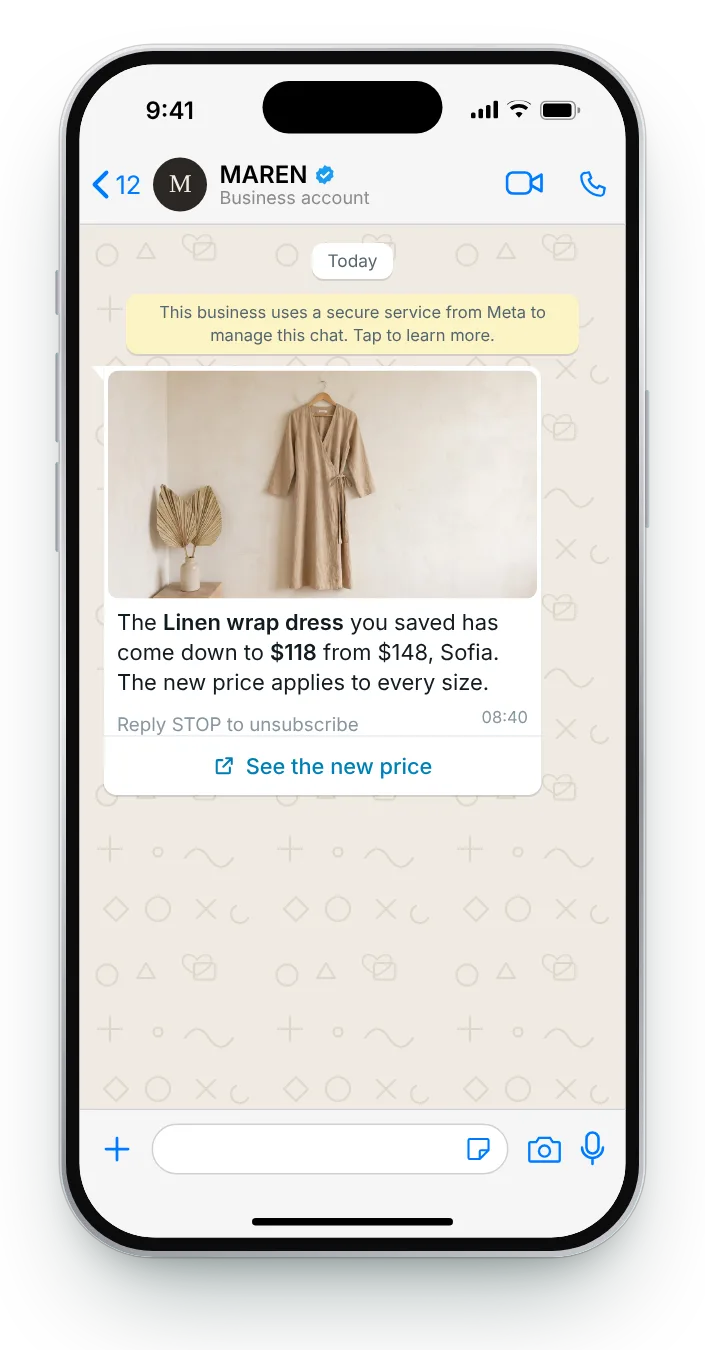
Lower prices on saved, targeted and viewed products, plus a refund for recent buyers.
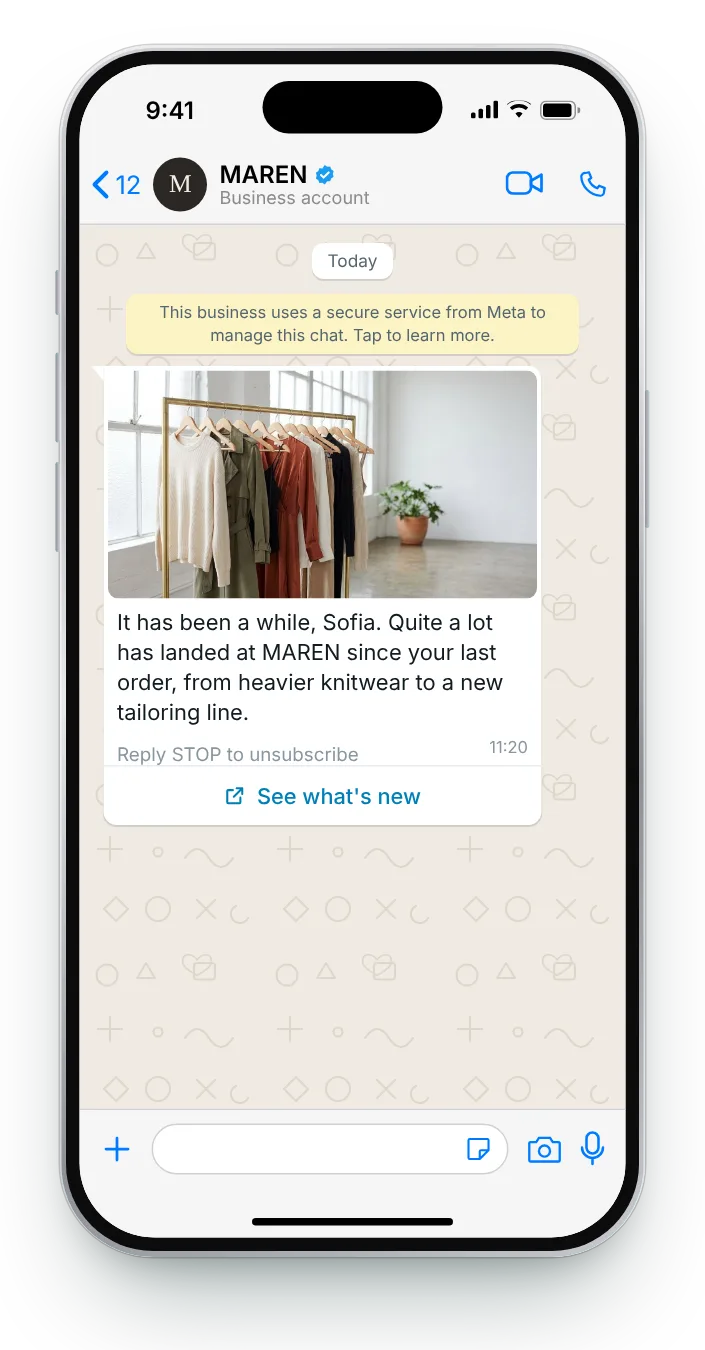
A seven-step plan for lapsed customers, from new arrivals to a polite last note.
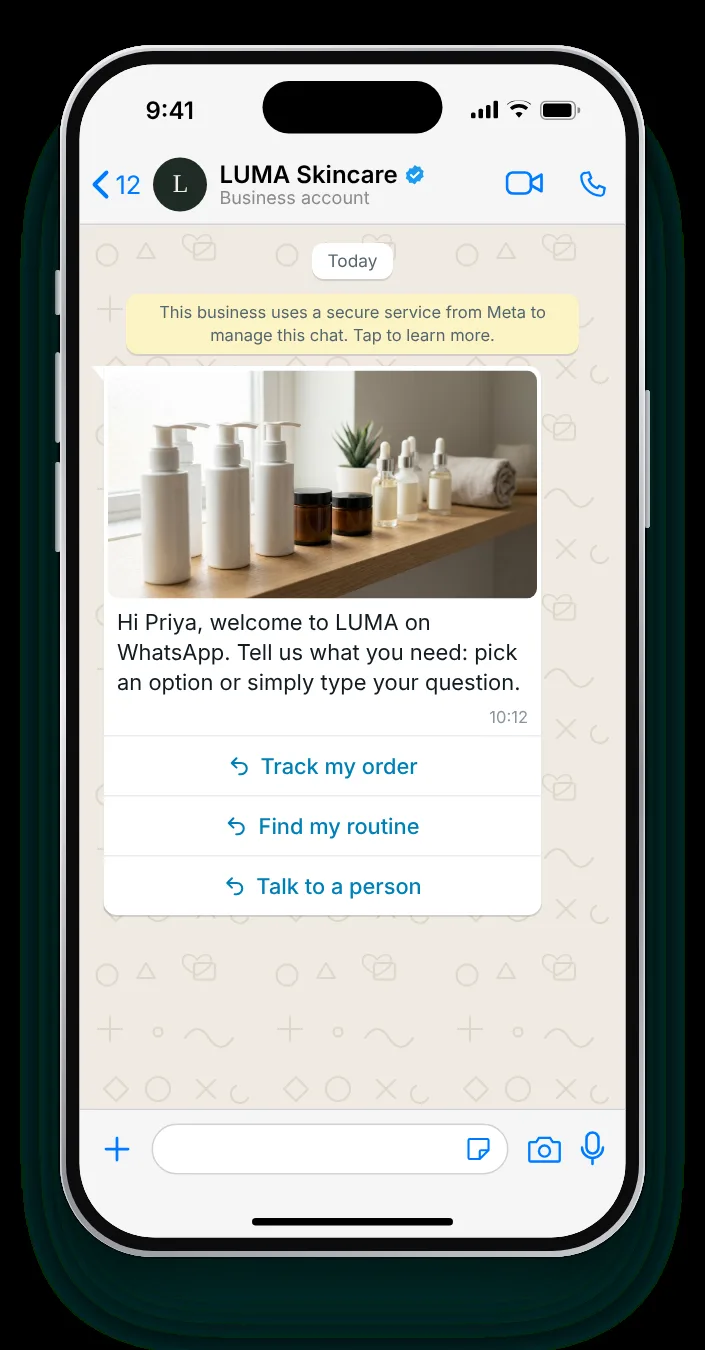
Automatic greetings for customers who write first and welcome messages for new subscribers.
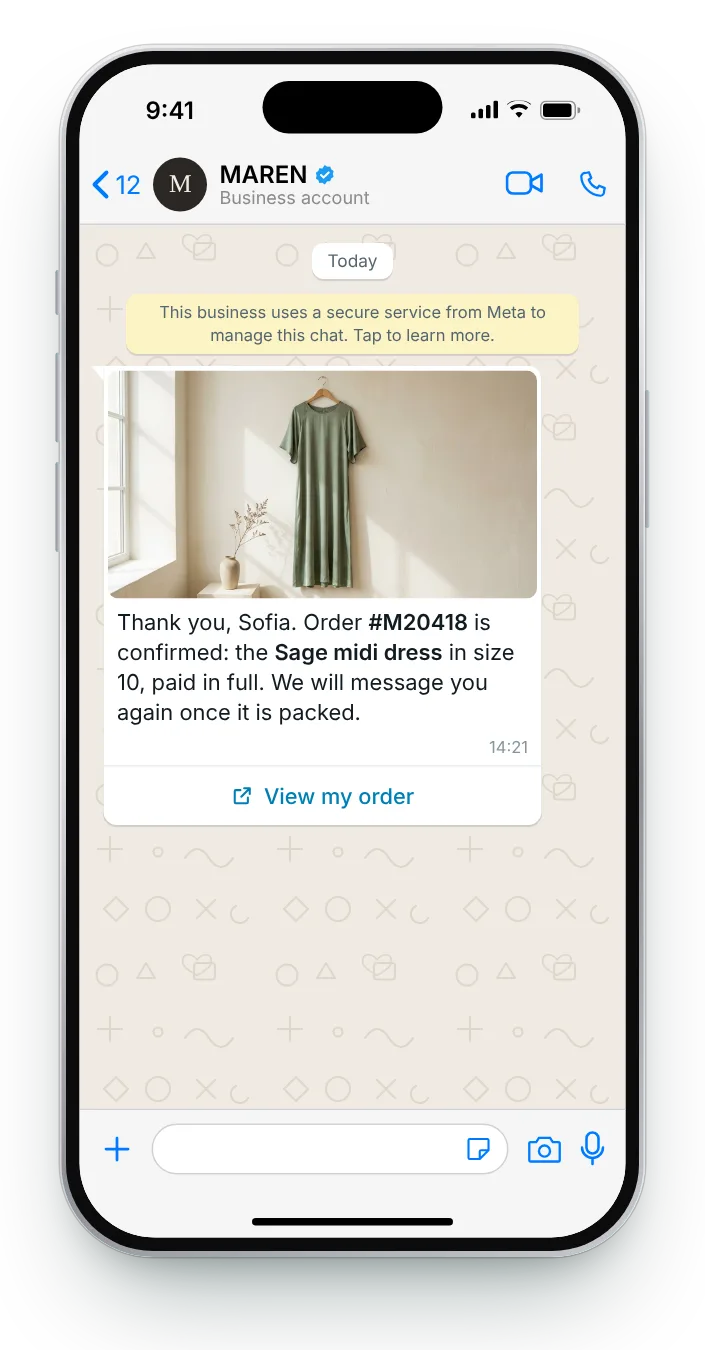
Confirmations for single items, baskets, gifts, subscriptions and made-to-order furniture.
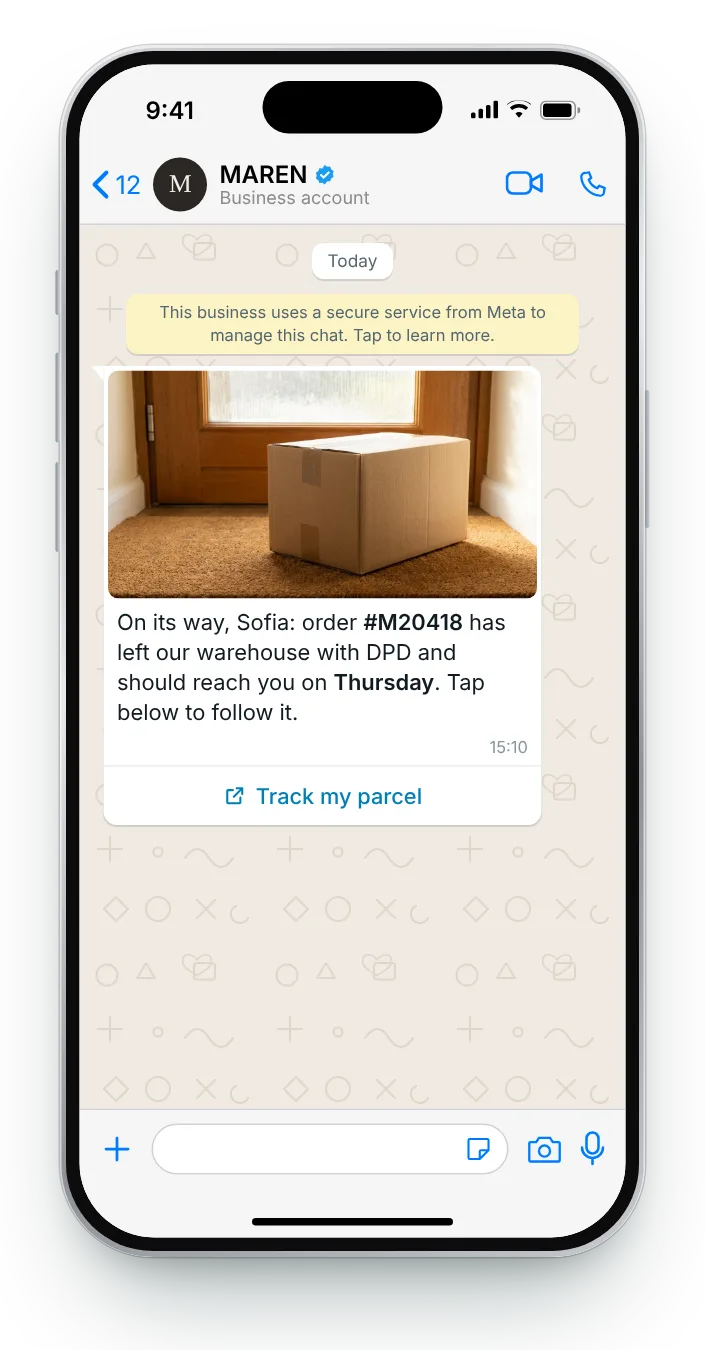
Updates from the first carrier scan to the doorstep, including furniture crews and customs.
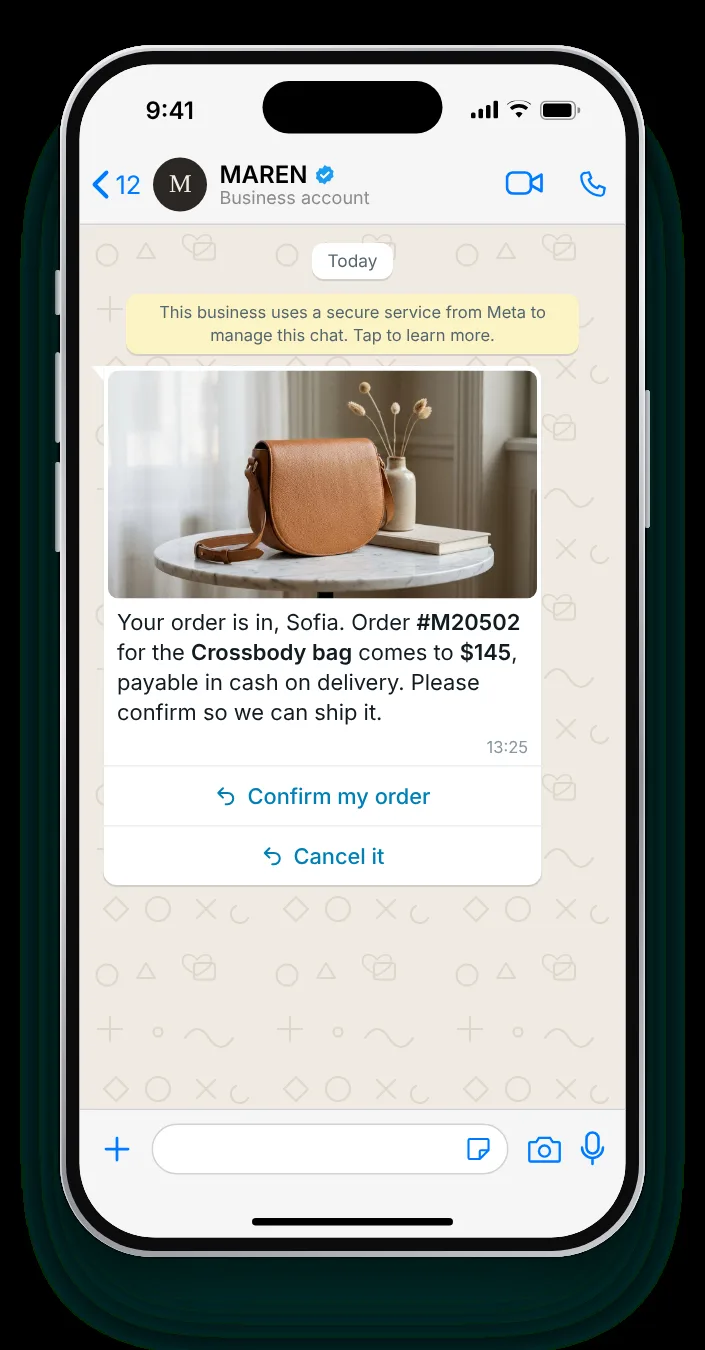
Confirm cash-on-delivery orders before they ship, and cut refused parcels.
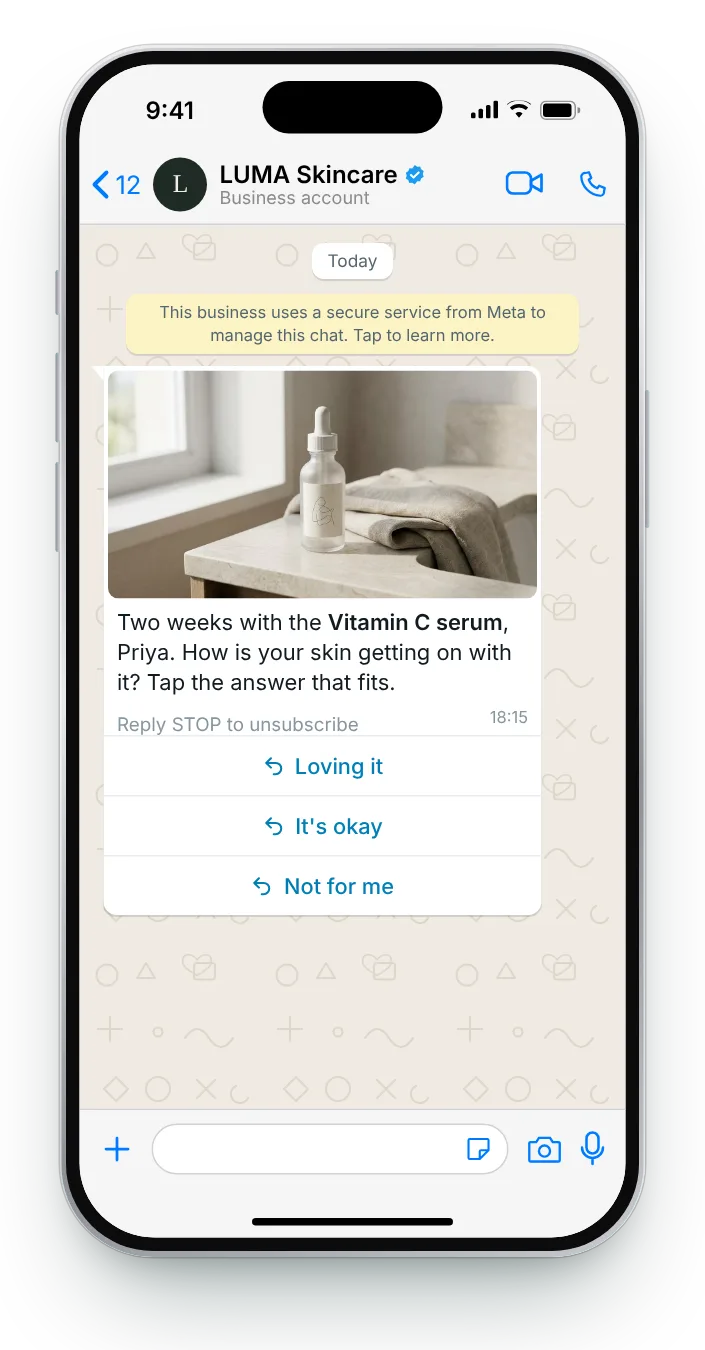
Requests timed to real use, answered with a tap, a number or a photo.
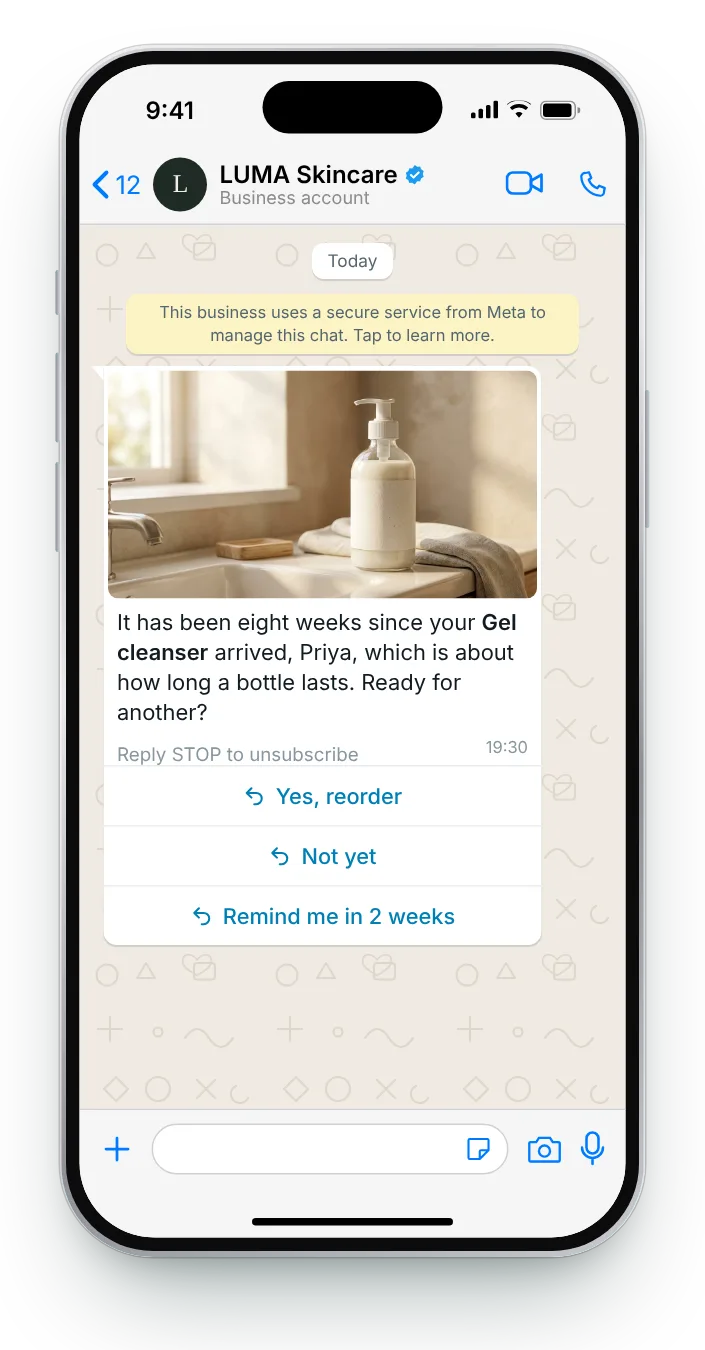
Reorder reminders timed to when the jar, the bottle or the pack runs out.
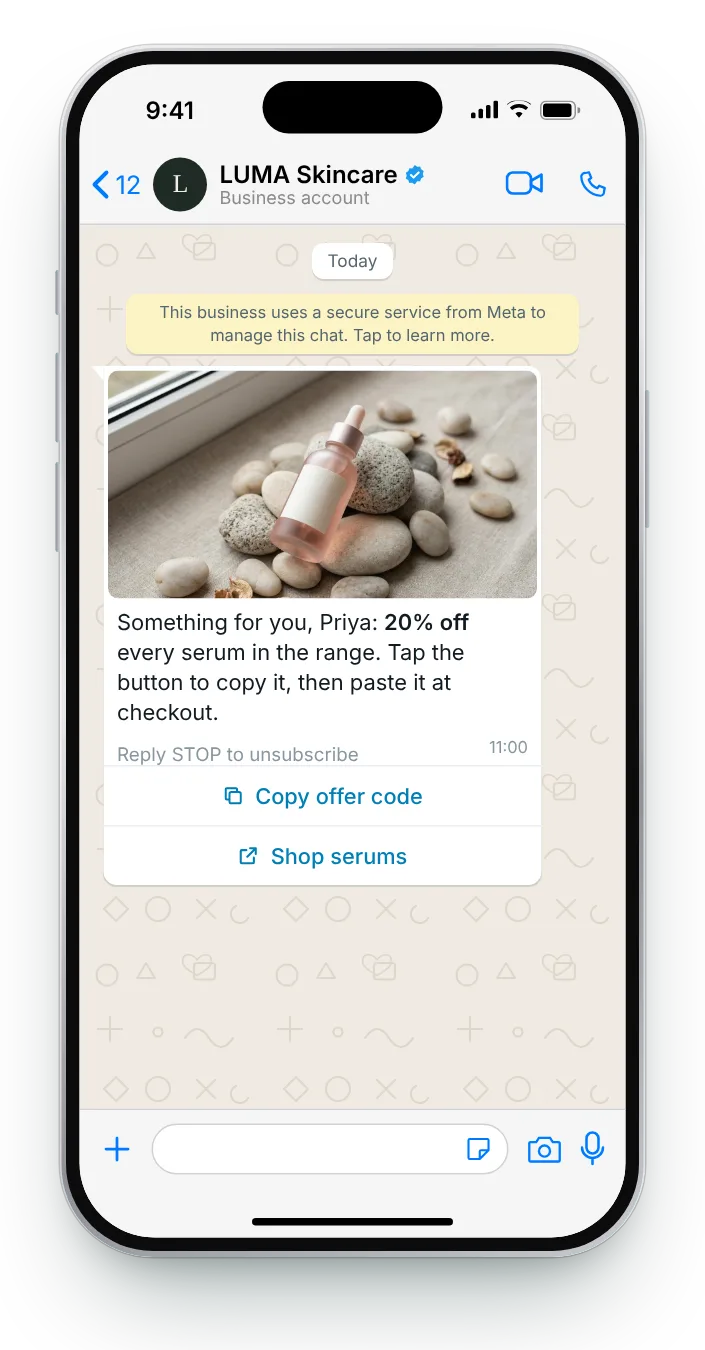
Codes delivered with Meta's copy button, from a plain percentage to a personal code.
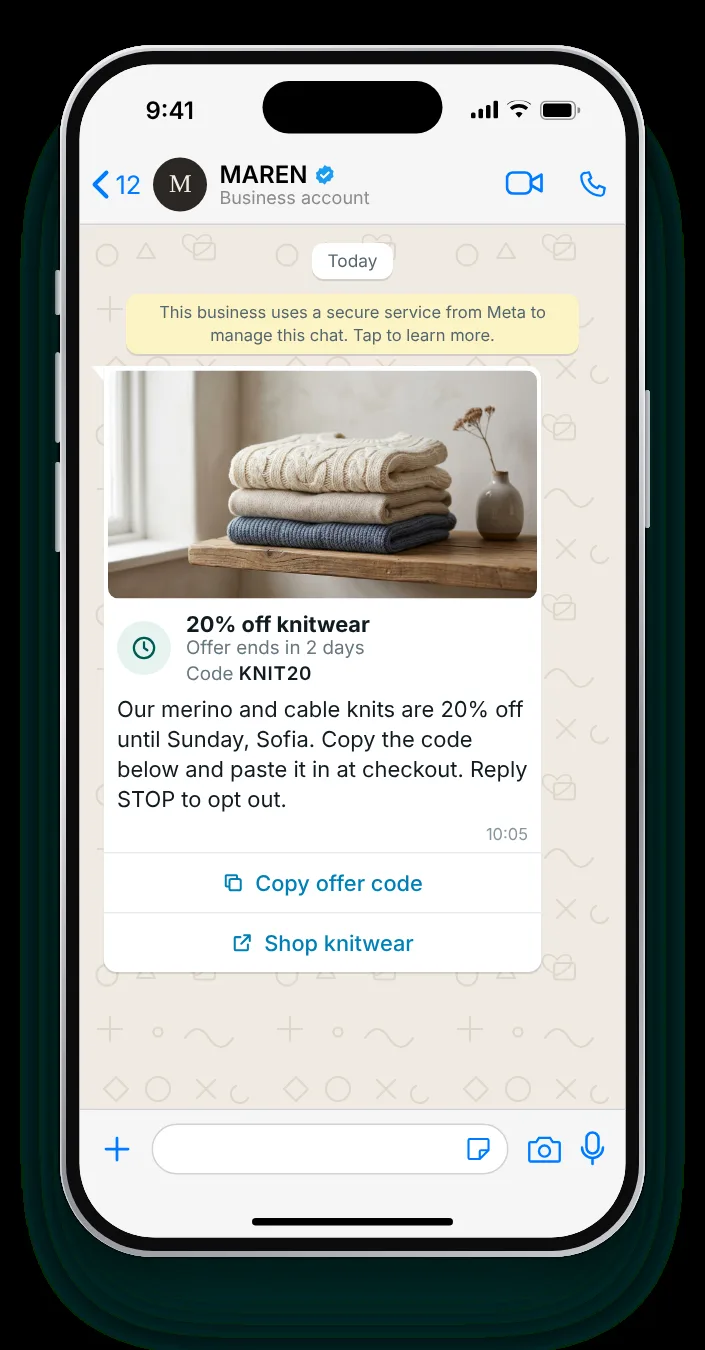
Meta's offer format with a 16-character panel, an expiry timer and a copy button.
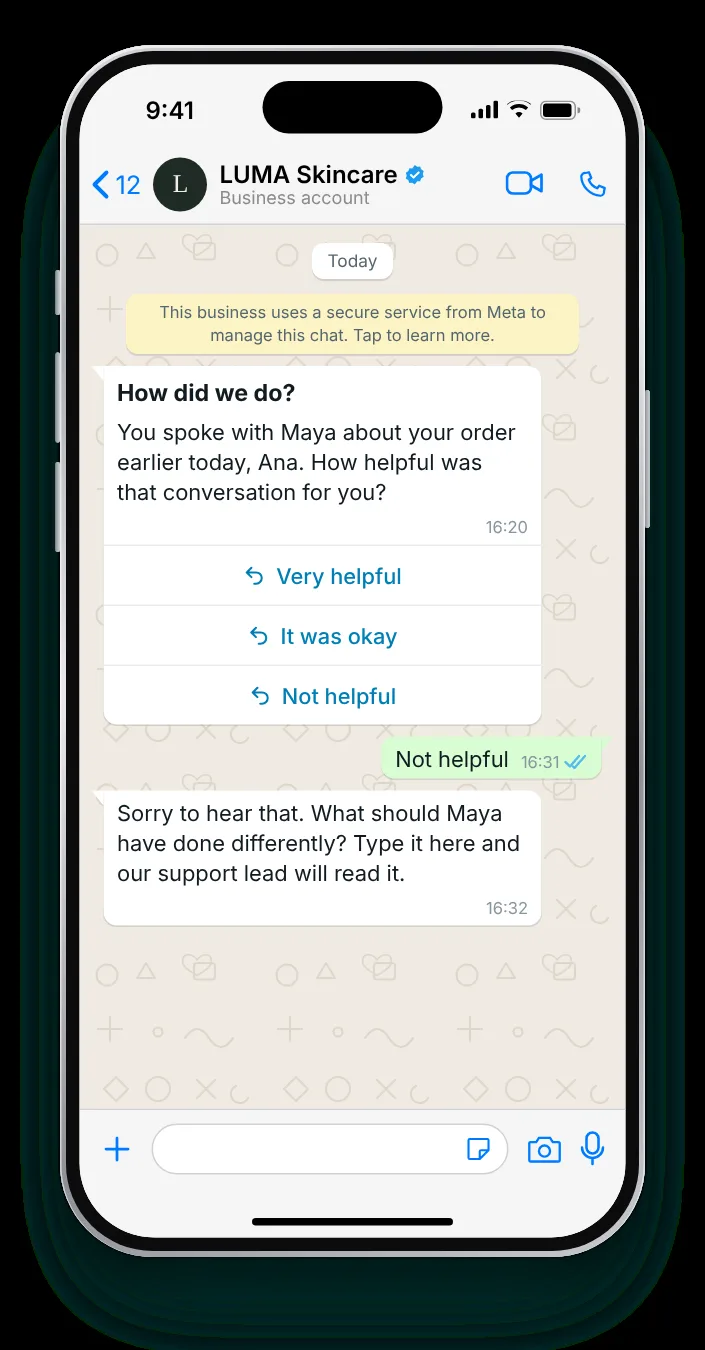
One-question surveys about support, checkout, packaging and returns, answered with a tap.
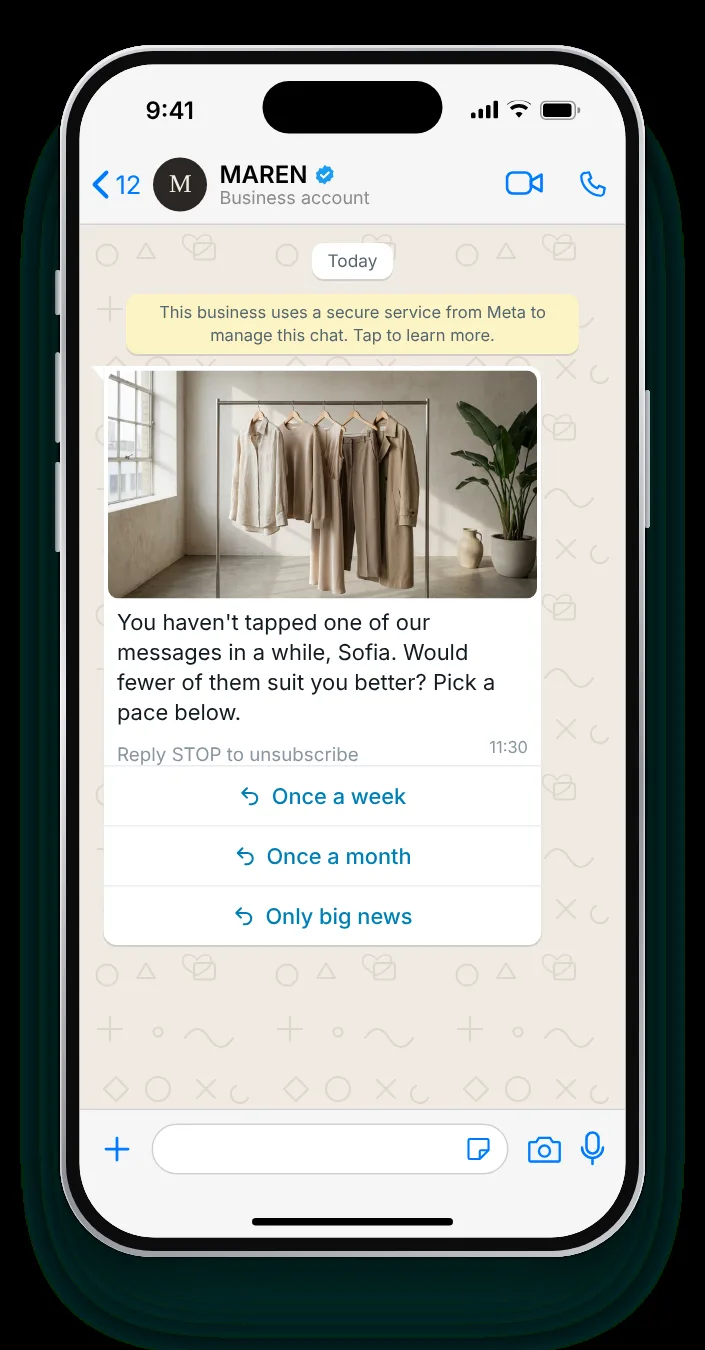
Give quiet subscribers control over pace, topics and channel instead of another offer.
Every WhatsApp message template is built from the same four components. Knowing the limits before you write saves a rejected submission.
Optional. Text up to 60 characters, or an image, video or document.
Optional, up to 60 characters. The usual home for the opt-out line.
 1234
1234Up to 1,024 characters. Supports *bold*, _italic_ and ~strikethrough~, plus variables.
Up to 10 in total: quick replies, up to two links, one phone number and one copy-code button. Labels up to 25 characters.
Meta reviews each one before it can start a conversation. These are the checks behind every message in this library.
Most stores need both. WhatsApp carries the rich, interactive messages; SMS reaches everyone, instantly, with no app required.
Best for: rich offers, carts, delivery booking, support
Best for: urgent, short, universal reach
Zefir runs WhatsApp and SMS as one channel, built and operated for you, with every order attributed to the message that produced it. Live within 72 hours.
Request access See how it worksA WhatsApp message template is a pre-approved message a store uses to start a conversation, such as an order update or a back-in-stock alert, with variables filled in for each customer. Zefir writes, submits and runs these templates for you, so they go live without your team managing Meta's review.
Yes, every WhatsApp message template must be approved by Meta before a business can use it to start a conversation. Zefir handles template submission and approval as part of the service, so templates like these go live without you managing the review.
Utility templates cover updates a customer expects, like order and shipping messages, while marketing templates cover offers and promotions, and Meta reviews and prices the two differently. Zefir chooses the category for every template as part of the service, so you never have to learn the rules yourself.
A template can have a header with text, an image, a video or a document, a body of up to 1,024 characters, a footer and up to 10 buttons. Zefir designs each one around the parts that sell, like product photos and copy-code buttons, within Meta's limits.