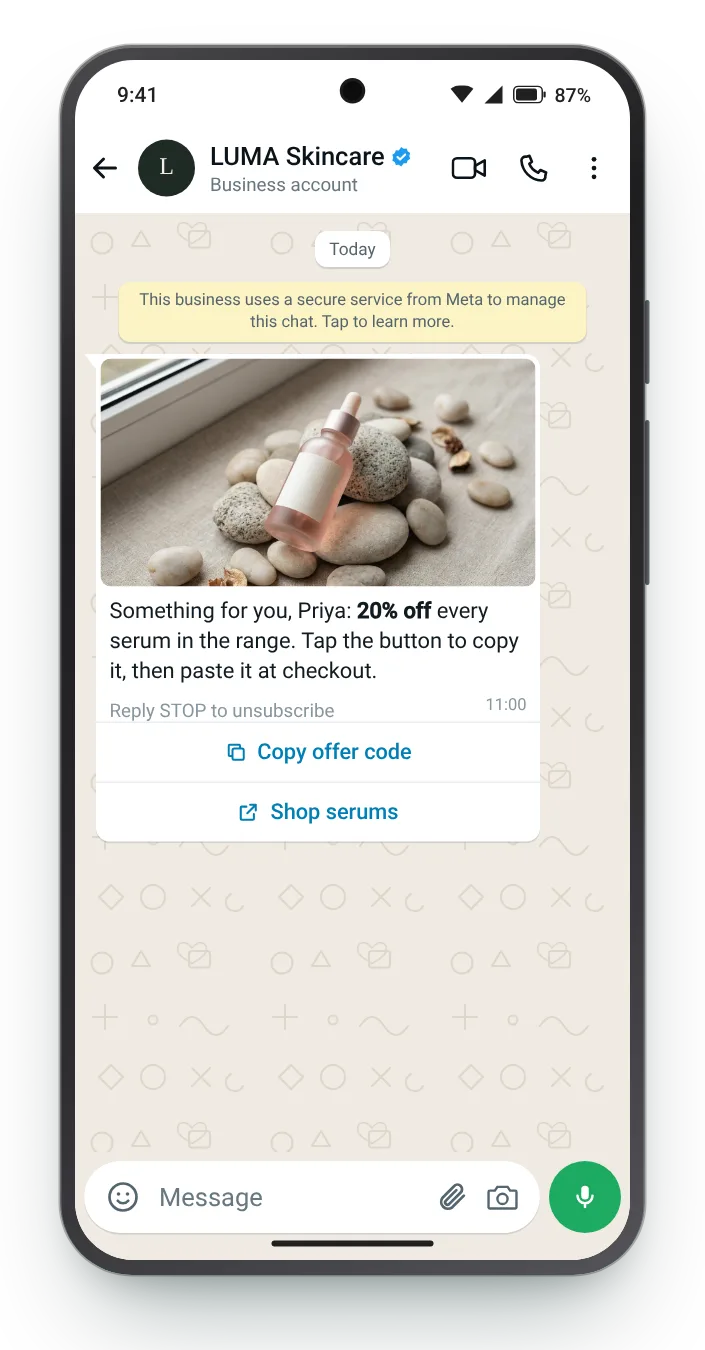

The standard copy-button message
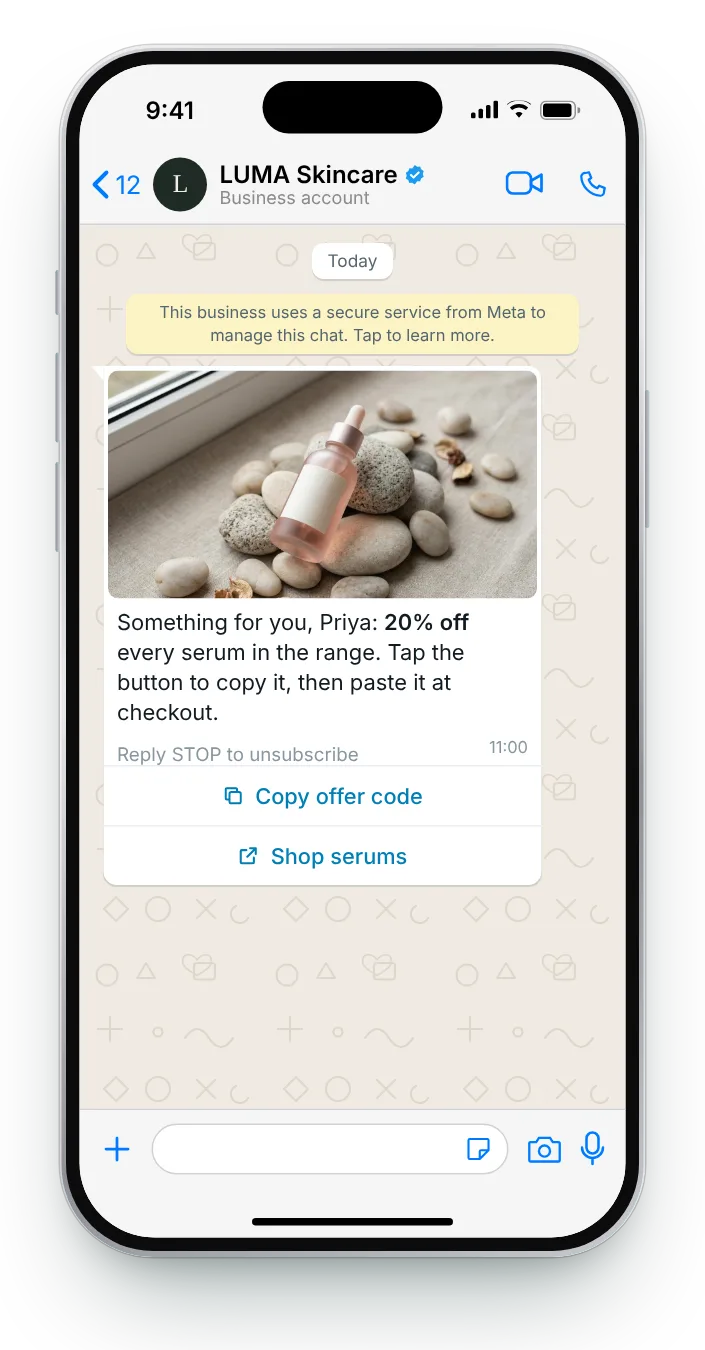
The copy button is the reason to send a discount on WhatsApp at all: one tap copies it, ready to paste at checkout.
Reply STOP to unsubscribe
Button (copy code): Copy offer code = SERUM20
Button (link): Shop serums
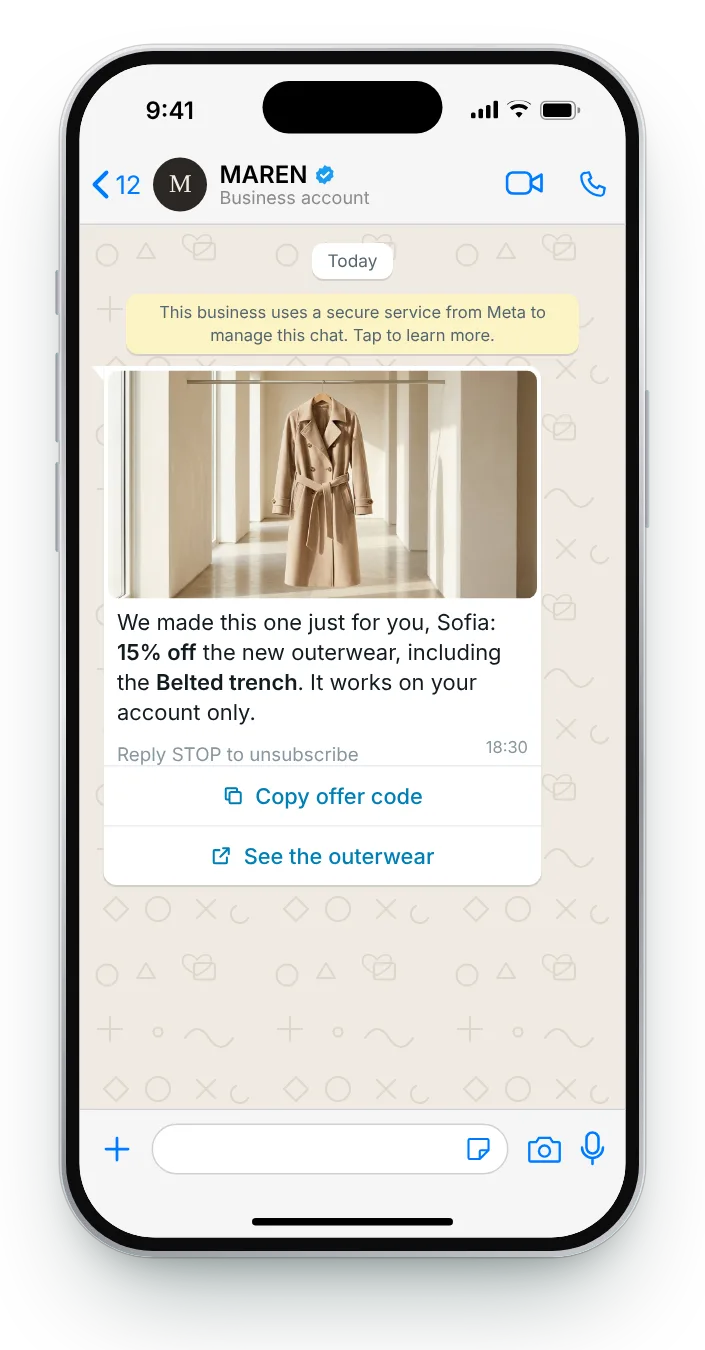
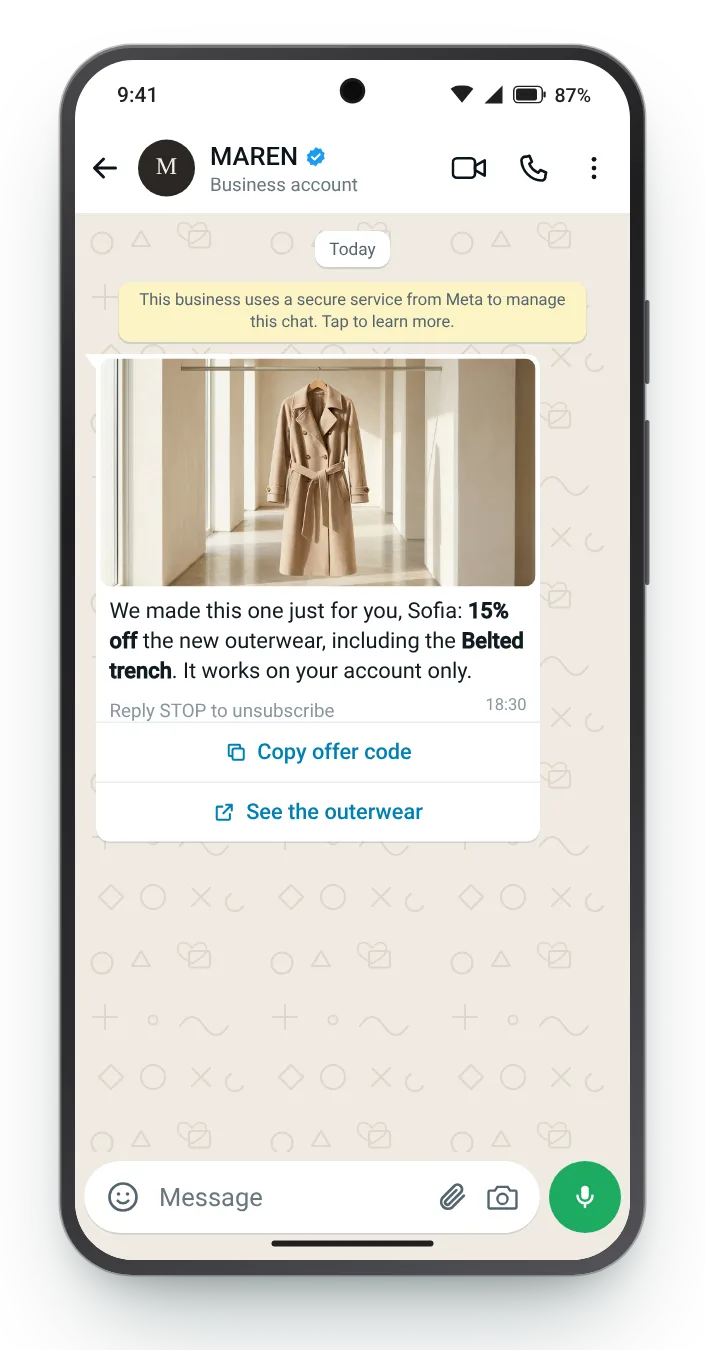
On WhatsApp, a discount does not need to be retyped. Meta's copy button places it on the clipboard in one tap. These seven messages use that button for different offers, from a plain percentage to one built from the customer's name.
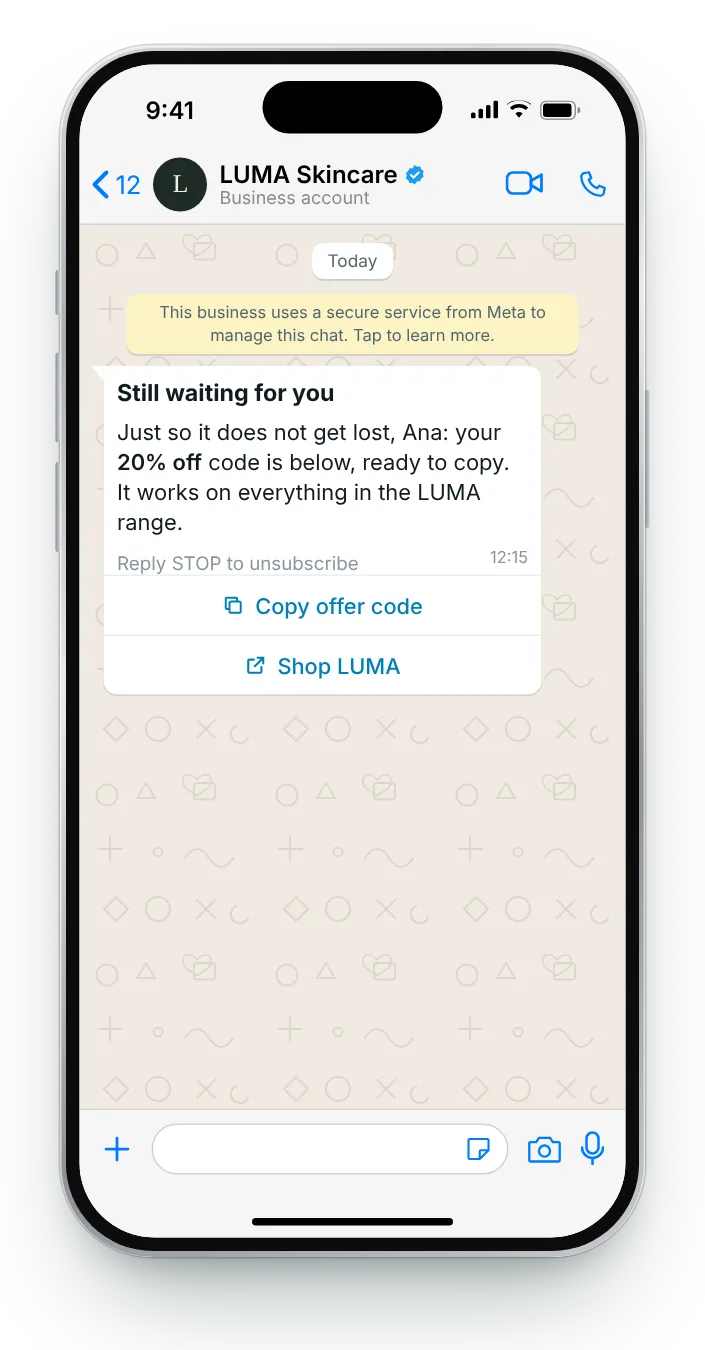
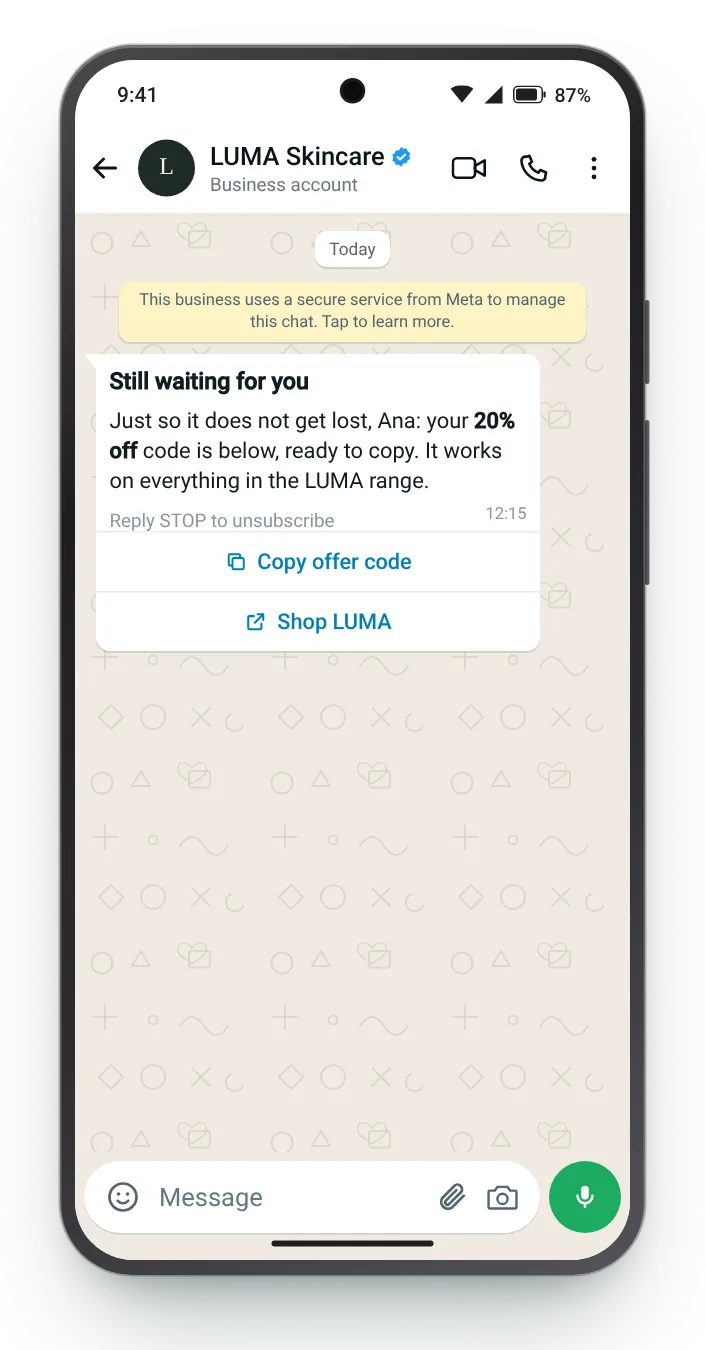
Every message pairs a copy button with a link to the right part of the shop. The cards list each field as WhatsApp Manager asks for it, and the preview flips between the two phone systems.


The copy button is the reason to send a discount on WhatsApp at all: one tap copies it, ready to paste at checkout.


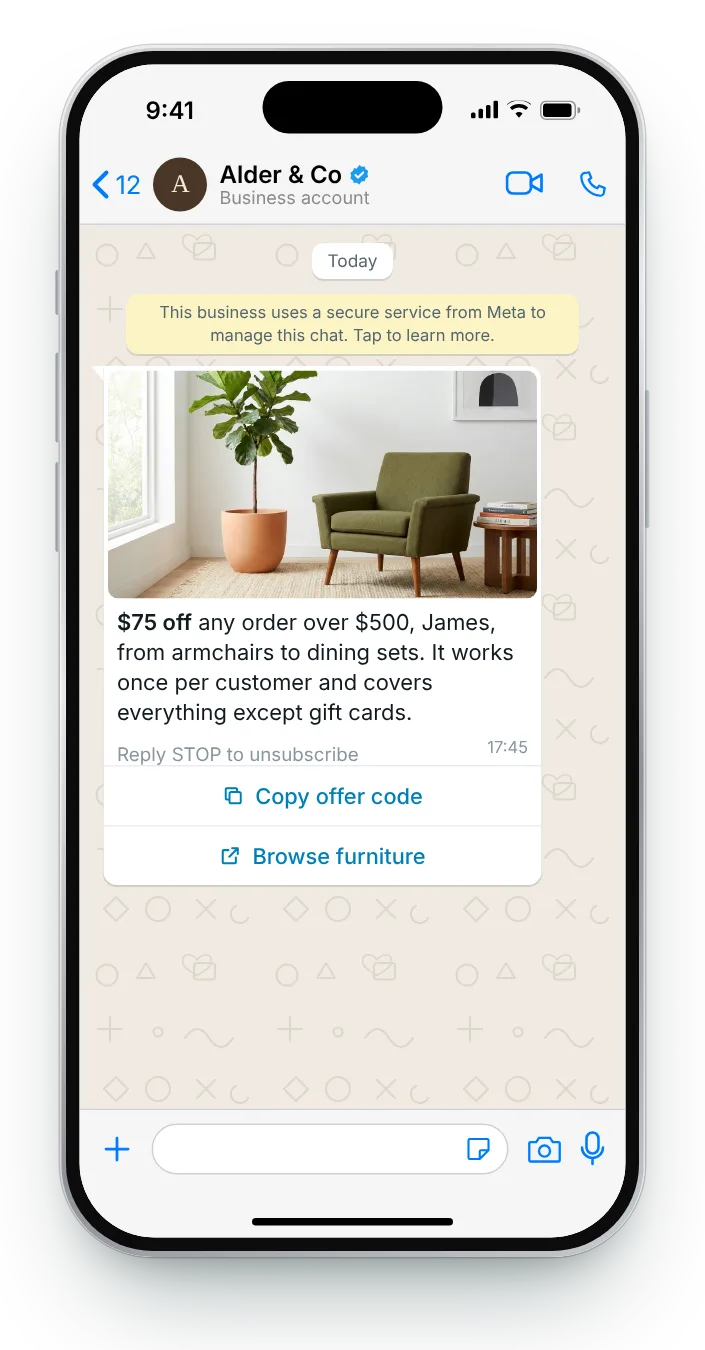
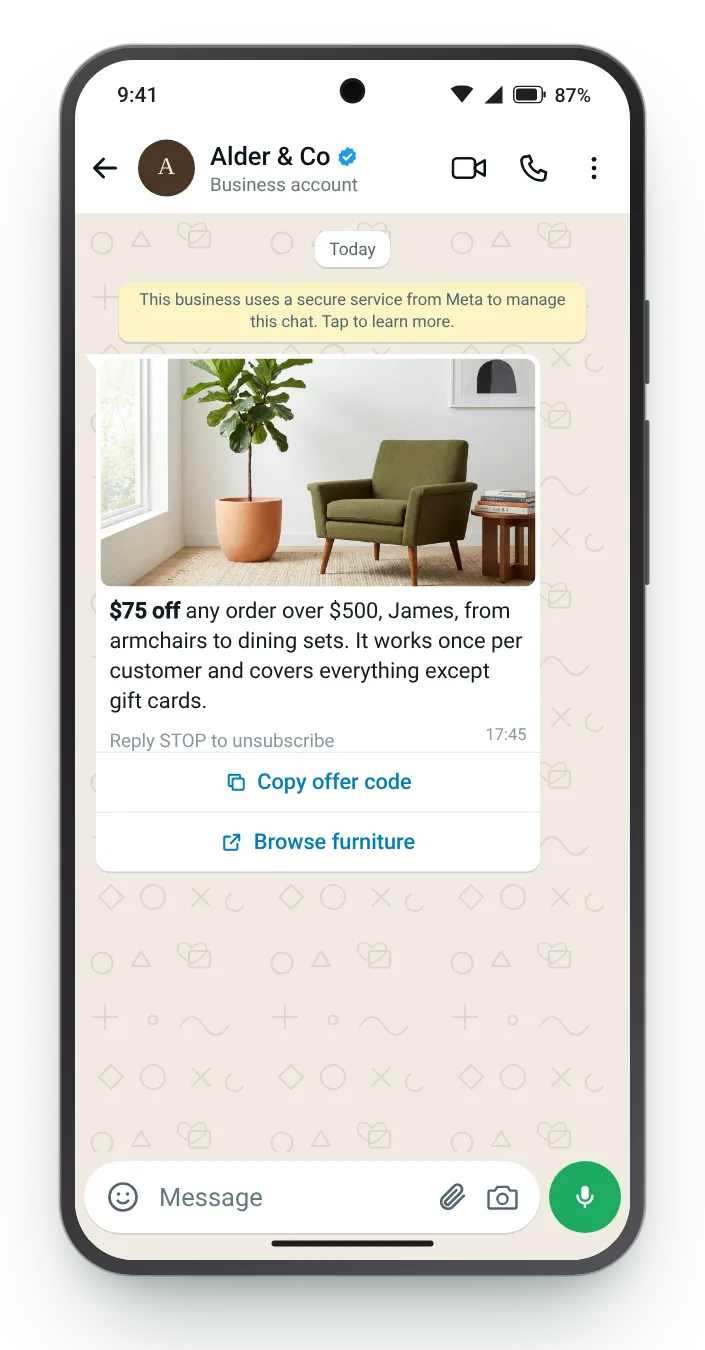
A threshold stops small orders from being discounted. Stating it in the body, not the small print, avoids a frustrated customer at checkout.


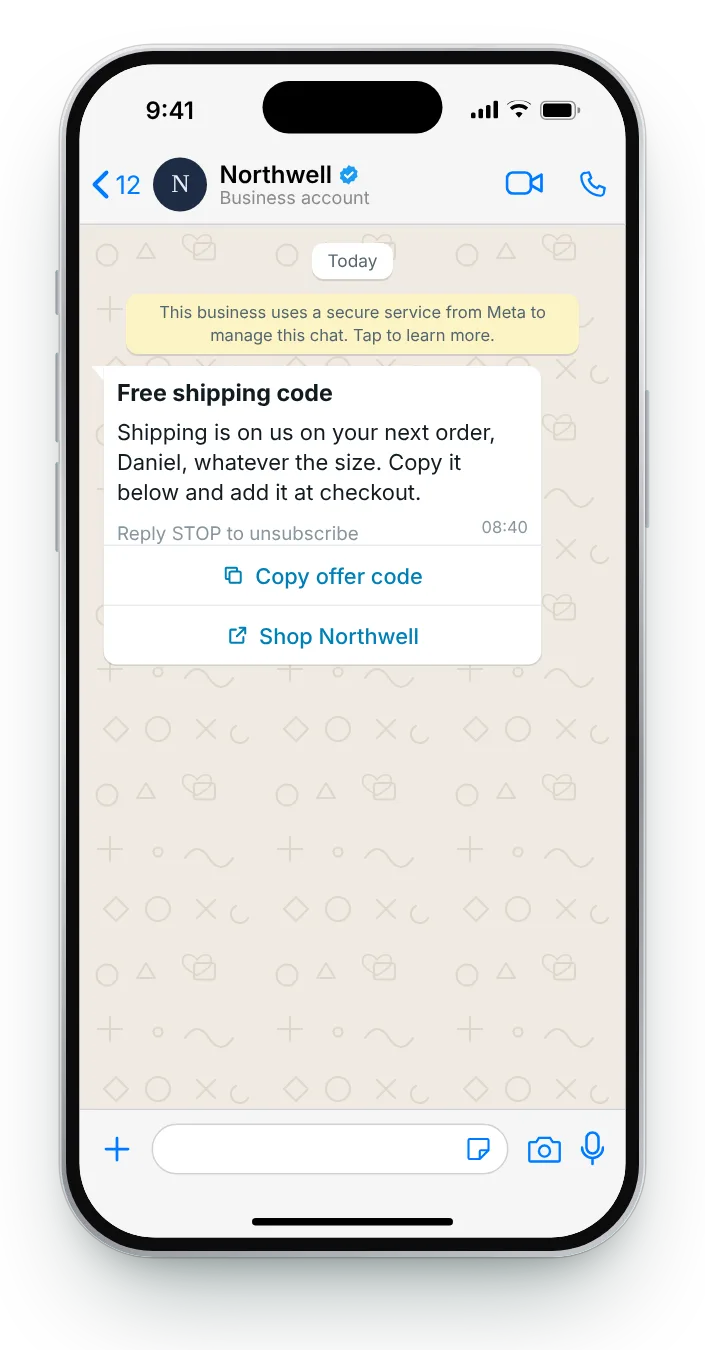
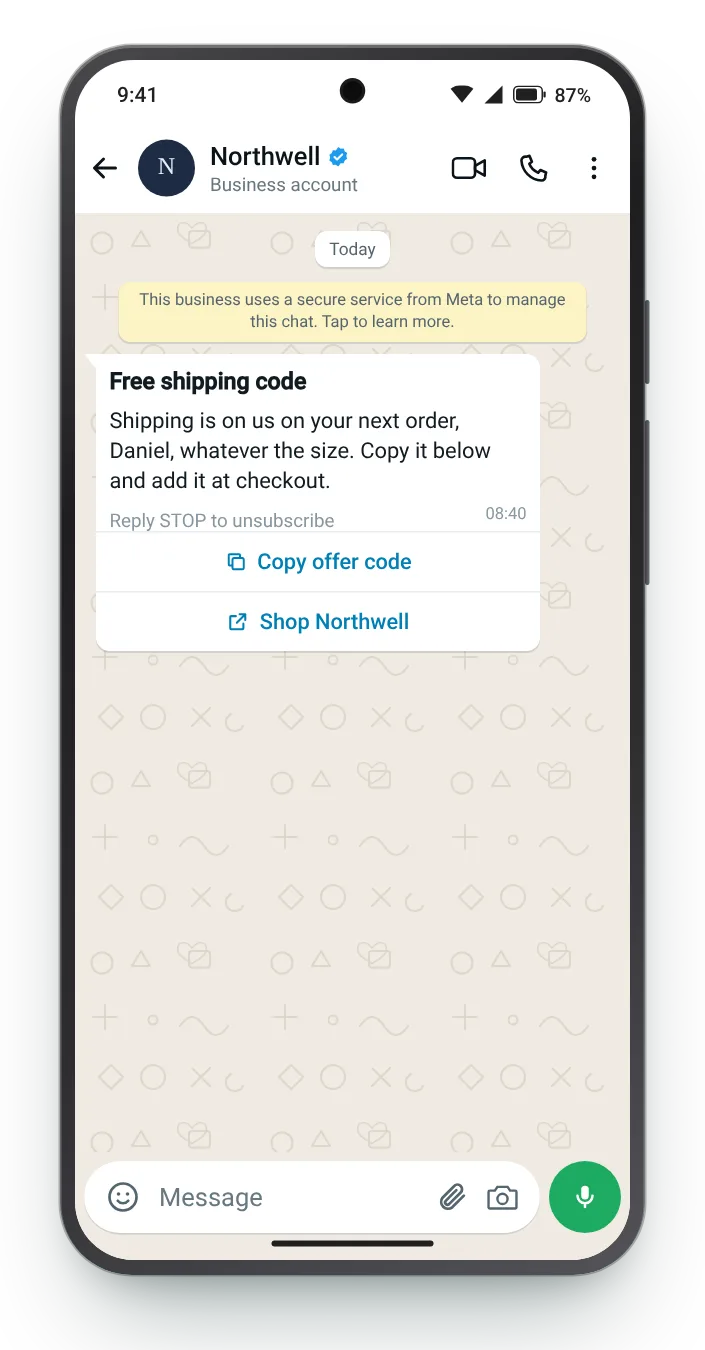
A free-shipping offer leaves product prices untouched and answers the cost shoppers object to most. A text header says what it is before the body is read.


A discount built from the customer's name feels personal and is less likely to end up on a coupon site. It also makes the message unmistakably one-to-one.


Discounts are easily forgotten in a busy chat. Sending the copy button again puts it back at the bottom of the conversation, in plain sight.


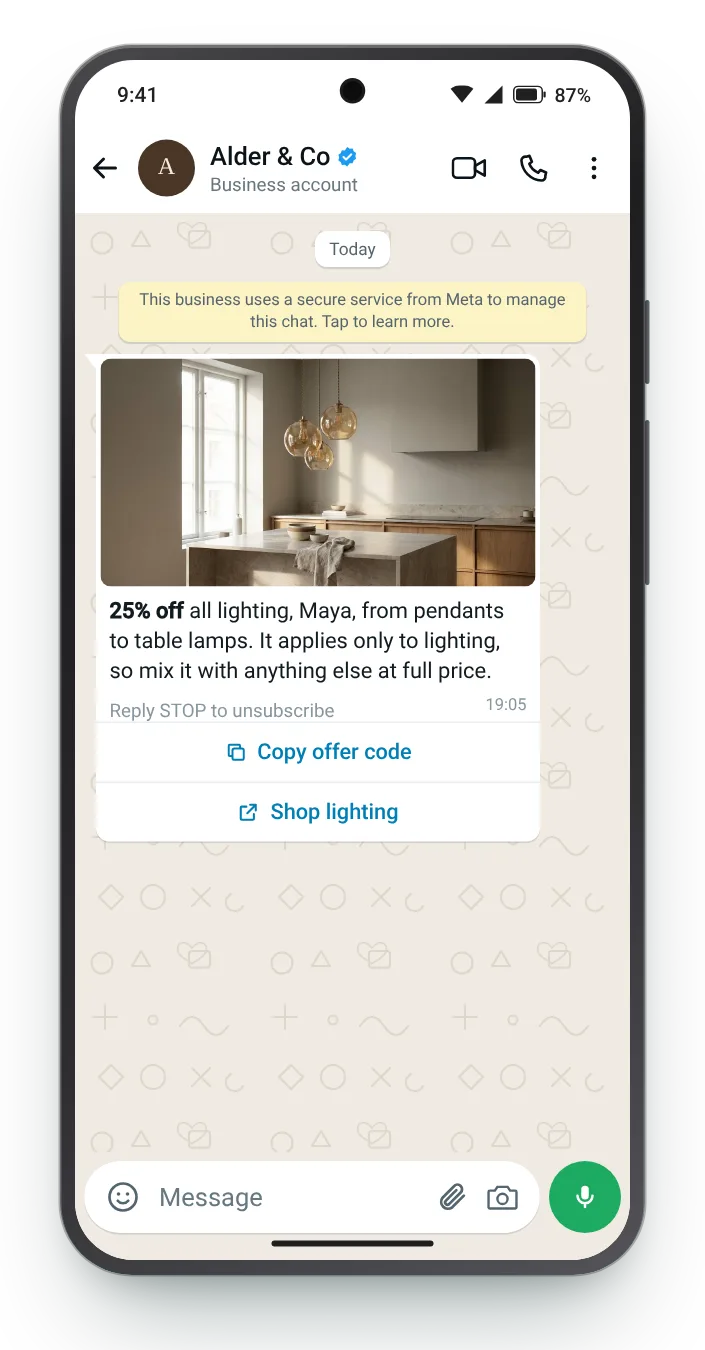
A lighting-only discount leaves the rest of the range at full price and hands the message a clear subject.


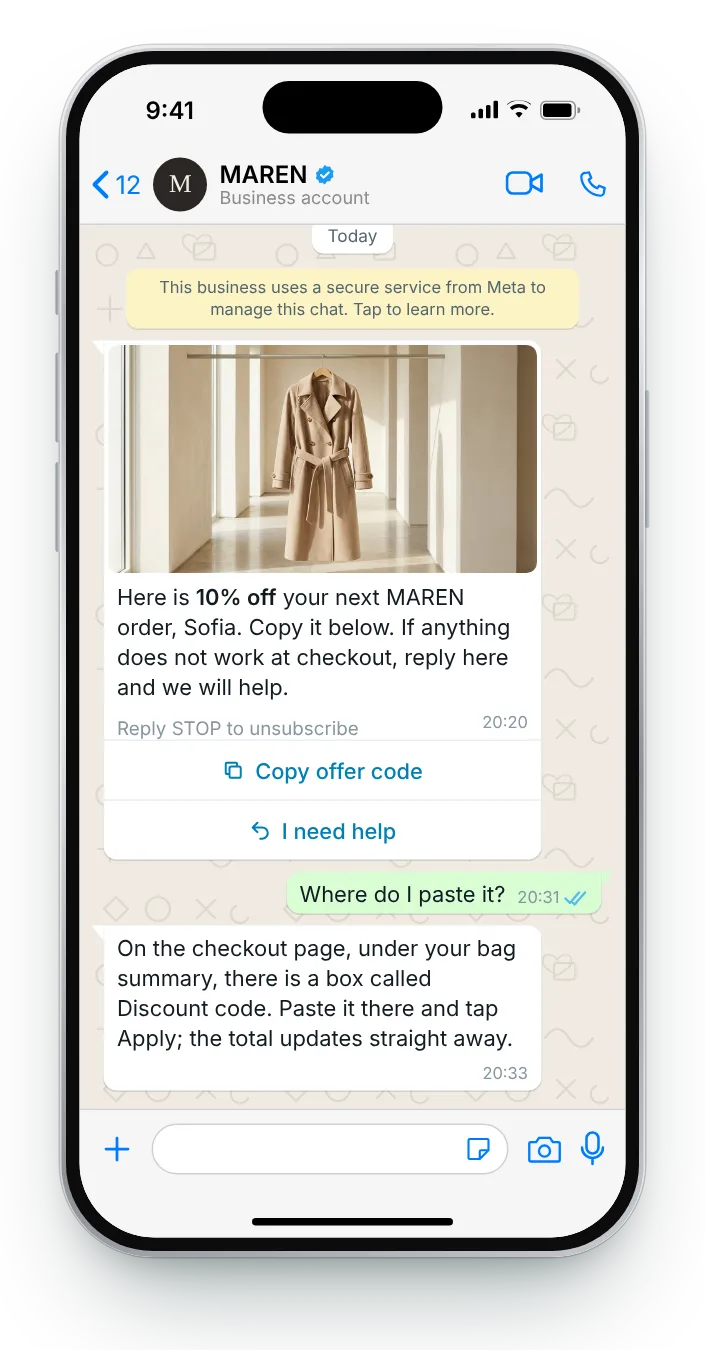
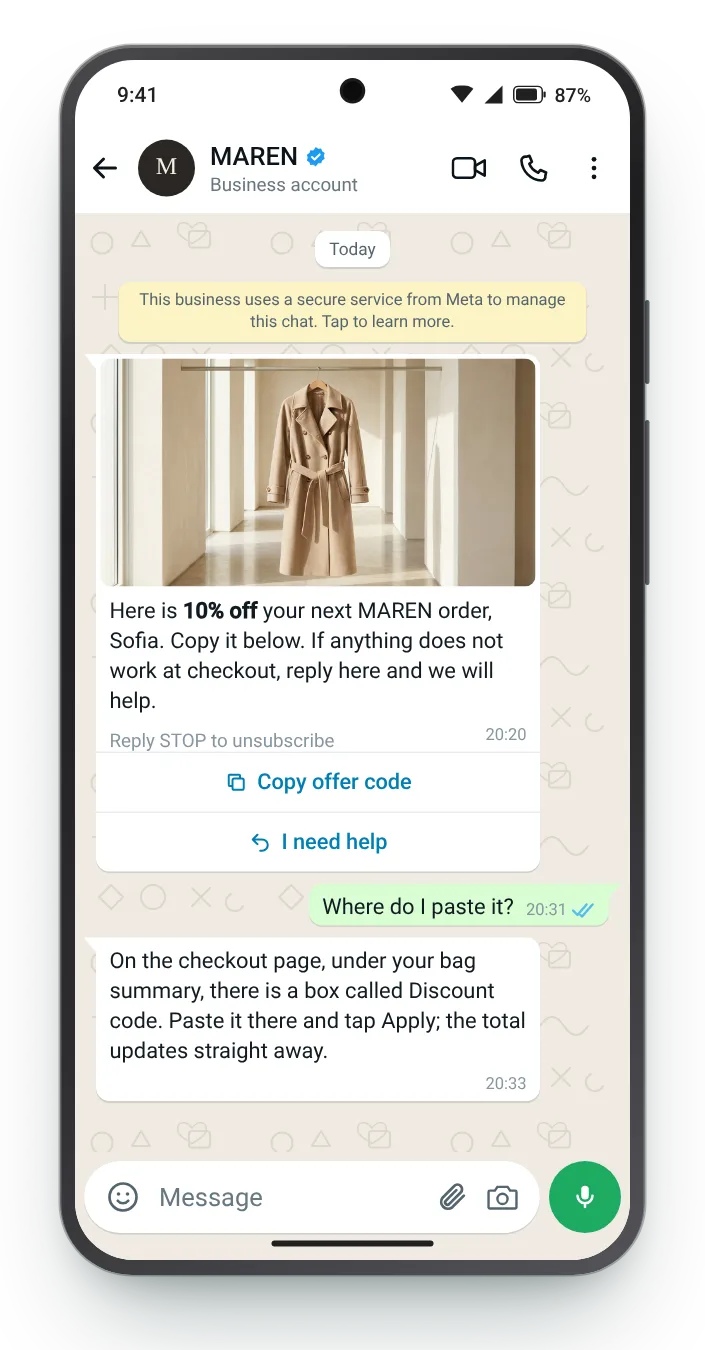
Some customers get stuck on where to paste it. Answering in the chat saves the sale at the exact moment it might be lost.
Pick an offer type, edit the offer and the copy, and the phone keeps up as you type. Counters measure every field against Meta's cap, and four ticks cover the classic rejection reasons.
Put *asterisks* around the discount to bold it; a sample customer stands in for {{first_name}}.


The button is part of the template itself, and it has rules of its own. These four matter most when you write one of these messages.
A template can carry a single copy button, alongside link or quick-reply buttons.
The value it copies is limited in length, so short, memorable strings work best.
The button always reads Copy offer code and cannot be renamed, so the body has to say what the discount is for.
Meta files these templates under marketing, so marketing consent applies.
Zefir writes your discount templates, sets up the copy buttons, sends each message to the right segment and attributes every redeemed offer to the message that carried it.
Request access See how it worksIt is a marketing template whose copy button places a discount on the customer's clipboard in one tap. Zefir writes the template and sets up the button for each campaign.
Meta caps the copied value at 15 characters, so short strings are the safe choice. Zefir keeps every one within that limit.
Yes, the value is filled in at send time, so personal or single-use discounts work. Zefir inserts the right one for each customer when it sends.
No, a template can have one, which you can combine with link or quick-reply buttons. Zefir pairs it with a link to the products it covers.
Use a distinct string or link per message and tie redemptions to it. Zefir matches every redemption to the message that carried it.