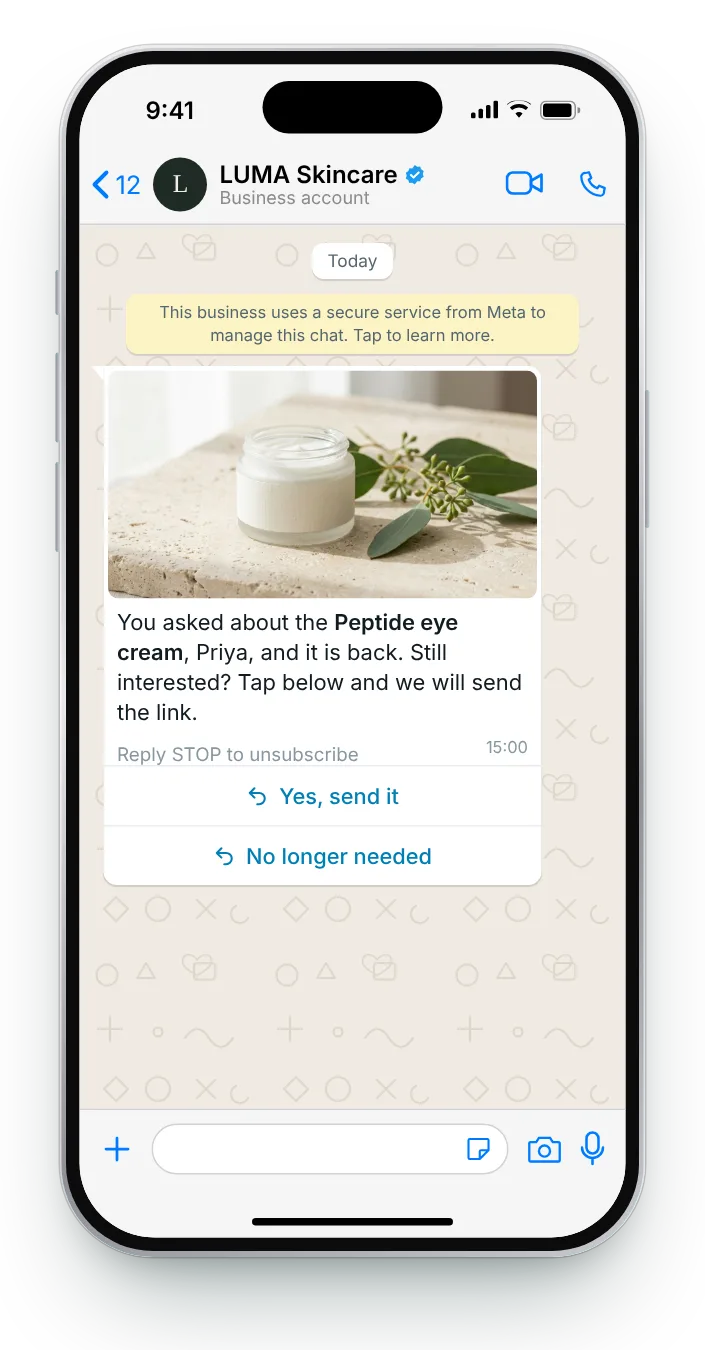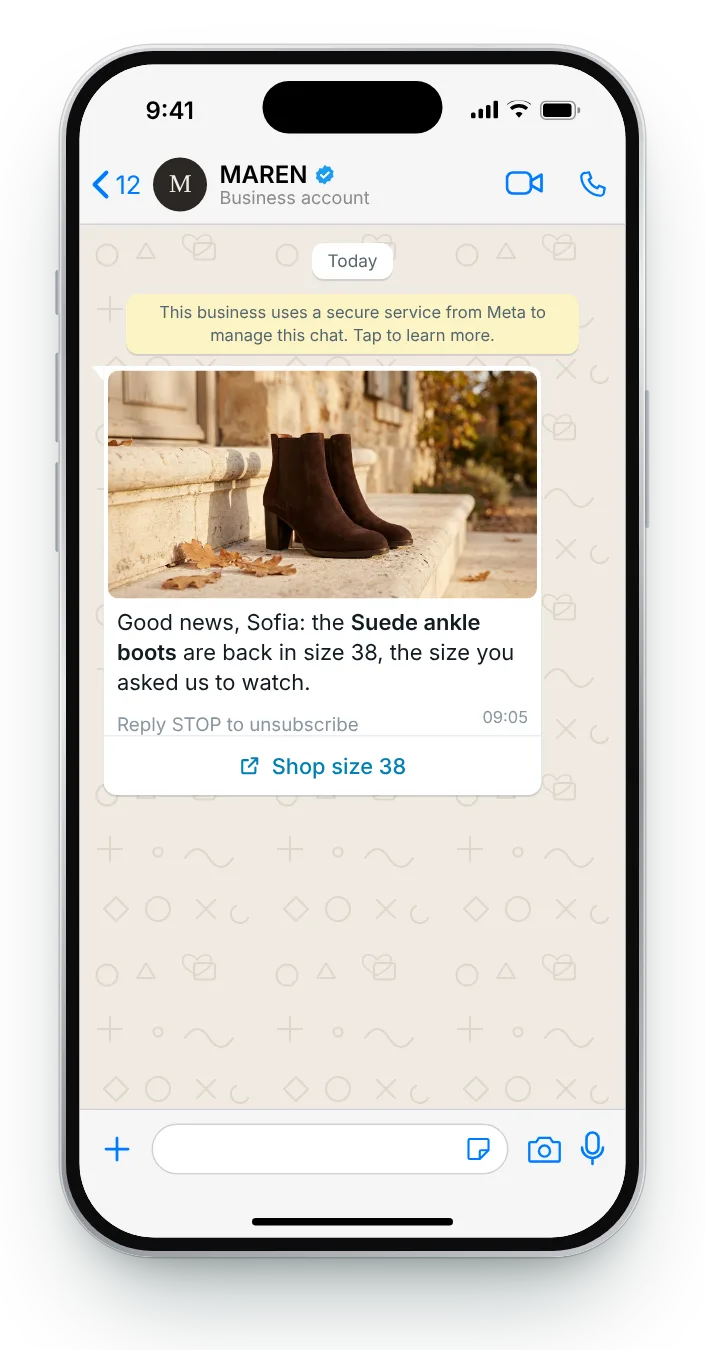

The exact size they asked for
The shopper told you exactly what they wanted, so the message can be exact too. Naming the size proves this is the item they asked about.
Reply STOP to unsubscribe
Button (link): Shop size 38
The shopper already found the product, saw it was gone and asked to hear when it returns. The message only has to confirm it is back, in the right size or colour, with one tap to buy. Here are seven ways to write it.
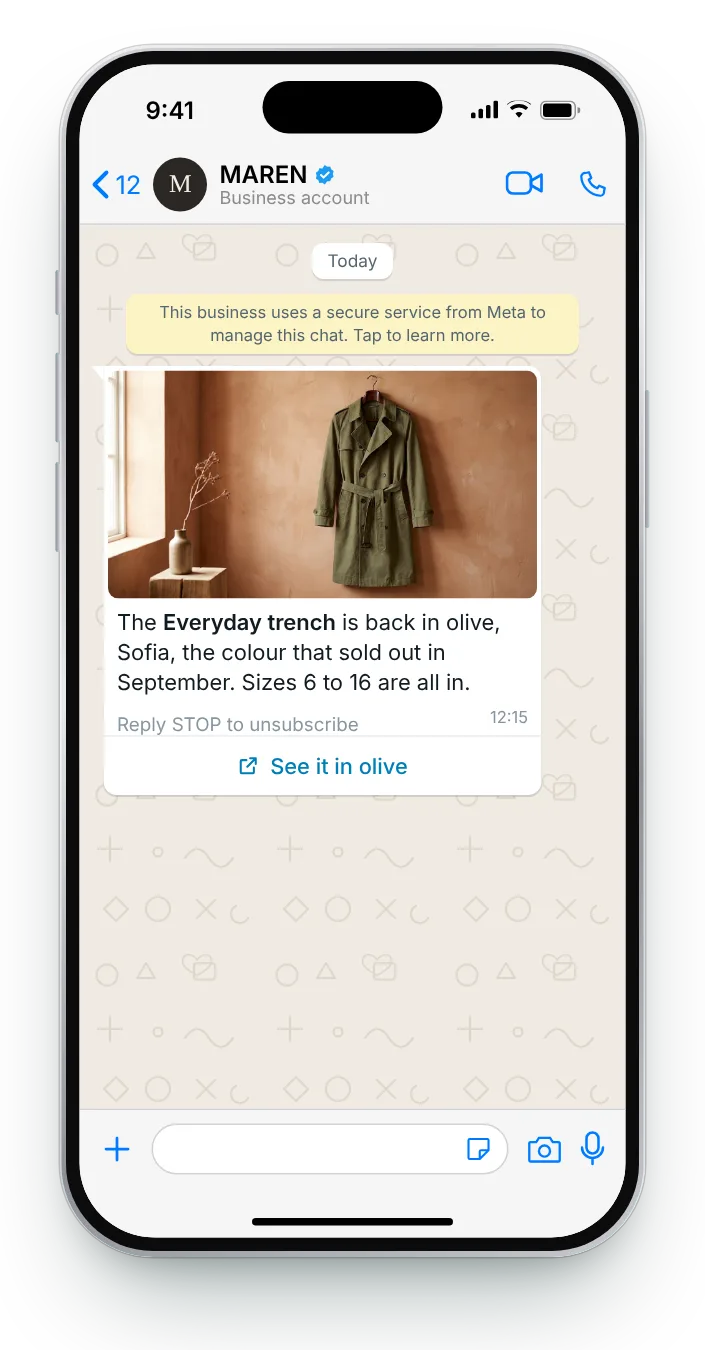
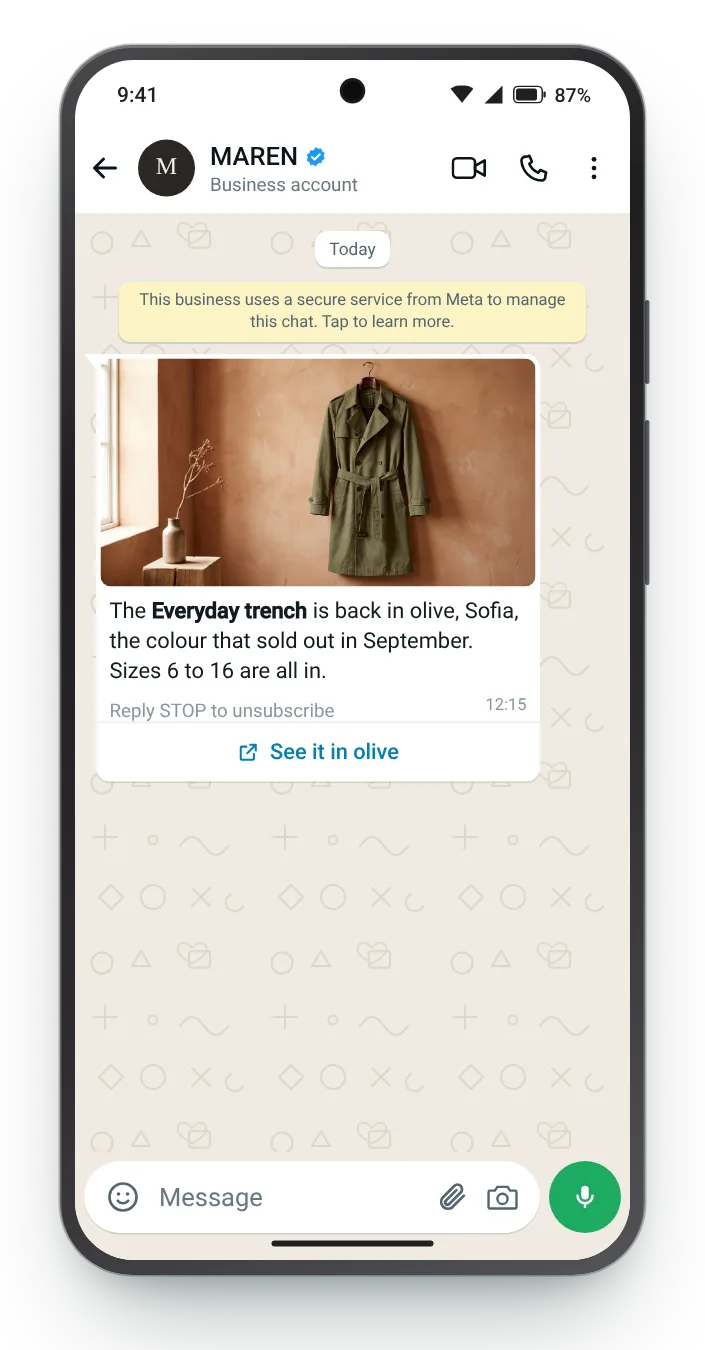
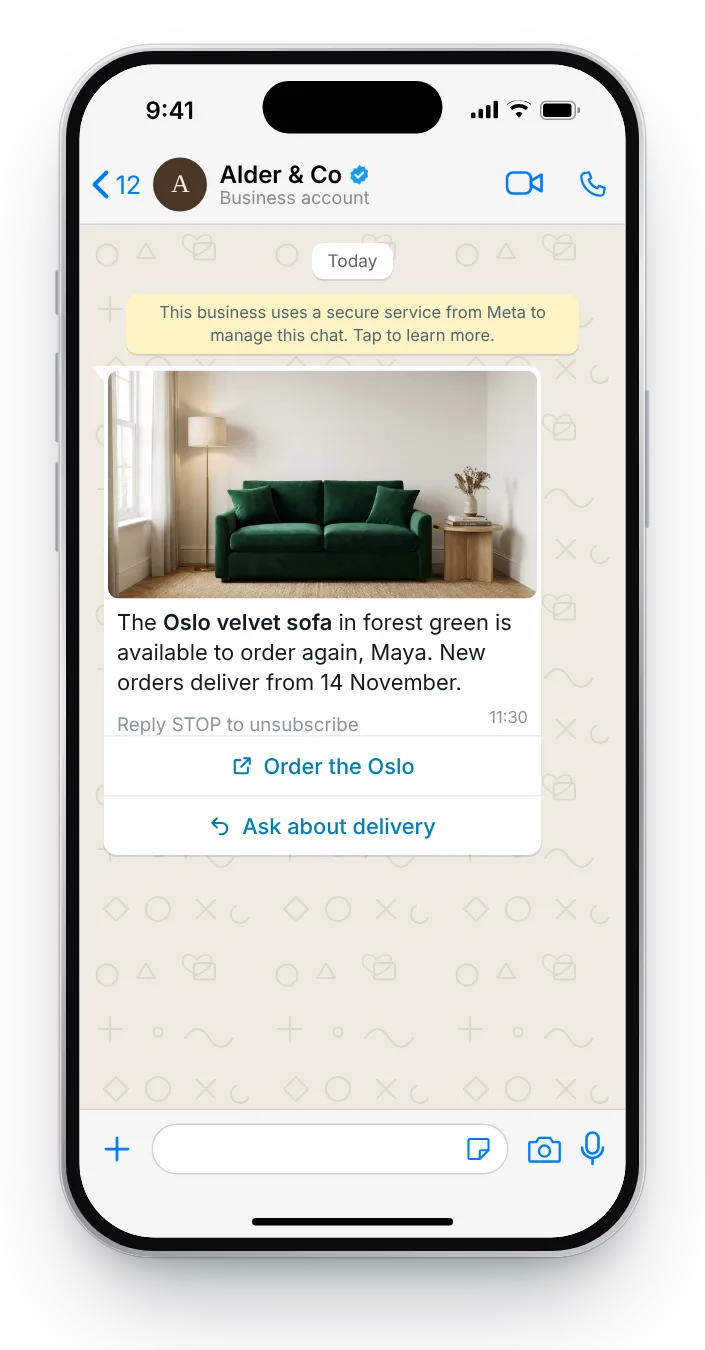
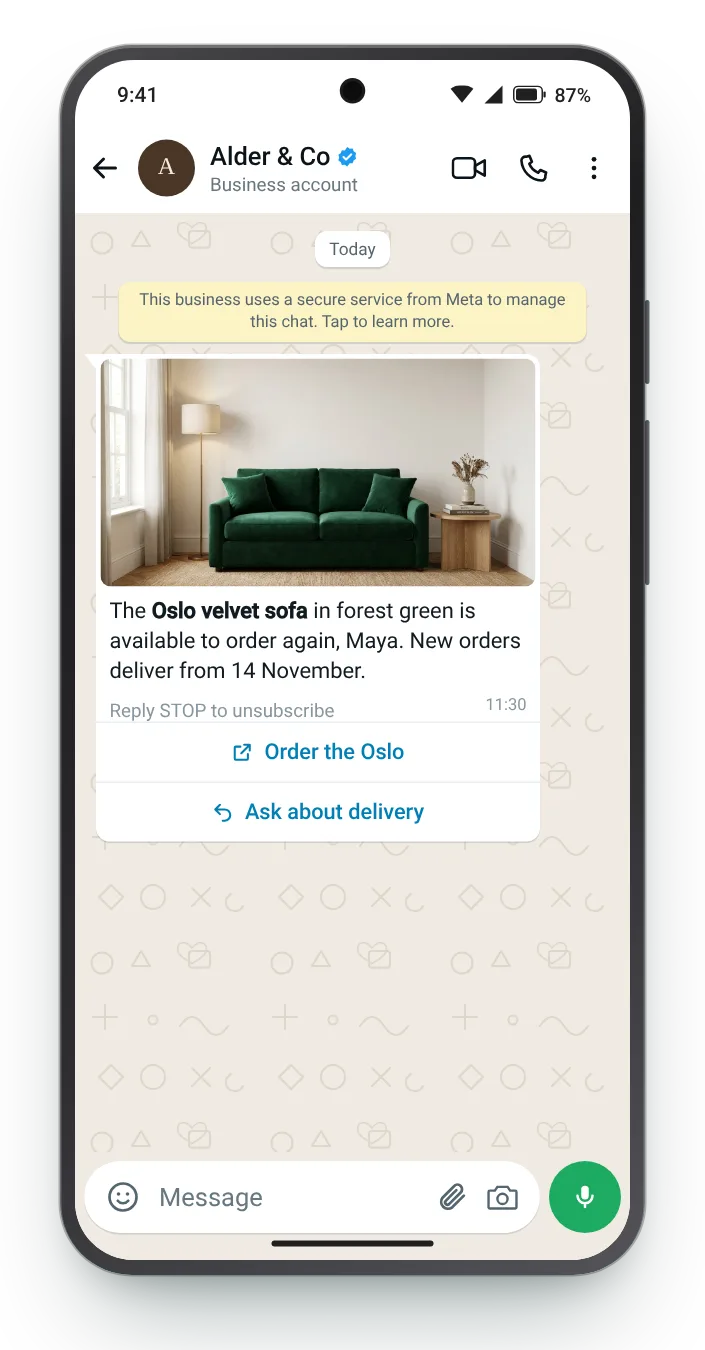
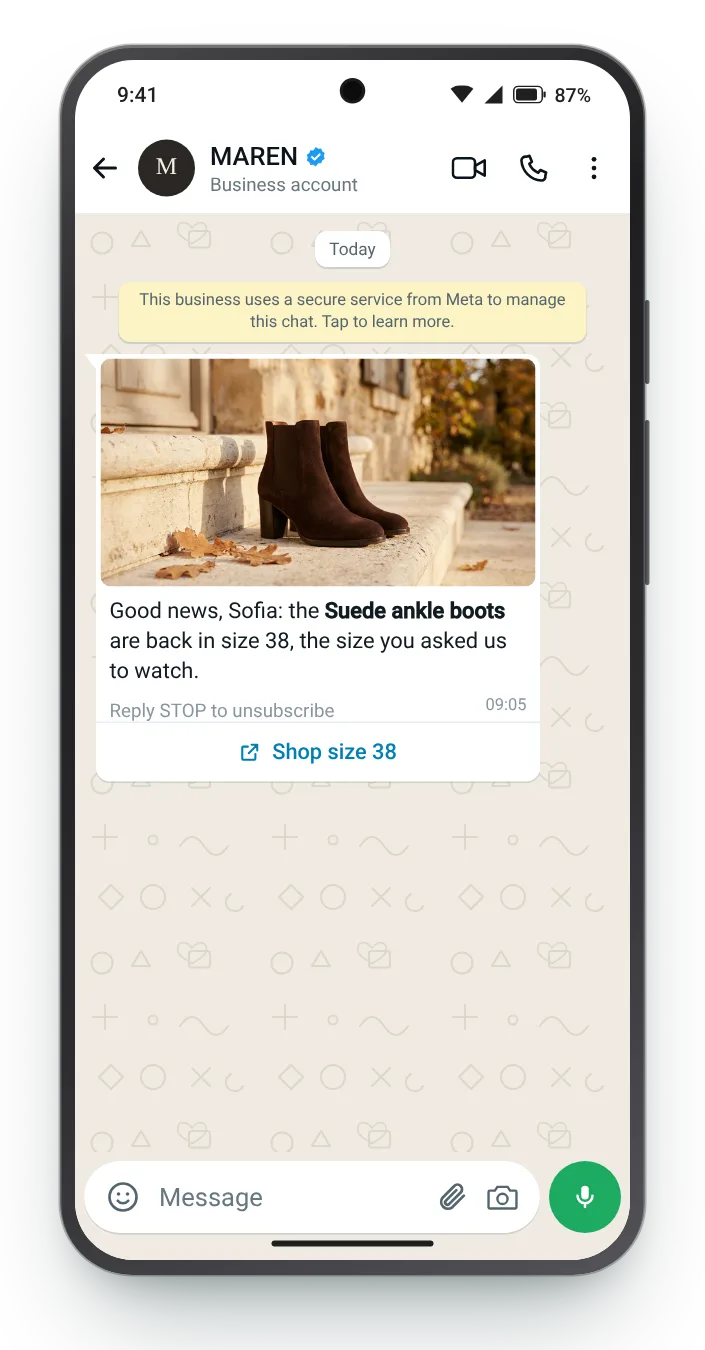
A returning size, a held item, a long-awaited colour: each card covers a different restock and lists the exact fields Meta will review. The phone beside it switches between iPhone and Android.


The shopper told you exactly what they wanted, so the message can be exact too. Naming the size proves this is the item they asked about.


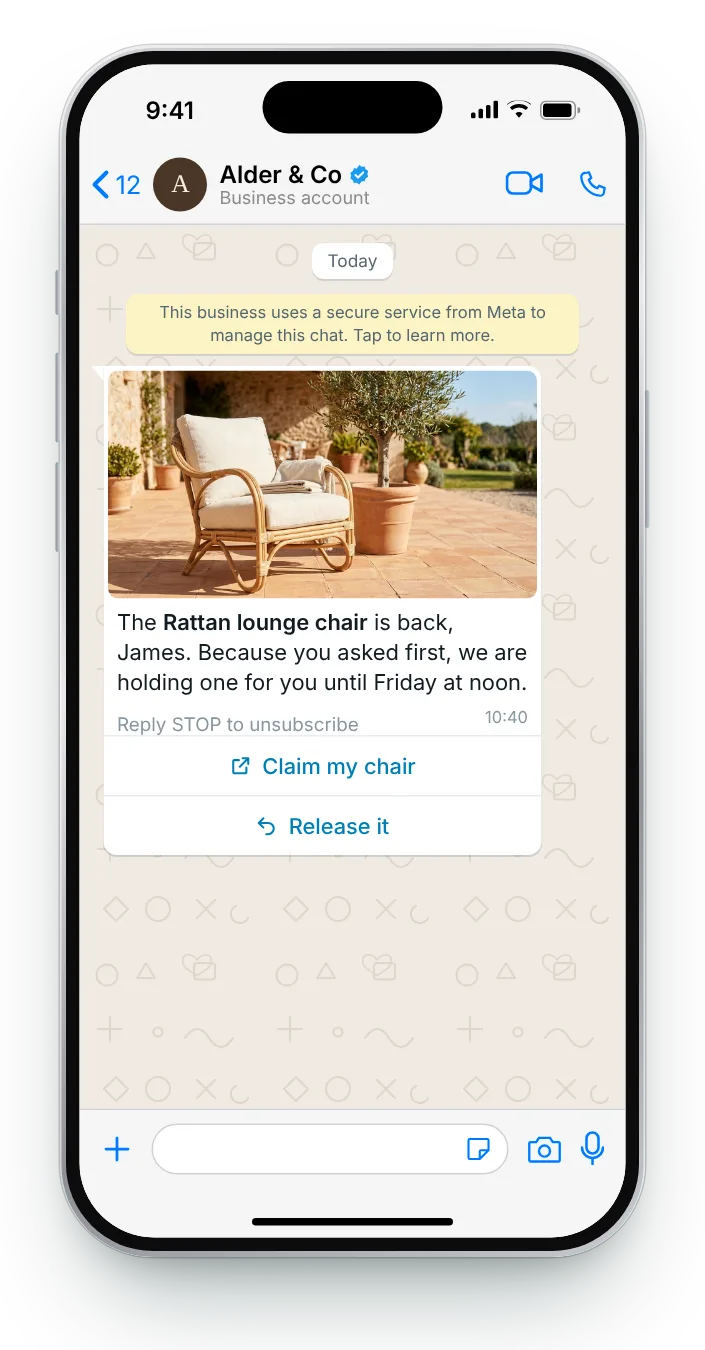
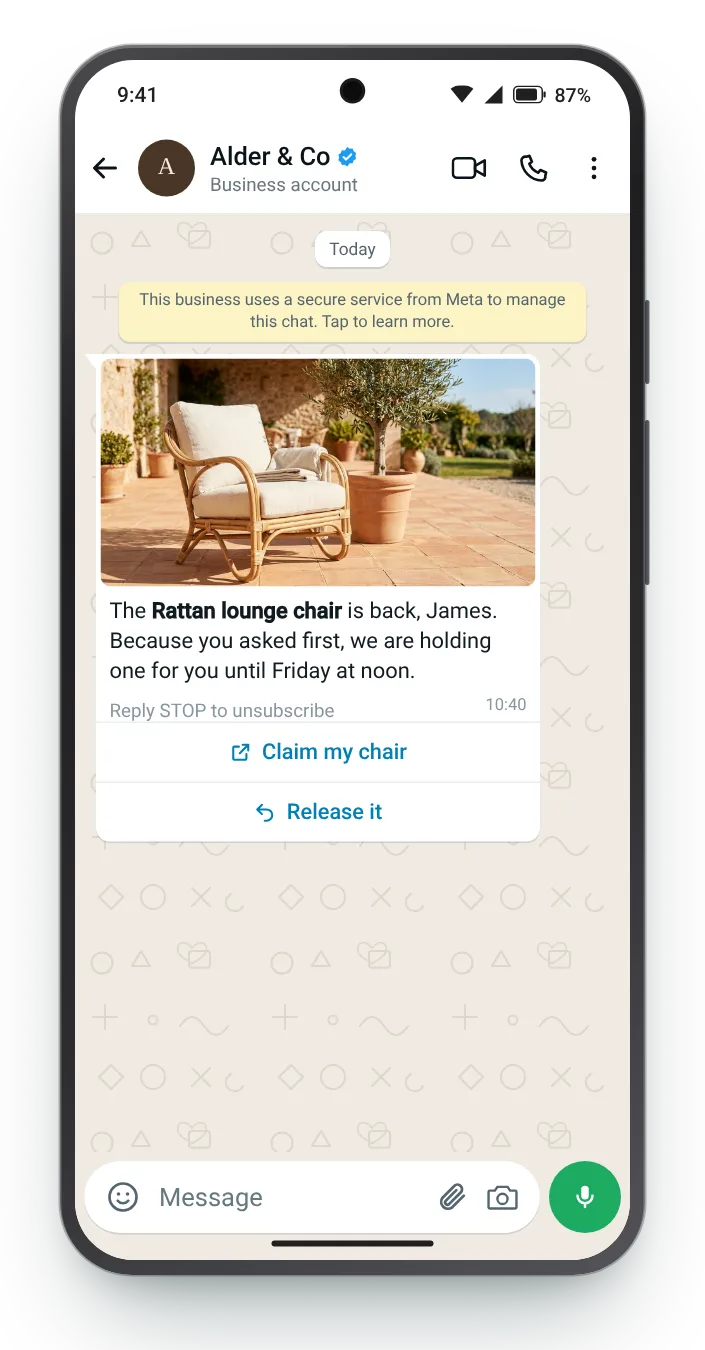
A reservation rewards the people who signed up first and gives them a real deadline. The release button frees the chair for someone else if they have changed their mind.


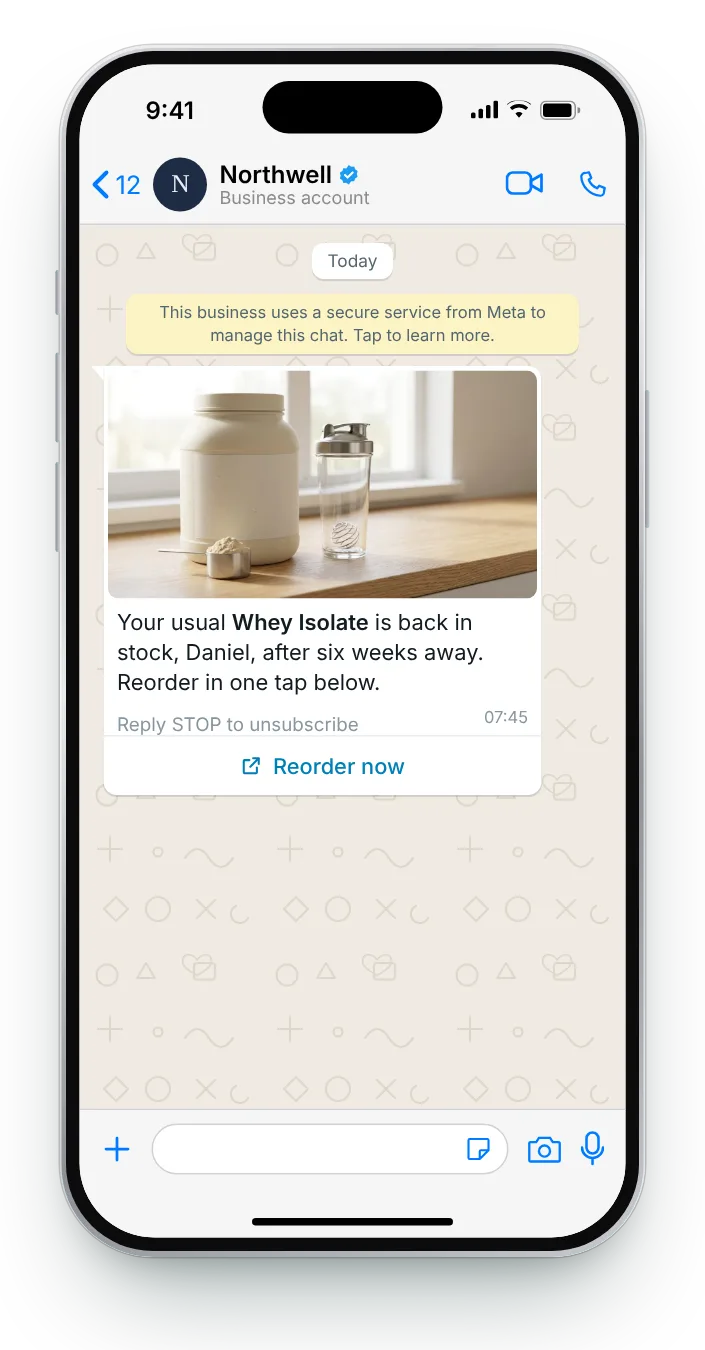
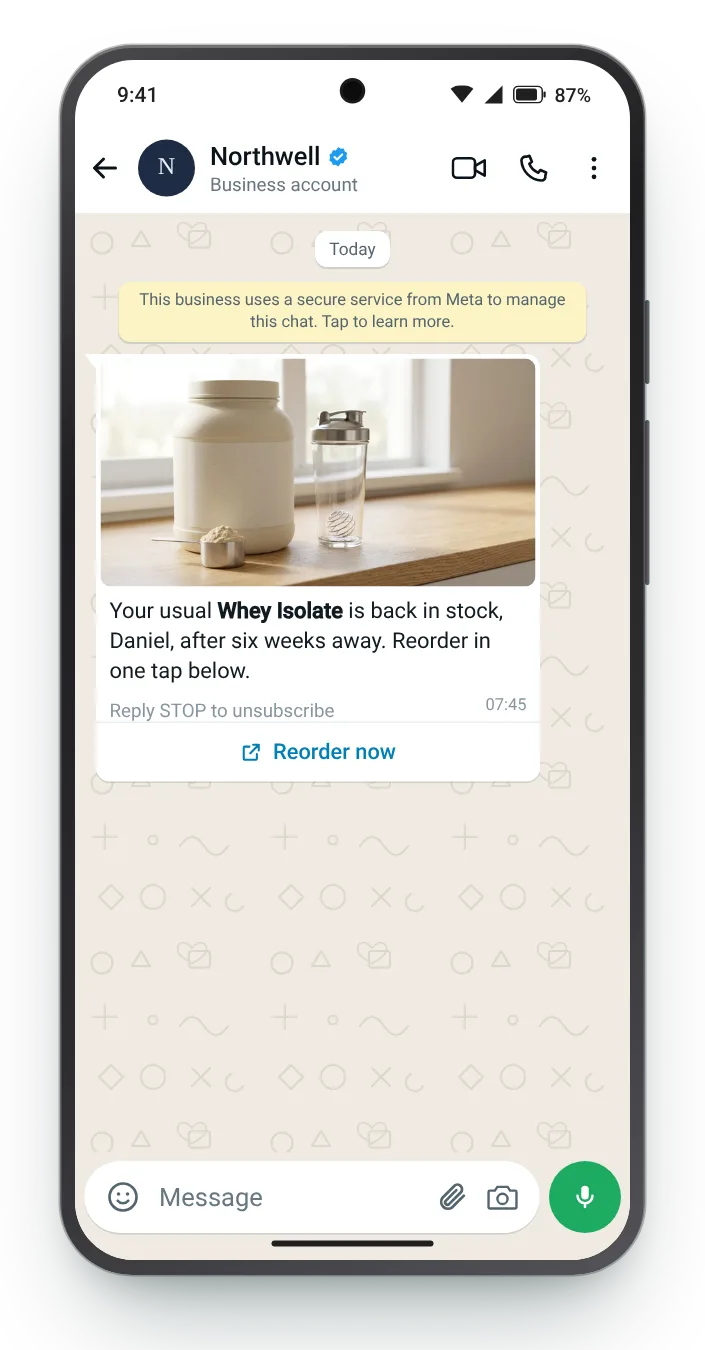
Regular buyers of a sold-out product have been making do with something else. Telling them first wins back the habit before the substitute sticks.


When a colour comes back, lead with the colour. It is the detail the shopper was waiting on, so it belongs in the first line.


For large items, the delivery date matters as much as availability. Putting it in the message answers the next question before it is asked.


After a long wait, some shoppers have moved on. A yes or no question confirms interest before you send the link, and keeps your sign-up list clean.


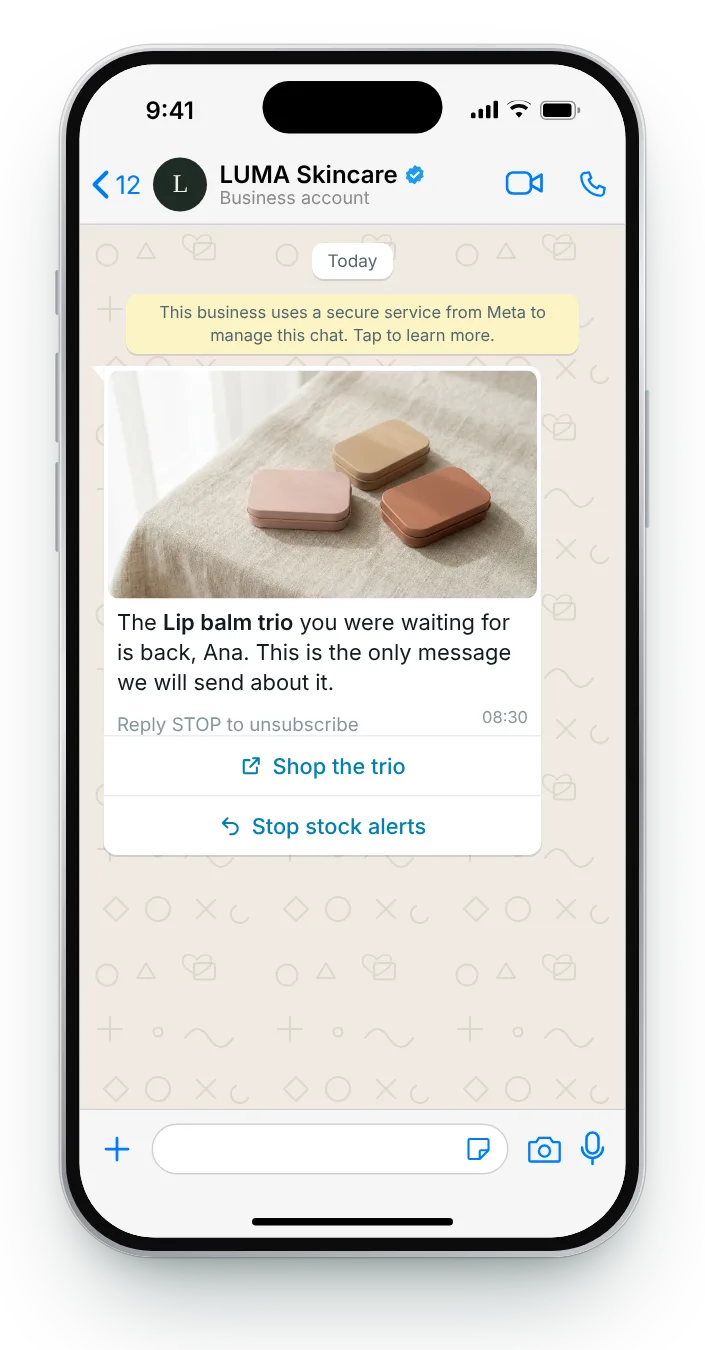
Promise one message and keep to it. A button that stops stock alerts lets people leave the list without blocking your number.
Pull in any template from the list, adapt the product and the wording, and the chat preview keeps pace. Each field shows its count against the limit, and four checks cover the reasons templates get sent back most often.
Bold a product name with *asterisks*. In the preview, {{first_name}} shows as a sample name.


The message itself is the last link in a short chain. Each step before it decides whether the message can be sent at all.
A 'notify me' button on the sold-out product page collects the request and the shopper's WhatsApp consent in one go.
A short reply confirms the request, so the shopper knows they are on the list and what they will hear about.
When stock returns, the message goes to everyone on that product's list, in the order they signed up.
Once the message is out, remove the shopper from that product's list so they never hear about it twice.
Zefir writes your WhatsApp templates, gets them approved by Meta and sends each one when your store reports new stock, and reports which message earned each sale.
Request access See how it worksIt is a short WhatsApp note to a shopper who asked to hear when a sold-out product returns, usually with the product photo and a link to buy. Zefir drafts the templates, then sends each one the moment your store restocks.
Restock alerts generally fall under marketing, which means you need the shopper's marketing opt-in first. Zefir keeps a consent record for every contact it messages.
It is optional, but a short hold rewards the first sign-ups and gives the message a real deadline. Zefir builds the claim and release buttons into the template when you want a hold.
The same day the stock lands, while there is still something to buy. Zefir sends from your store's stock update, so there is no manual step in between.
Straight to the product page with the requested size or colour already selected, so the shopper is one tap from the basket. Zefir tests each button link before the template is submitted to Meta.