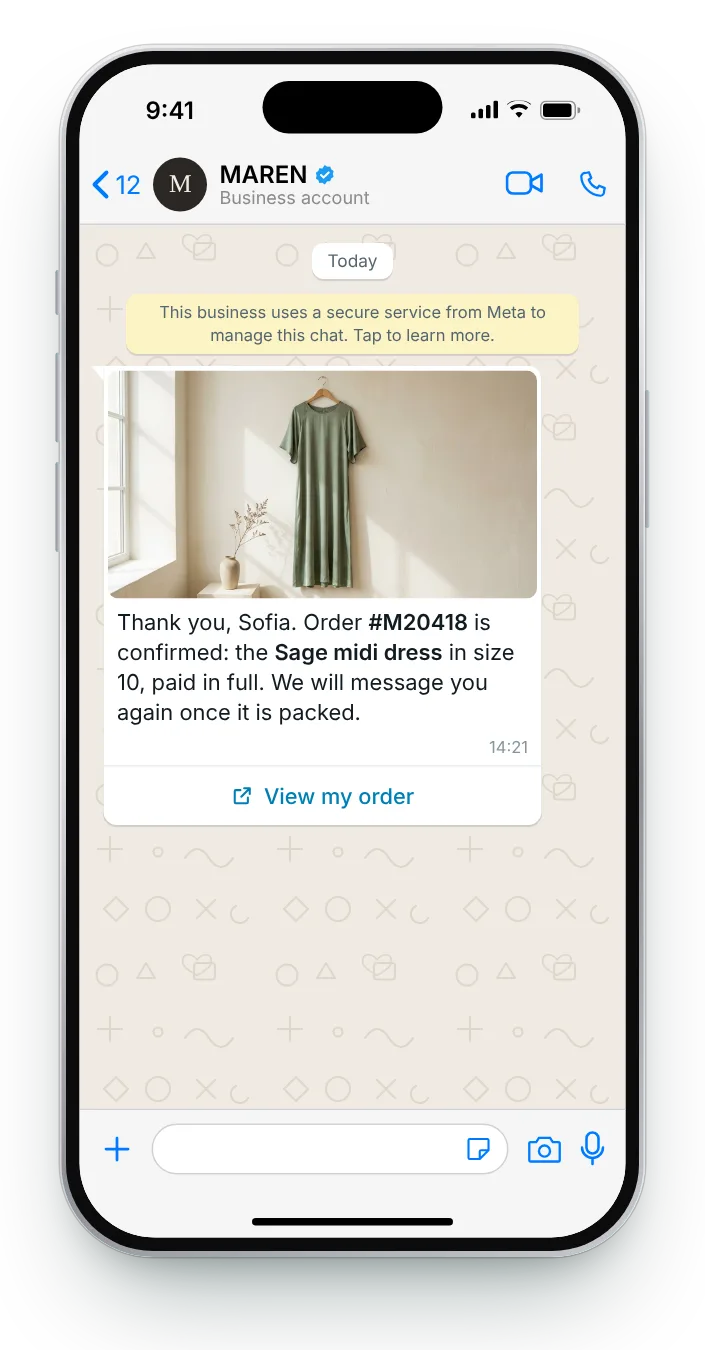
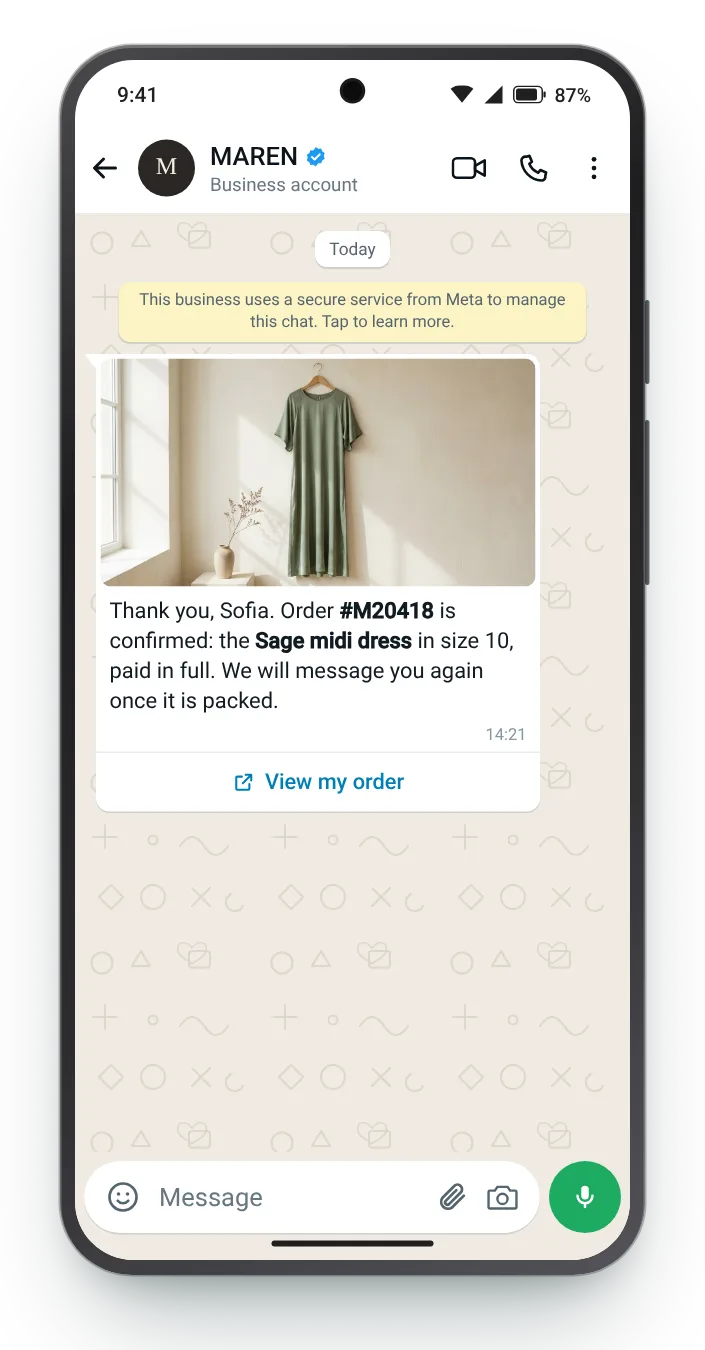

The dress they bought, confirmed
A photo of the exact item reassures the customer that the right thing was bought. The reference in bold is what they will quote if they ever need help.
Button (link): View my order
An order confirmation is the one message every customer reads. It should answer what they bought, what they paid and what happens next, without making them open an email. Here are seven versions for the purchases most stores handle.
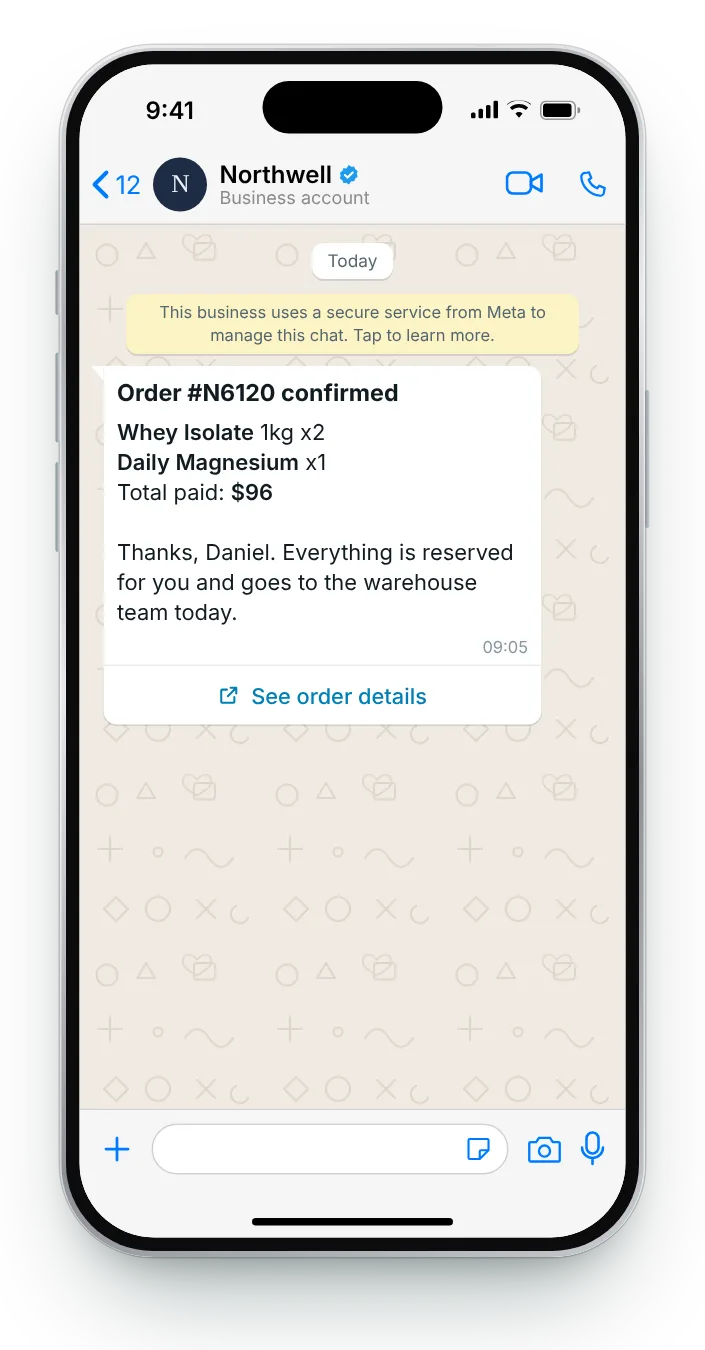
Single items, baskets, invoices, gifts, subscriptions and made-to-order furniture each need a slightly different message. Every card shows the template fields as WhatsApp Manager lists them, next to an iPhone preview.


A photo of the exact item reassures the customer that the right thing was bought. The reference in bold is what they will quote if they ever need help.


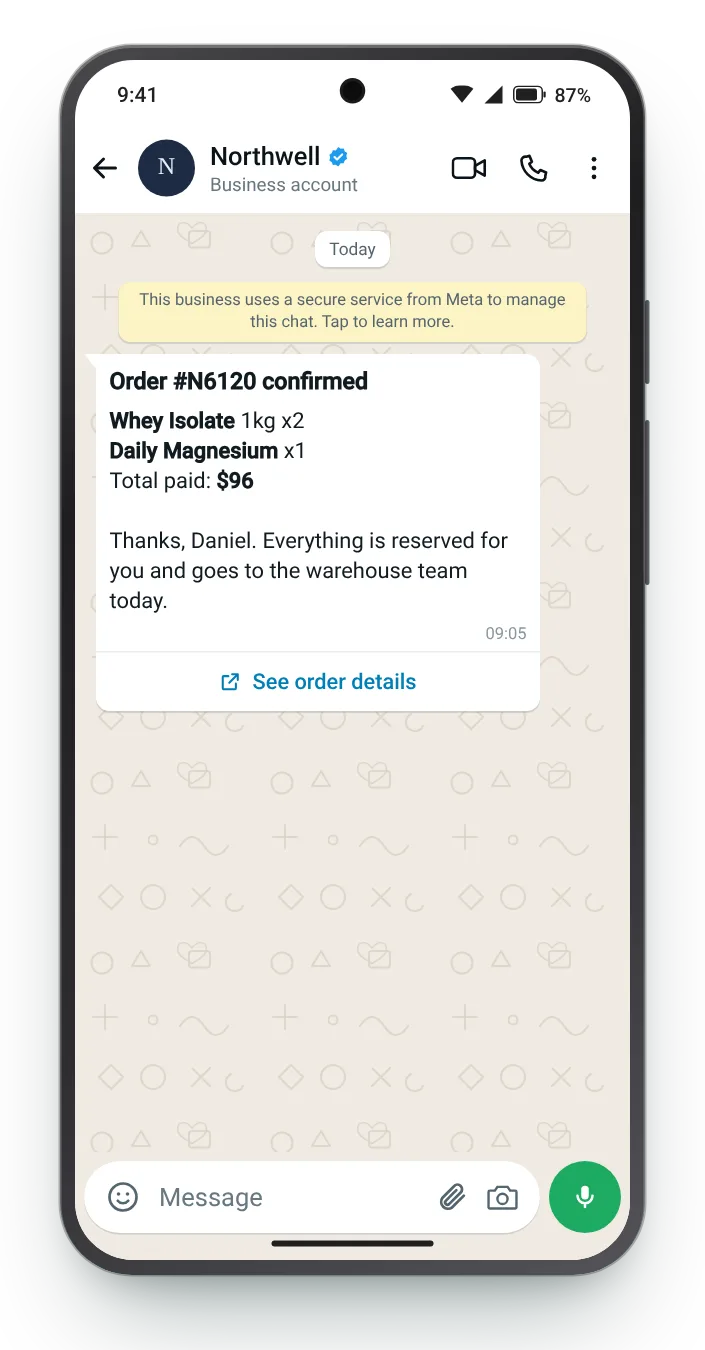
With several products in one basket, a list beats a photo. Quantities and the total in the chat save the customer from opening an email to check.


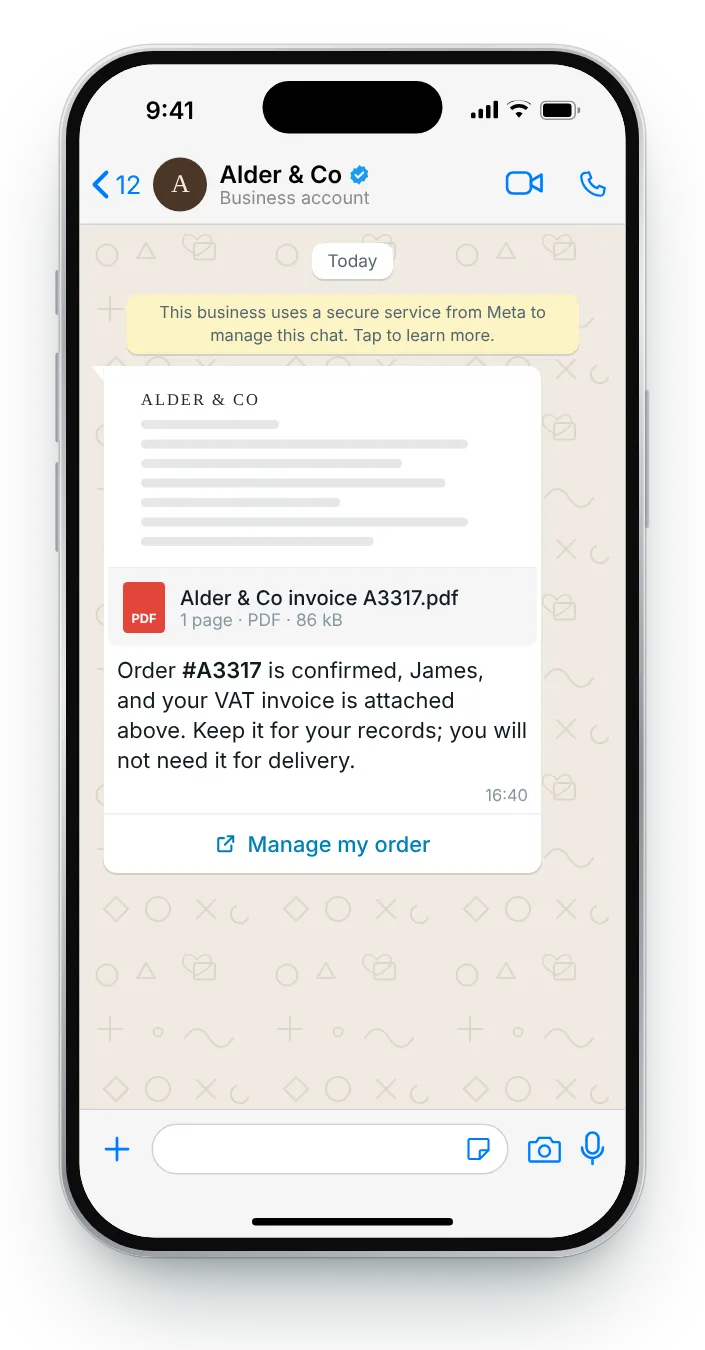
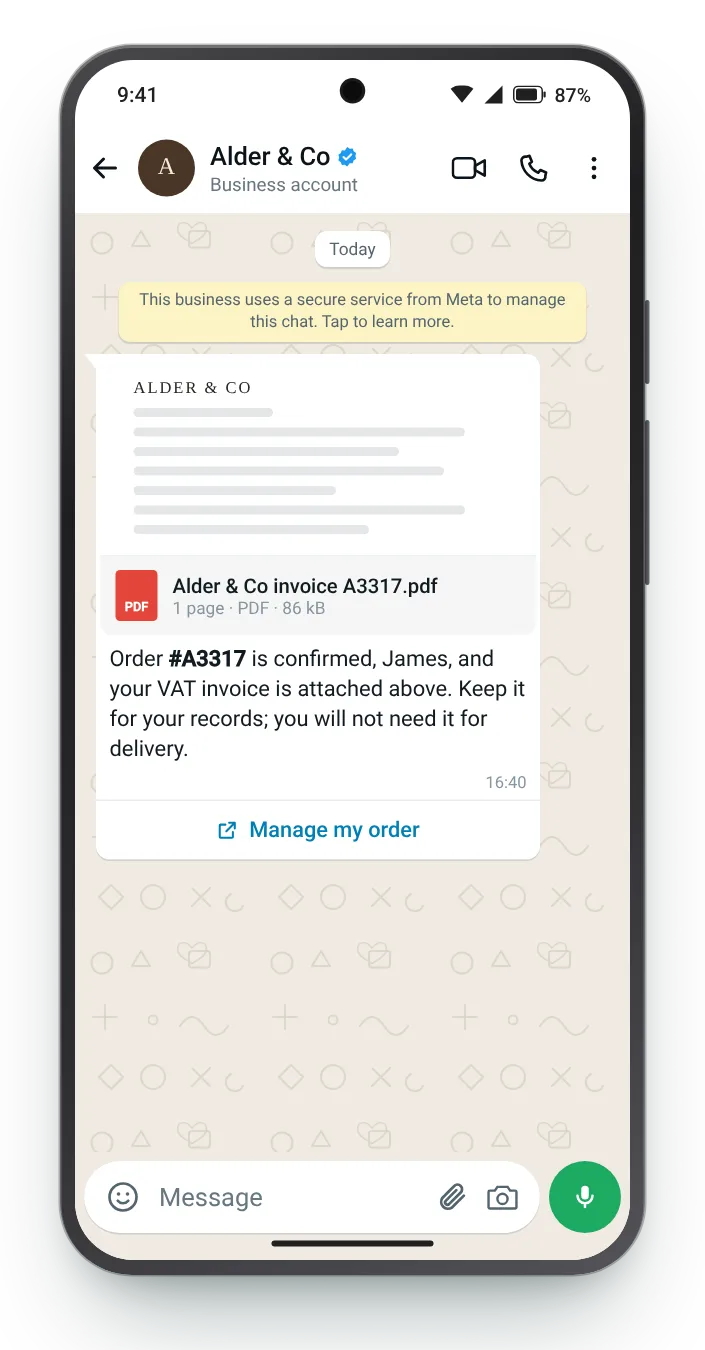
Business customers need a document for their accounts. Sending the invoice as the header puts it in the chat, where it is easy to forward.


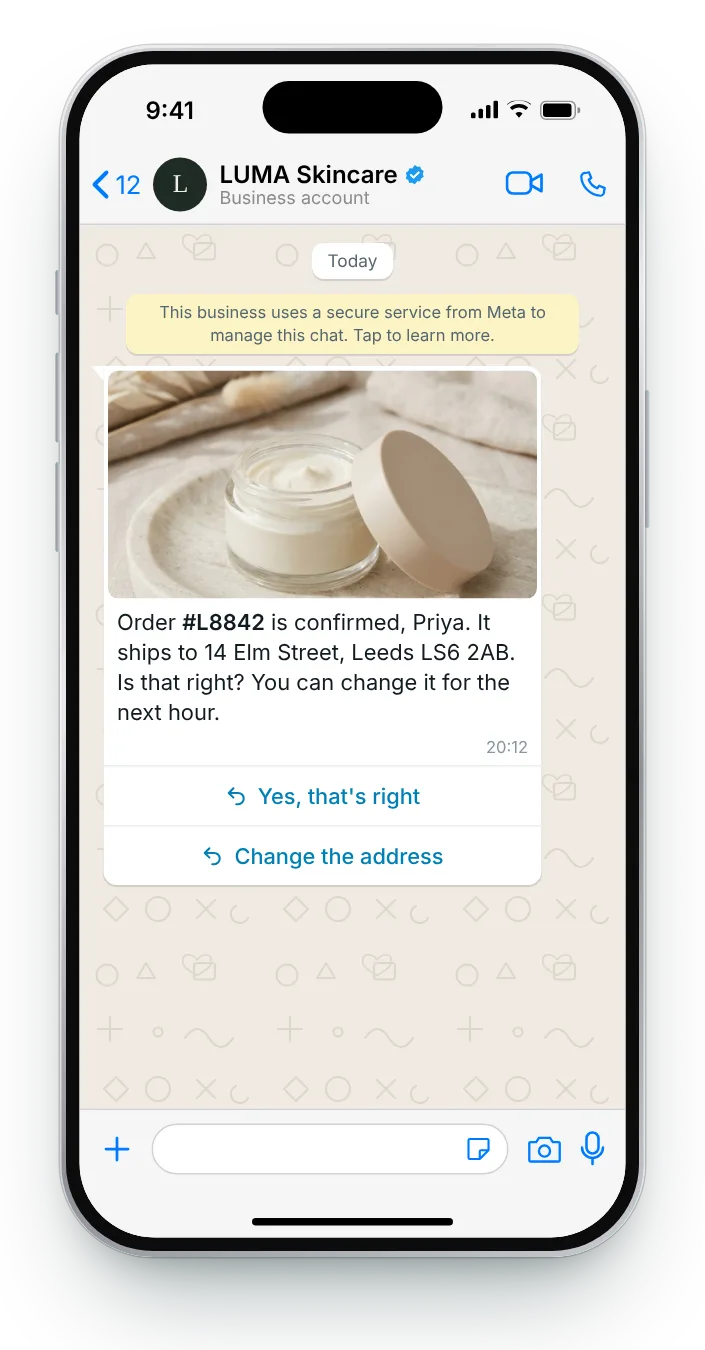
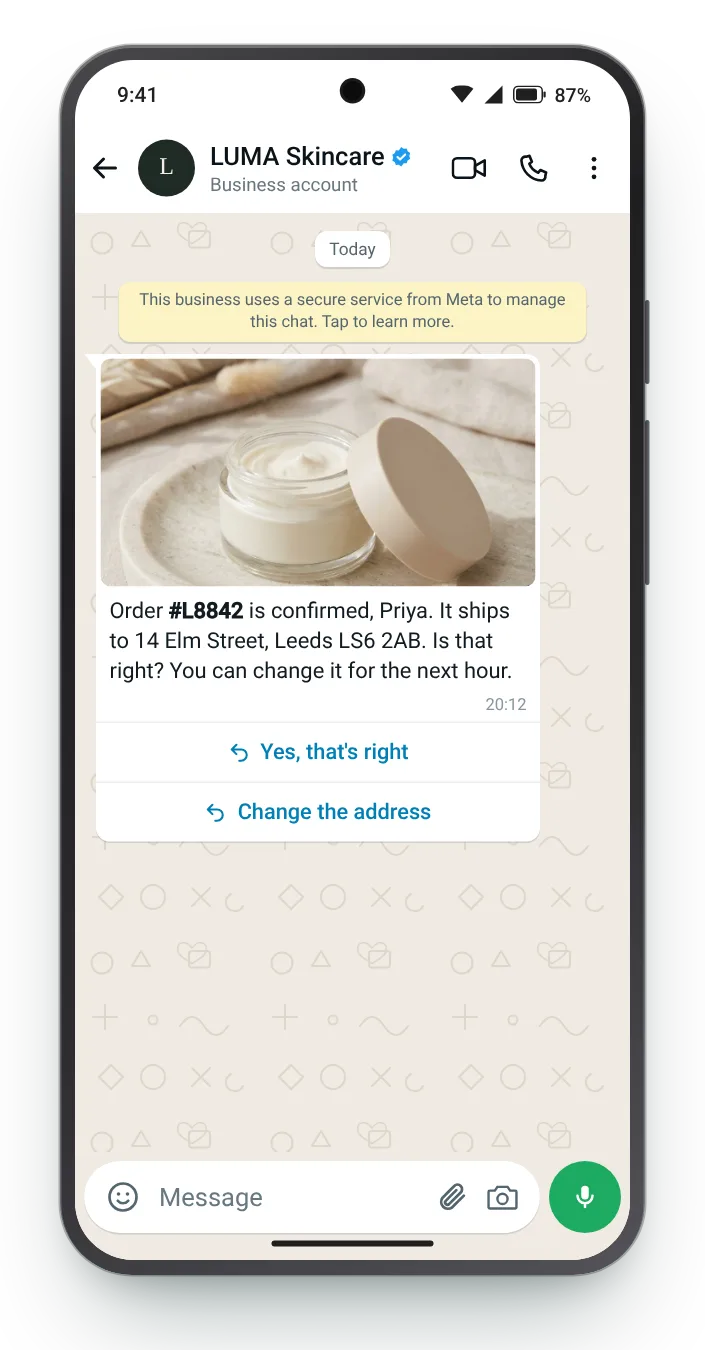
Typos in an address are cheapest to fix before the parcel is packed. Two quick replies make checking the details a one-tap job.


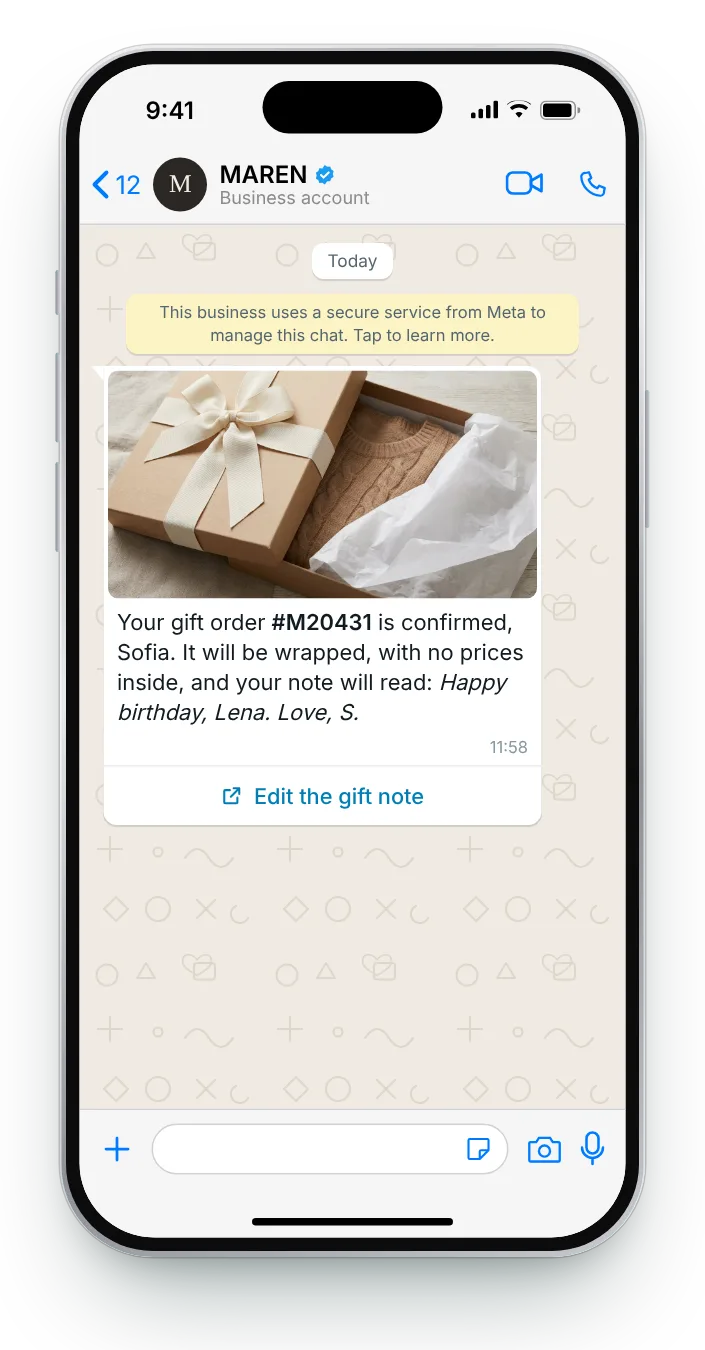
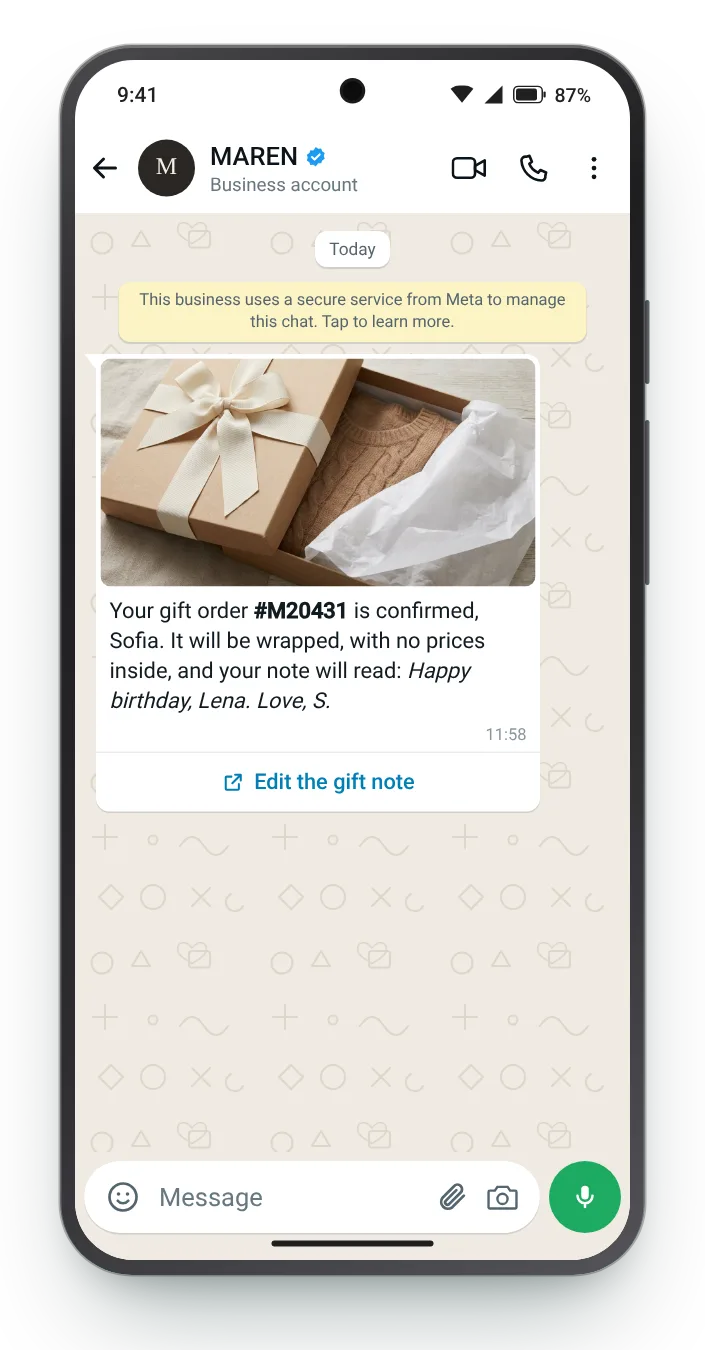
A gift buyer worries about two things: the wrapping and the note. Confirming both, word for word, removes the need to ask.


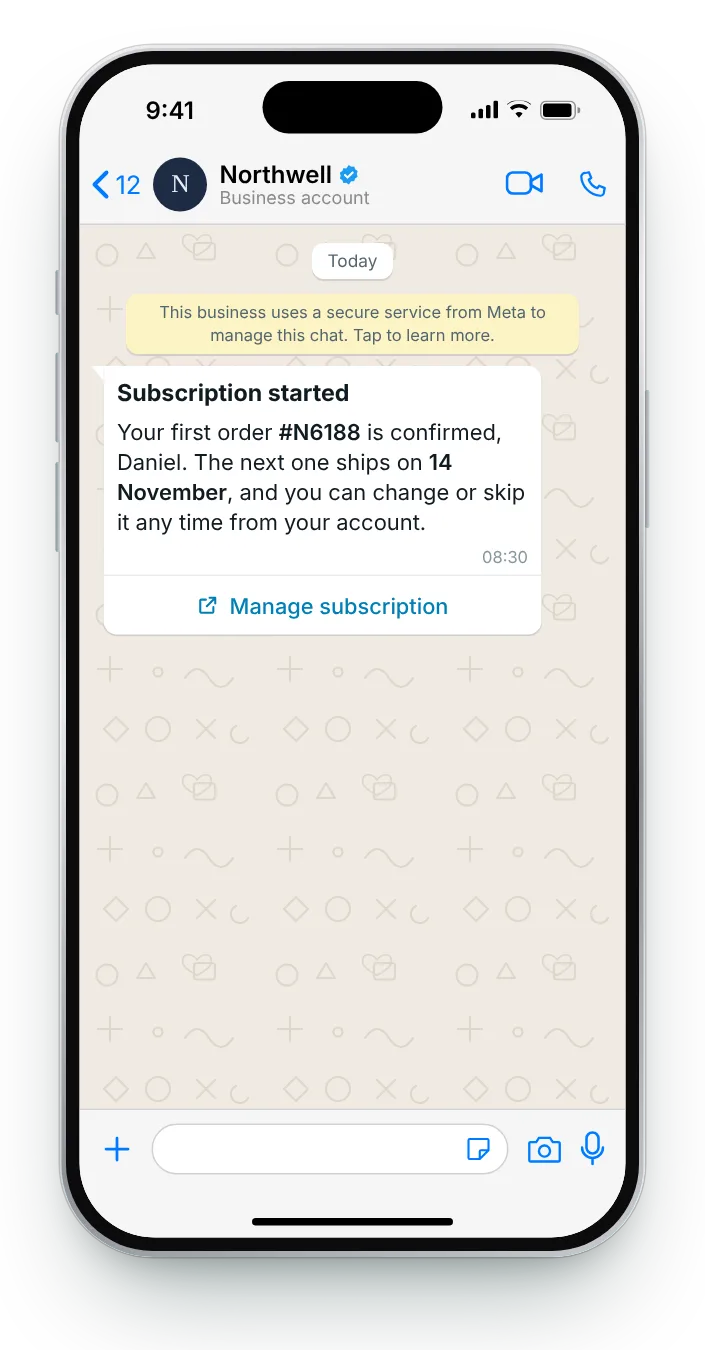
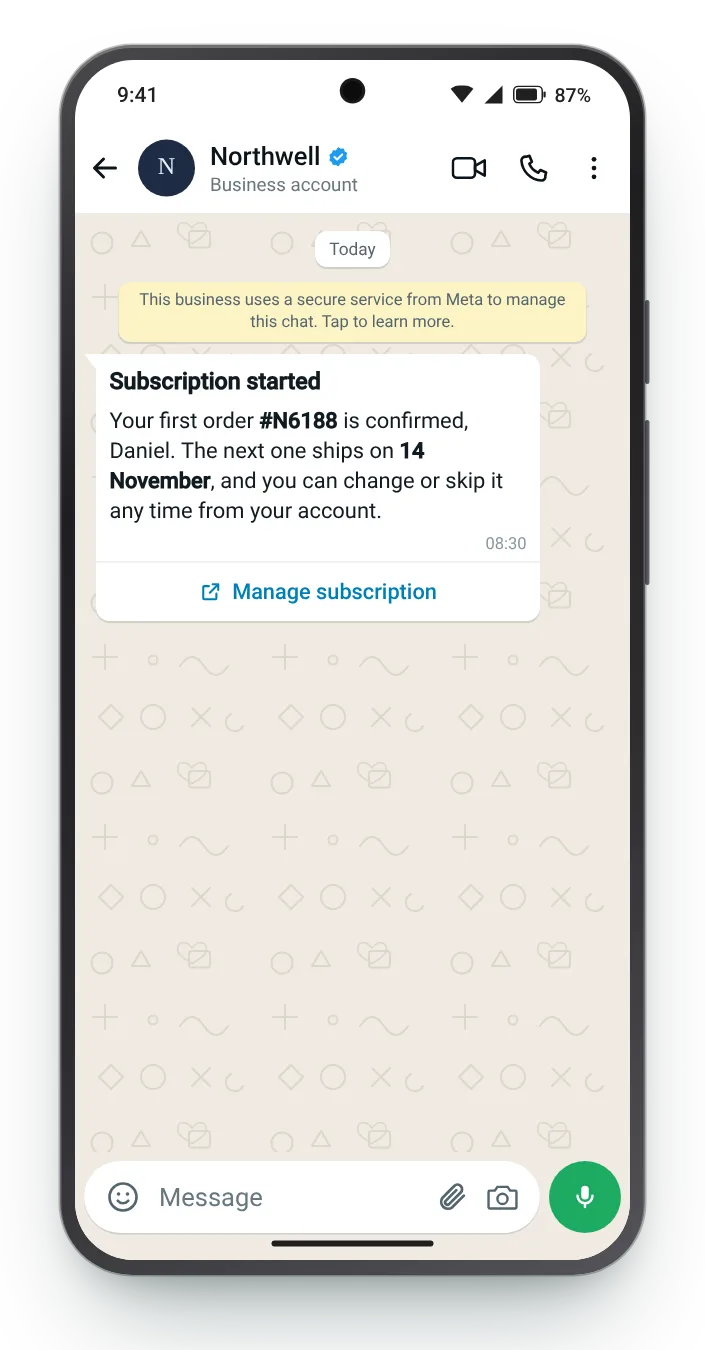
A new subscription needs one extra fact: when the next one comes. Stating the date and how to change it prevents surprise charges.


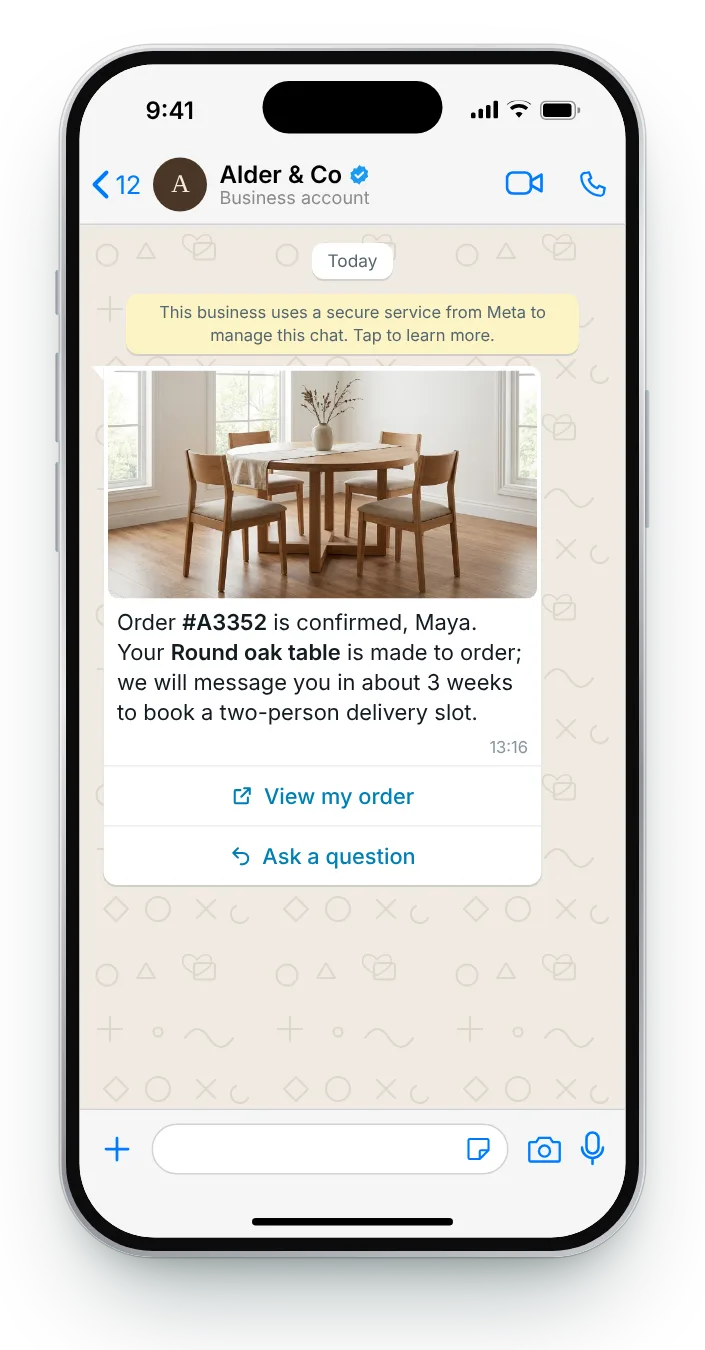
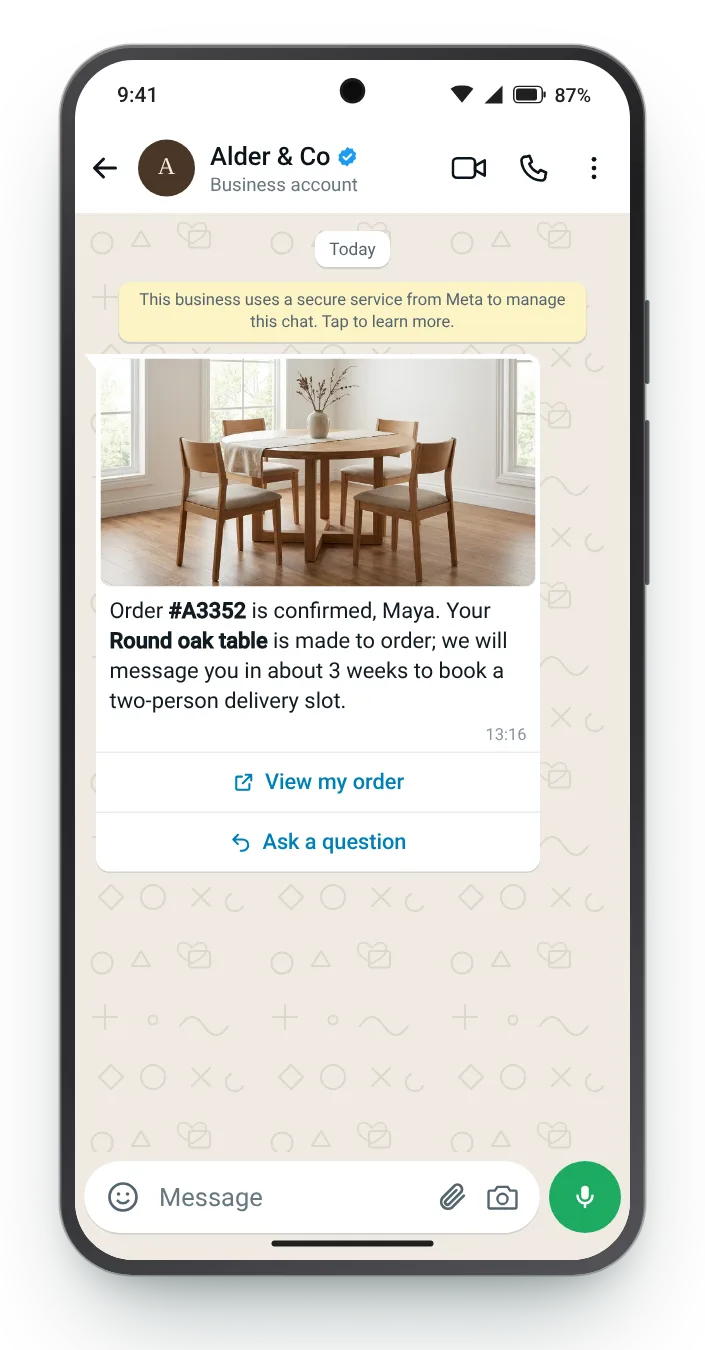
Large items do not ship the same day, and the customer knows it. Explaining the next two steps sets expectations better than a delivery estimate alone.
Pick a purchase type, change the wording to match your store, and the chat preview updates live. Each field shows its character count against Meta's limit, and the checks confirm the essentials.
Bold the reference number with *asterisks*. Variables show sample values in the preview.


Meta treats an order confirmation as a utility template when it sticks to the transaction. Add a promotion and it is judged as marketing instead.
Order number, items, amount paid and next steps. Every word relates to something the customer just did.
A discount for next time turns the template into a promotion, with marketing rules attached.
The message goes because a payment cleared, not because a campaign was scheduled.
View order, change address, ask a question. A 'shop more' button pulls it toward marketing.
Zefir drafts your confirmation templates and delivers each one the second payment clears, next to every other message after checkout.
Request access See how it worksThe order number, what was bought, the amount paid and the next step, such as packing or booking a delivery slot. Zefir writes each confirmation template with your team around those four facts.
Utility, provided it only covers the transaction; adding an offer moves it into marketing. Zefir leaves promotions out of confirmations for that reason.
Yes, the customer should opt in to WhatsApp updates, which most stores ask for at checkout. Zefir stores the opt-in for each customer it contacts.
Yes, a PDF document header attaches the invoice to the message itself, which suits business buyers. Zefir sets up document headers as part of the template.
Within seconds of payment, so there is no doubt the payment went through. Zefir triggers it from the purchase itself, with nobody pressing send.