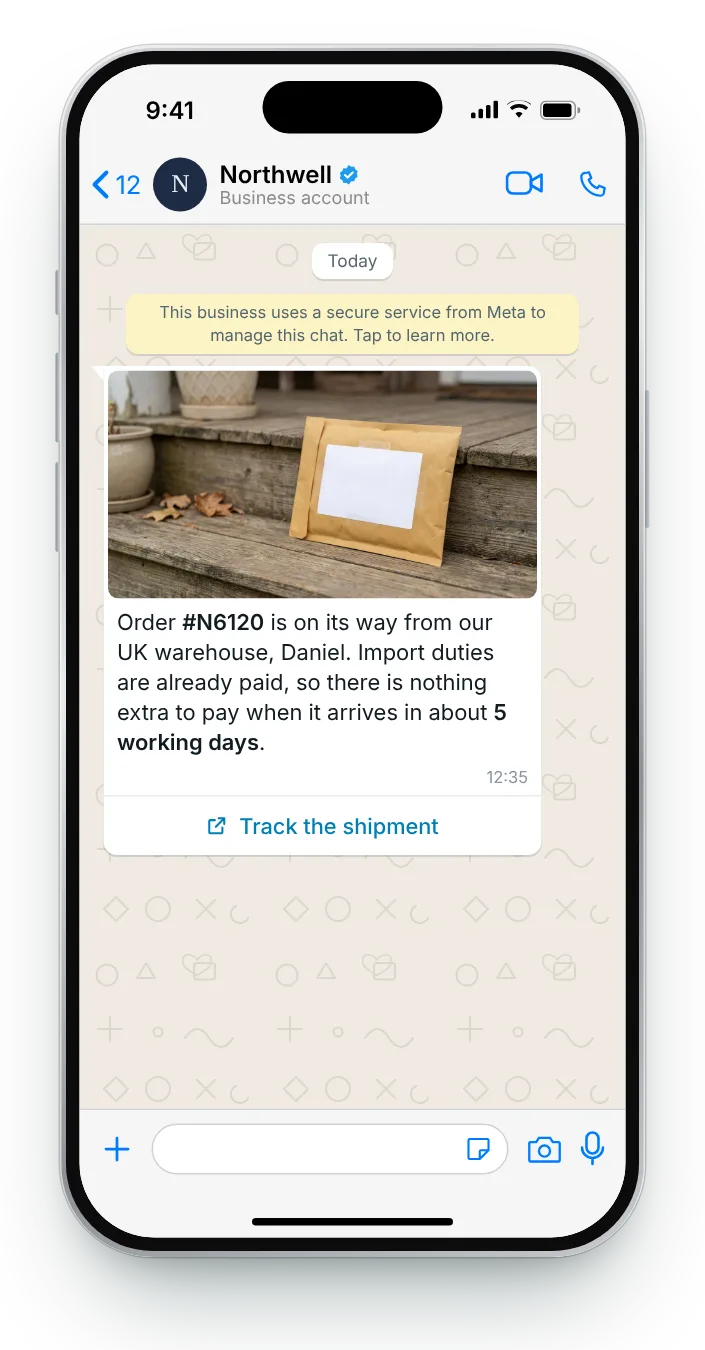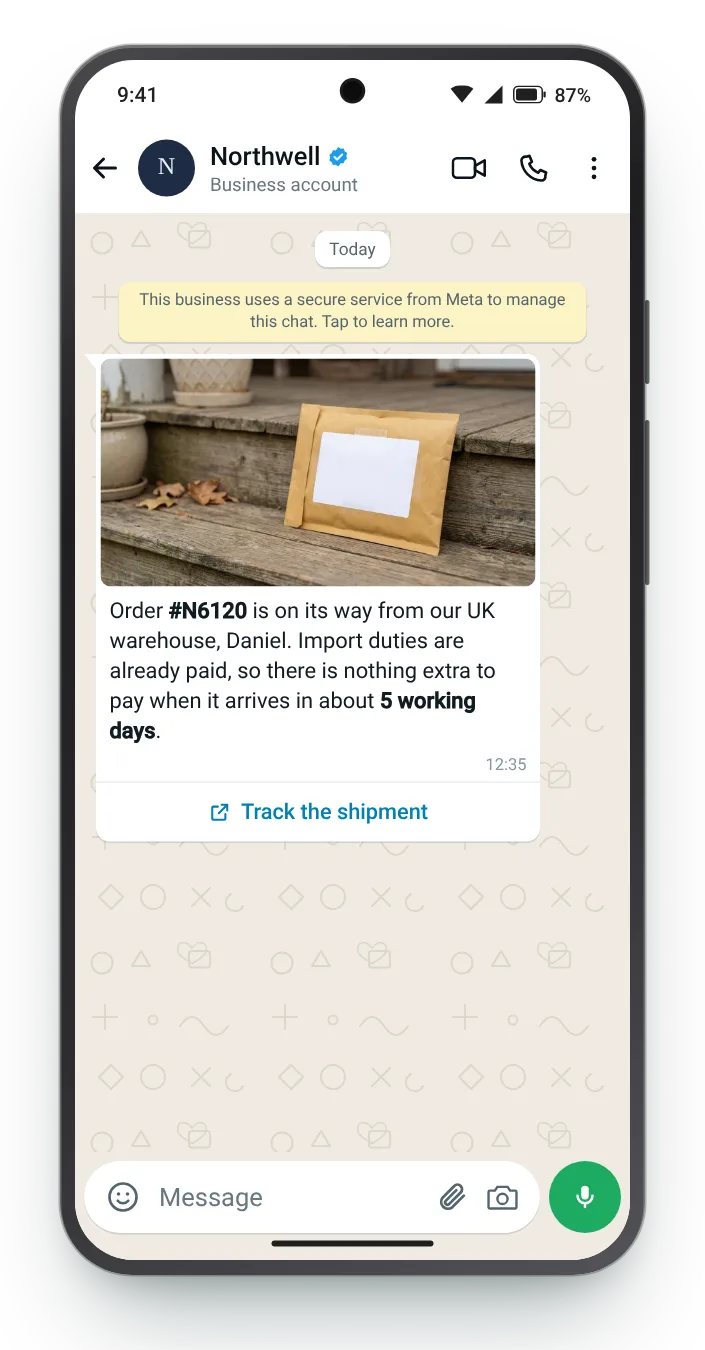
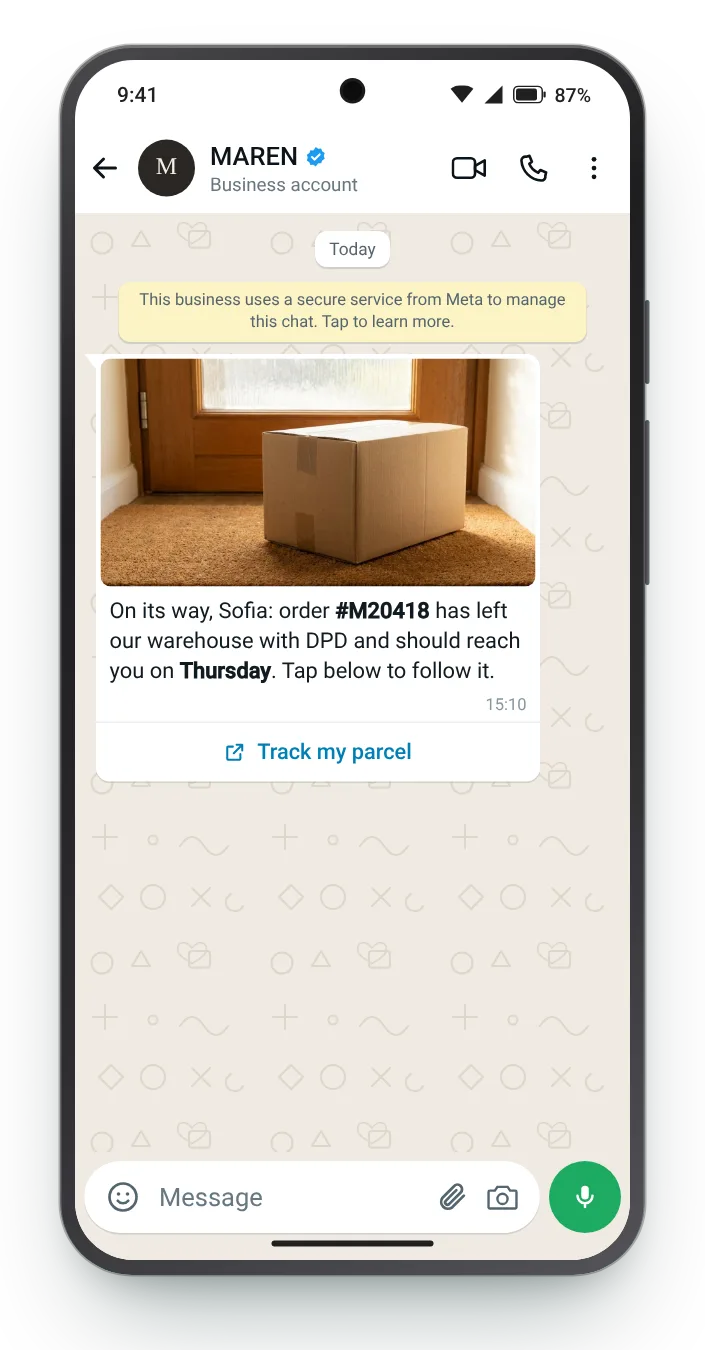

On its way, with a tracking button
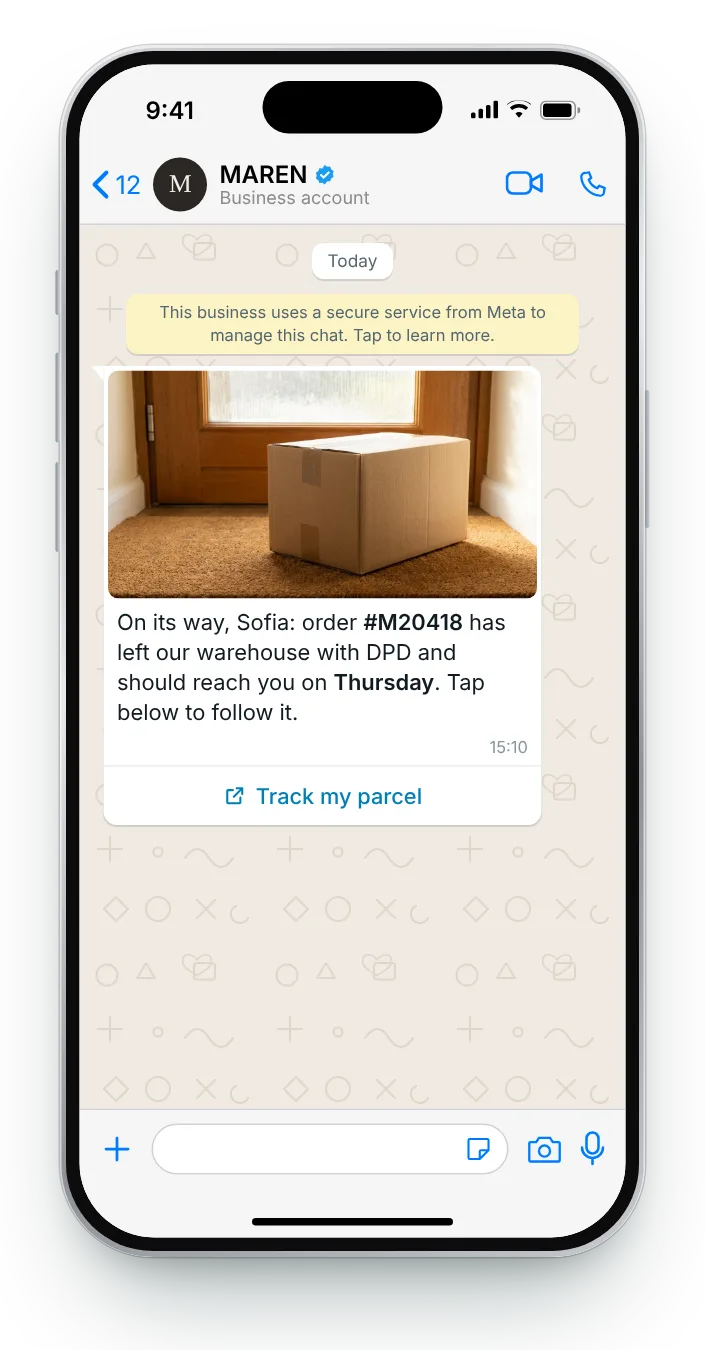
The carrier's first scan is the moment the parcel is really moving. Sending then, with one tracking button, means the link already shows a location.
Button (link): Track my parcel
Once an order ships, customers want three facts: where it is, when it arrives and whether they need to do anything. These seven updates give those facts for ordinary parcels, split orders, furniture and international deliveries.
Standard parcels, delivery-day windows, two-person furniture crews and parcels crossing borders each raise different questions. The cards answer them field by field, with an iPhone preview that switches to Android.


The carrier's first scan is the moment the parcel is really moving. Sending then, with one tracking button, means the link already shows a location.


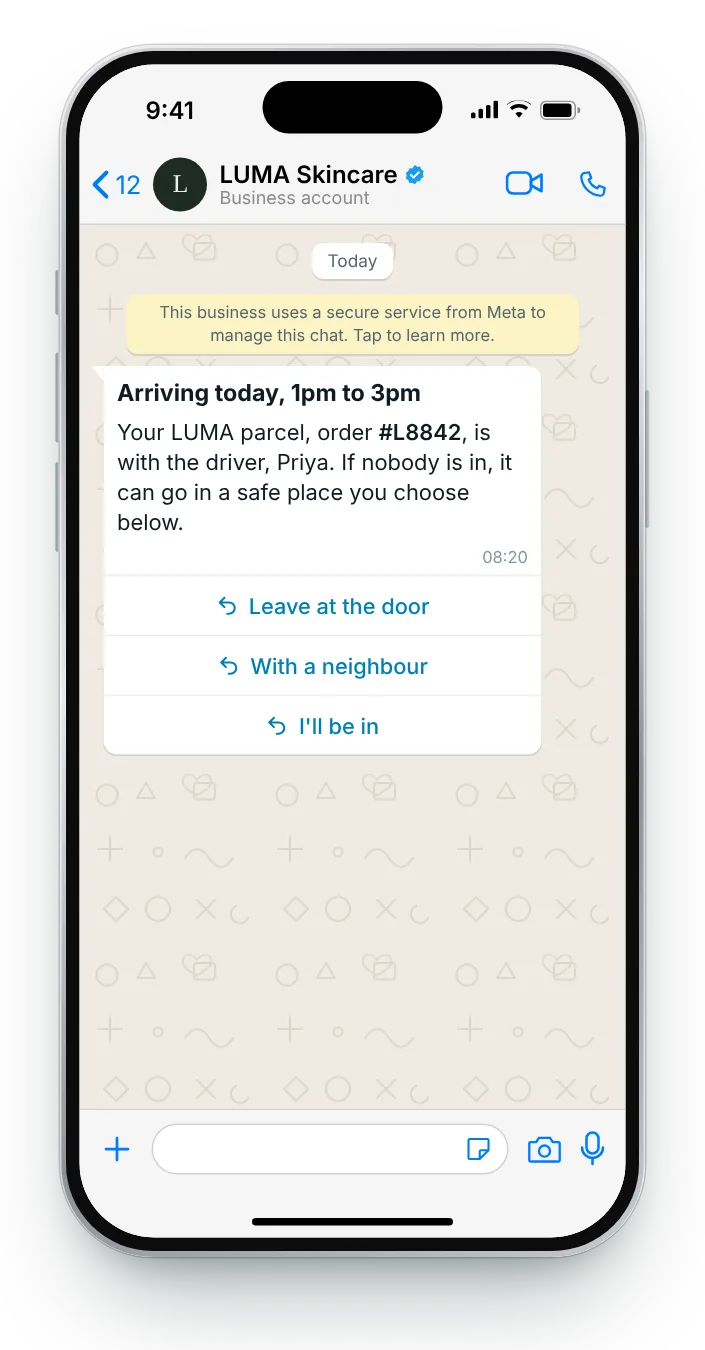
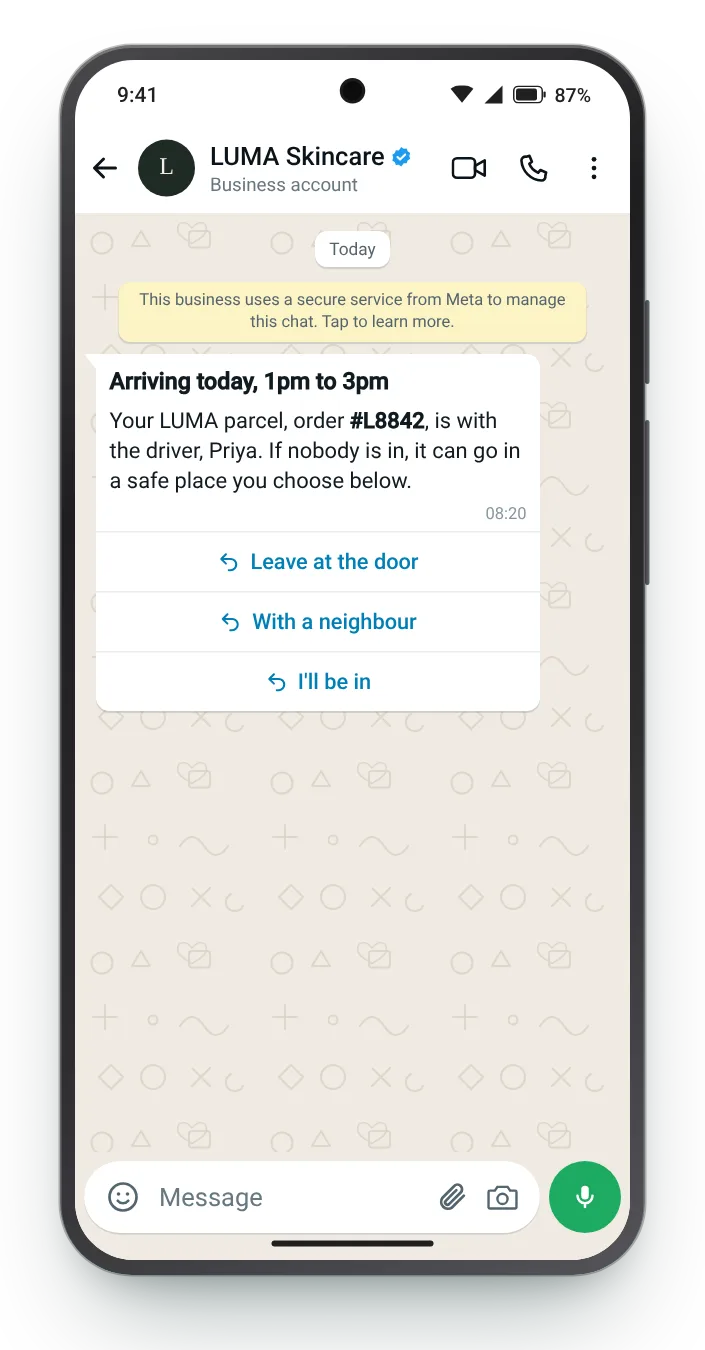
On delivery day, the window is the only fact that matters. A text header puts it on screen before the body has even been read.


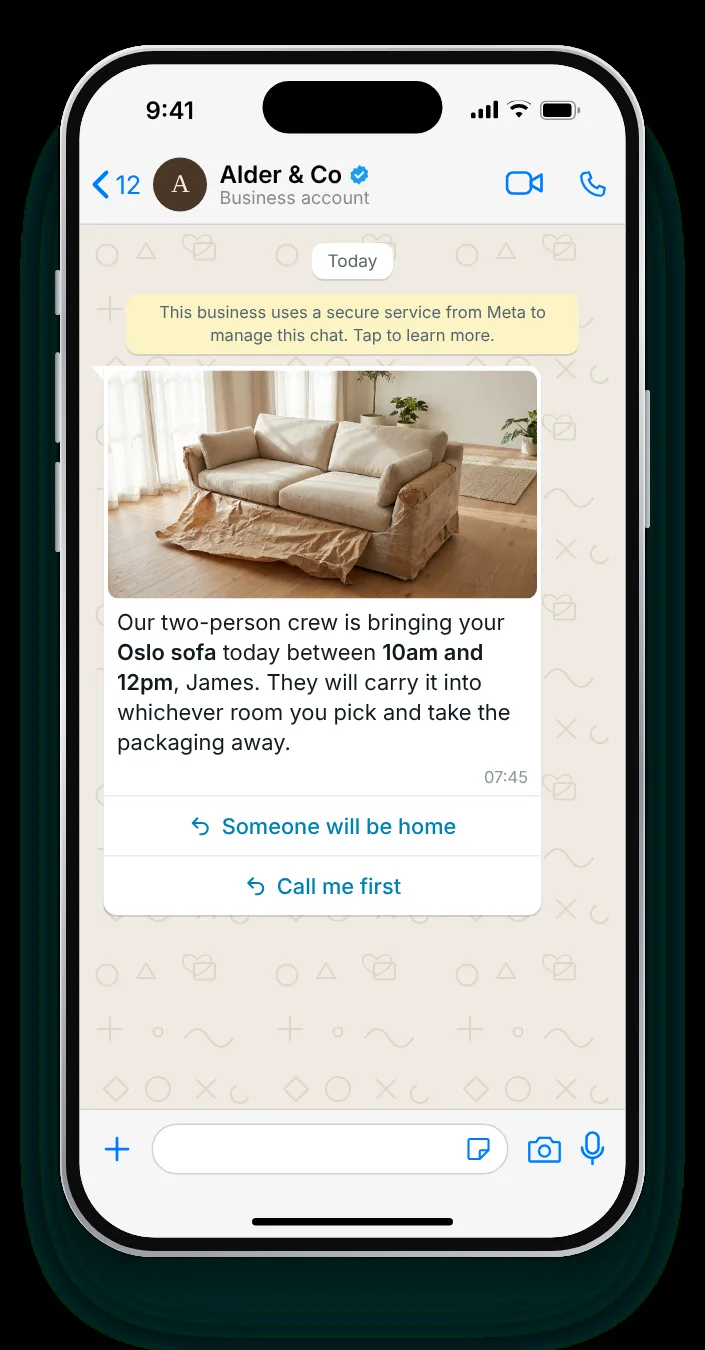
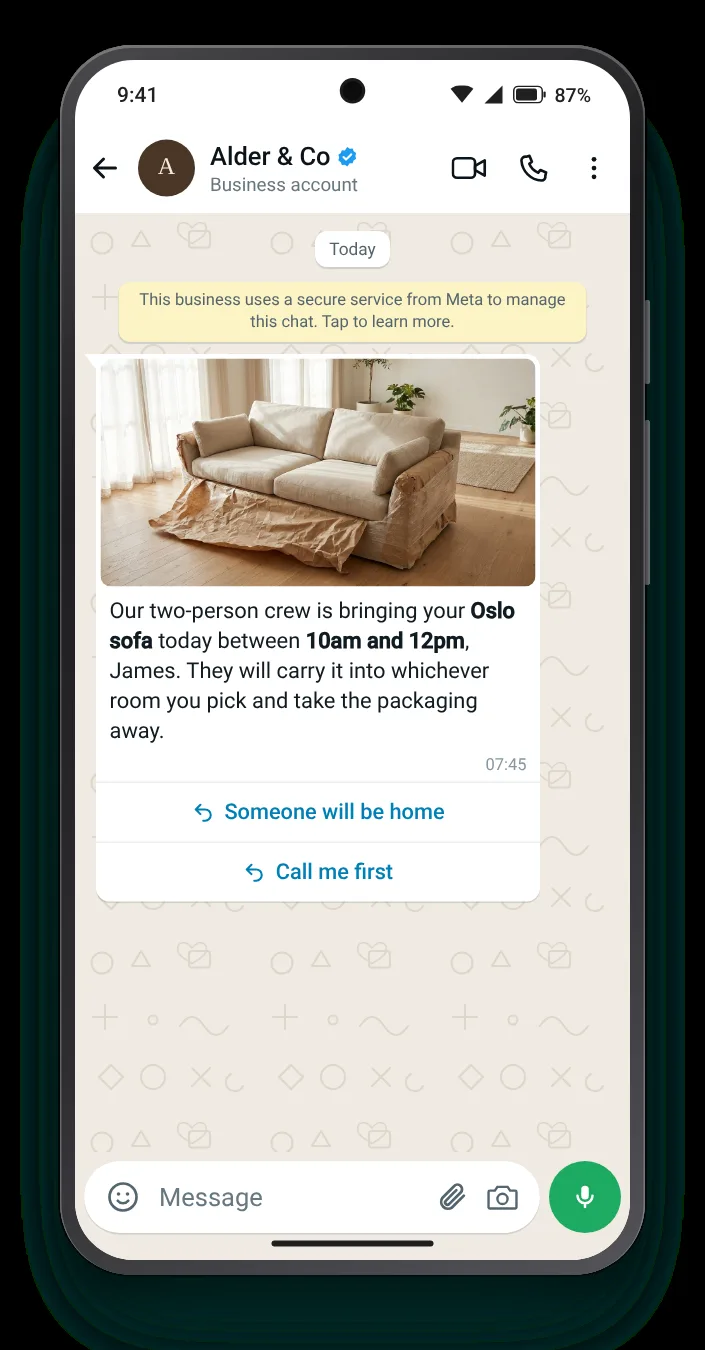
A furniture delivery needs someone home and a clear path to the room. Telling them now, with a way to reply, avoids a wasted trip.


Customers abroad fear a customs bill at the door. Saying the duties are covered, before the parcel crosses a border, stops that question coming in.


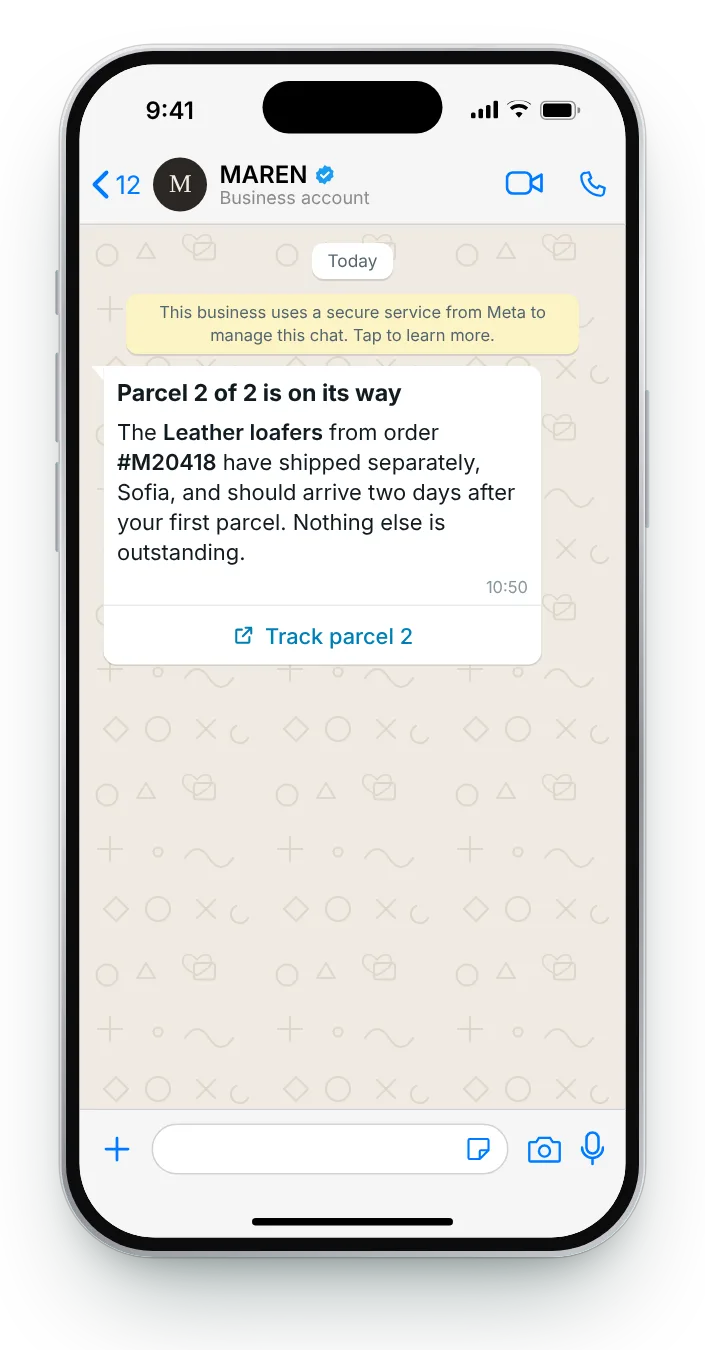
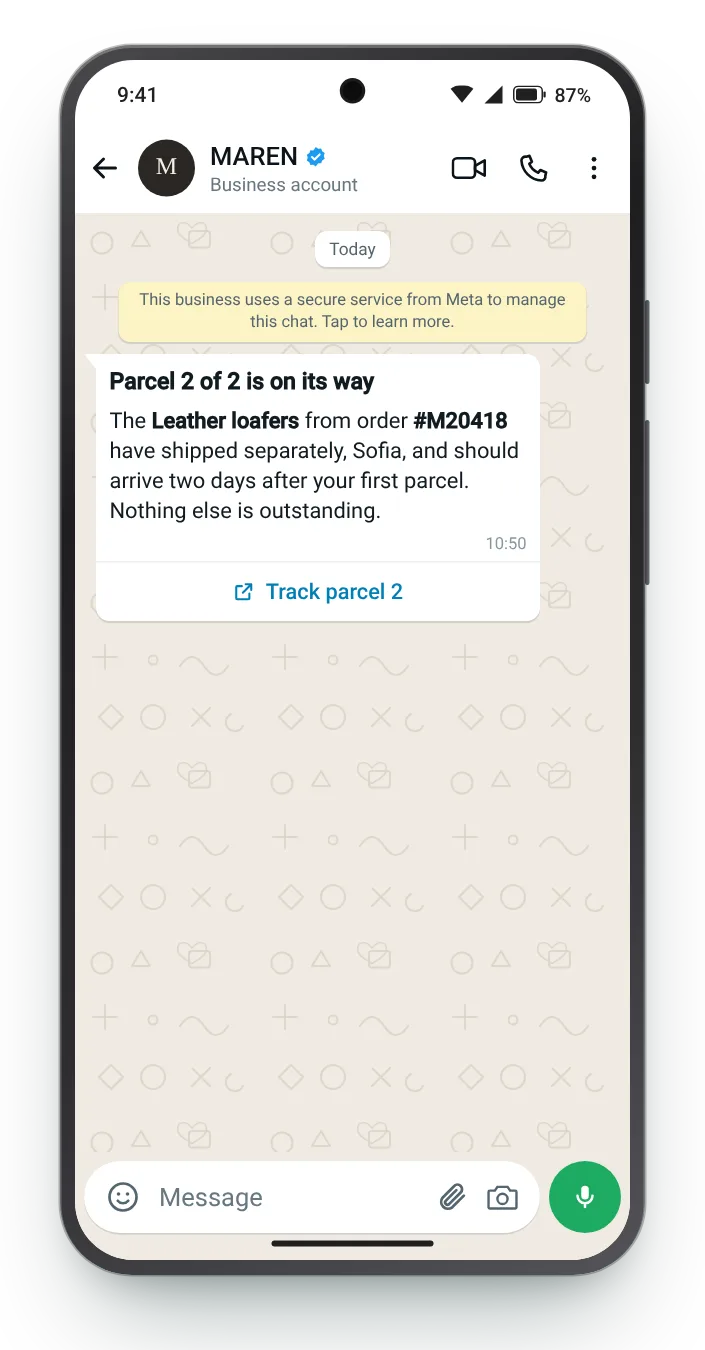
When an order arrives in two parts, the second message should refer back to the first. A text header makes it clear this is the rest, not a duplicate.


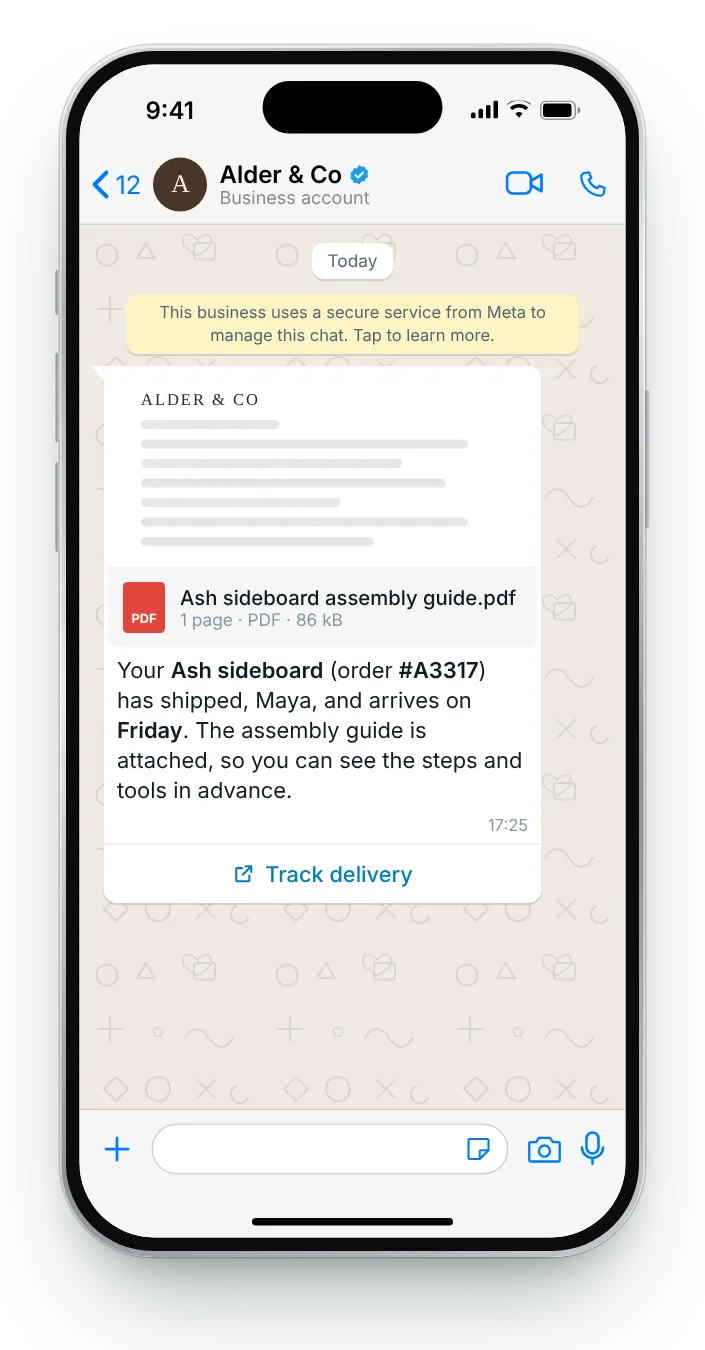
Customers who can read the guide before the box arrives spend less time puzzling over it later. A PDF header keeps it in the chat for when they need it.


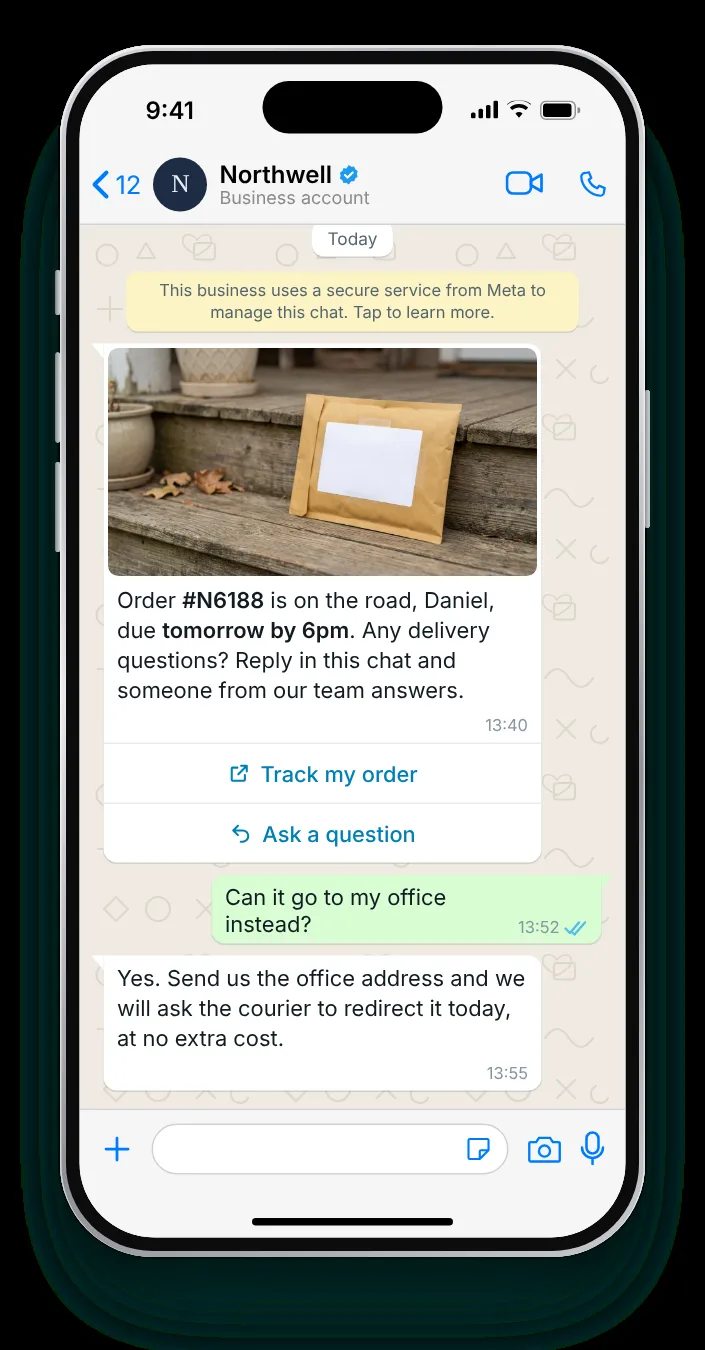
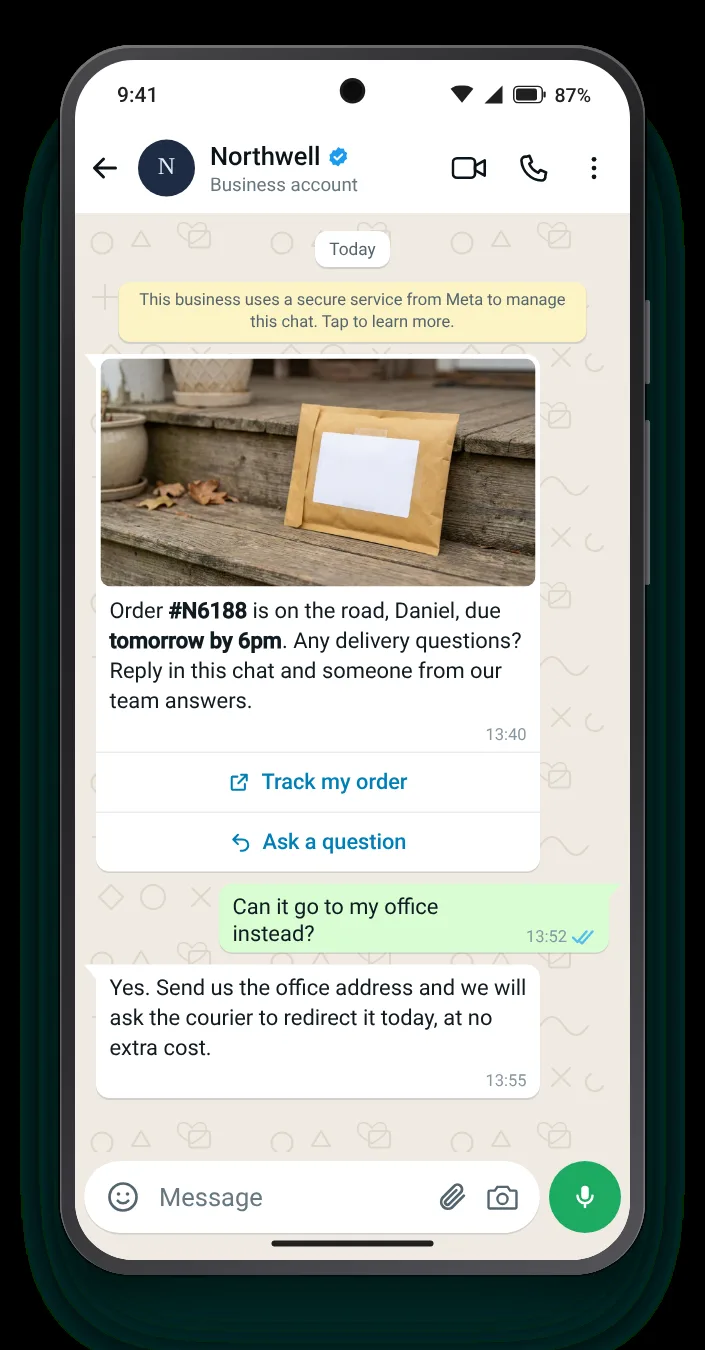
Delivery messages invite questions about timing and safe places. Answering them in the same chat saves the customer a call and your team a ticket.
Choose a delivery type, adapt the carrier, dates and wording, and the chat redraws as you type. Field counters track Meta's caps, while four ticks confirm the basics of a good update.
Bold the date or the window with *asterisks*. Sample values replace {{first_name}} and {{order}} in the preview.


Carriers record dozens of scans. Customers only want to hear about a handful of them. These are the four worth a WhatsApp message.
Not when the label is printed. A tracking link sent before the first scan shows nothing and prompts a 'where is it?' message.
For international orders, one update when the parcel clears customs answers the question customers worry about most.
The morning of delivery, with a window if the carrier provides one, so someone can be in.
When an order splits, each parcel gets its own update that refers back to the order.
Zefir drafts your dispatch templates and fires each update on WhatsApp the moment the parcel reaches a new stage.
Request access See how it worksIt is a utility template that tells a customer their order has shipped or is out for delivery, usually with a tracking button. Zefir sends it from your store's shipping events the moment the parcel moves.
After the carrier's first scan rather than when the label is printed, so the tracking link already shows progress. Zefir triggers the message from the carrier event, not the label.
Yes, a link button for tracking and quick replies for safe places or questions both work in a utility template. Zefir builds those buttons into every template.
Yes, provided it sticks to the shipment itself; any promotion inside it moves it to the marketing category. Zefir writes these updates with no offers in them.
Usually two or three: shipped, out for delivery and, where relevant, a customs or second-parcel update. Zefir sends only the stages you choose.