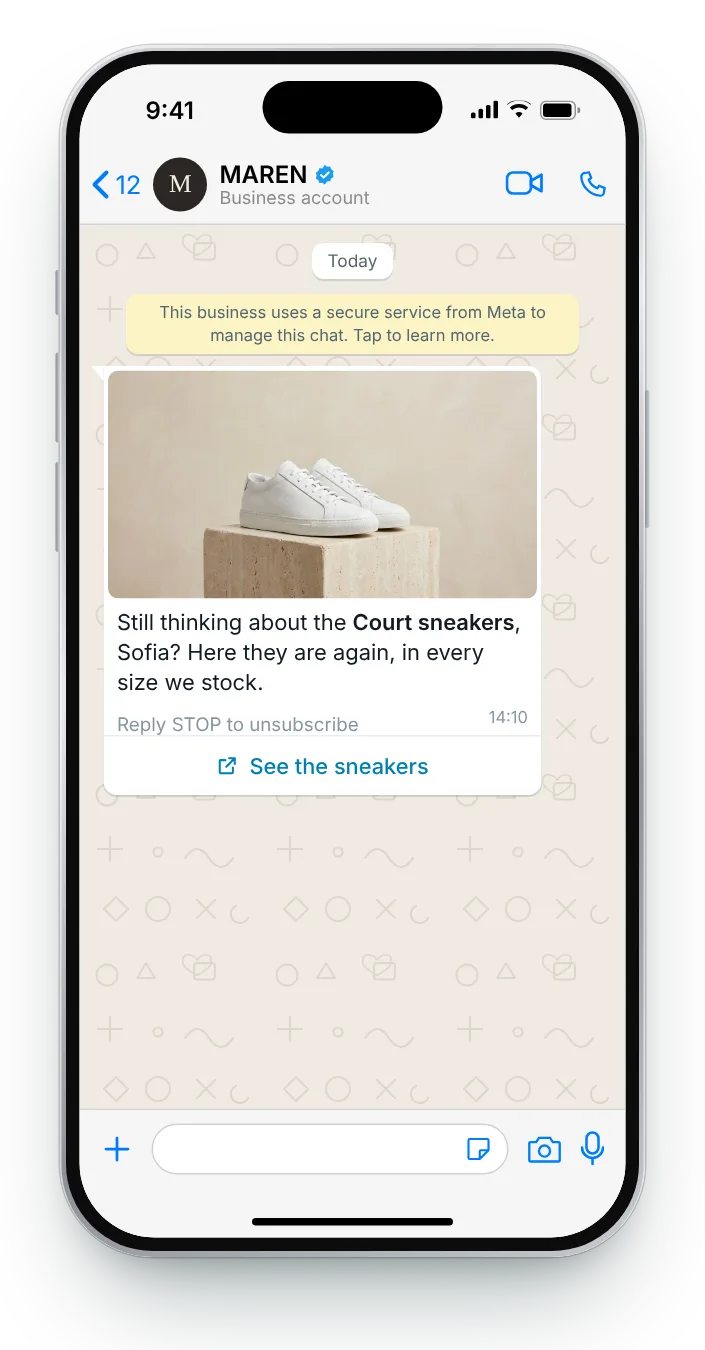

Back to the pair they viewed
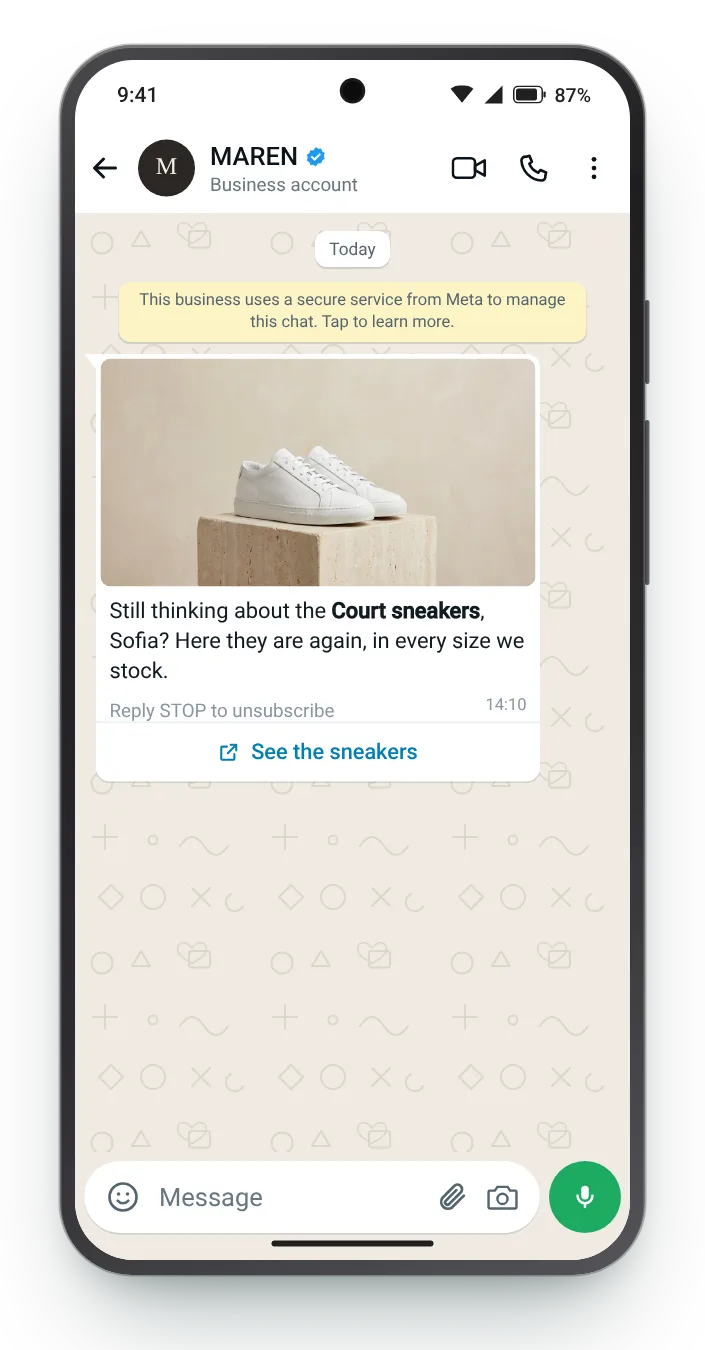
The image header shows the exact pair they looked at. One soft line and a link back is enough, because there is no cart to talk about yet.
Reply STOP to unsubscribe
Button (link): See the sneakers
Someone opens a product page, scrolls, and leaves without adding anything. There is no cart to recover, only interest. These six follow-ups turn that interest into a conversation with a photo, a fit guide or a one-tap question.
Sorted by what the shopper did: one product, several, a whole category or a second look at the same item. Each card opens on an iPhone; the Android button sits under the phone.


The image header shows the exact pair they looked at. One soft line and a link back is enough, because there is no cart to talk about yet.


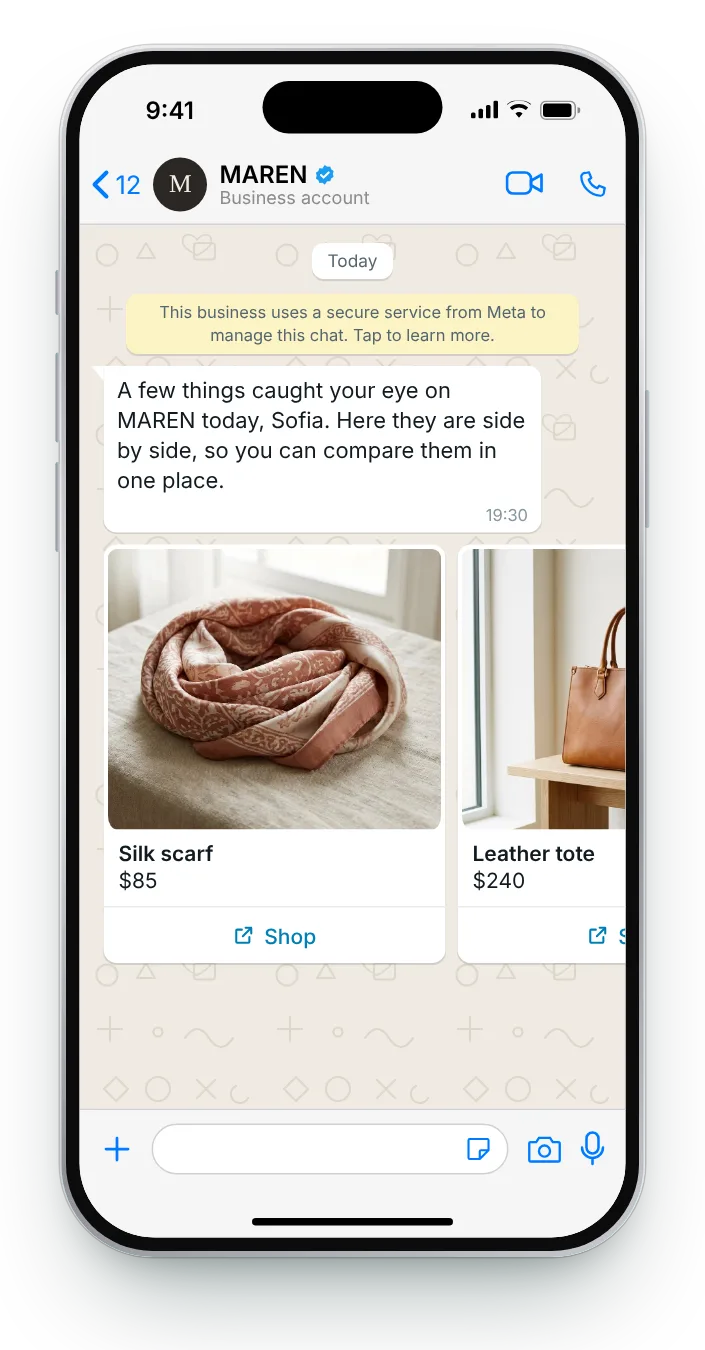
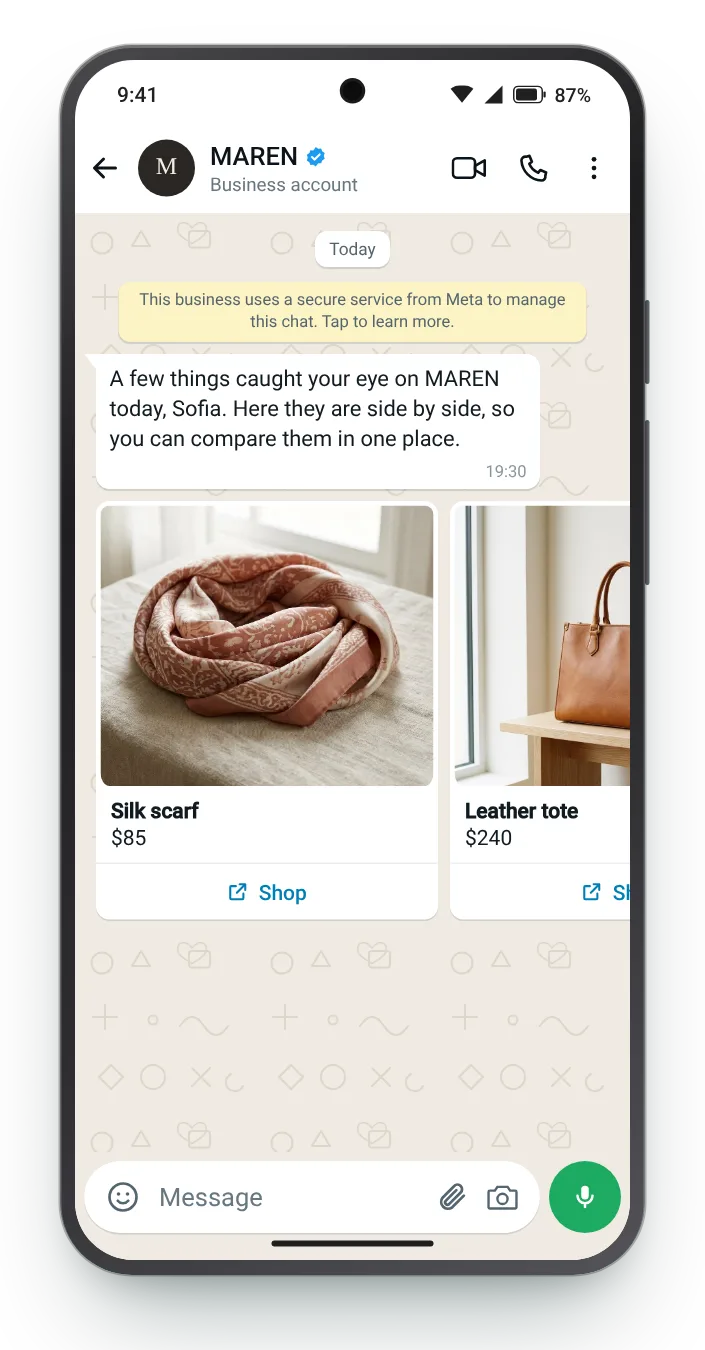
When someone looked at several items, show them all at once. Every card links to its own product page, letting the shopper jump to the piece they were weighing up.


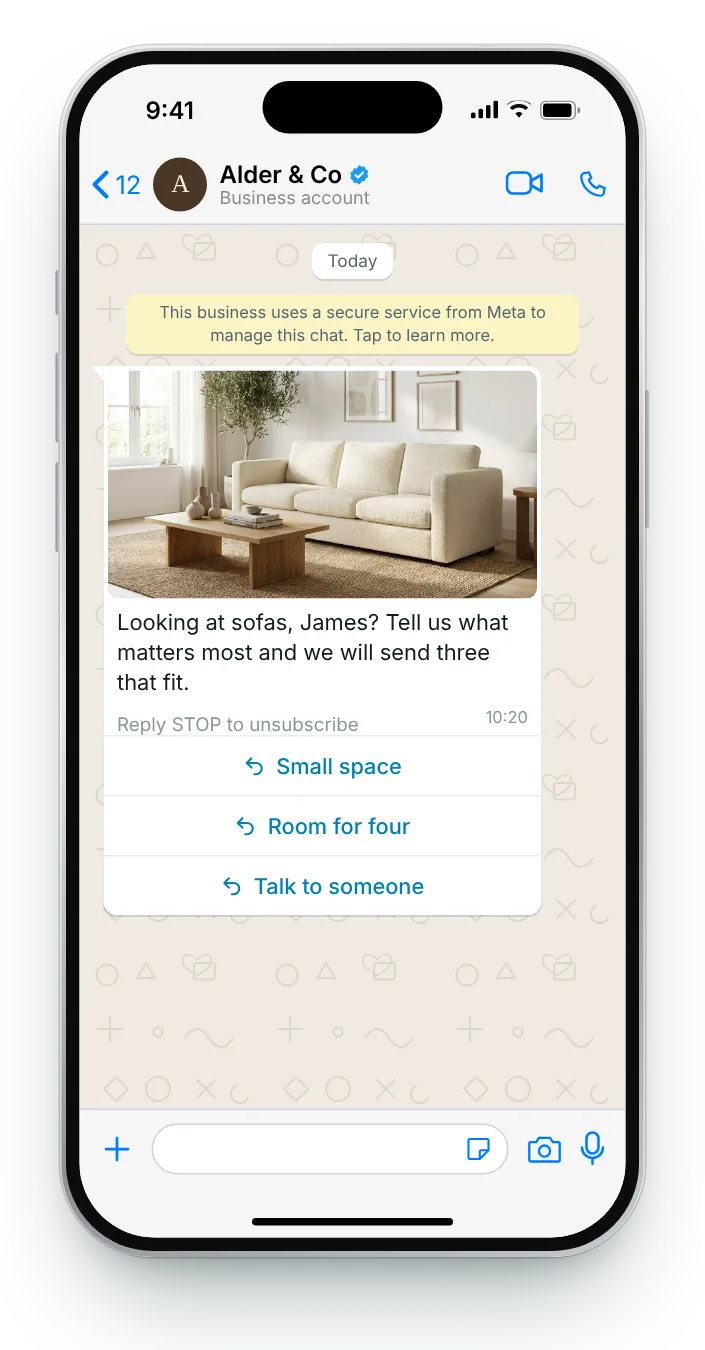
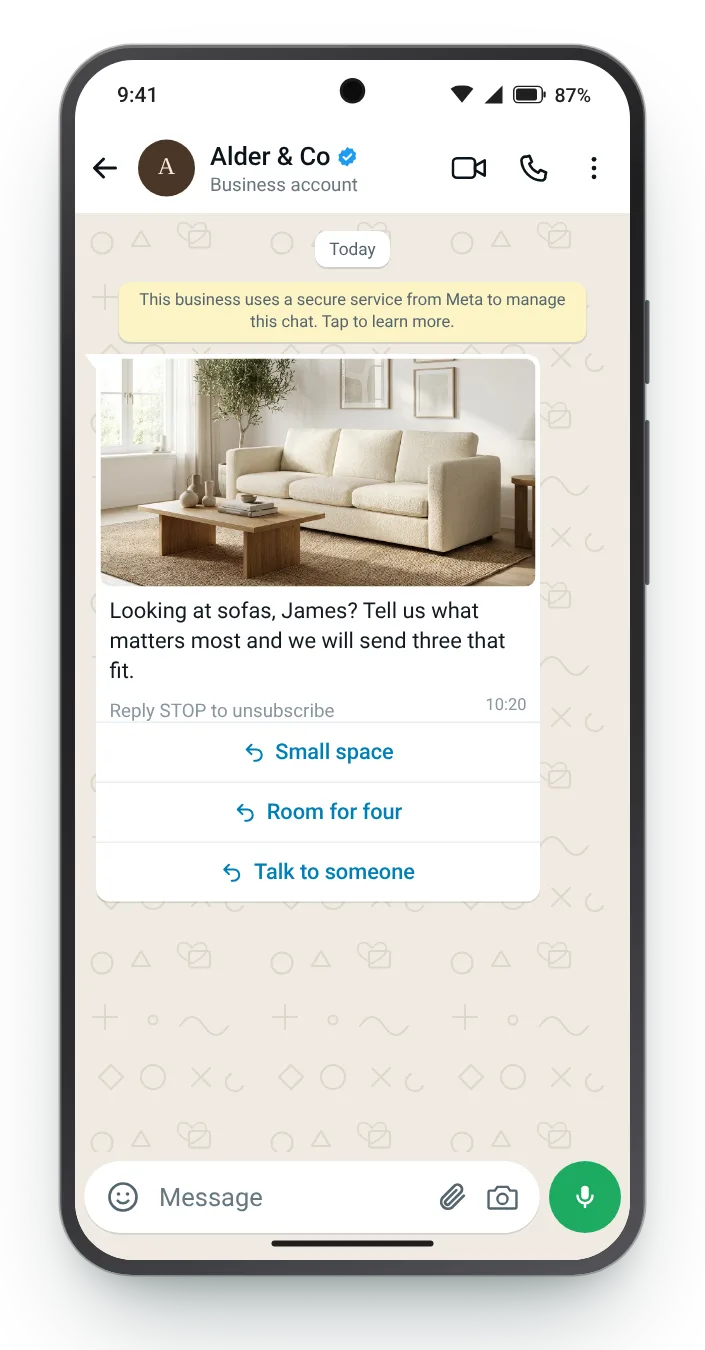
A visit to a whole category says less than a visit to one product. Asking one question narrows the choice and gives you something specific to send next.


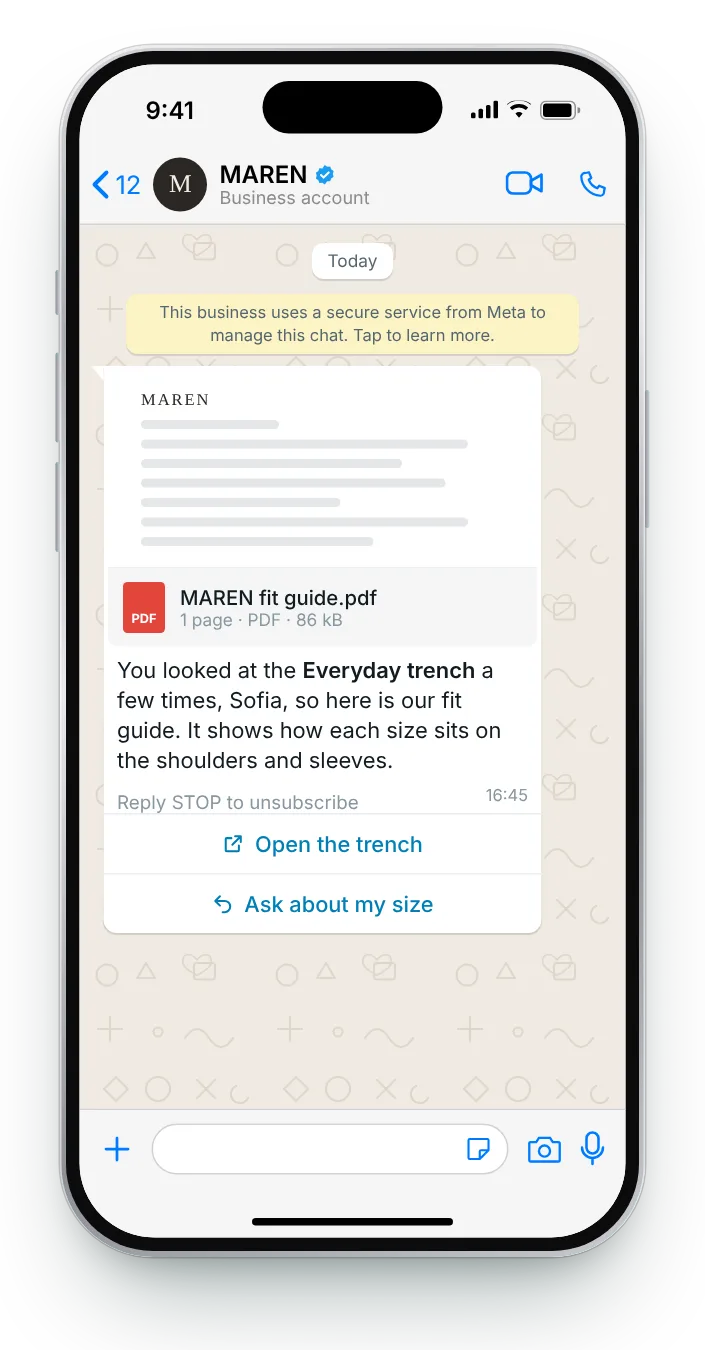
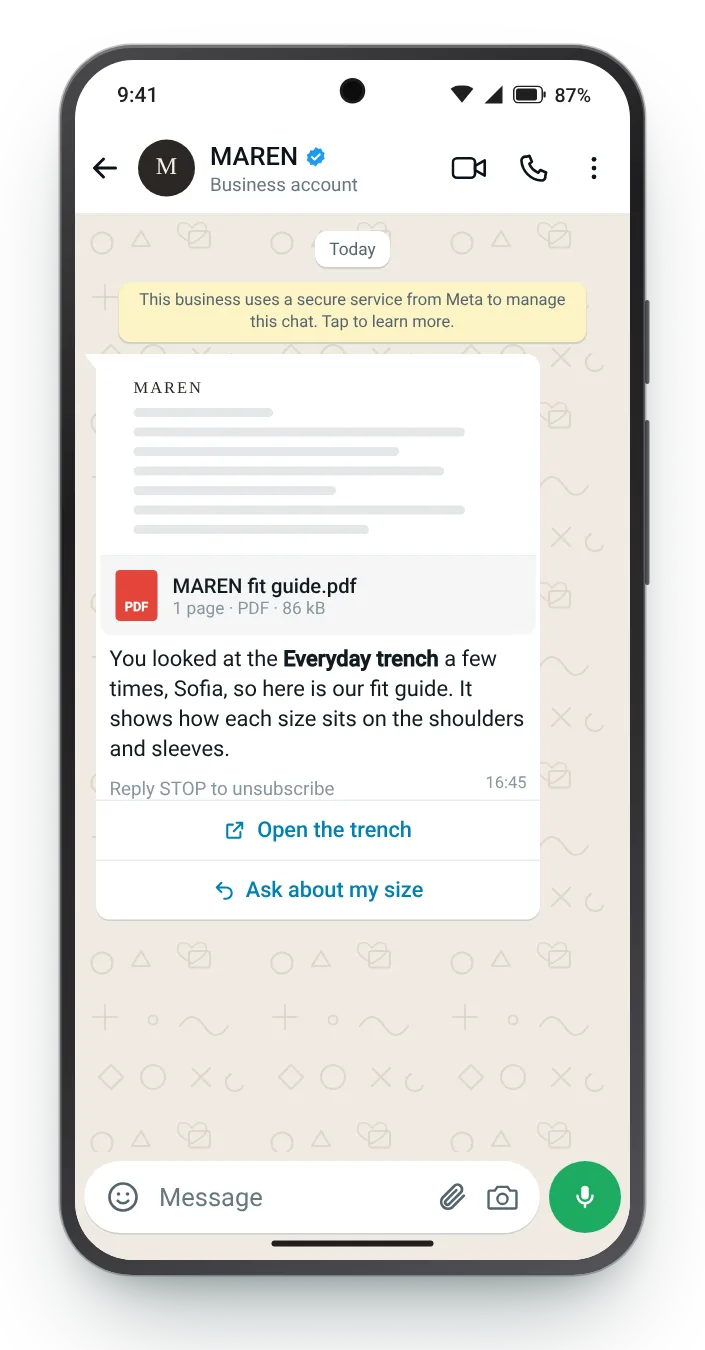
Two visits to the same item suggest an unanswered question. For clothing, a fit guide sent as a document answers the likeliest one.


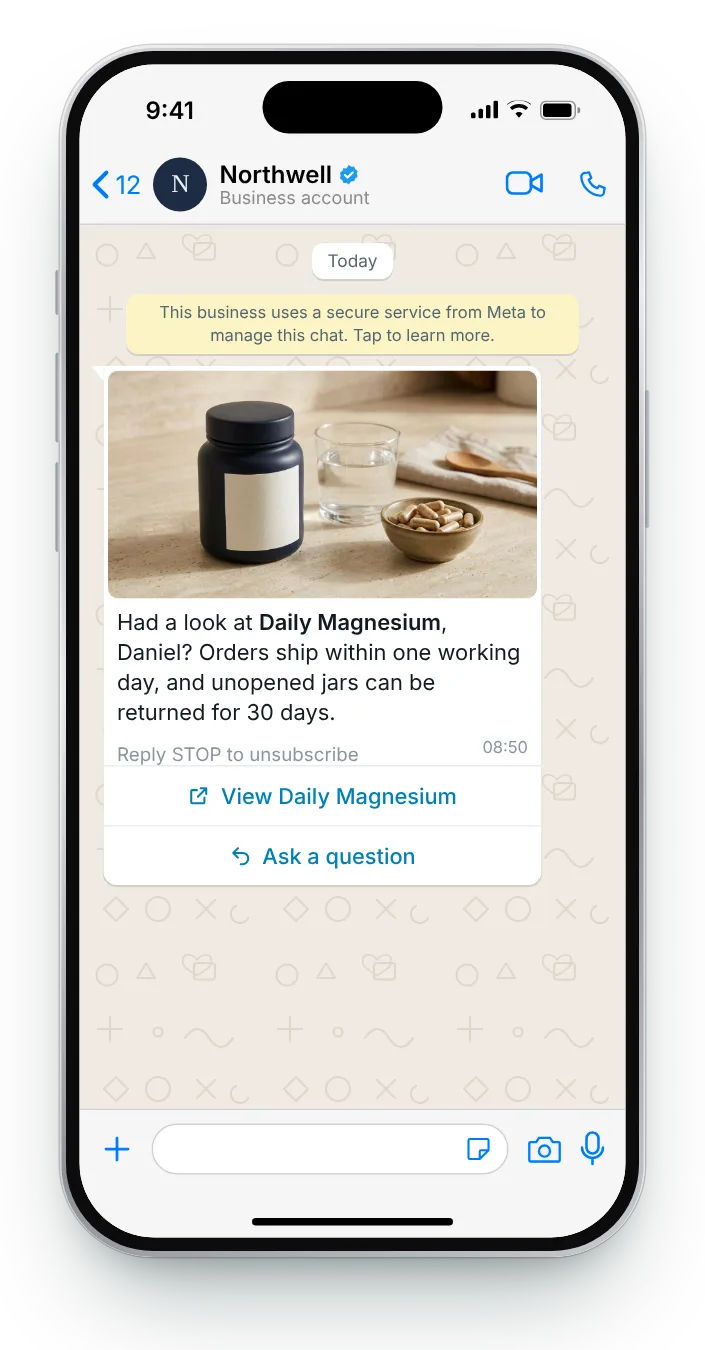
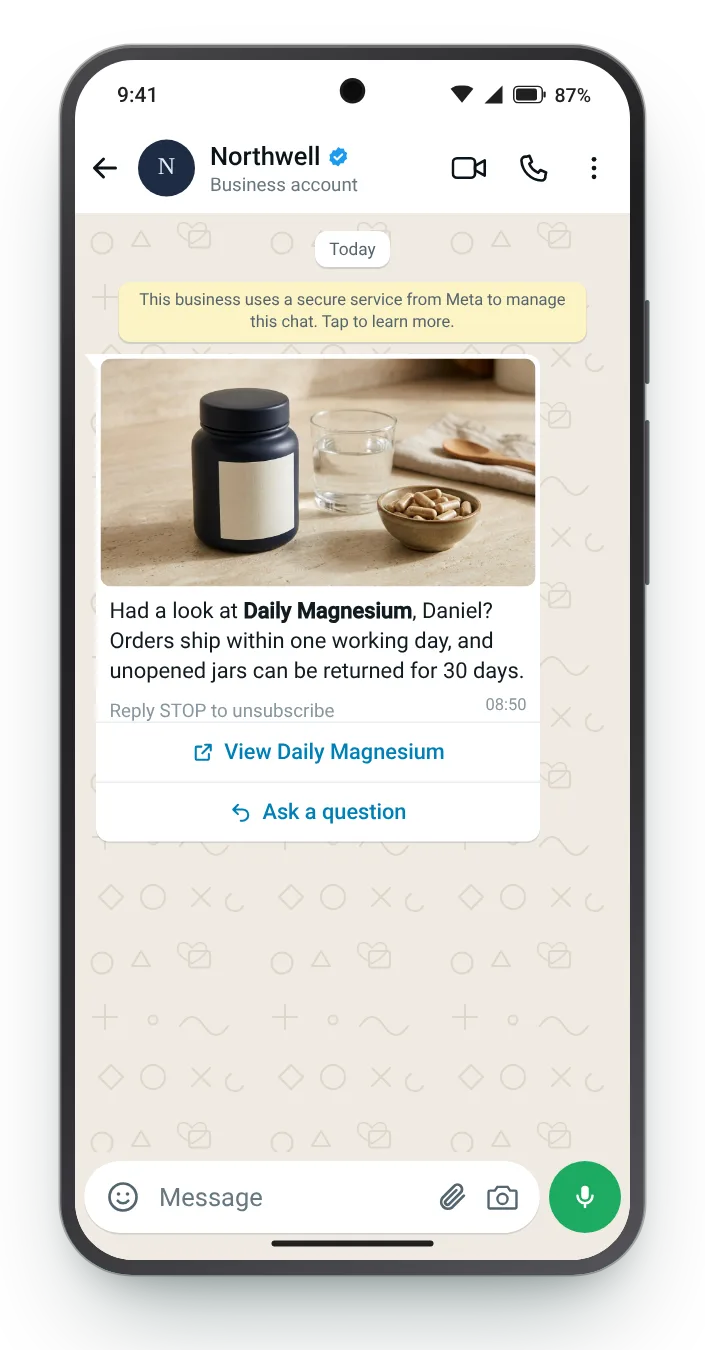
New visitors hesitate over the unknowns: how fast it arrives and what happens if it is wrong. Answering both removes the risk without touching the price.


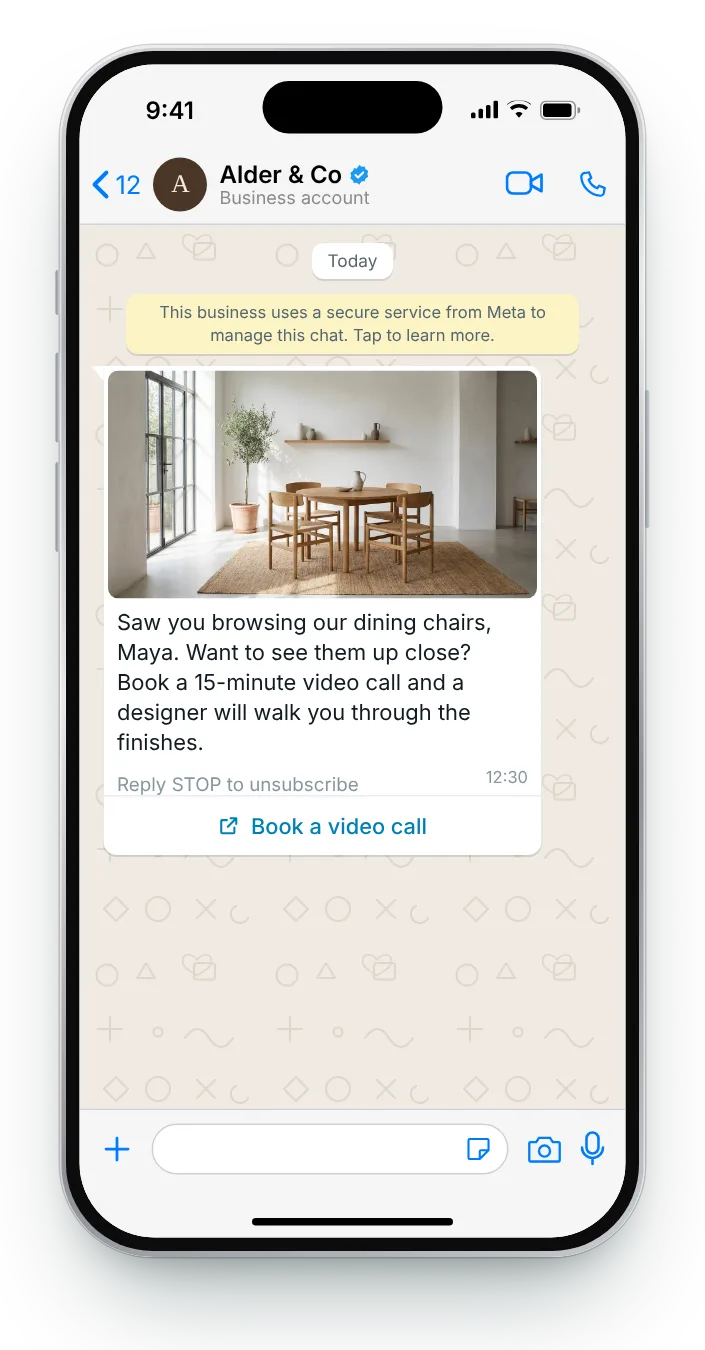
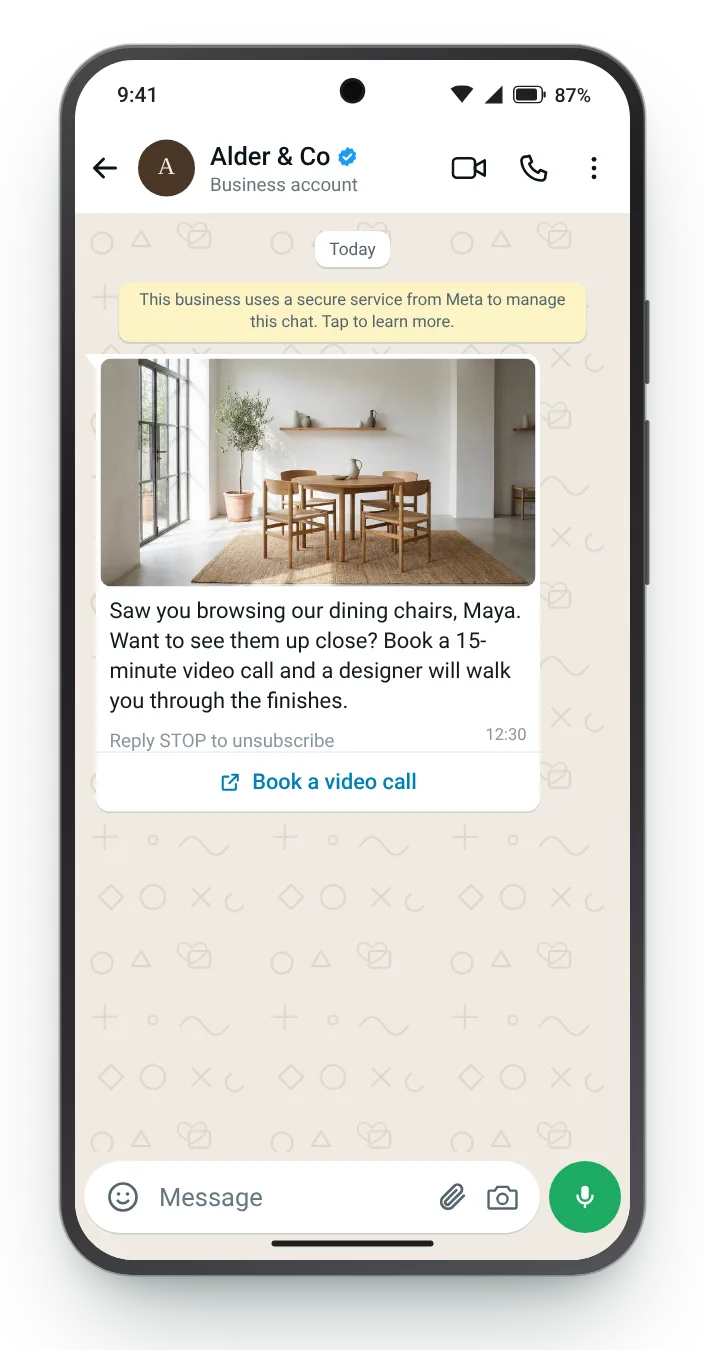
Furniture is hard to judge from a screen. A short call with a person turns 'maybe later' into a date in the calendar.
Choose a follow-up, rewrite it for your products, and watch the chat bubble change line by line. Counters beside each field turn dark once you pass Meta's limit, and the checklist catches the rejections that come up most.
Wrap a product name in *asterisks* to make it bold. The preview swaps {{first_name}} for a sample name.


Send too eagerly and a follow-up feels like being watched. These are the signals worth acting on, and the ones to leave alone.
A return visit to the same page is a stronger sign than a single click, and a good trigger for help with fit or choice.
A visitor who scrolled the reviews and the size chart is weighing it up. One who left in seconds is not.
You can only message visitors you can identify who gave you permission to message them on WhatsApp.
Check for an order before sending, so nobody gets a nudge about something already on its way.
Zefir picks up product views from your store, writes the follow-ups with you and sends them on WhatsApp, then shows which message started each order.
Request access See how it worksIt is a follow-up sent to an opted-in shopper who viewed a product but left without adding it to the cart. Zefir triggers each one from product views in your store and writes the templates with you.
A cart reminder brings back someone who chose items and stopped at checkout, while a browse follow-up responds to interest that has not become a choice yet. Zefir writes and sends both kinds, each from its own store event.
Wait a few hours rather than minutes, and send one message per visit. Zefir lets you set that delay once for every follow-up.
No, only visitors you can identify who opted in to WhatsApp marketing from your store. Zefir keeps that consent on record for every contact.
Usually not, because the shopper has not chosen anything yet; answers about fit, delivery or choice are a better first step. Zefir attributes revenue per message, which makes that easy to test on your own store.