Checkout verification code
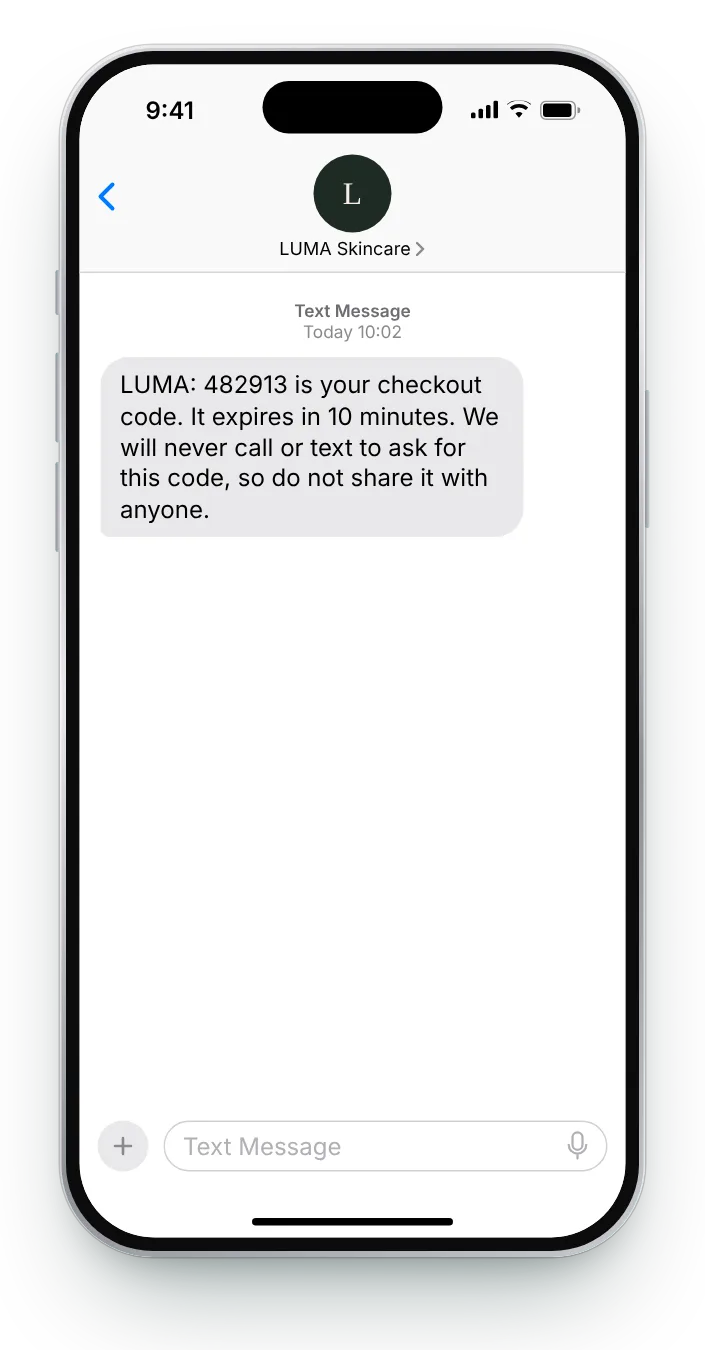
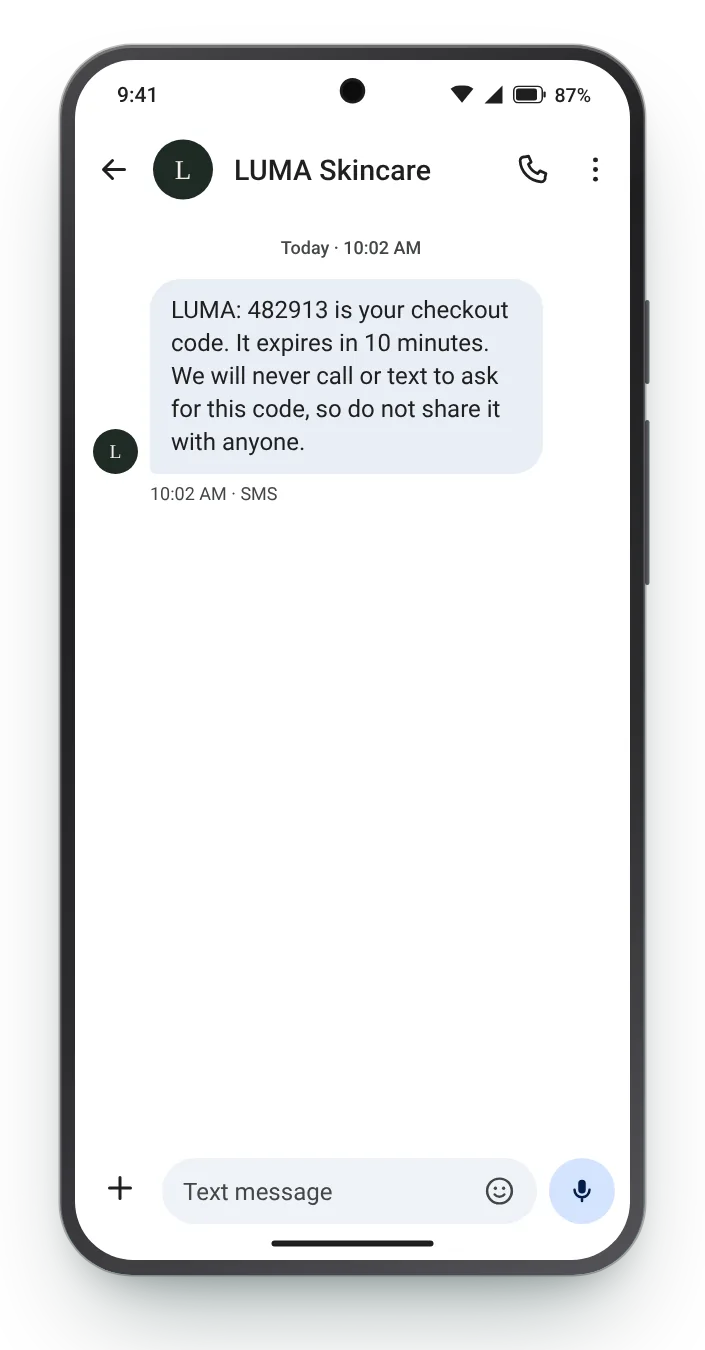
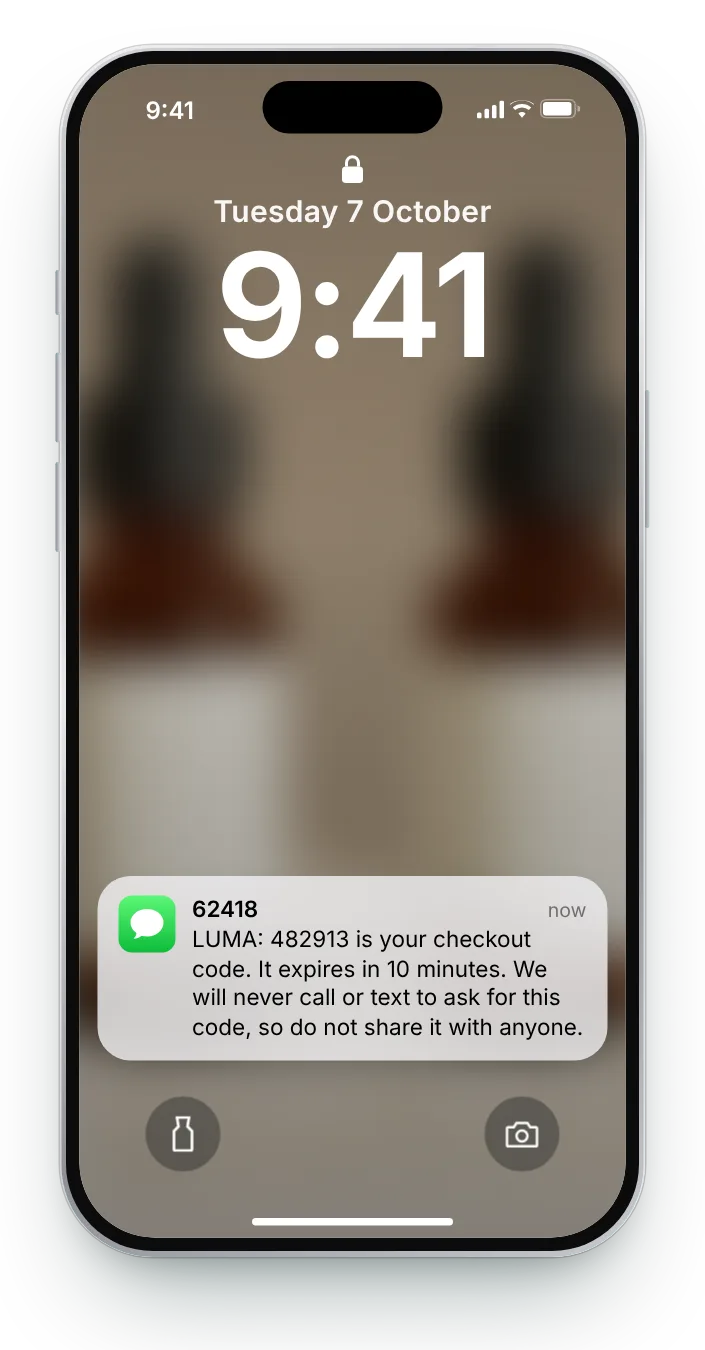
The code comes first so it can be read straight from the notification. Saying how long it lasts, and that you will never ask for it, protects the customer from anyone who does.
A customer who has just paid reads every update you send. This page covers the ones most stores improvise: a checkout code, a parcel split in two, a delivery slot to book. All seven stay under 160 characters, with an iPhone and an Android preview.
Each moment has a long version with every detail and a short one for when space is tight. Tap the phone icons to compare platforms, then copy whichever version is on screen.


The code comes first so it can be read straight from the notification. Saying how long it lasts, and that you will never ask for it, protects the customer from anyone who does.


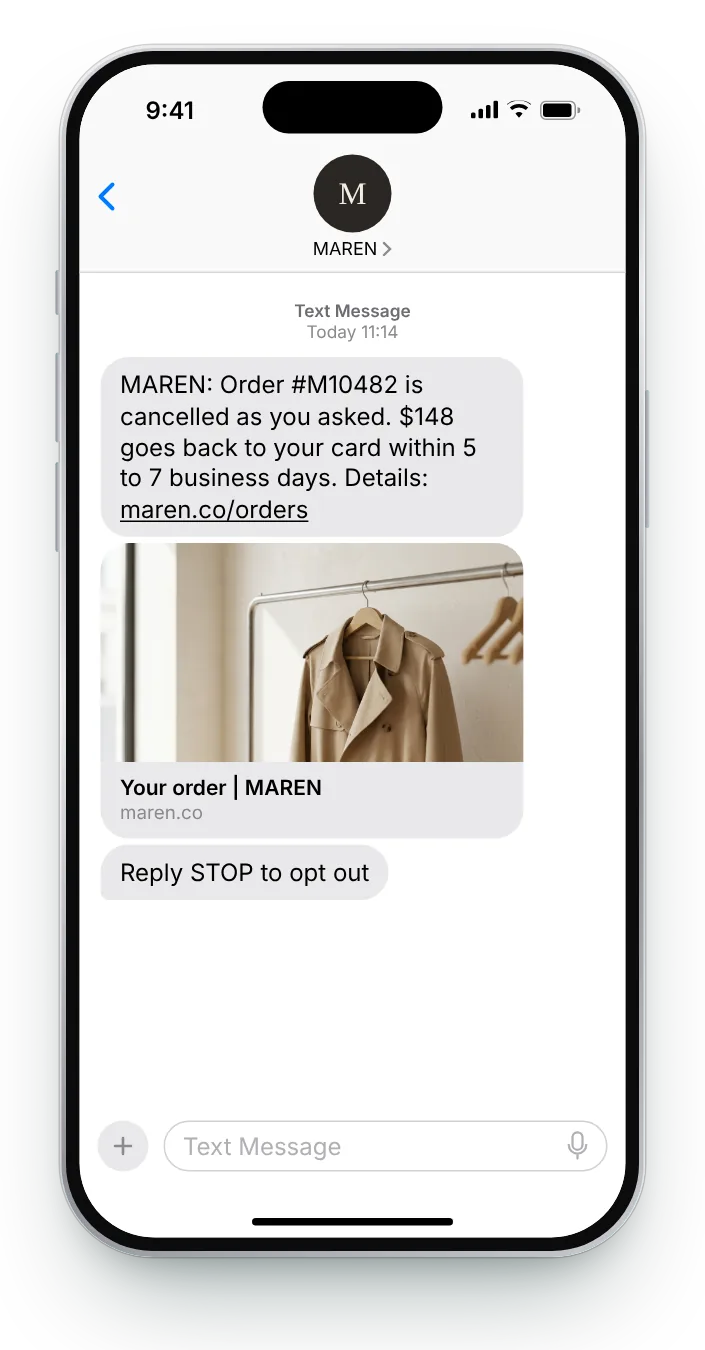
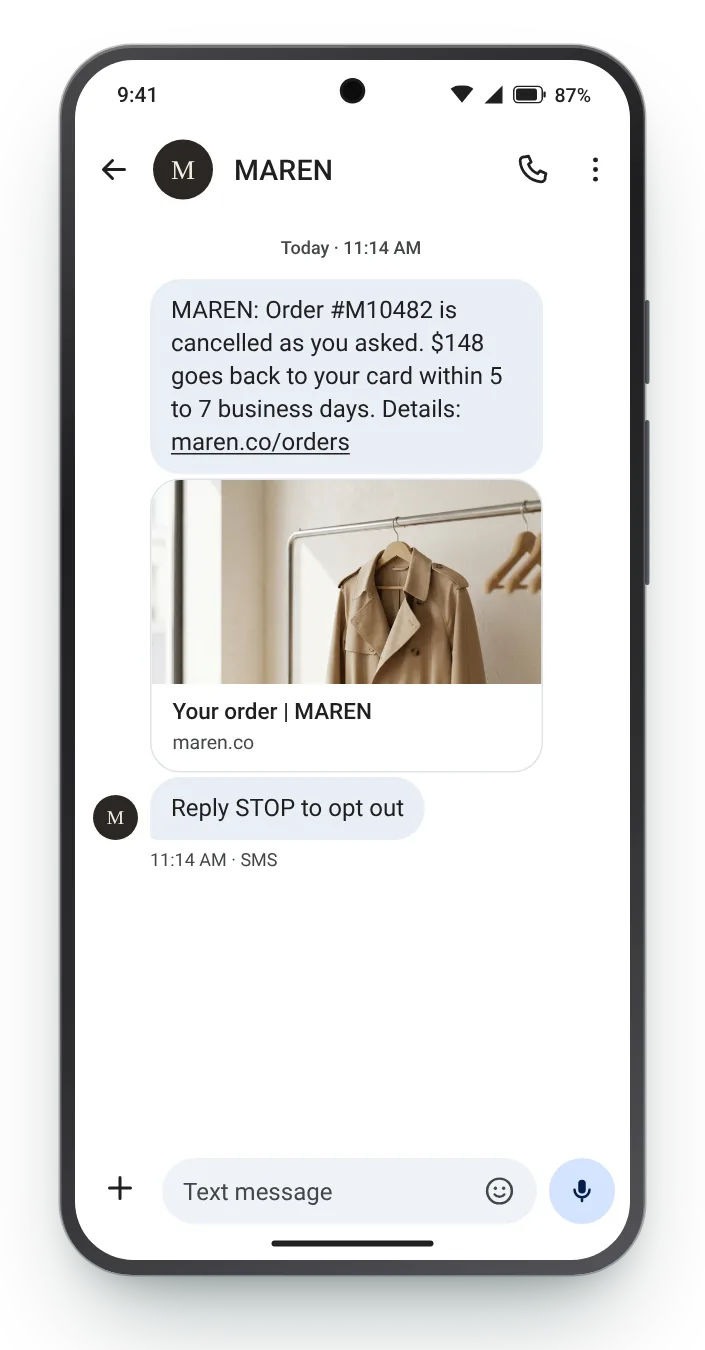
Confirm the cancellation and the money in the same text, with the amount and the timing. It answers the two questions that would otherwise arrive at your support inbox.


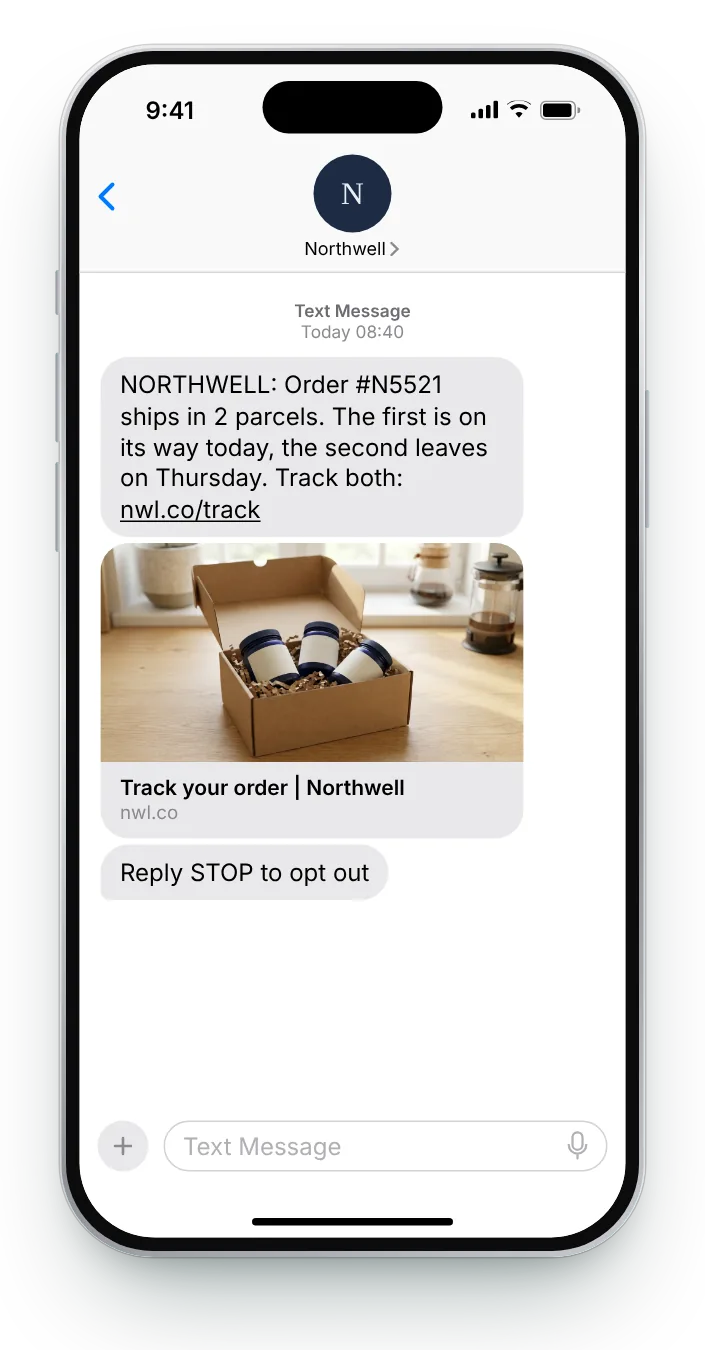
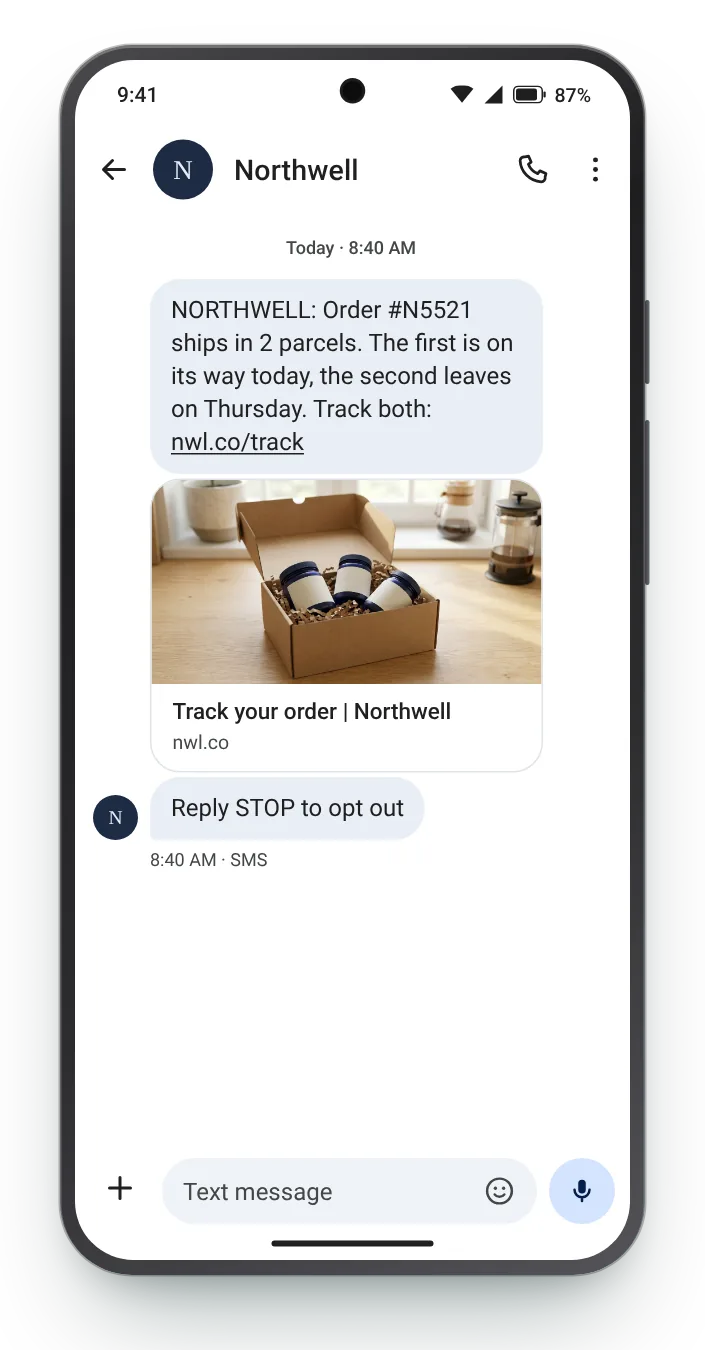
A customer who receives half an order assumes the rest is lost. Say up front that it comes in two parts and when the second one leaves.


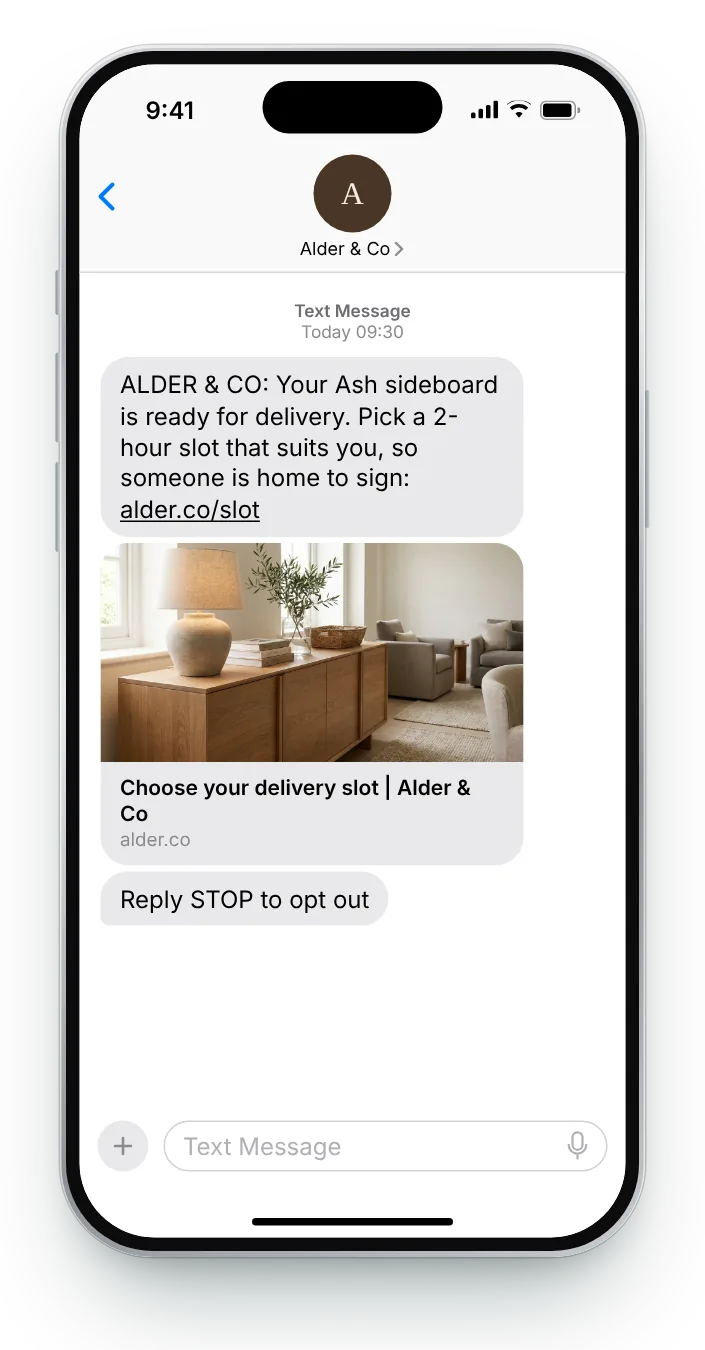
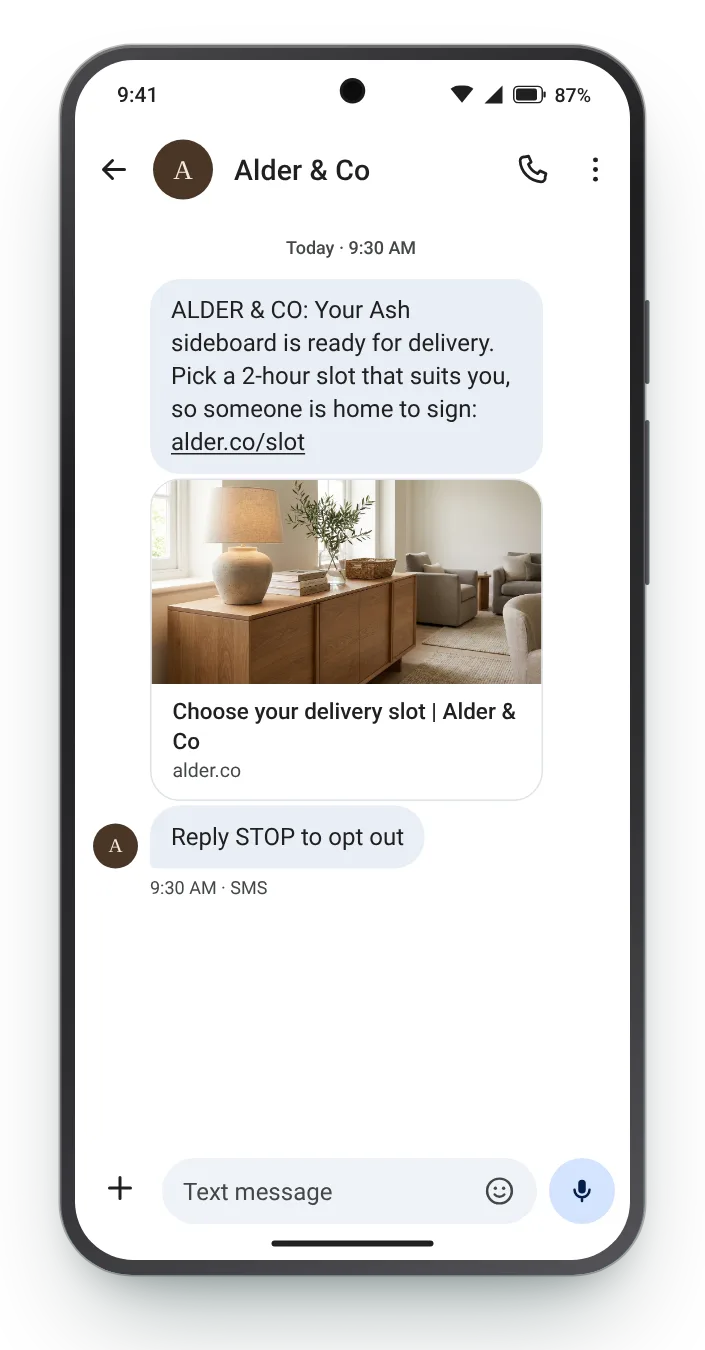
Furniture needs someone at home to receive it. Letting the customer pick the slot by text heads off a missed delivery and a second trip.


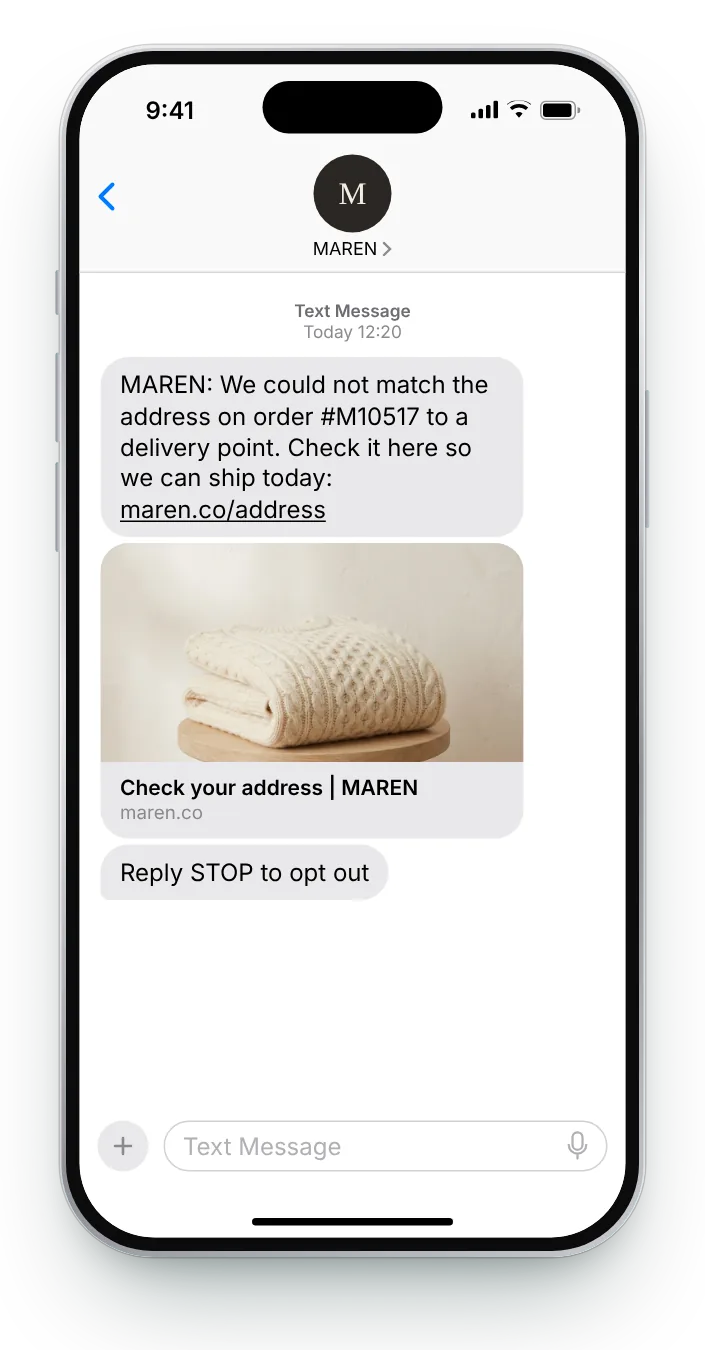
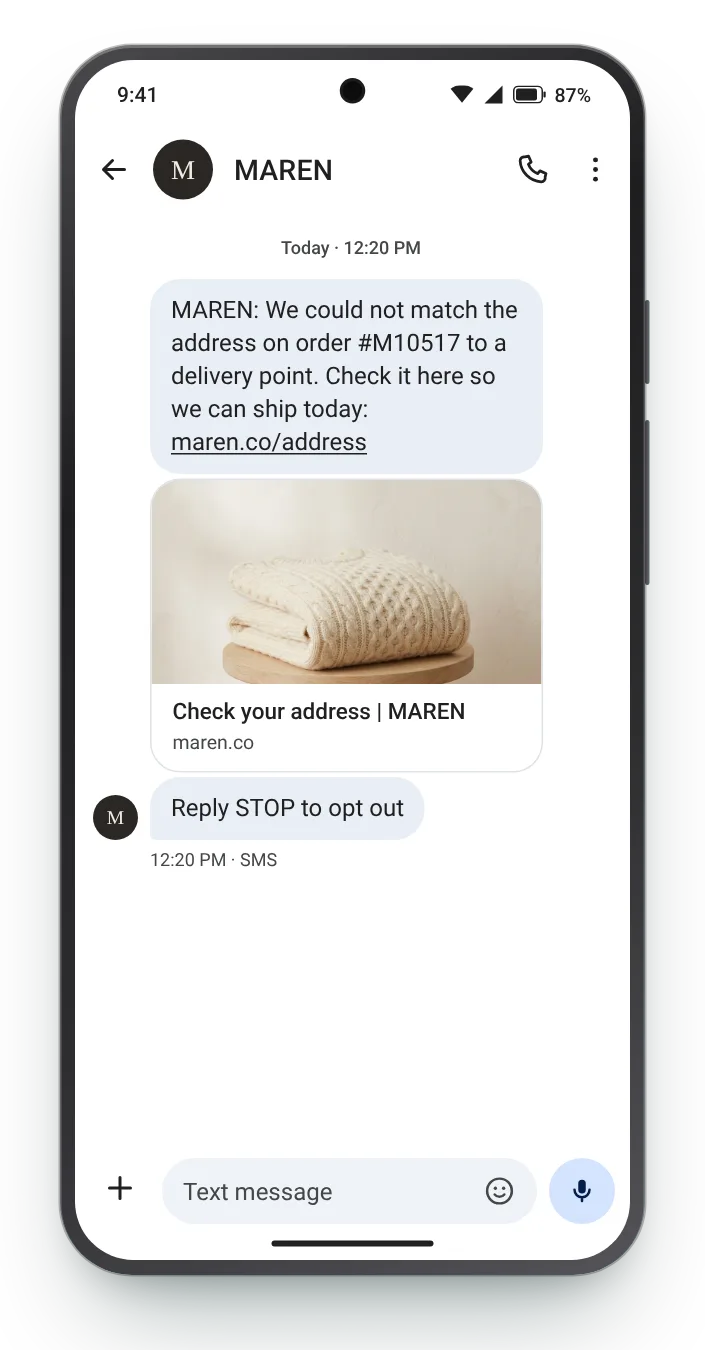
A wrong address caught before dispatch costs nothing; after dispatch it costs a return. Ask once, with a link, and say what happens next.


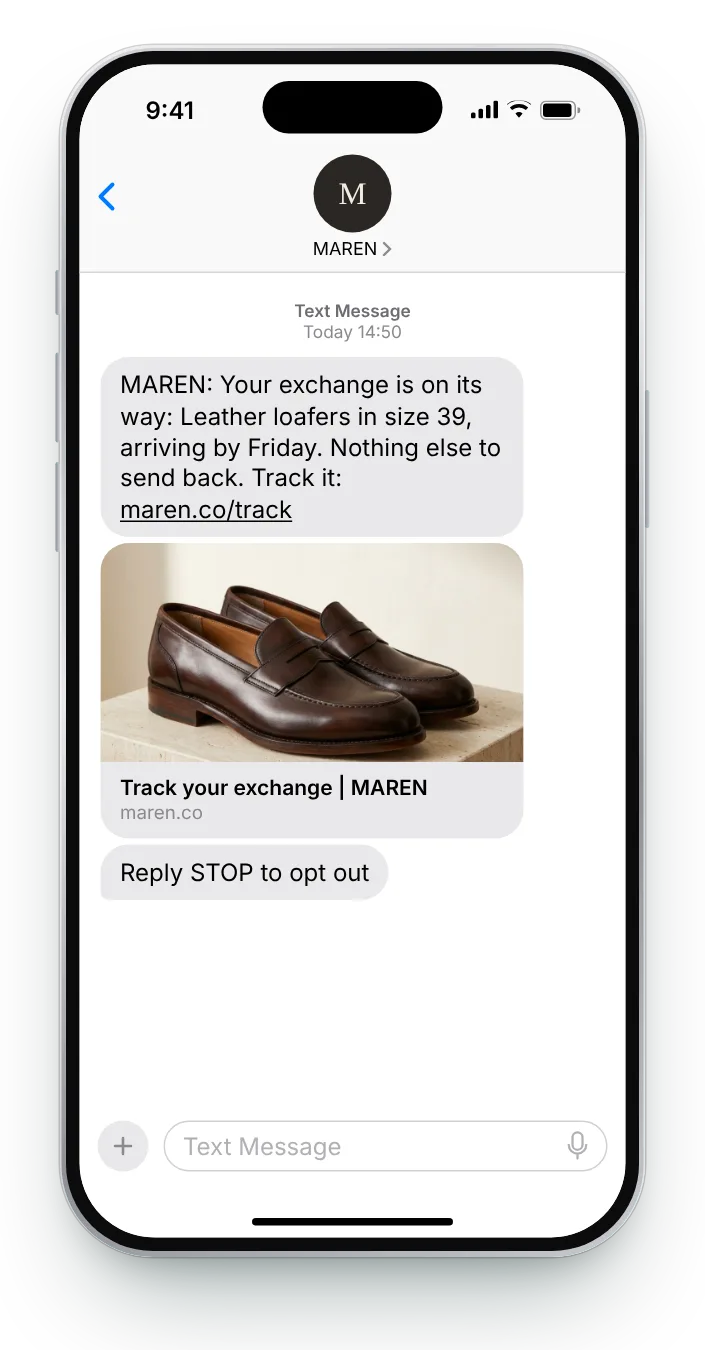
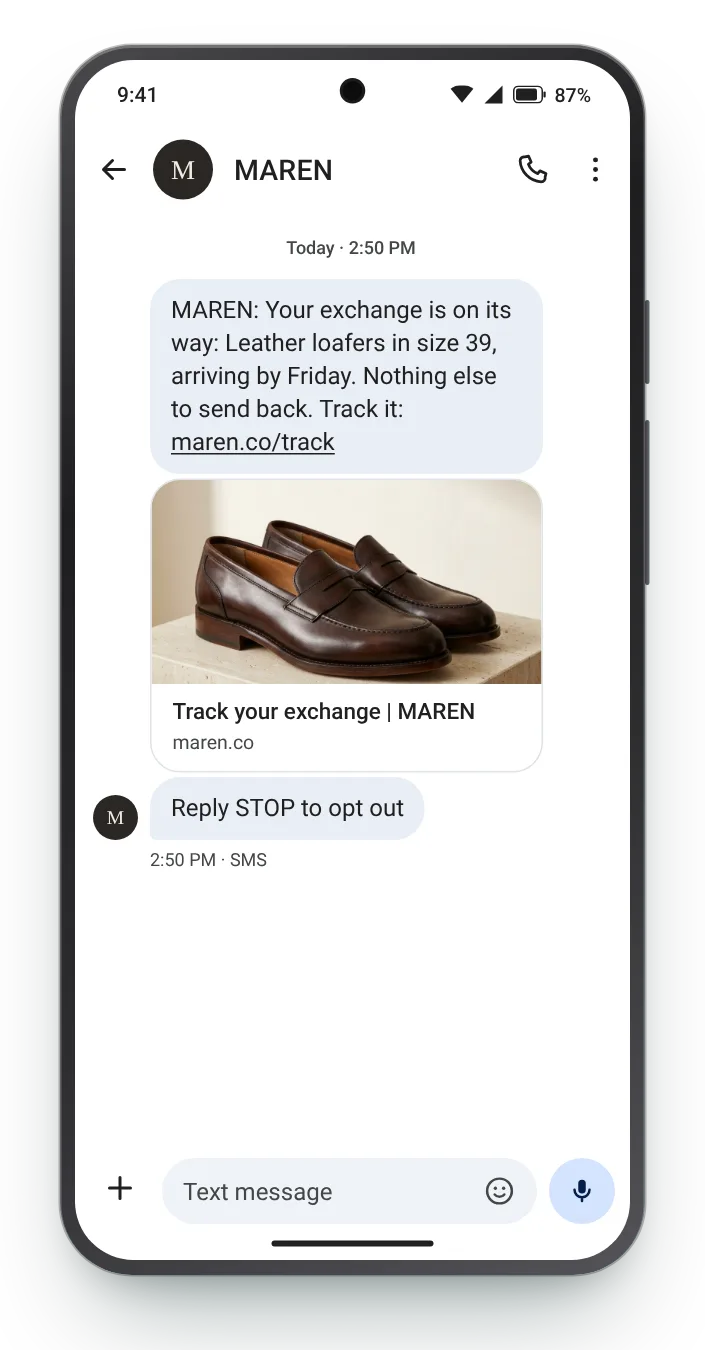
Name the new size so the customer knows the right item is coming, and say they have nothing more to send back.


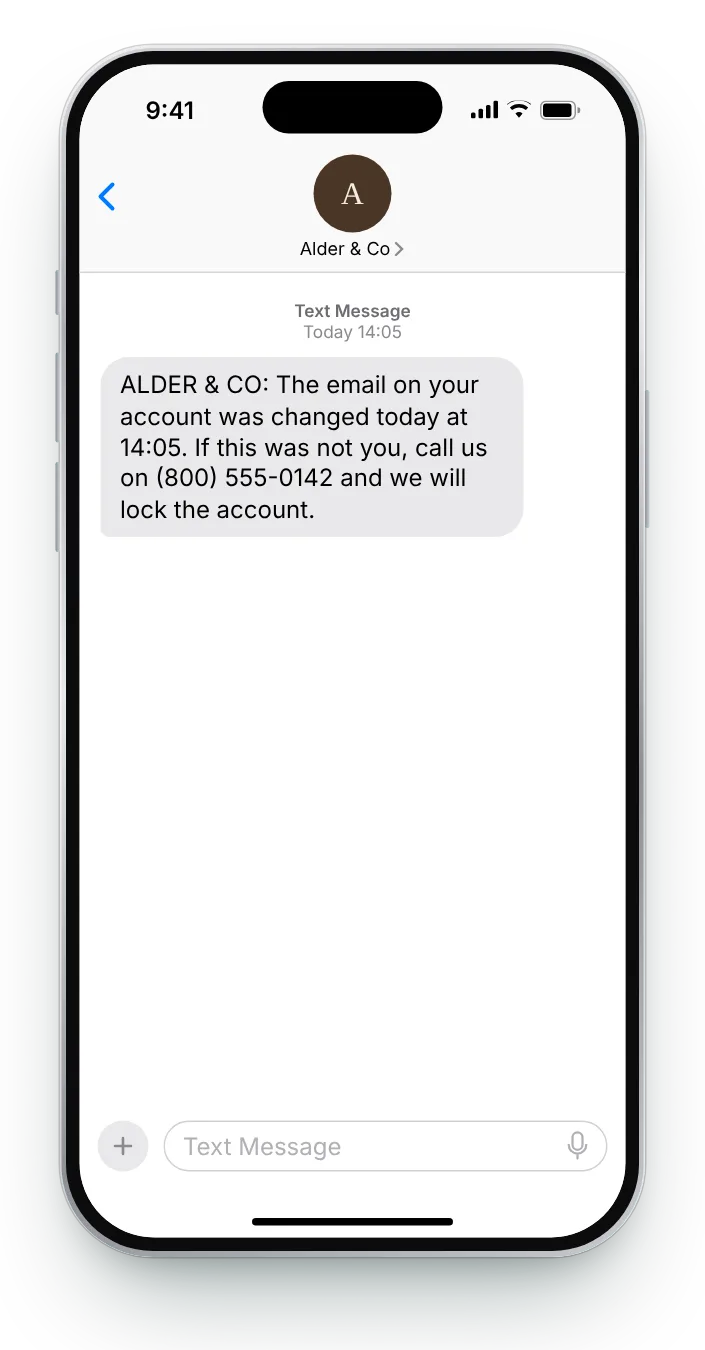
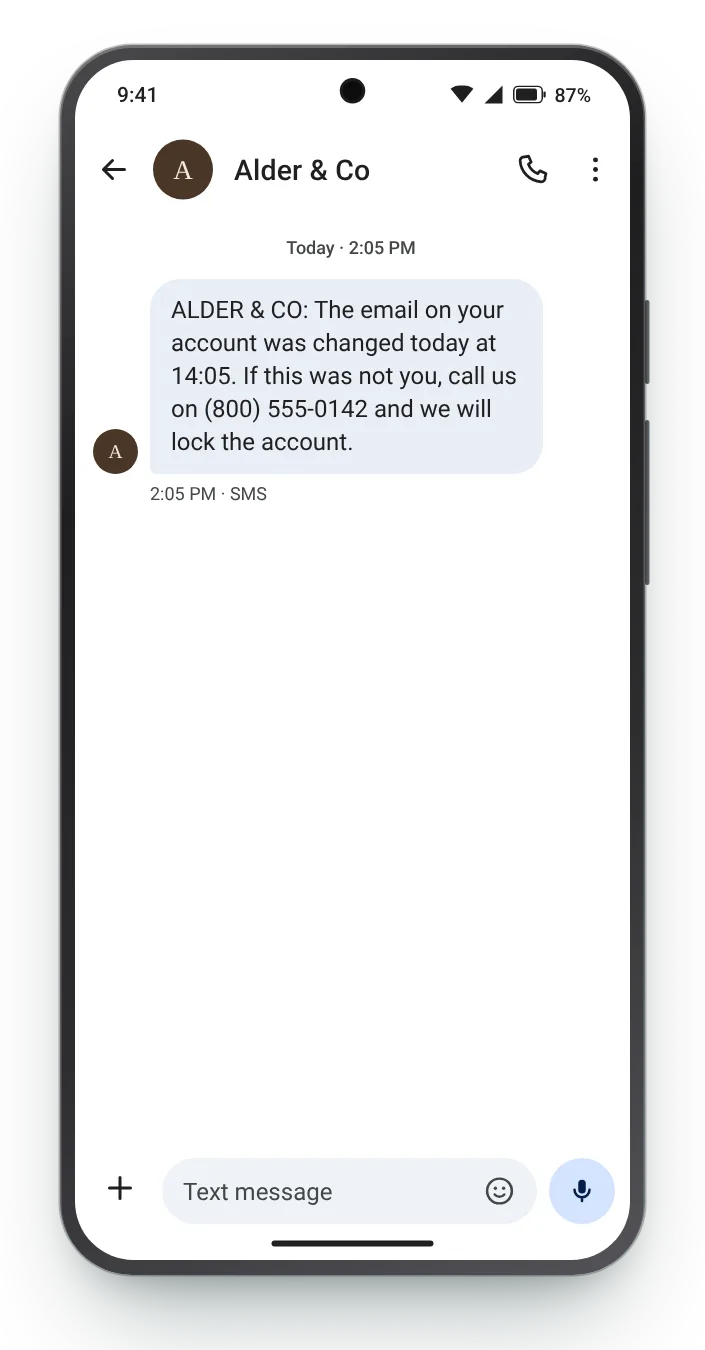
Security alerts work when they are specific and have no link to click. Say what changed and give a number to call if it was not the customer.
Load a moment, then change the order number, the date or the tone. Carriers bill by segment, and the bars under the box show how many you would pay for on every send.


Nobody opens a text just to copy six digits. The preview on the lock screen is where the fact has to sit.
Open with the code, the order number or the date. Greetings can wait until after the part the customer needs.
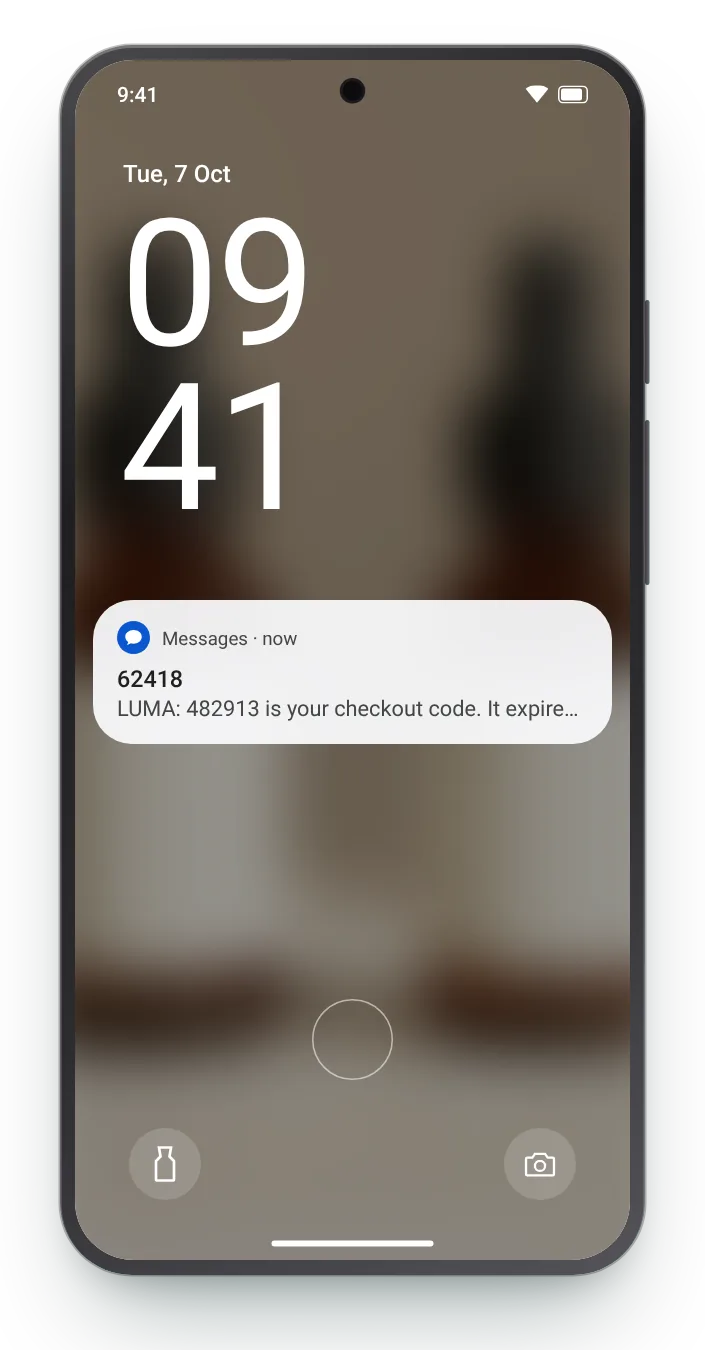
An iPhone banner fits several lines. Collapsed on Android, the same message is cut after one, so test the shorter view.
The customer needs the digits and nothing else. A link would only make them wonder whether the text is real.
Zefir connects to your store, writes the service messages with you and sends each one over SMS or WhatsApp as the event happens. You can be live within 72 hours.
Request access See how it worksAny text triggered by the customer's own order or account, such as a code, a cancellation or a change to their delivery, with no offer in it. Zefir sends these from your store's events on SMS and WhatsApp, the moment each event happens.
A transactional text reports on something the customer already did, while a promotional text asks them to buy something new. Zefir writes both kinds for you and keeps offers out of the service messages.
Codes and security alerts are usually sent without one, while ongoing order updates often carry an opt-out line. Zefir builds consent records, opt-outs and quiet hours into every text it sends.
The ones where the customer is waiting for news: a code they asked for, a change to their order, a parcel on the move or a problem with the address. Zefir connects to those events in your store, so nobody has to send the texts by hand.
Yes, a link to the order or tracking page is normal, but leave it out of codes and security alerts, where the customer needs nothing to tap. Zefir previews every link on iPhone and Android before a message goes live.