In transit

SMS Shipping Notification Templates, Warehouse to Van

Once an order leaves, the buyer wants to know two things: where it is and when it gets there. A good shipping text answers both without making them dig through email. This page has six, one for each stage between the warehouse and the van.

Select a stage
Left the warehouse, with a link to follow it shipping text on an iPhoneLeft the warehouse, with a link to follow it shipping text on an Android phone Shipped, for iPhone and AndroidSee it →
Warehouse to van

Shipping update texts at each stage of transit

Dispatch, the wait for a first scan, a parcel that needs a signature, express orders and the morning of delivery. Every card carries a complete text and a shorter one for tight carriers.

Left the warehouse, with a link to follow it shipping text on an iPhoneLeft the warehouse, with a link to follow it shipping text on an Android phone
Template 01 · Shipped

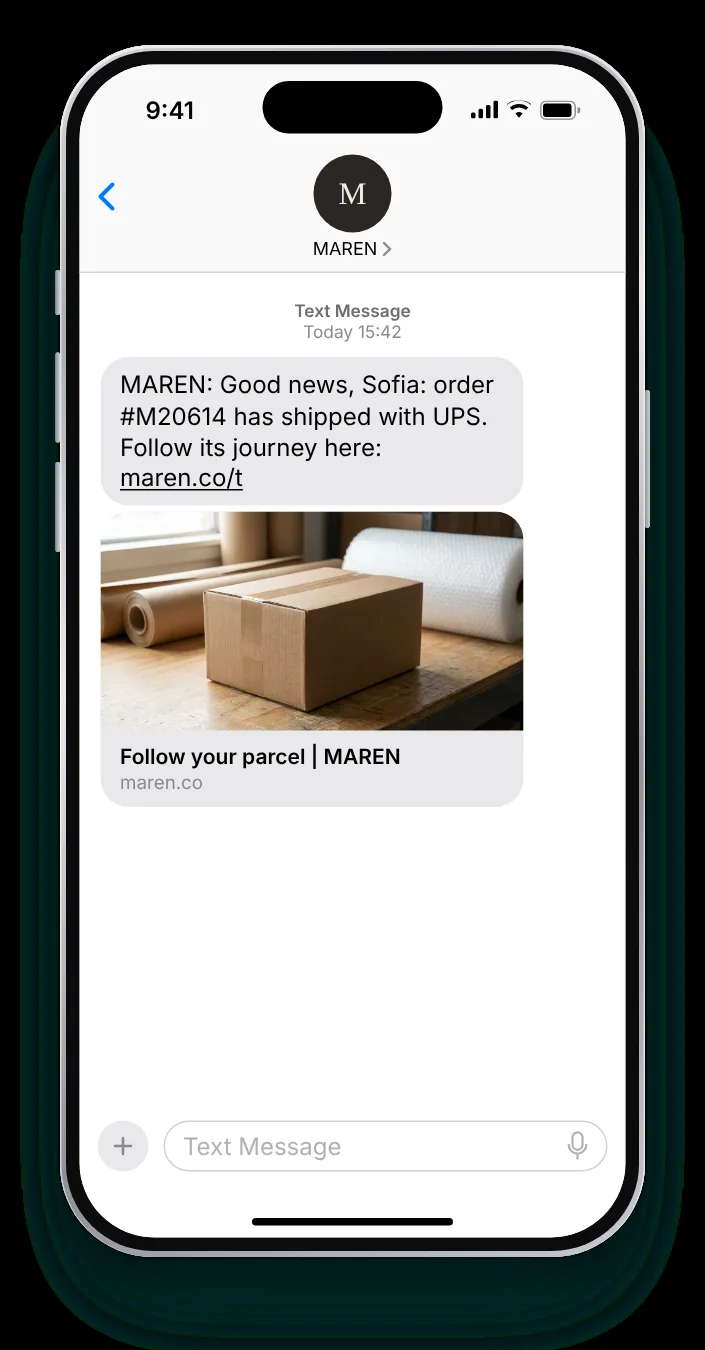
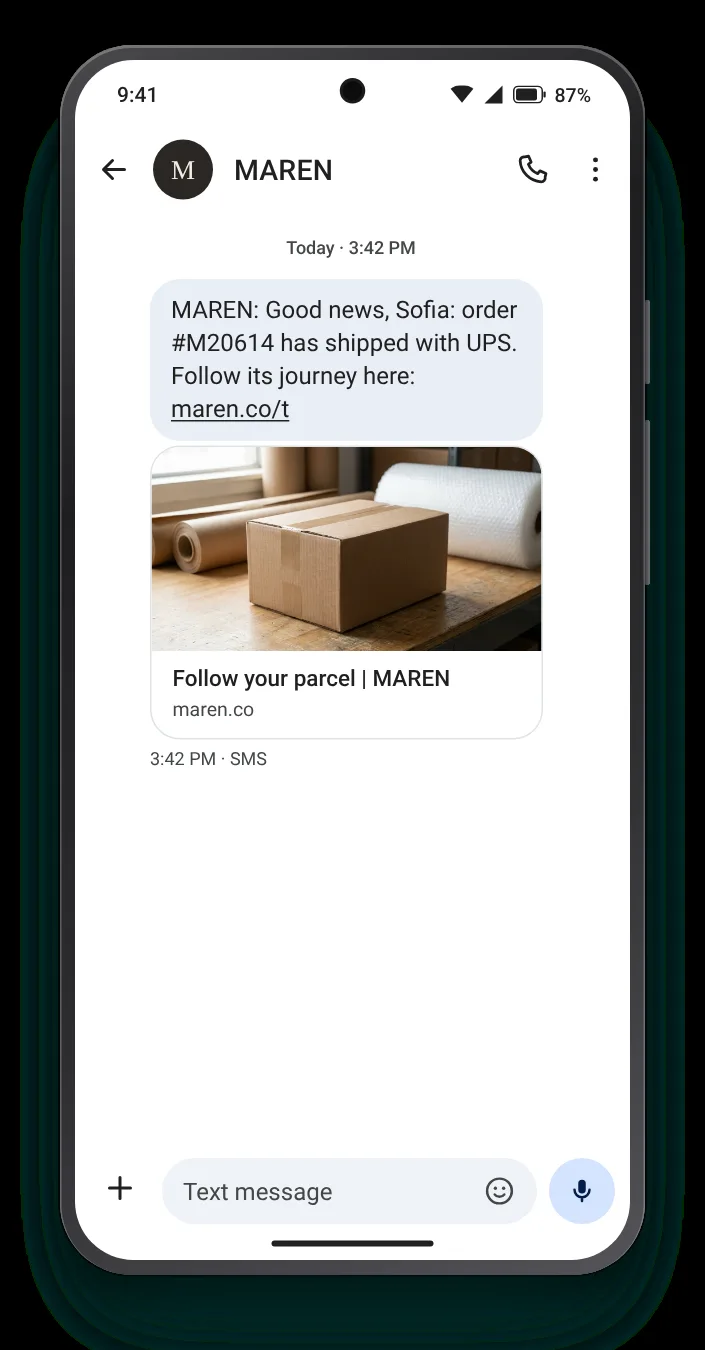
Left the warehouse, with a link to follow it

TransactionalFashionAt the first carrier scan

The first text after dispatch should be short and answer two things: which carrier has it and where the tracking page lives. Everything else can live on the page behind the link.

Full SMS
MAREN: Good news, {{first_name}}: order #{{order}} has shipped with UPS. Follow its journey here: maren.co/t
96 characters with sample values · GSM-7 · 1 segment

Customise for your carrier →

An arrival day instead of a link shipping text on an iPhoneAn arrival day instead of a link shipping text on an Android phone
Template 02 · No link

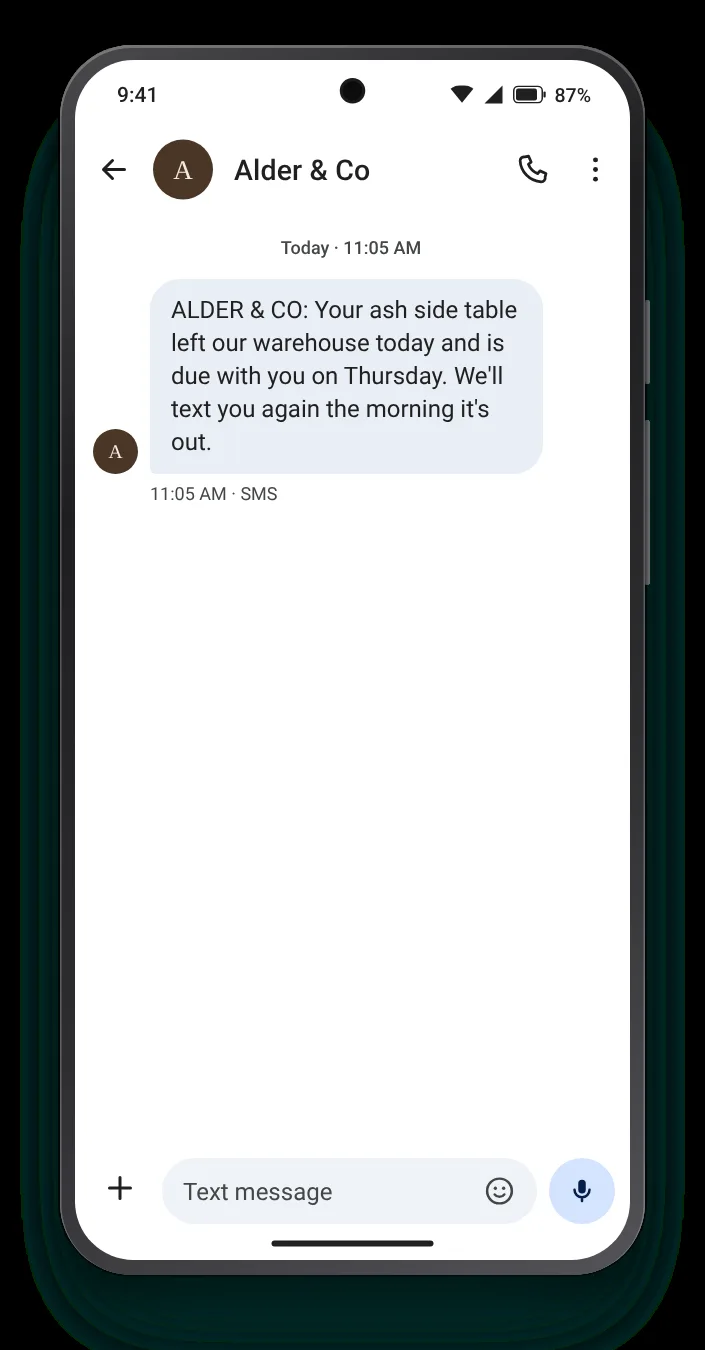
An arrival day instead of a link

TransactionalHomeOn dispatch, for customers who rarely click

Not every buyer wants to watch a map. For many, the day it should arrive is the whole message, and a text without a link also reads as less like marketing.

Full SMS
ALDER & CO: Your ash side table left our warehouse today and is due with you on Thursday. We'll text you again the morning it's out.
132 characters with sample values · GSM-7 · 1 segment
Customise for your carrier →

Before the carrier page shows anything shipping text on an iPhoneBefore the carrier page shows anything shipping text on an Android phone
Template 03 · First scan pending

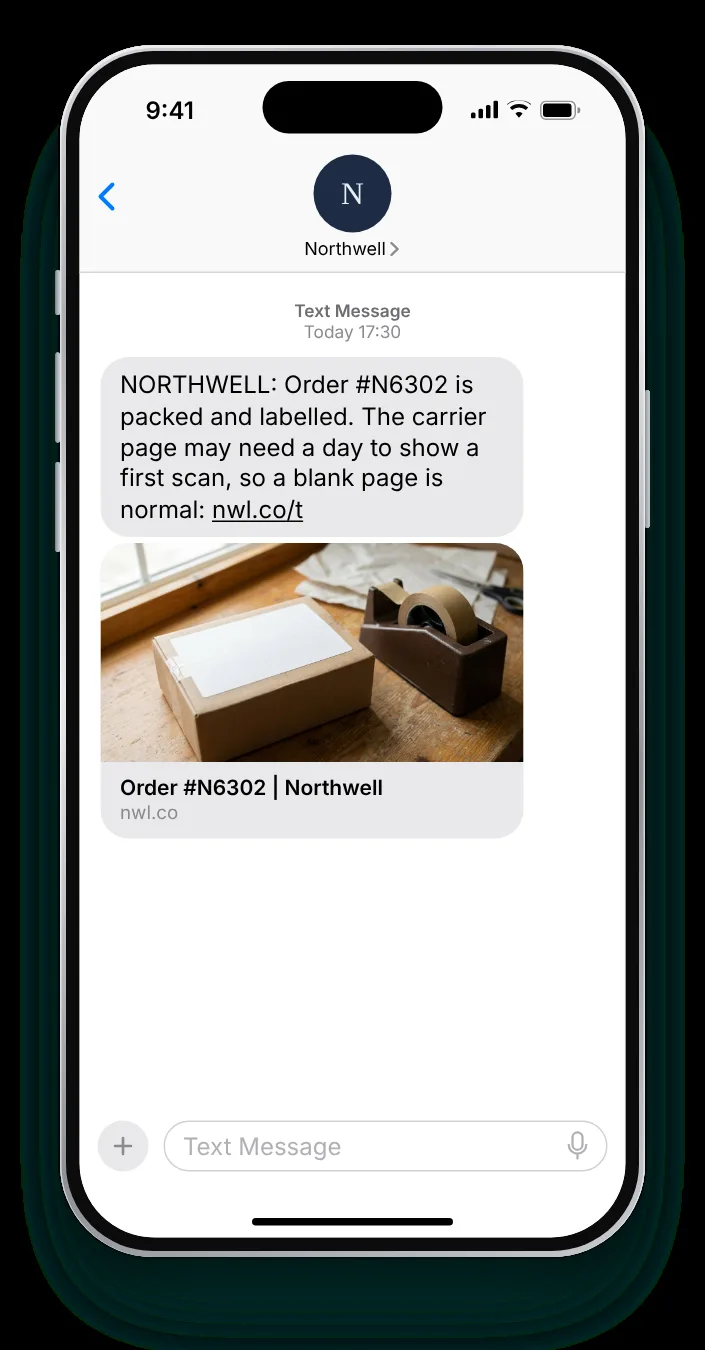
Before the carrier page shows anything

TransactionalSupplementsRight after the label is printed

A label is often created hours before the first scan, and a blank carrier page worries people. Explaining the gap in advance prevents the 'where is it' message.

Full SMS
NORTHWELL: Order #{{order}} is packed and labelled. The carrier page may need a day to show a first scan, so a blank page is normal: nwl.co/t
137 characters with sample values · GSM-7 · 1 segment
Customise for your carrier →

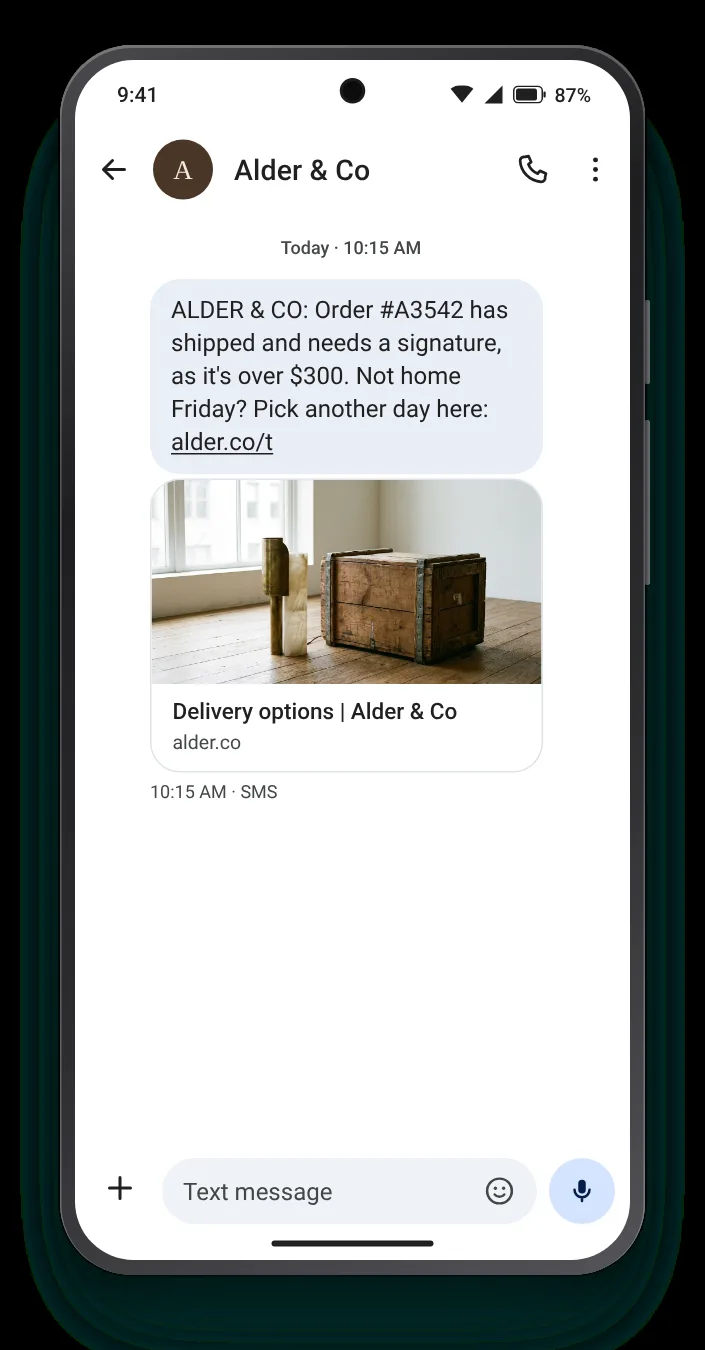
A high-value parcel someone must sign for shipping text on an iPhoneA high-value parcel someone must sign for shipping text on an Android phone
Template 04 · Signature needed

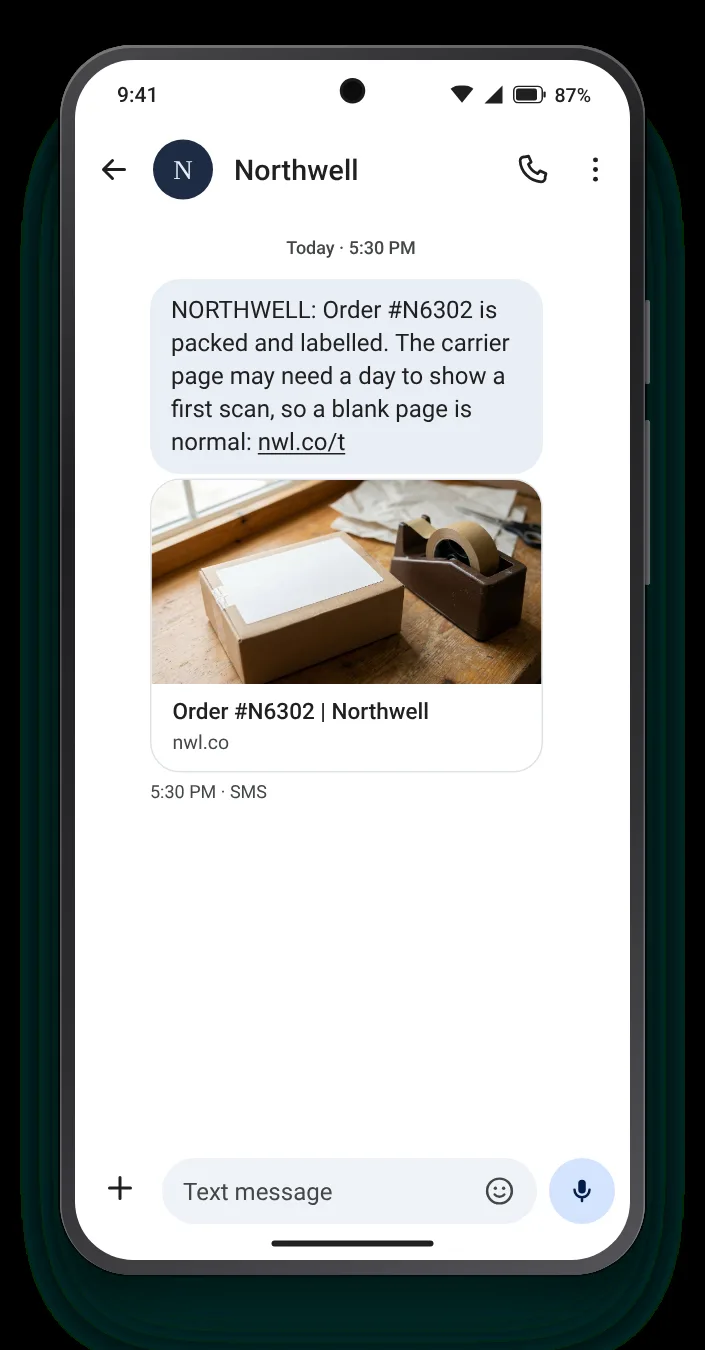
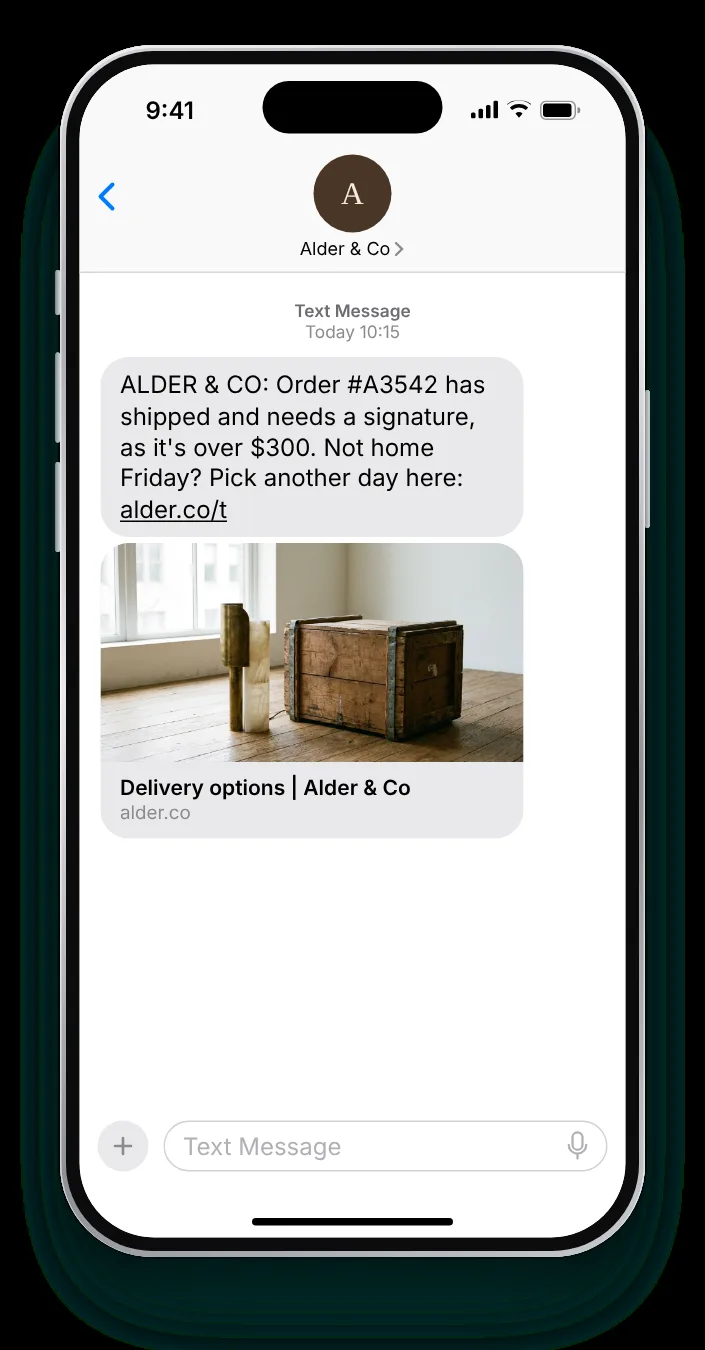
A high-value parcel someone must sign for

TransactionalHomeOn dispatch, when the carrier requires a signature

A parcel that needs a signature fails if nobody is home. Warning the customer while it is still in transit gives them time to choose a better delivery day.

Full SMS
ALDER & CO: Order #{{order}} has shipped and needs a signature, as it's over $300. Not home Friday? Pick another day here: alder.co/t
129 characters with sample values · GSM-7 · 1 segment
Customise for your carrier →

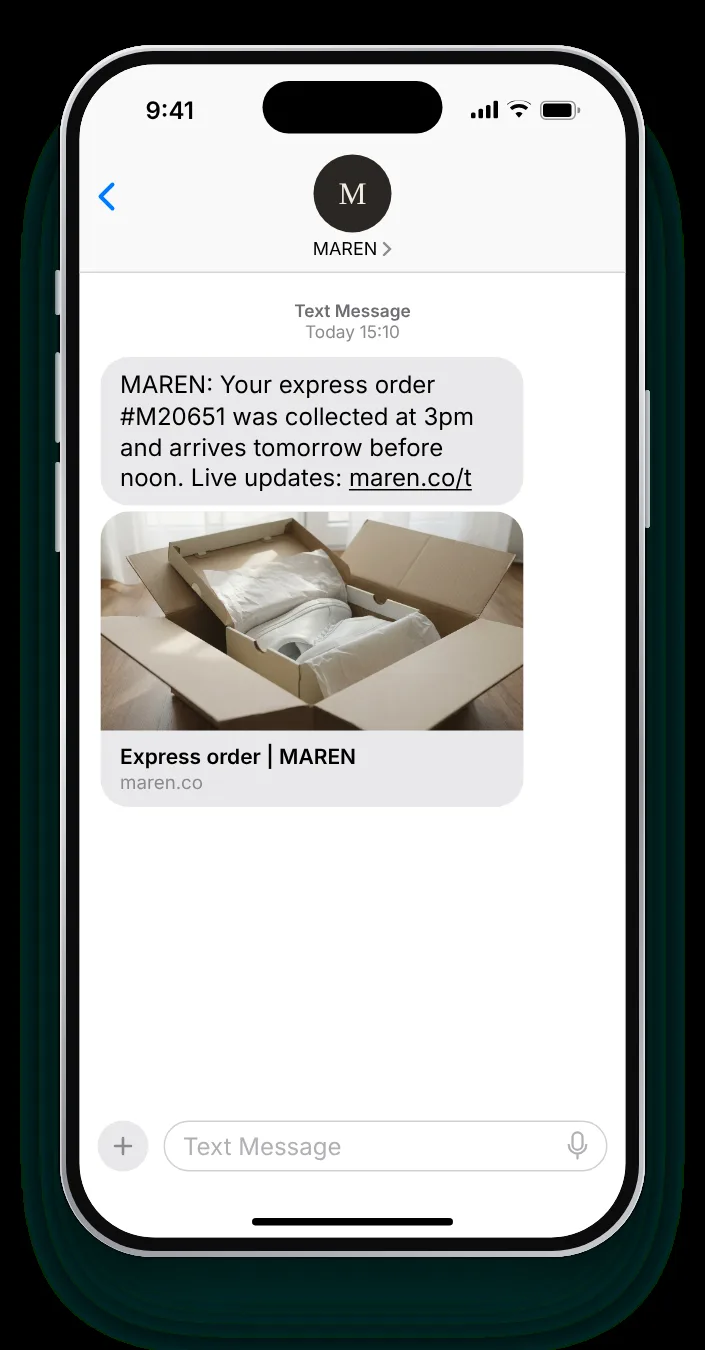
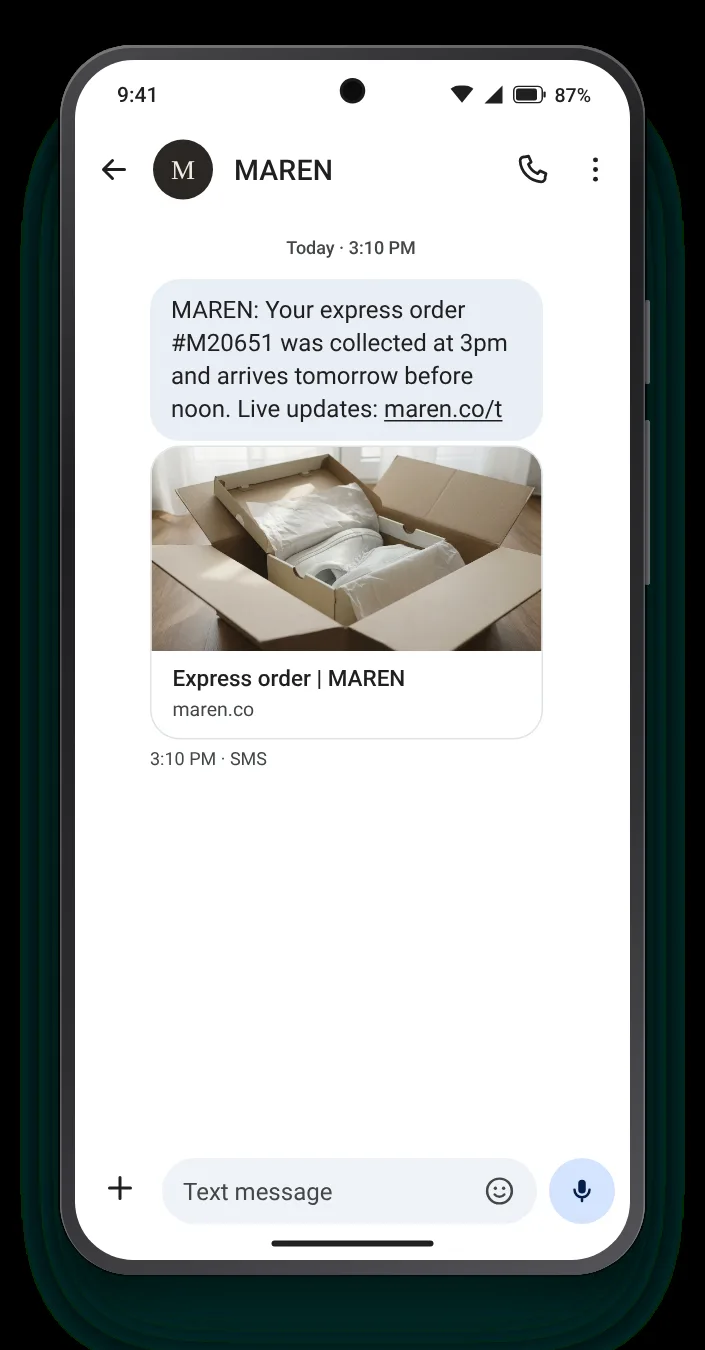
Next-day shipping, with a time shipping text on an iPhoneNext-day shipping, with a time shipping text on an Android phone
Template 05 · Express

Next-day shipping, with a time

TransactionalFashionWhen an express order is collected from the warehouse

Customers who paid for speed want proof of it. A precise collection time and a promised arrival hour show the money was well spent.

Full SMS
MAREN: Your express order #{{order}} was collected at 3pm and arrives tomorrow before noon. Live updates: maren.co/t
113 characters with sample values · GSM-7 · 1 segment
Customise for your carrier →

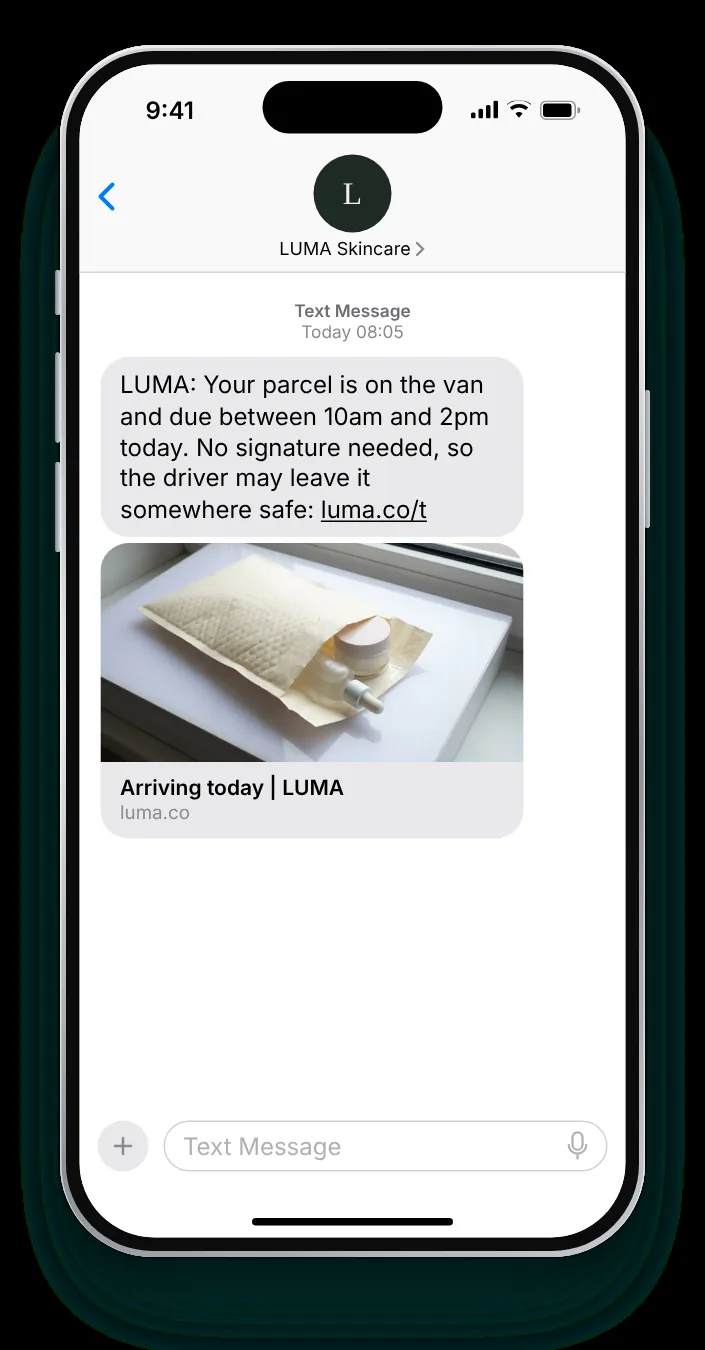
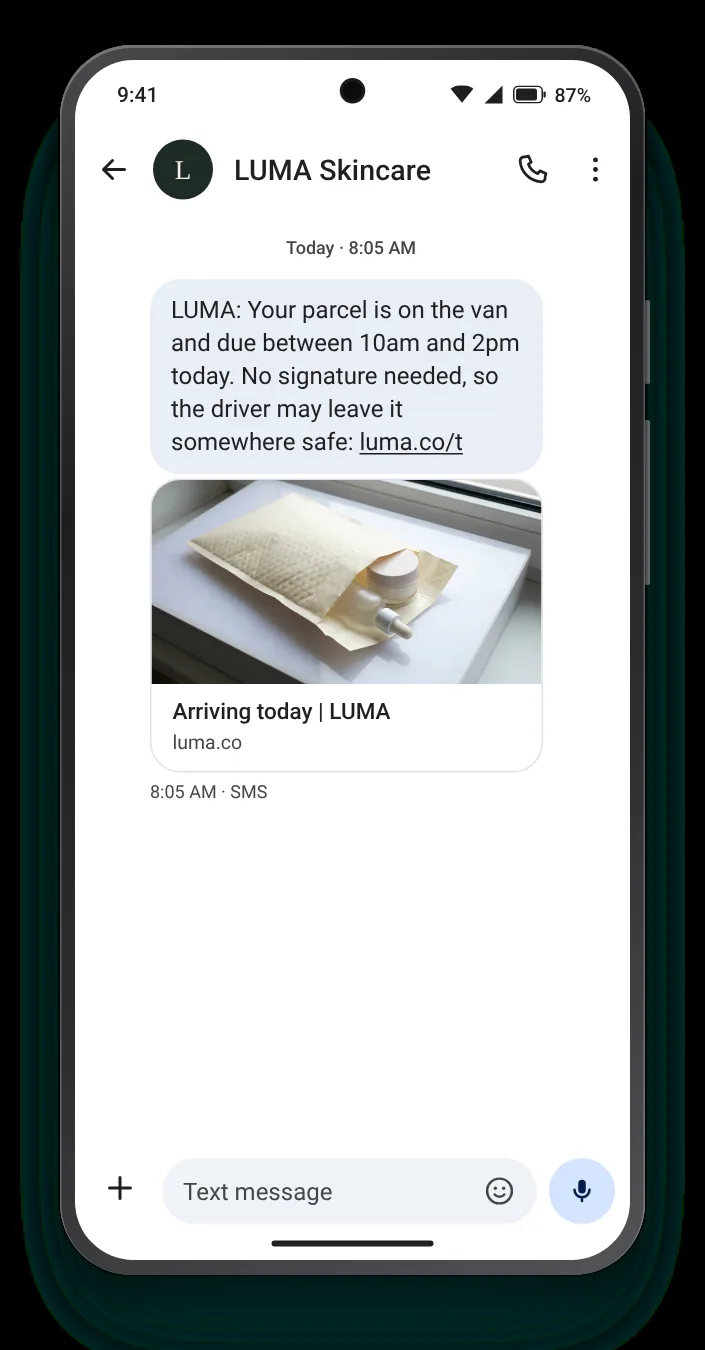
On the van this morning shipping text on an iPhoneOn the van this morning shipping text on an Android phone
Template 06 · Out today

On the van this morning

TransactionalBeautyEarly on the day of arrival

This is the shipping text people actually wait for. A delivery window and a note on whether it can be left lets them plan the day around it, or not.

Full SMS
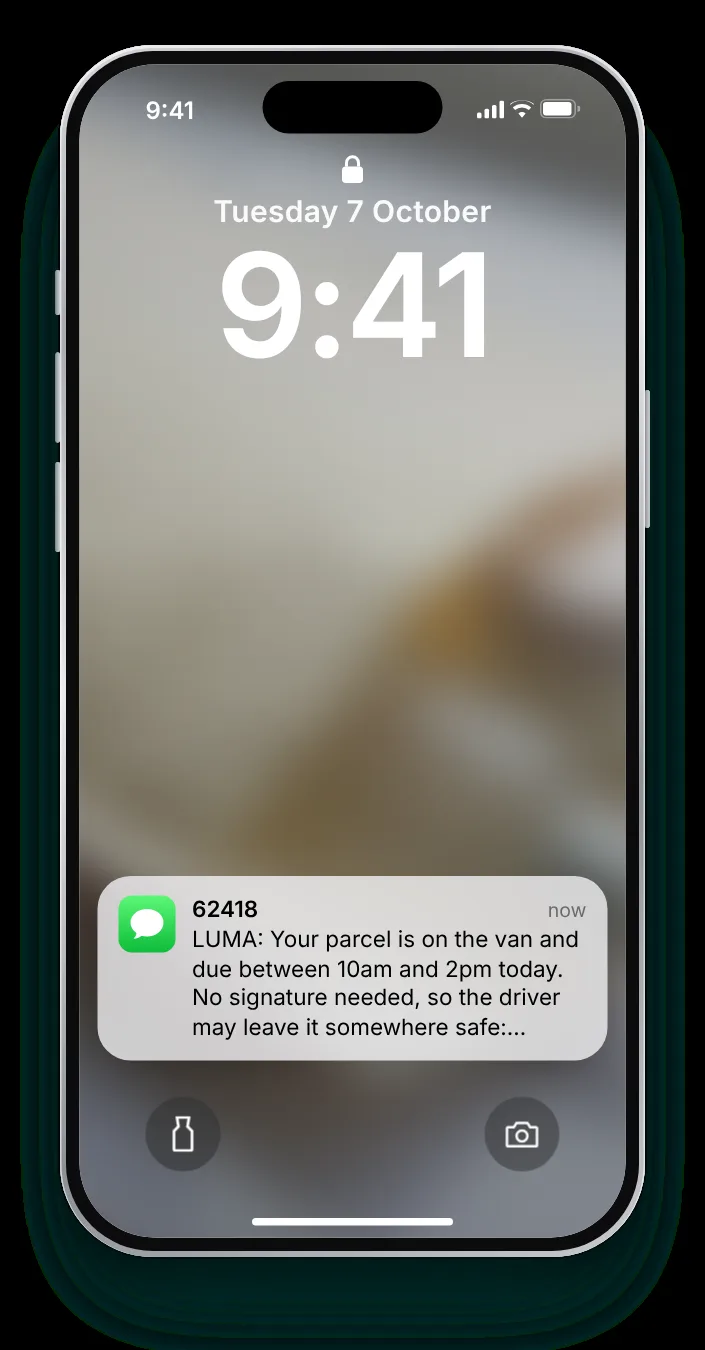
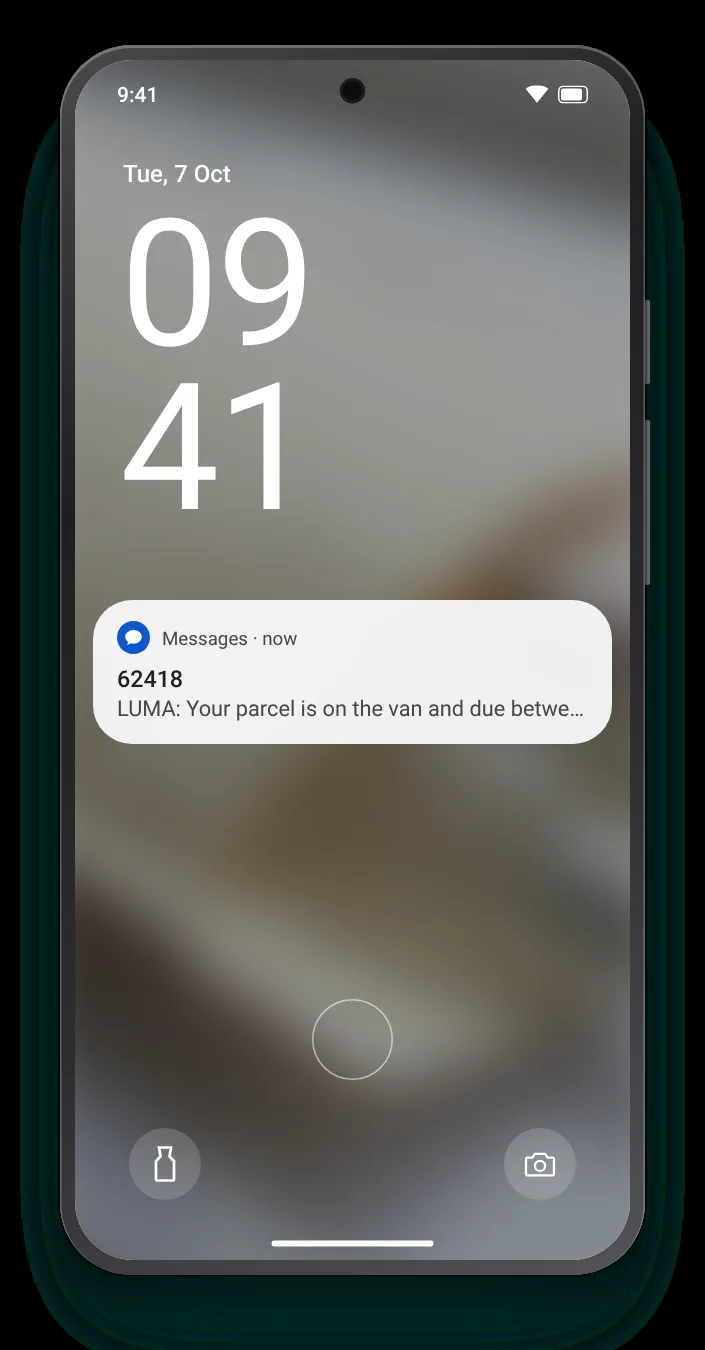
LUMA: Your parcel is on the van and due between 10am and 2pm today. No signature needed, so the driver may leave it somewhere safe: luma.co/t
141 characters with sample values · GSM-7 · 1 segment
Customise for your carrier →

Shipping text editor

Adapt a dispatch text to your own carriers

Load one of the six and edit carrier, order format and link; the screen beside it follows along. The bar under the field counts characters and warns about anything that forces a second segment.

0 / 160 characters1 segment
  • Brand at the front
  • Says when or where
  • No special characters
  • Single segment
9:41
Text Message
Today 10:02
Text message
Tuesday 7 October9:41
Messages · now62418now

The out-today shipping text as a notification on an iPhone lock screenThe same text as a notification on an Android lock screen
The text people wait for

Why the delivery-day text needs a time window

On the day it arrives, a shipping text is read on the lock screen, often by someone deciding whether to stay in. The window and the safe-place note have to fit before the cut.

Hours, not 'today'

"Between 10am and 2pm" lets someone plan; "today" alone does not.

Can it be left?

Say whether a signature is needed. It decides whether they wait in.

Send it early

A day-of text at 8am is useful. At noon, half the window has already gone.

Ground rules

Five rules for texts about orders in transit

  • One text per stageDispatch and the day it goes out are the two that matter. Every scan in between is too many.
  • Name the carrierBuyers know the vans and the apps by name; tell them which one to look out for.
  • Explain blank pages earlyIf the first scan takes a day, say so in the dispatch text, not after the complaint.
  • Warn about signaturesA parcel that needs signing should be flagged before it reaches the van, so the delivery day can still be changed.
  • Keep offers outA shipping update is a service text. Promotions in it blur the line with marketing.

Send shipping texts with Zefir

Zefir writes your dispatch and delivery-day texts, sends them by SMS or WhatsApp as each parcel moves, and records consent and opt-outs per number.

Request access See how it works
72 hoursand your first texts are live
1,000+ecommerce brands work with Zefir
FAQ

Texting customers about parcels on the way

When should a shipping text be sent?

On dispatch, ideally after the first carrier scan, and again on the morning it goes out for delivery. Zefir sends both as the order moves.

Should every shipping update include a link?

Not always; some customers only want the arrival day, and a text without a link reads more like a note than an ad. Zefir writes both versions for each stage.

Why is the tracking page blank after the text?

Labels are often printed hours before the first carrier scan happens, so the page stays empty for a while. Zefir can send a version of the dispatch text that explains this in advance.

Can shipping texts go out at night?

Service texts are not bound by the same quiet hours as marketing, but a 2am text still annoys people, so most stores hold them until morning. Zefir holds them until the hours you choose.

Is a shipping text marketing?

No, if it only talks about the order; slip in a discount and it becomes promotional. Zefir keeps shipping texts free of promotions.