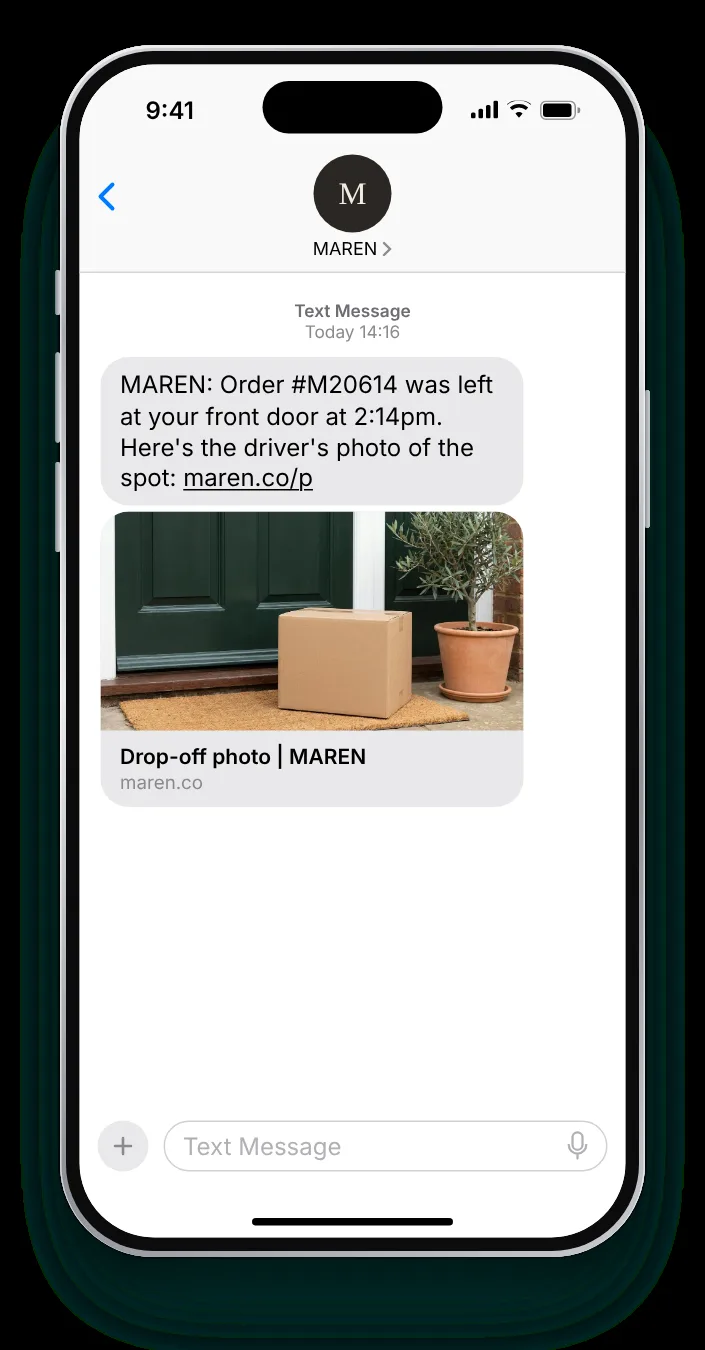
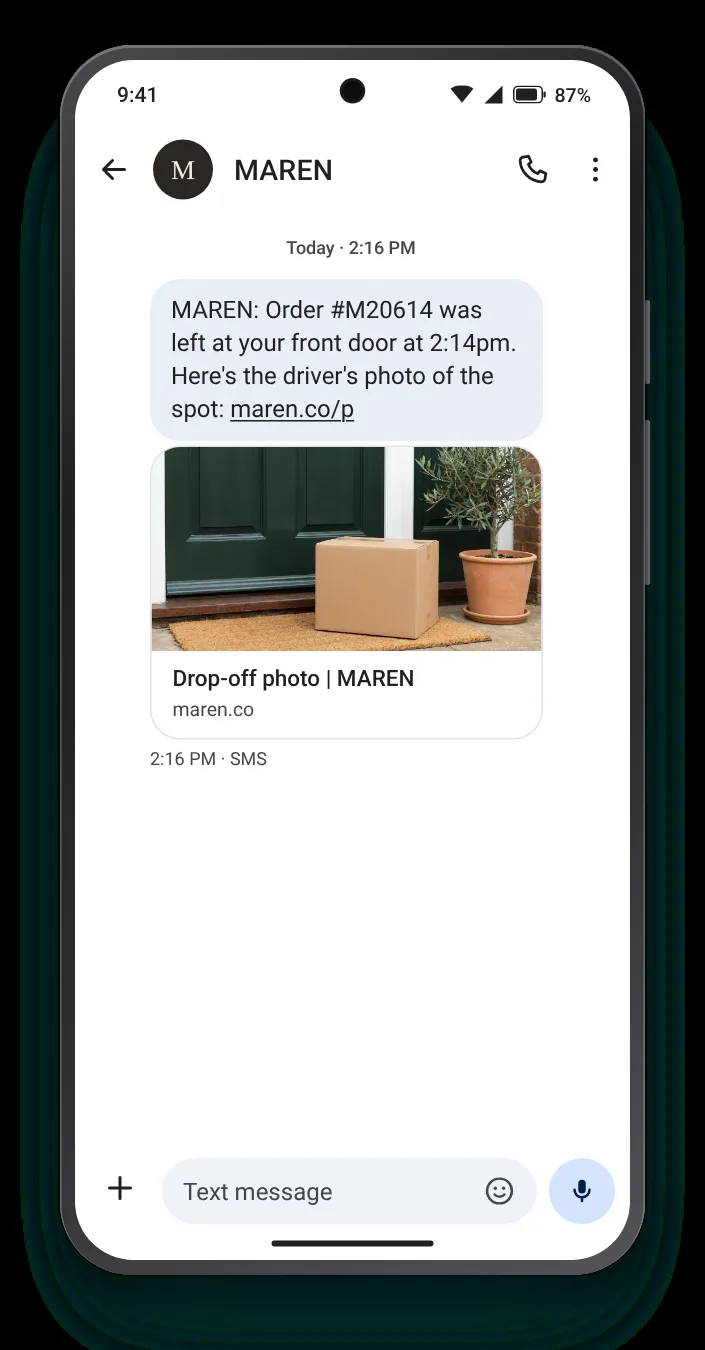

Where it was left, with the driver's photo
"Left at the door" means little to someone at work. A picture of the precise spot settles the question before they start worrying about it.
The parcel has been delivered, but where, with whom, and in what state? A delivery confirmation text answers the question the customer would otherwise ask you. These seven templates cover the doorstep, the neighbour, the signature and the cases in between.
Each template states the place, the time or the person, then the one thing worth adding. Below every card: the complete text, a compact version and both phone screens.


"Left at the door" means little to someone at work. A picture of the precise spot settles the question before they start worrying about it.


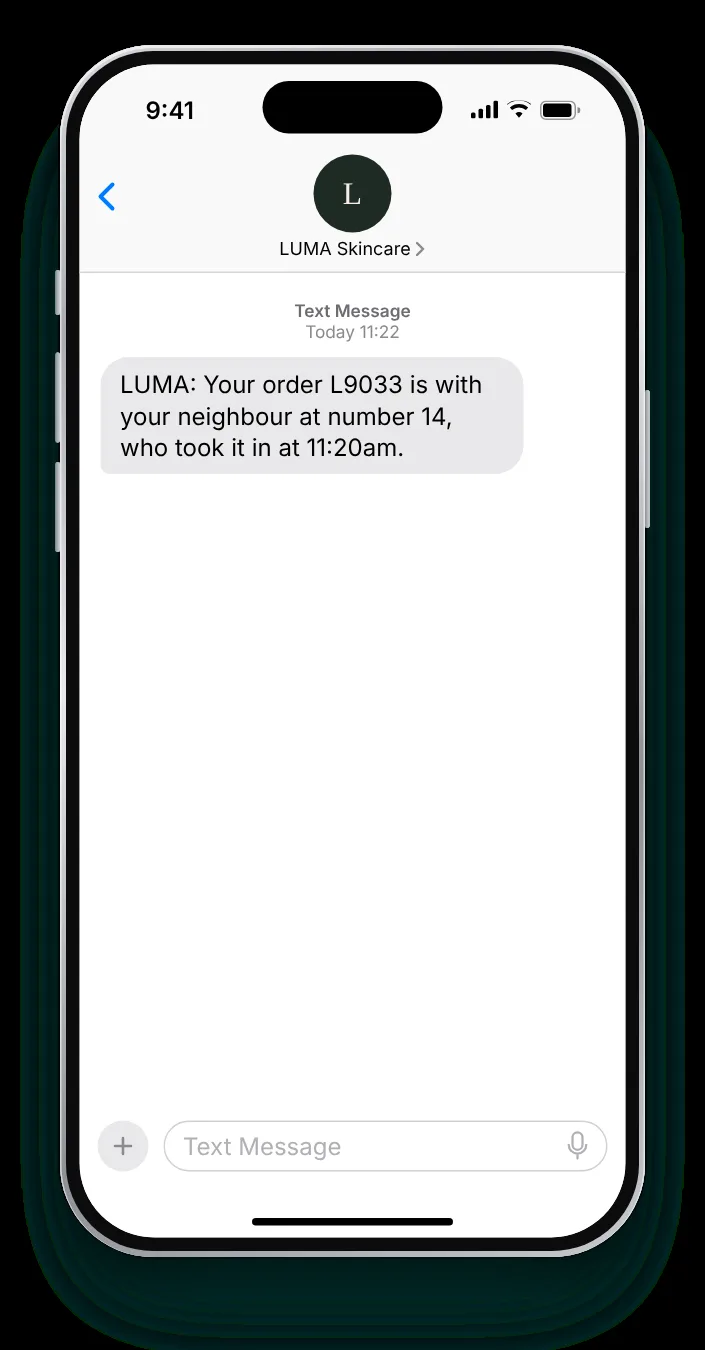
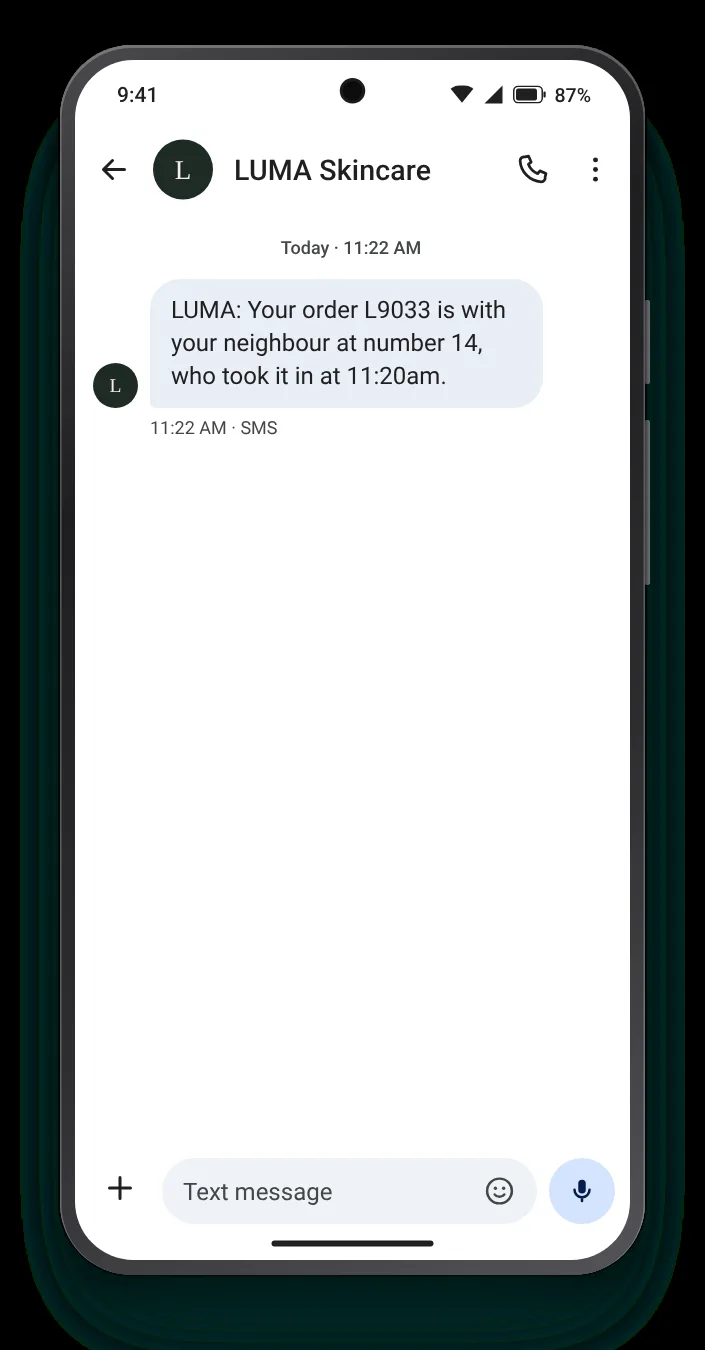
A parcel with a neighbour is safe but invisible. Naming the house number and the time turns a hunt into a short walk.


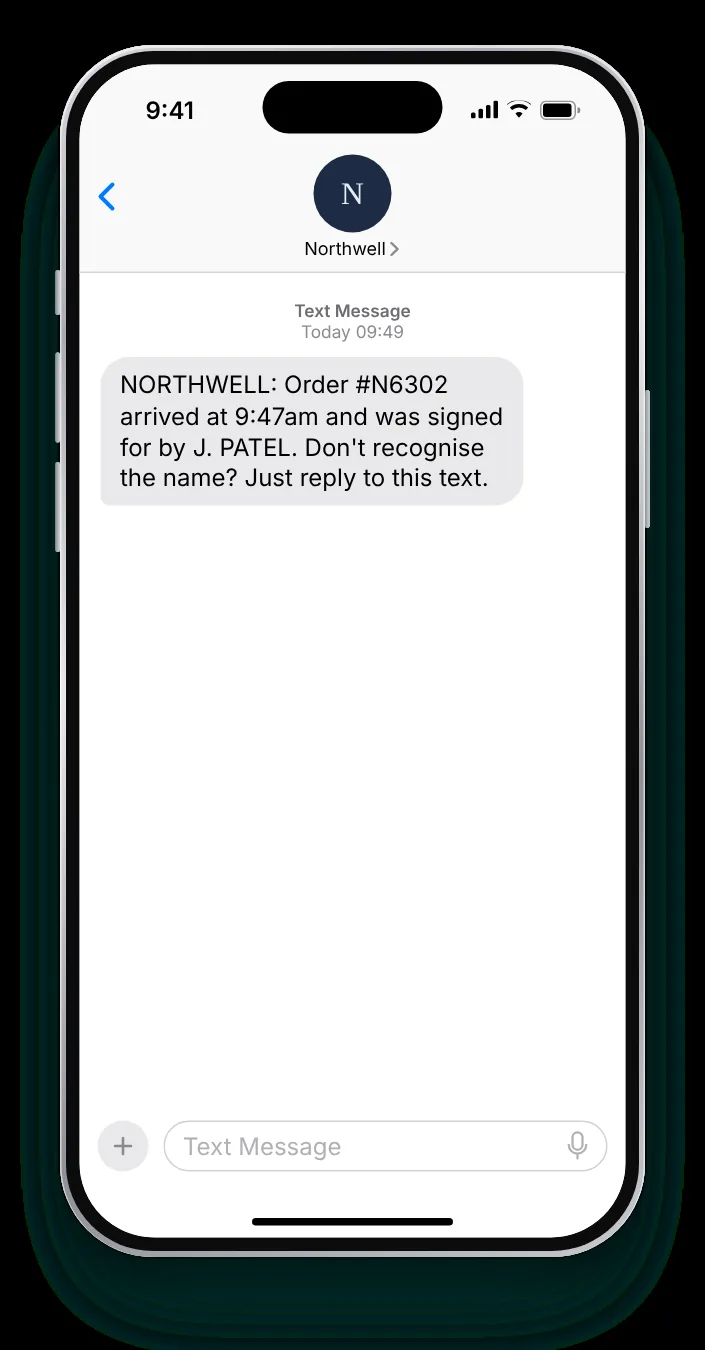
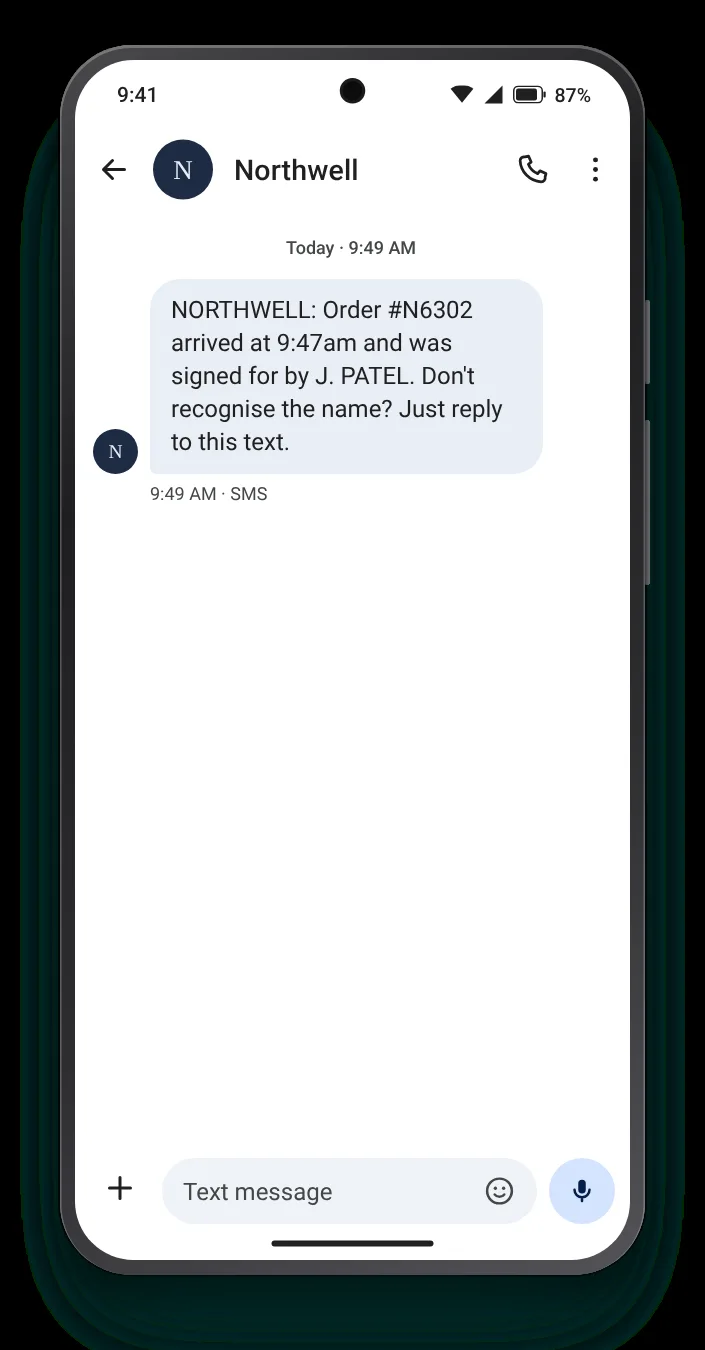
In shared buildings, someone else often signs. Showing the name lets the buyer know who to ask, and flags it quickly if the name means nothing to them.


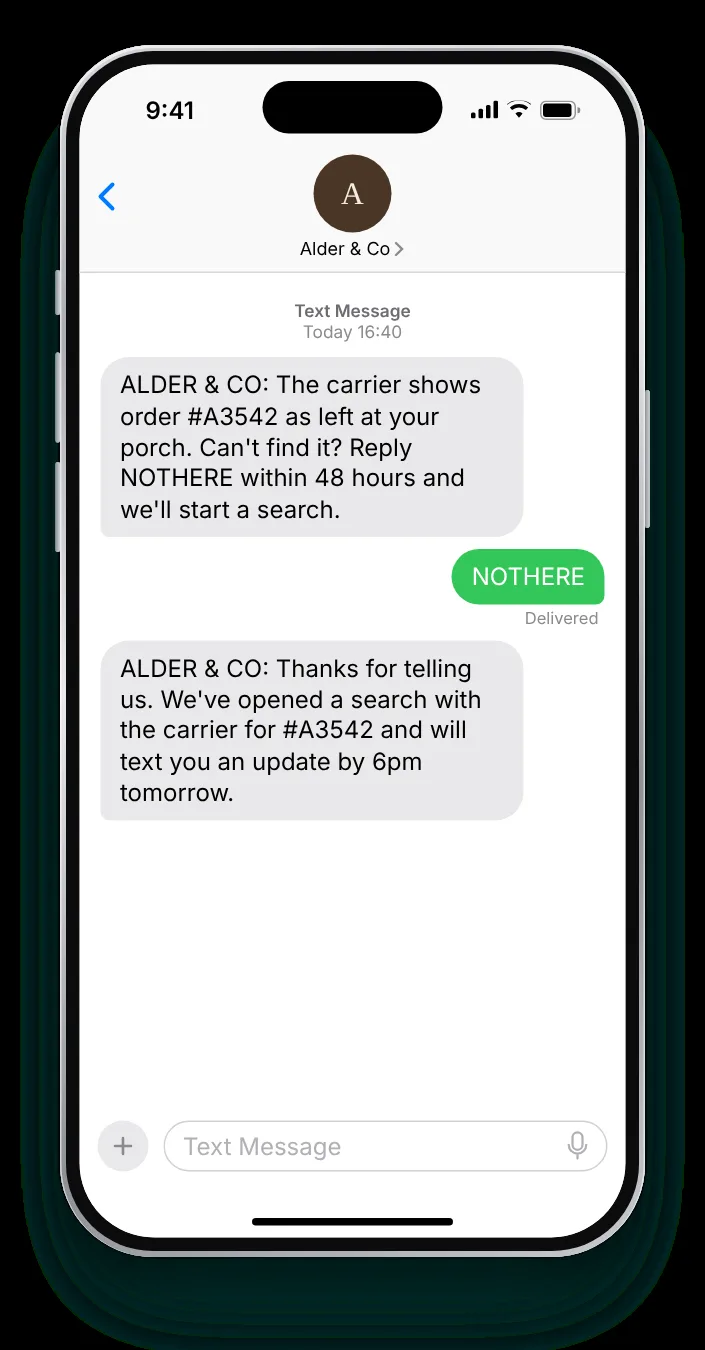
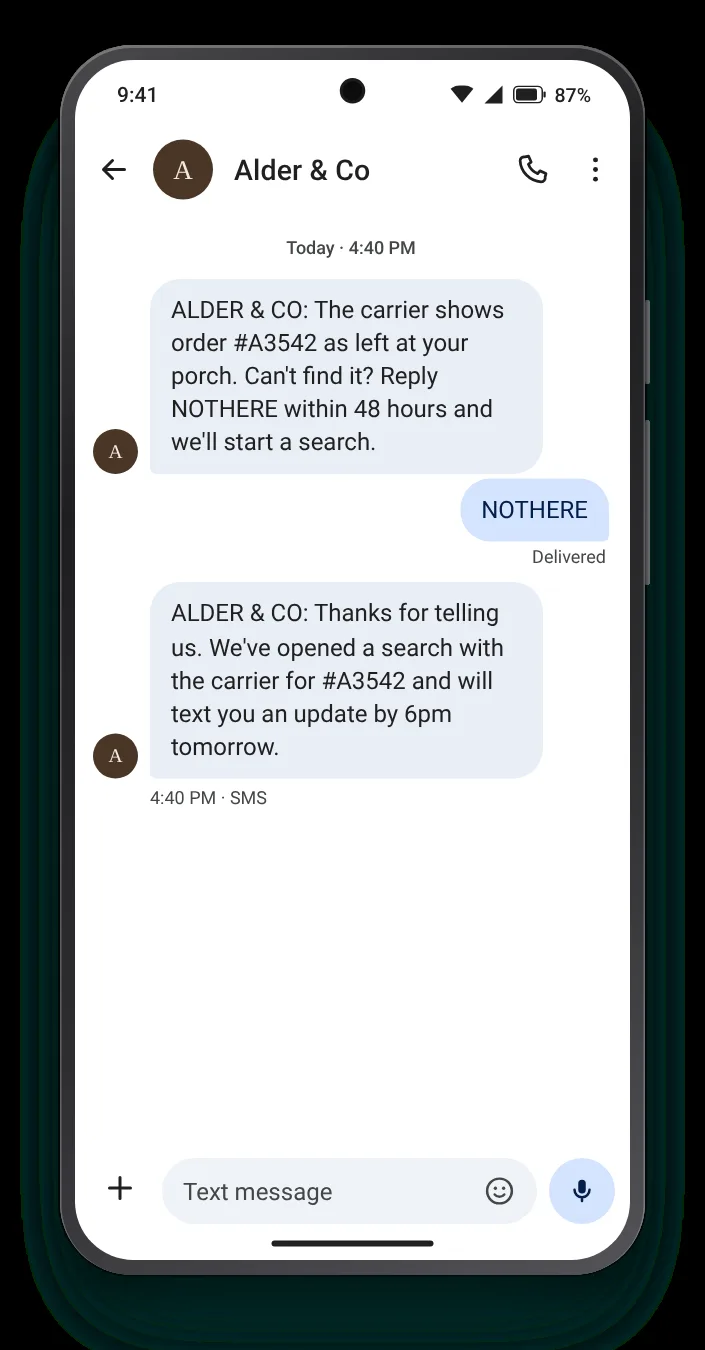
A parcel marked as delivered that nobody can find is the worst moment in an order. A reply keyword with a clear window starts the search while the trail is fresh.


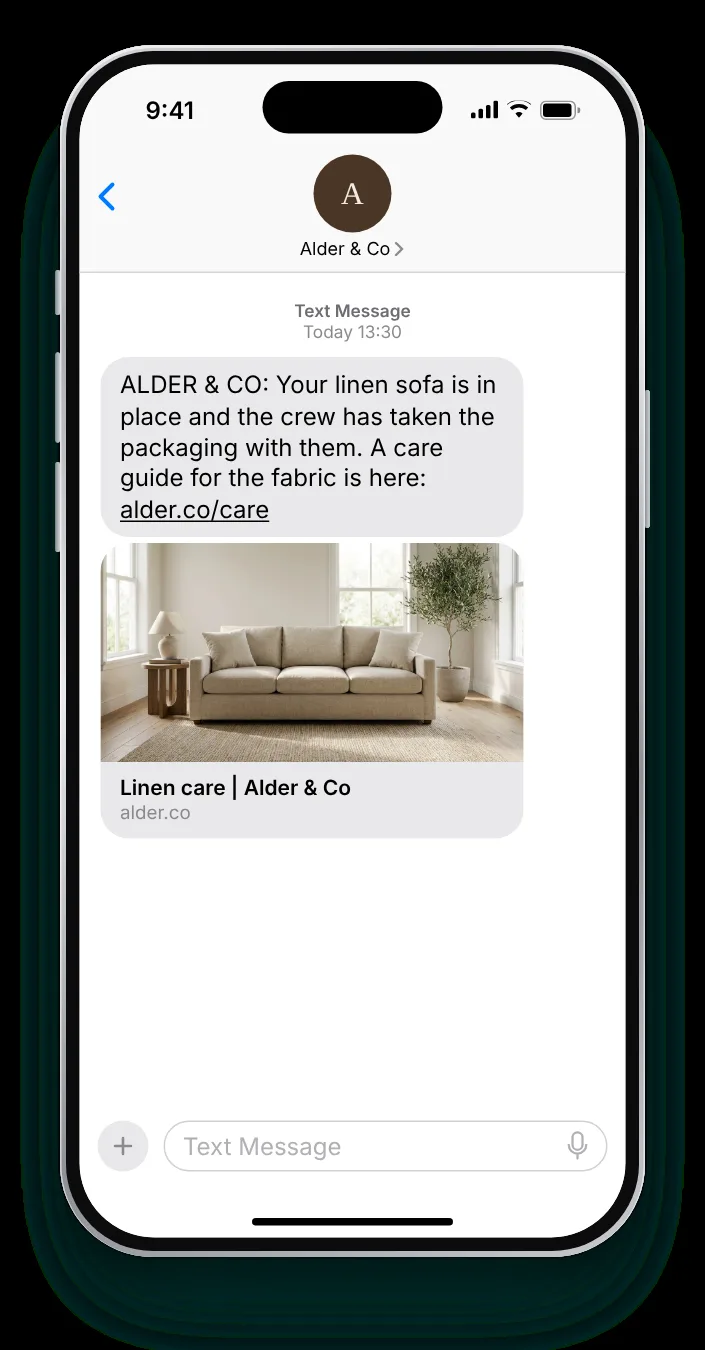
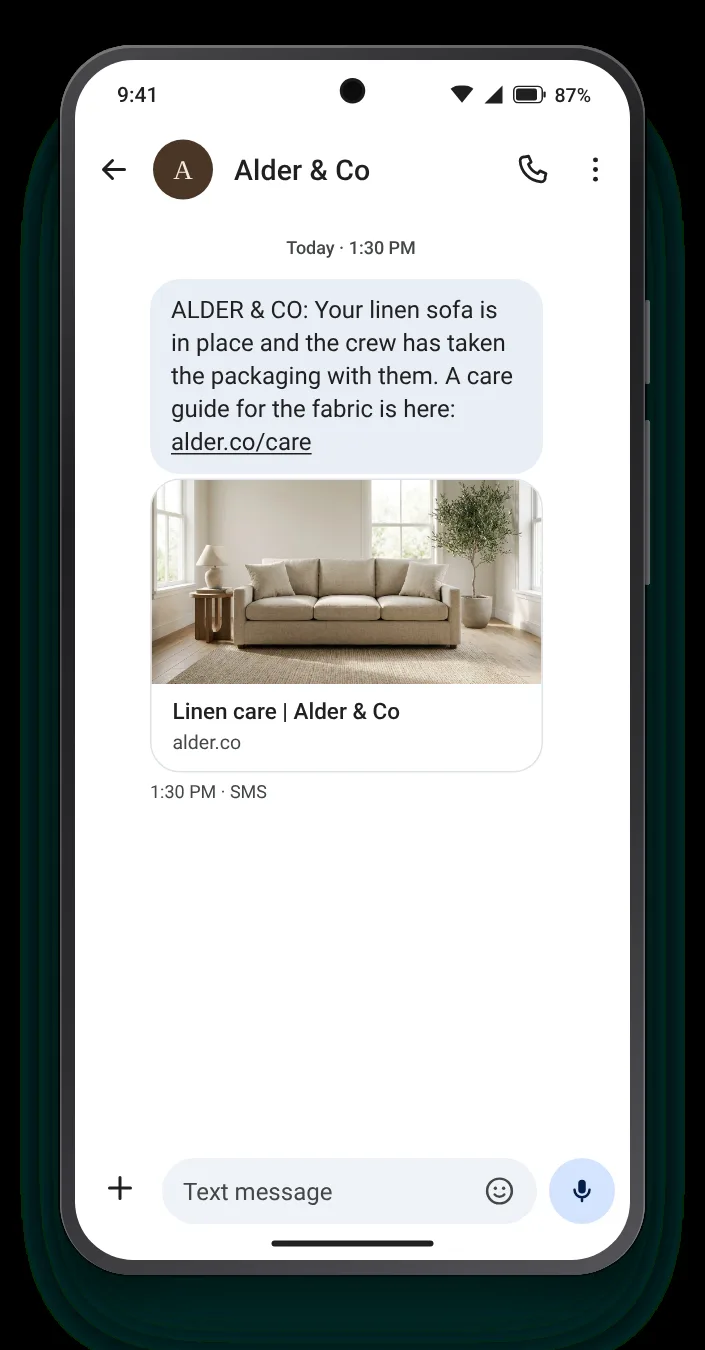
For furniture, arrival is not the end of the job; setting it up and clearing the cardboard is. Confirming both closes the visit, and a care guide is useful while it is new.


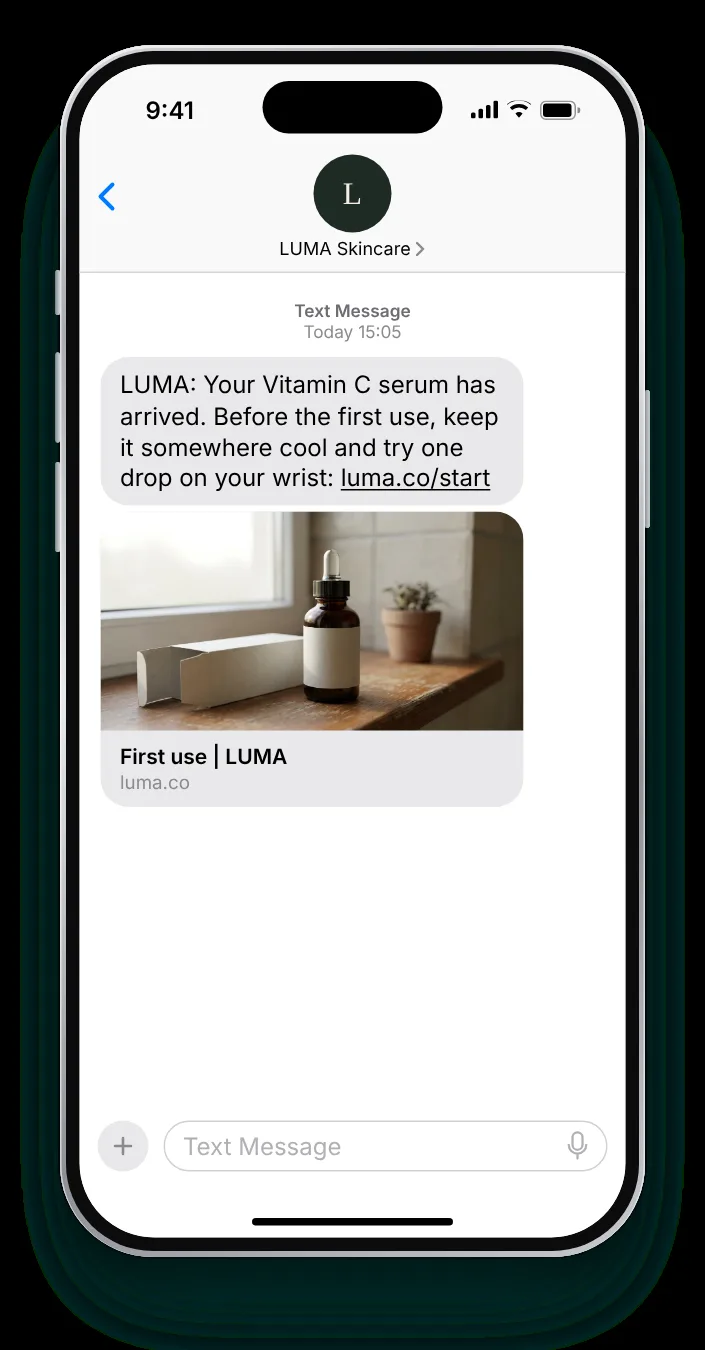
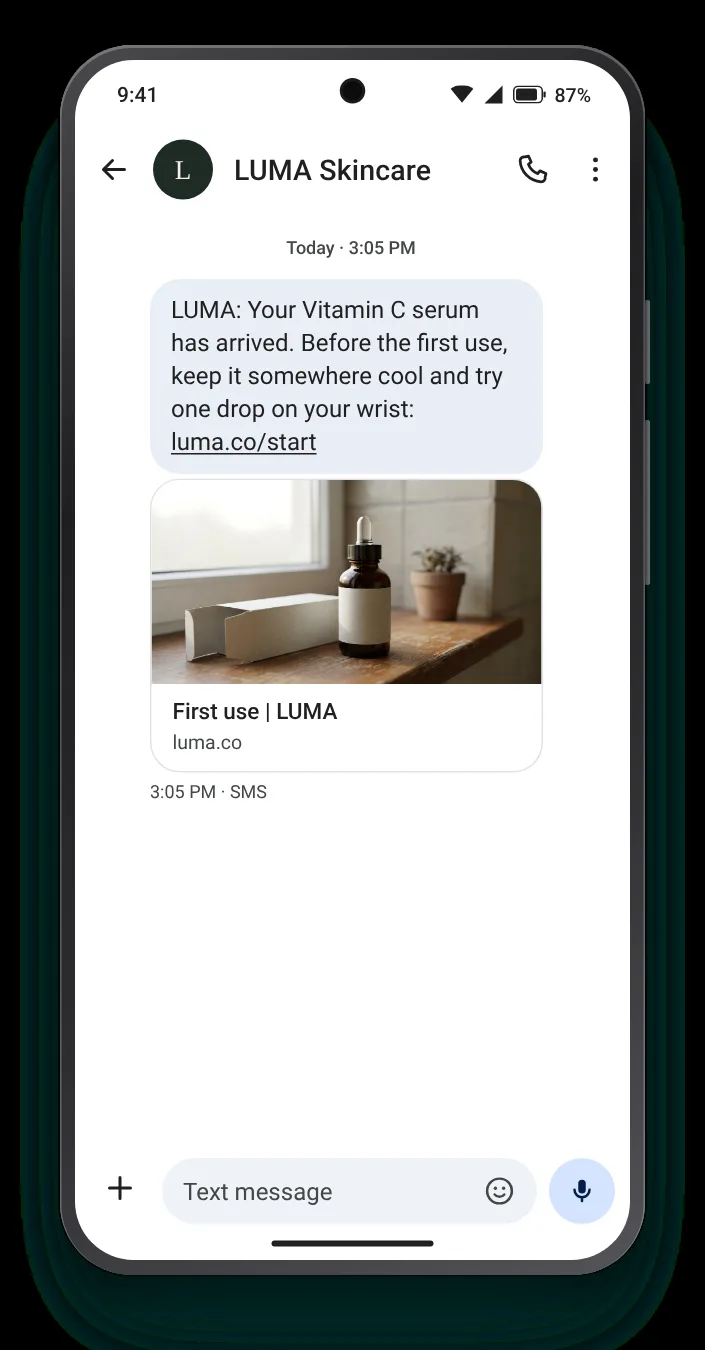
The first use decides how a product is judged. One practical note, sent when the box is open on the counter, prevents the mistake that leads to a return.


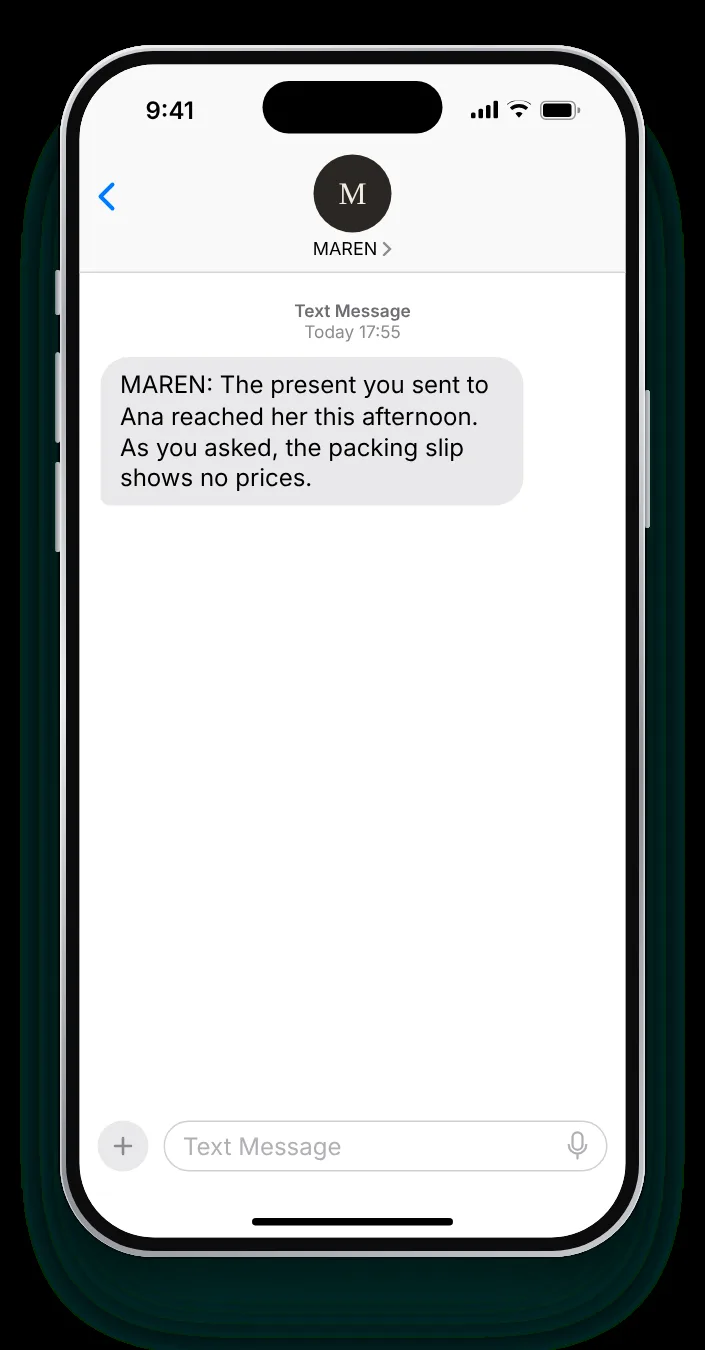
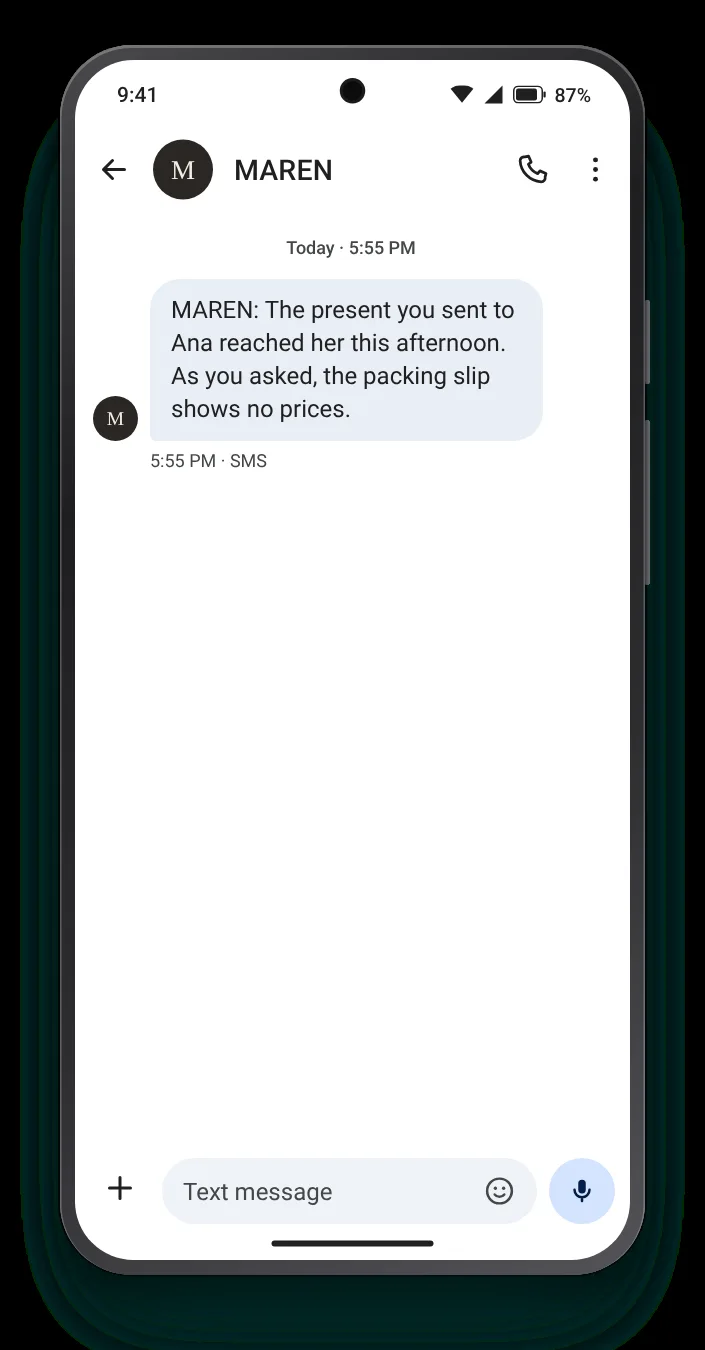
Someone who sent a present cannot see it arrive. A text to them, not the recipient, saves them asking and spoiling the surprise.
Pick a template, put in your order format, time and link, and the phone mirrors every change. A character meter runs underneath and darkens if the text would need a second part.


Marked as arrived, nowhere to be found: these are the orders that turn into angry emails. A single reply keyword in the confirmation itself starts the search from the same thread.
NOTHERE or MISSING, never YES or OK, so the reply means one thing only.
Forty-eight hours keeps the search close to the drop-off, when carriers can still check.
Reply with when the next update comes, so the customer is not left refreshing.
Zefir writes the texts for each kind of drop-off, sends them as each parcel arrives, and writes the answers to customer replies in the same conversation.
Request access See how it worksIt is a short message sent when a parcel arrives, saying where it was left, who took it and when. Zefir sends one for each drop-off as soon as the parcel lands.
A link to the driver's photo helps whenever a parcel is left unattended, since it shows the exact spot. Zefir writes it into the text whenever a photo exists.
Give them a reply keyword and a time window in the same text, then answer with when they will hear back. Zefir sends that reply in the conversation itself.
Wait until the customer has had time to try it, then send the request on its own. Zefir keeps the two messages apart.
The buyer, since the recipient may not know a present is coming. Zefir sends the confirmation to the number that placed the order.