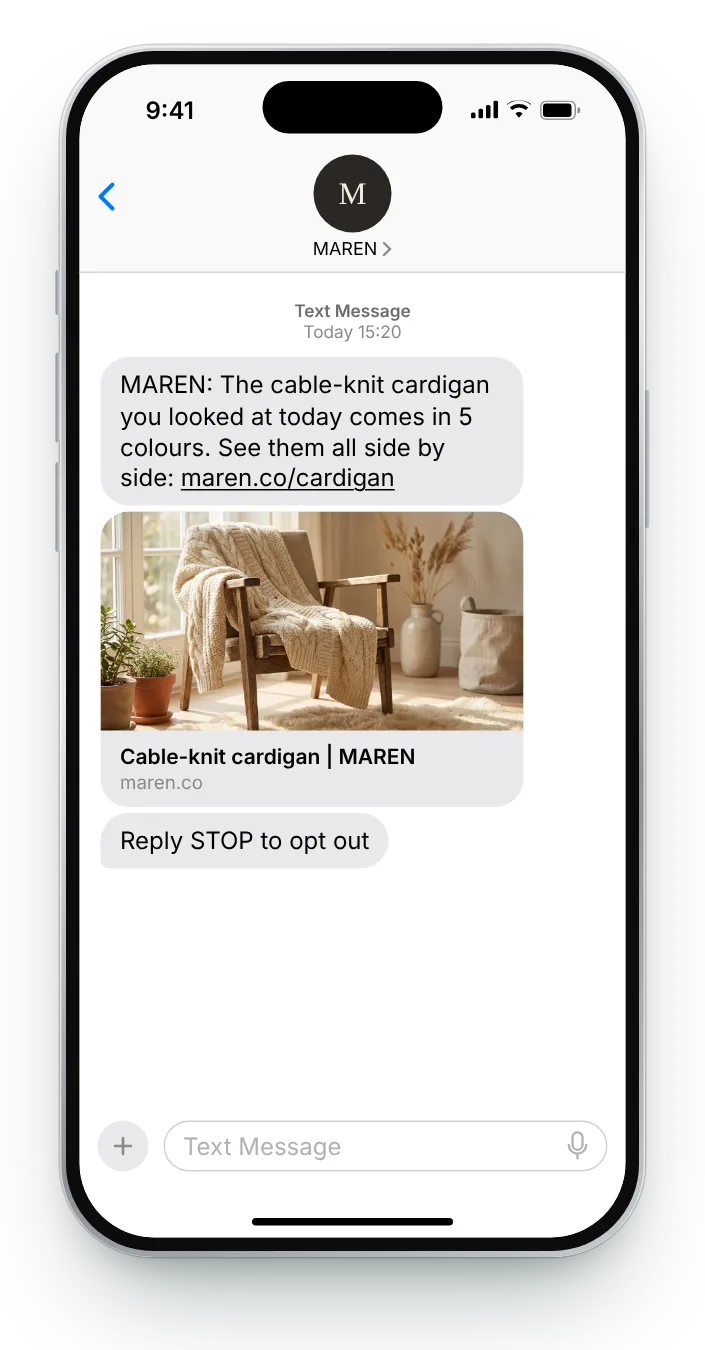
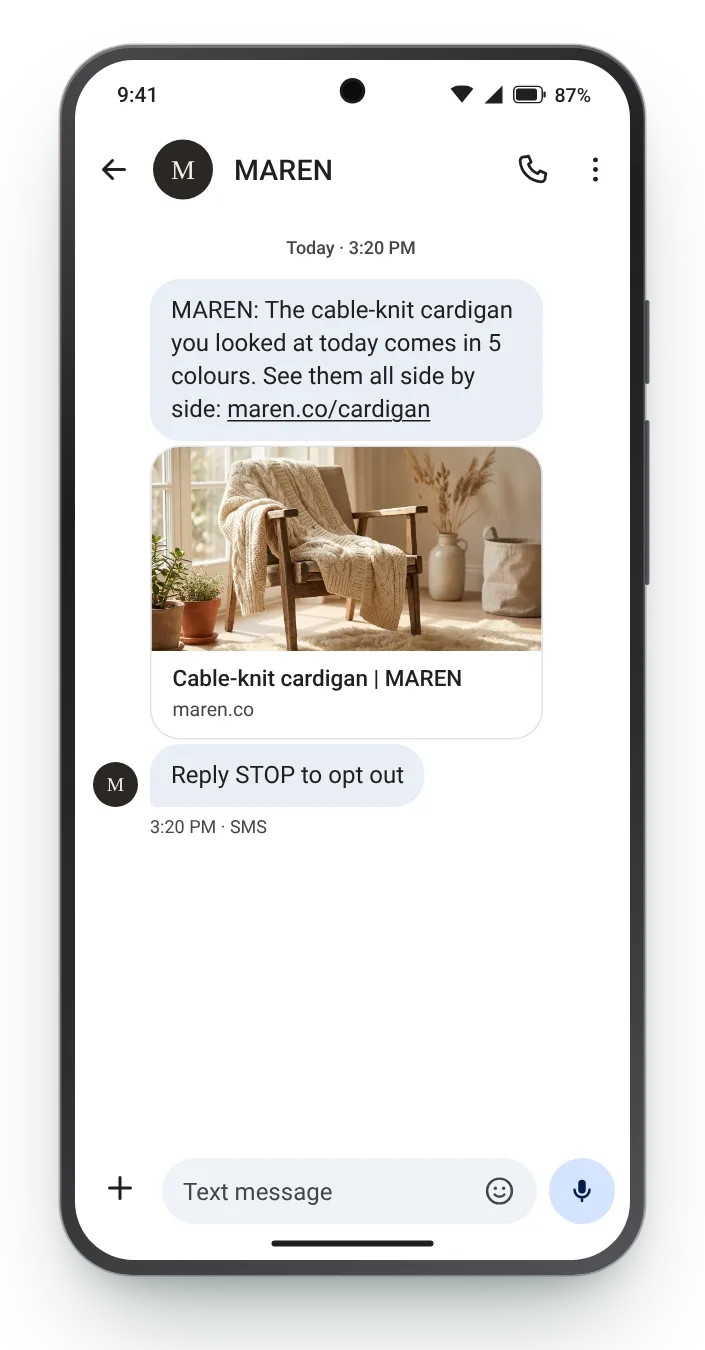

The cardigan, in every colour
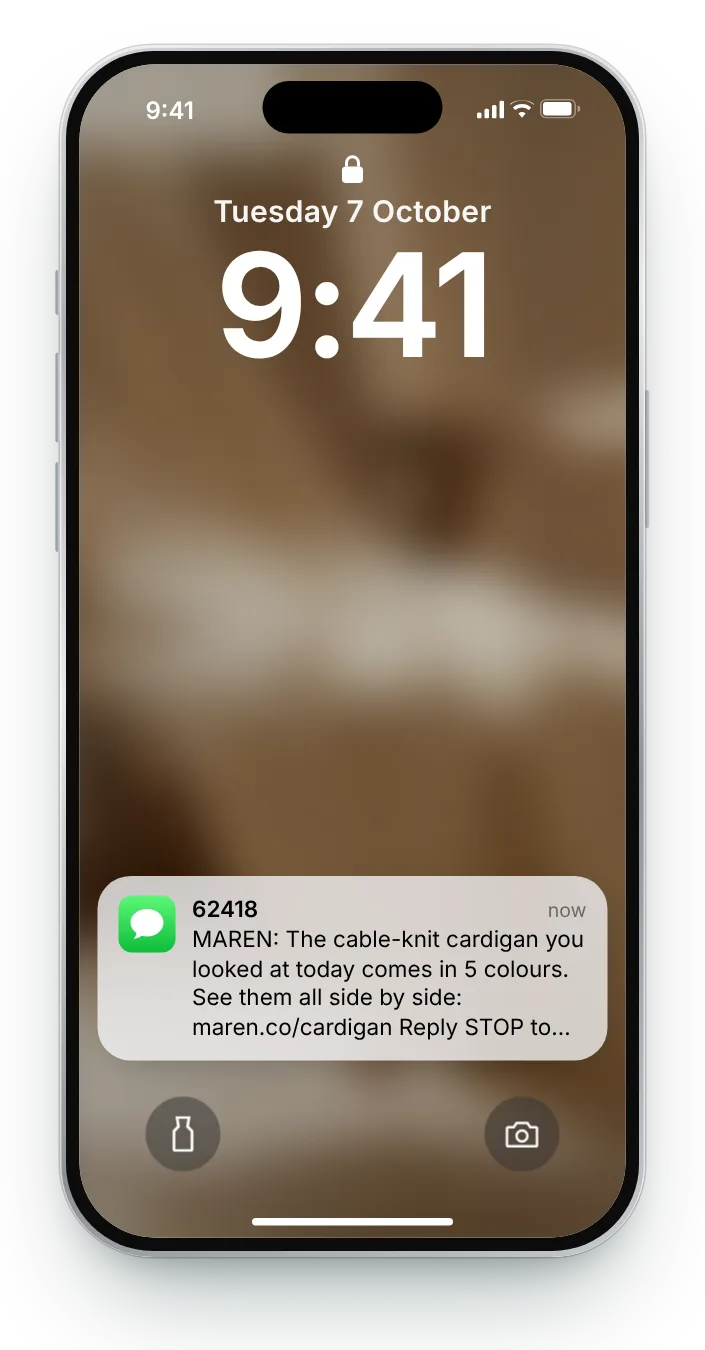
Shoppers often leave a product page because the colour on screen was not quite right. Pointing to the full range answers that without repeating the page they already saw.
A product view without a cart is a half-formed idea. A text can help it along, as long as it adds something the page did not: a colour, an answer, a comparison or a reason to look again. Each of these six fits a single 160-character segment.
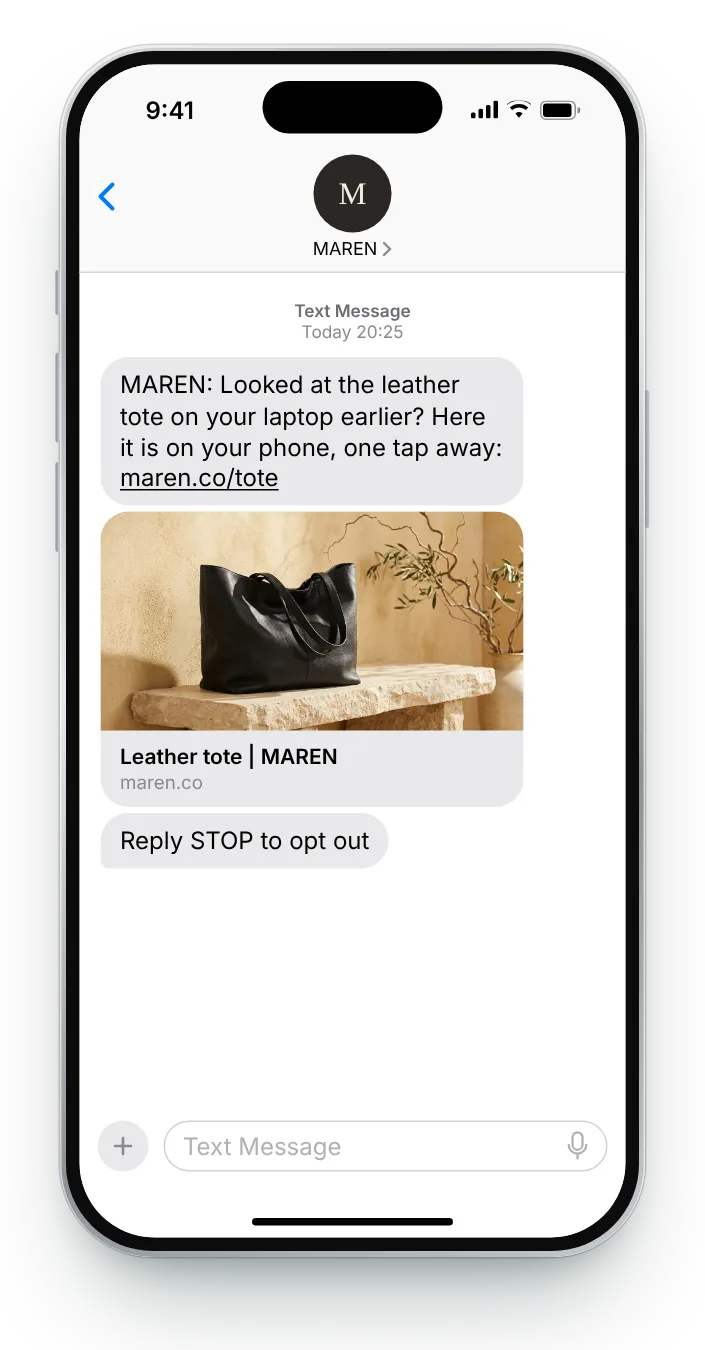
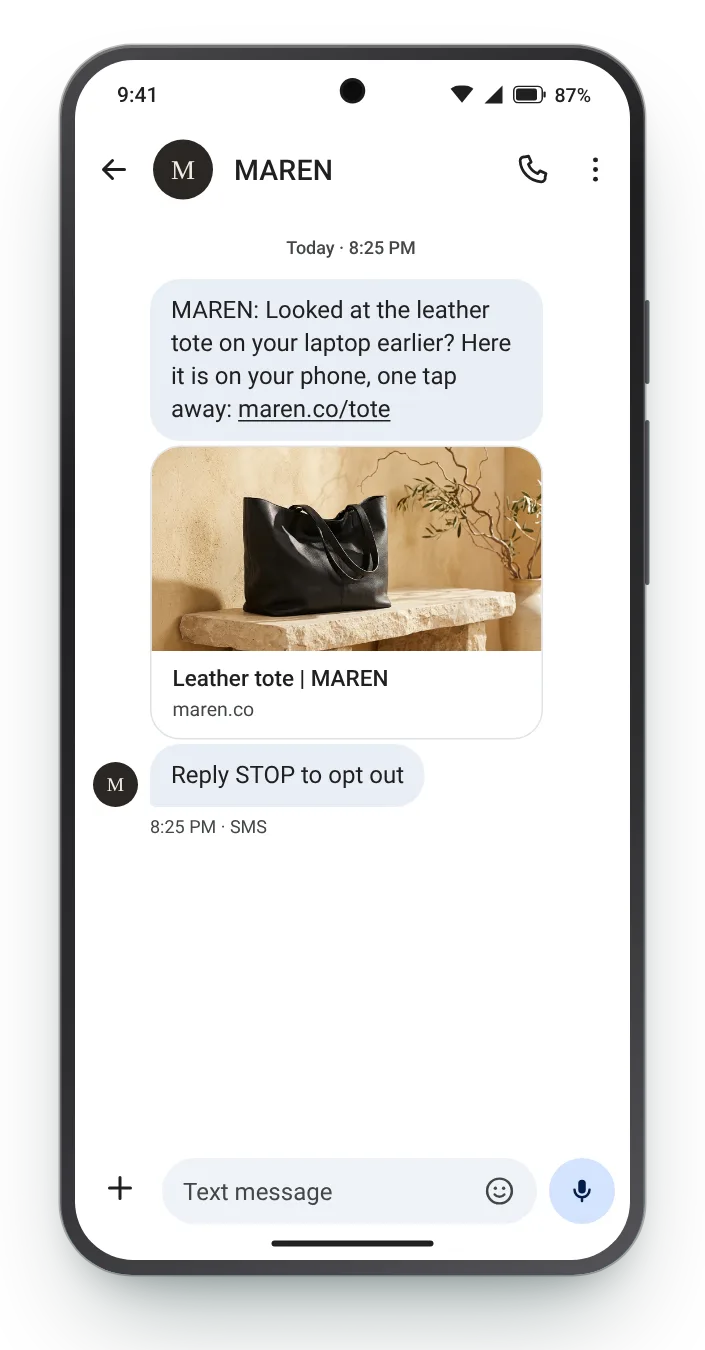
Each text starts from what the shopper did, whether that was one product, a whole category or two pages back to back. Full and Short versions sit under every message, and the phone icons switch the preview between the two platforms.


Shoppers often leave a product page because the colour on screen was not quite right. Pointing to the full range answers that without repeating the page they already saw.


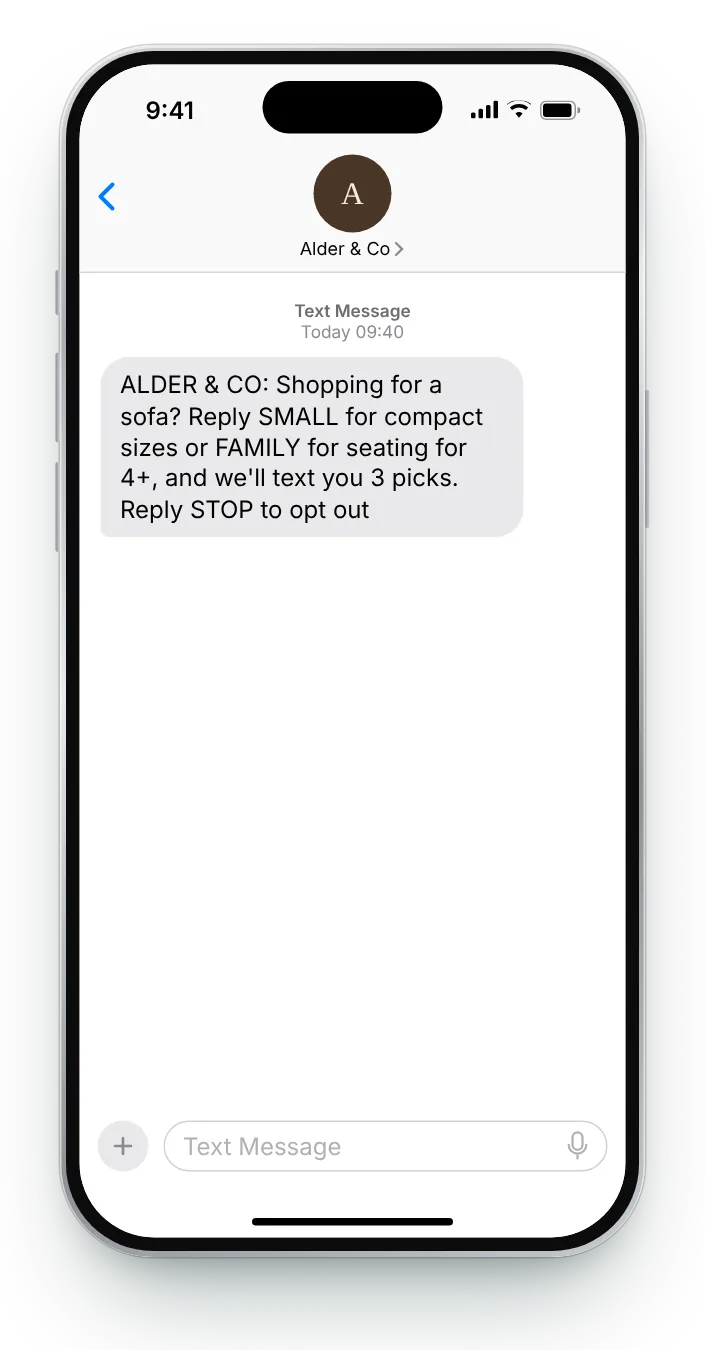
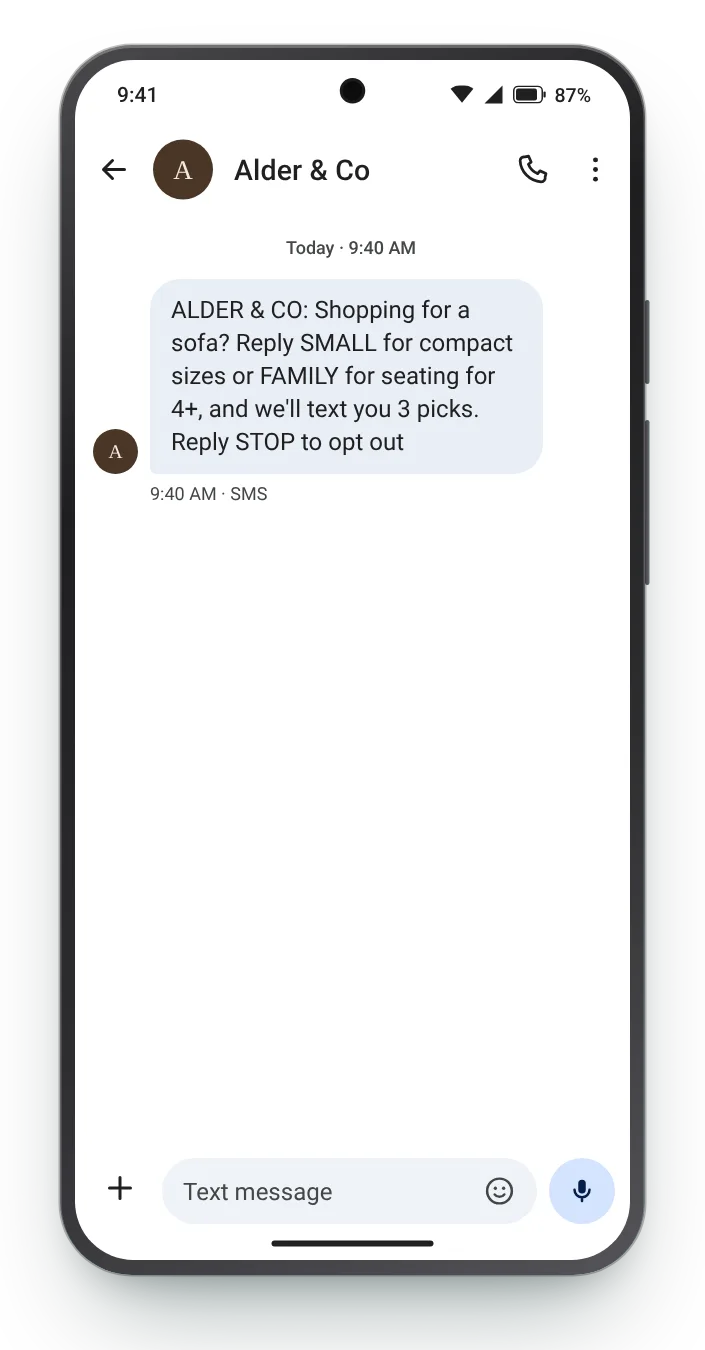
A dozen sofas viewed means no decision yet. A one-word reply tells you what they need, and the next text can carry three picks instead of a whole range.


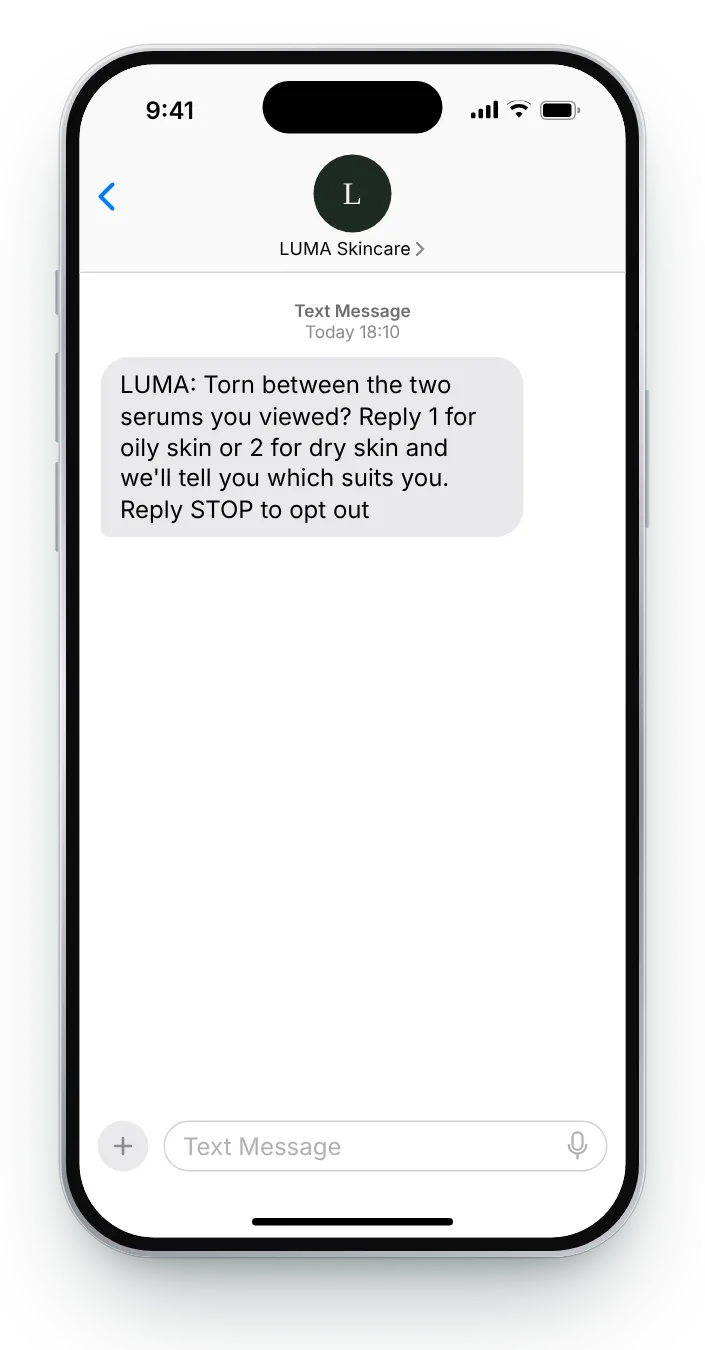
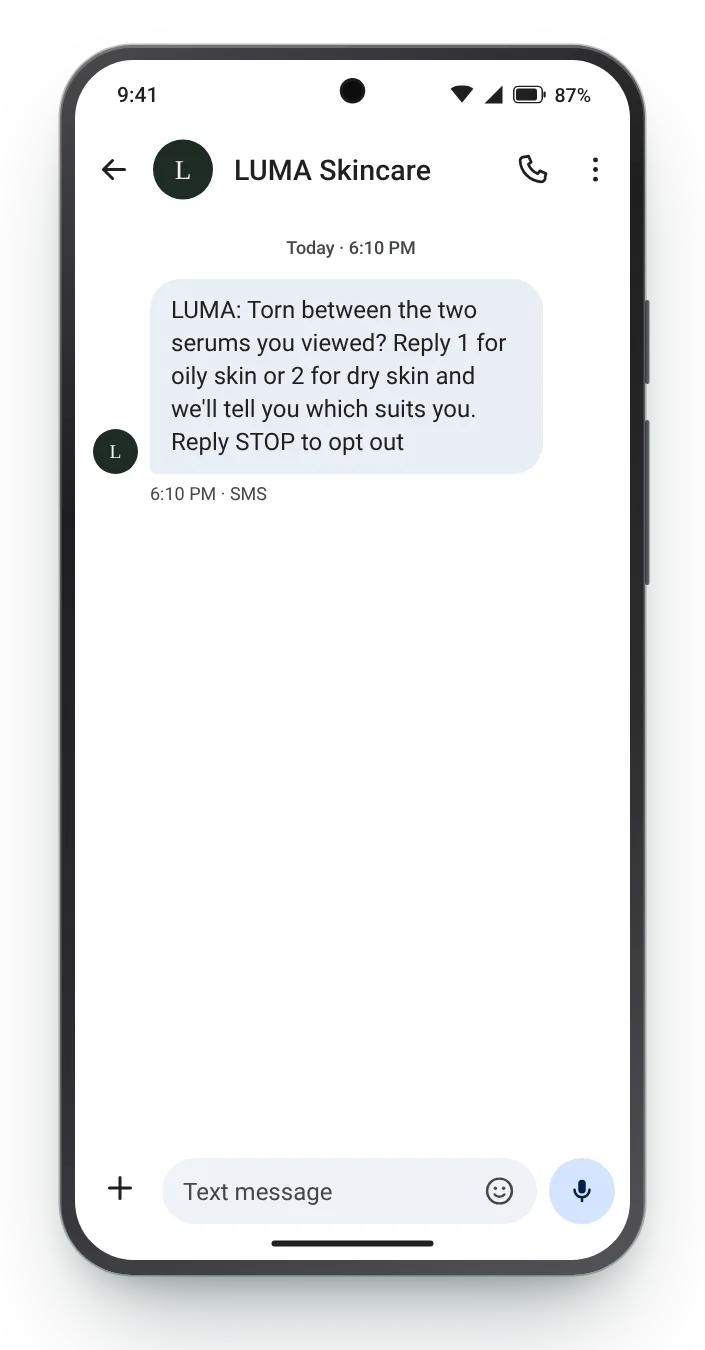
Flicking between two product pages is a sign of a choice in progress. Asking about skin type turns the comparison into a quick recommendation.


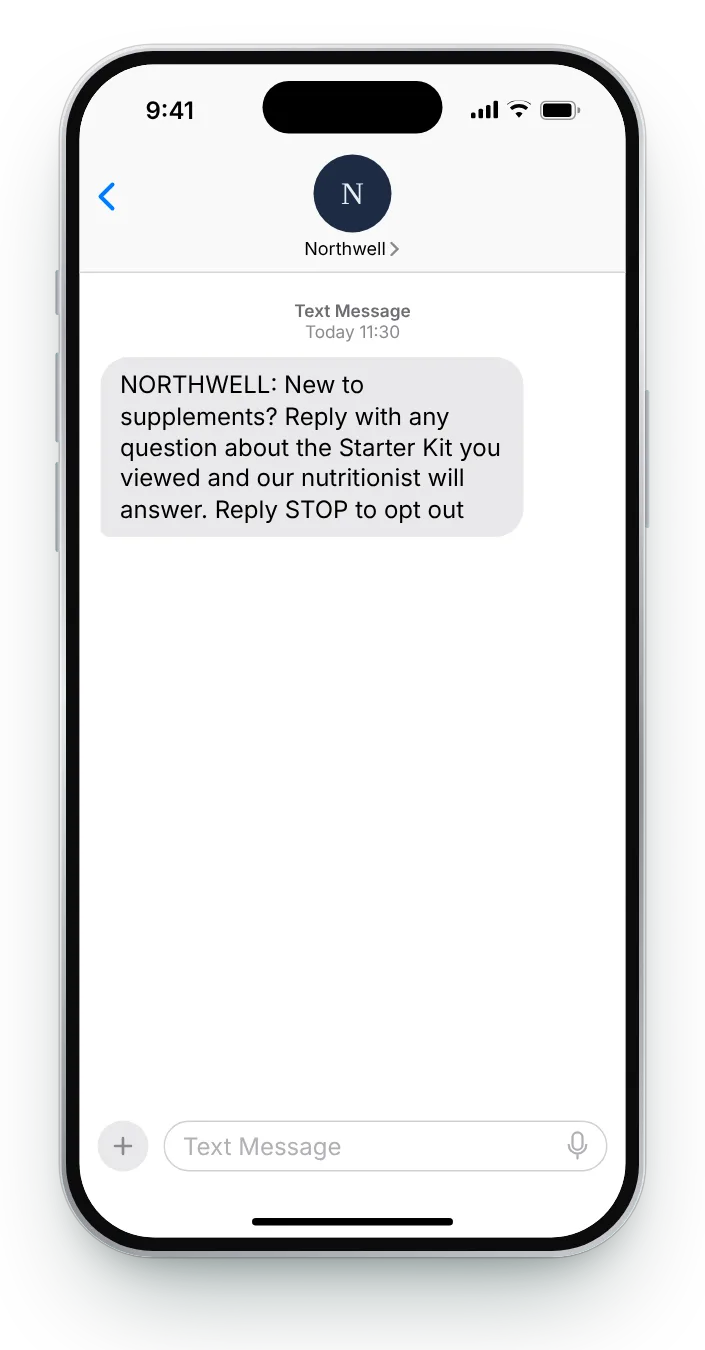
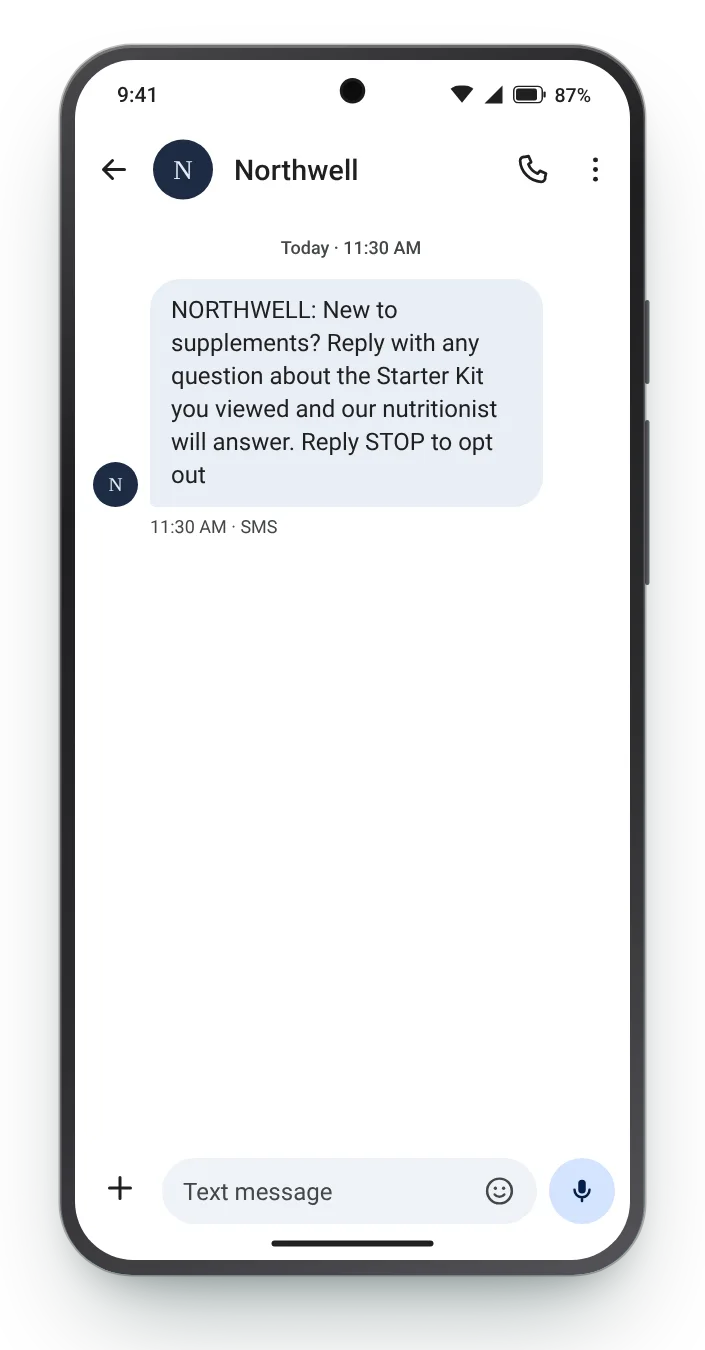
Newcomers to supplements have questions they would rather not search for. An invitation to ask one, answered by a person, removes the barrier without any pressure.


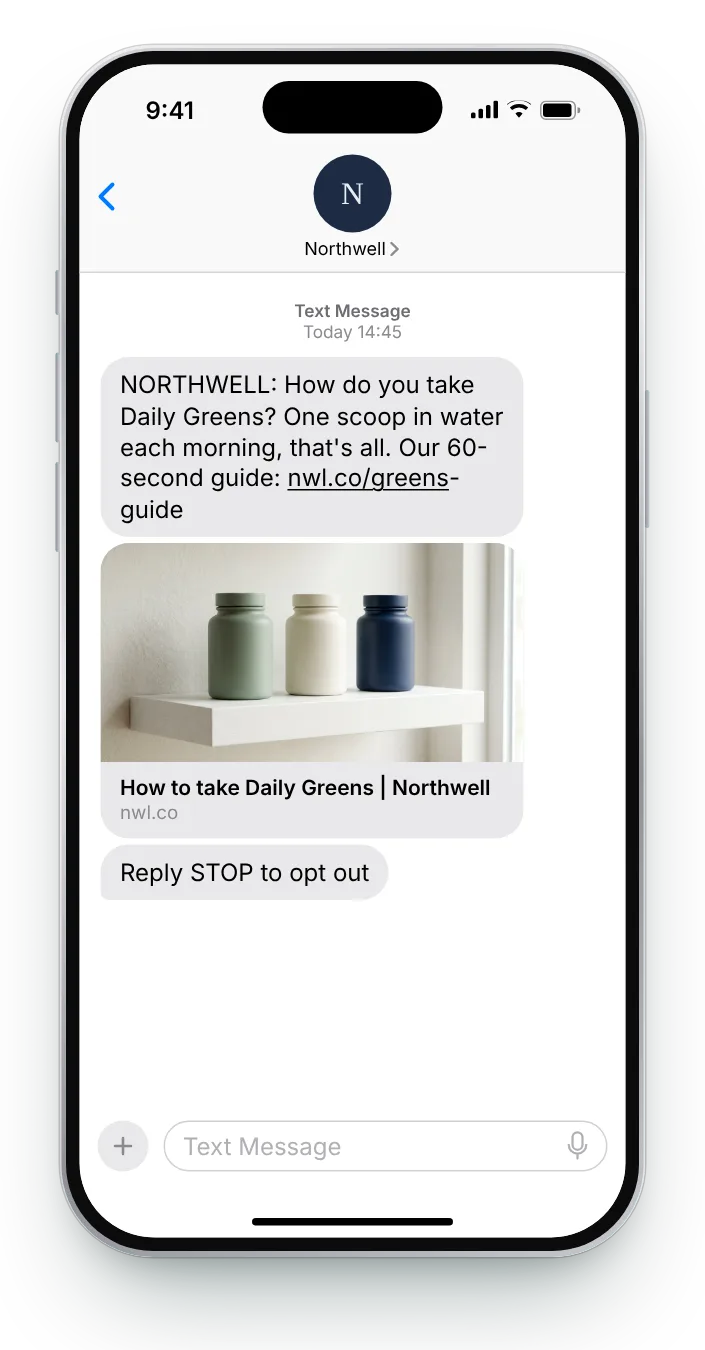
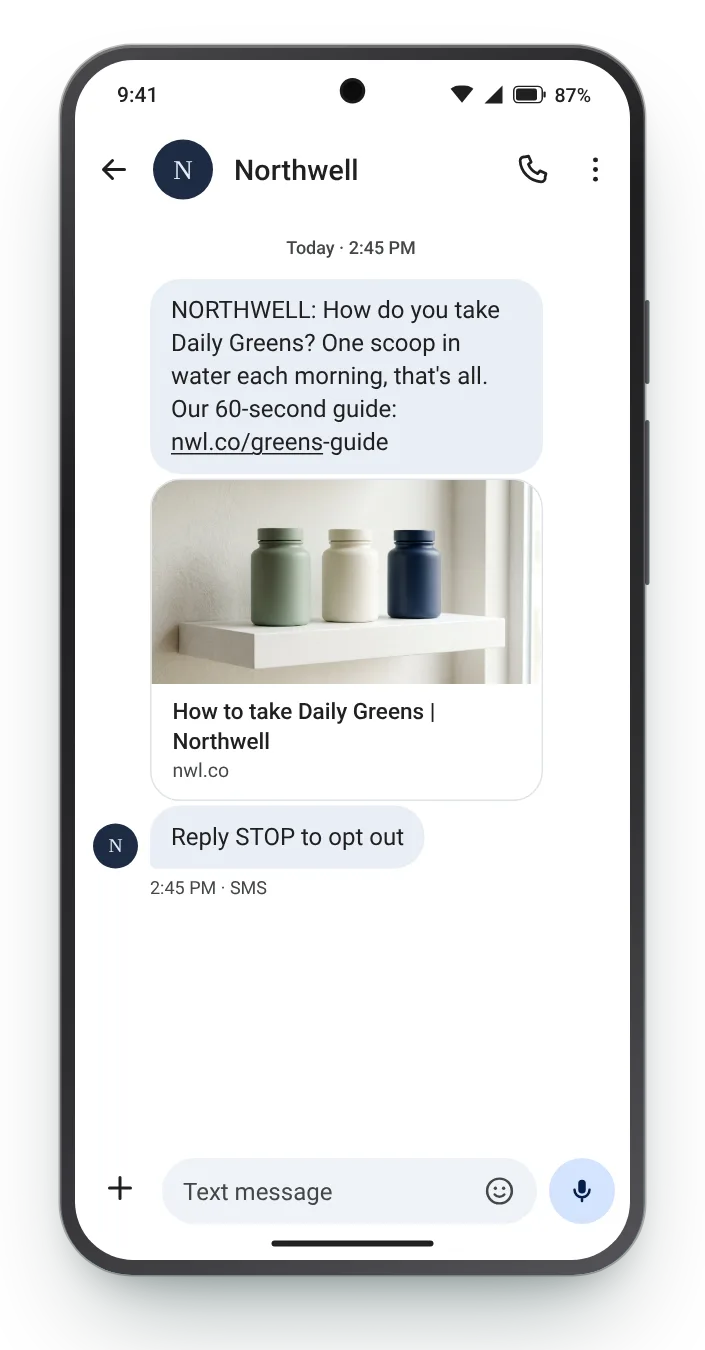
Some visitors hold back because they cannot picture using the product. A short guide shows how simple it is, and lets the page do the selling afterwards.


Lots of browsing starts at a work desk and never resumes. A text puts the product one tap away on the device the shopper has with them later.
Choose a text, change the product, the link or the reply keyword, and watch both the phone and the character count. Once the text spills past 160 plain characters, a second bar shows the extra segment you would pay for.


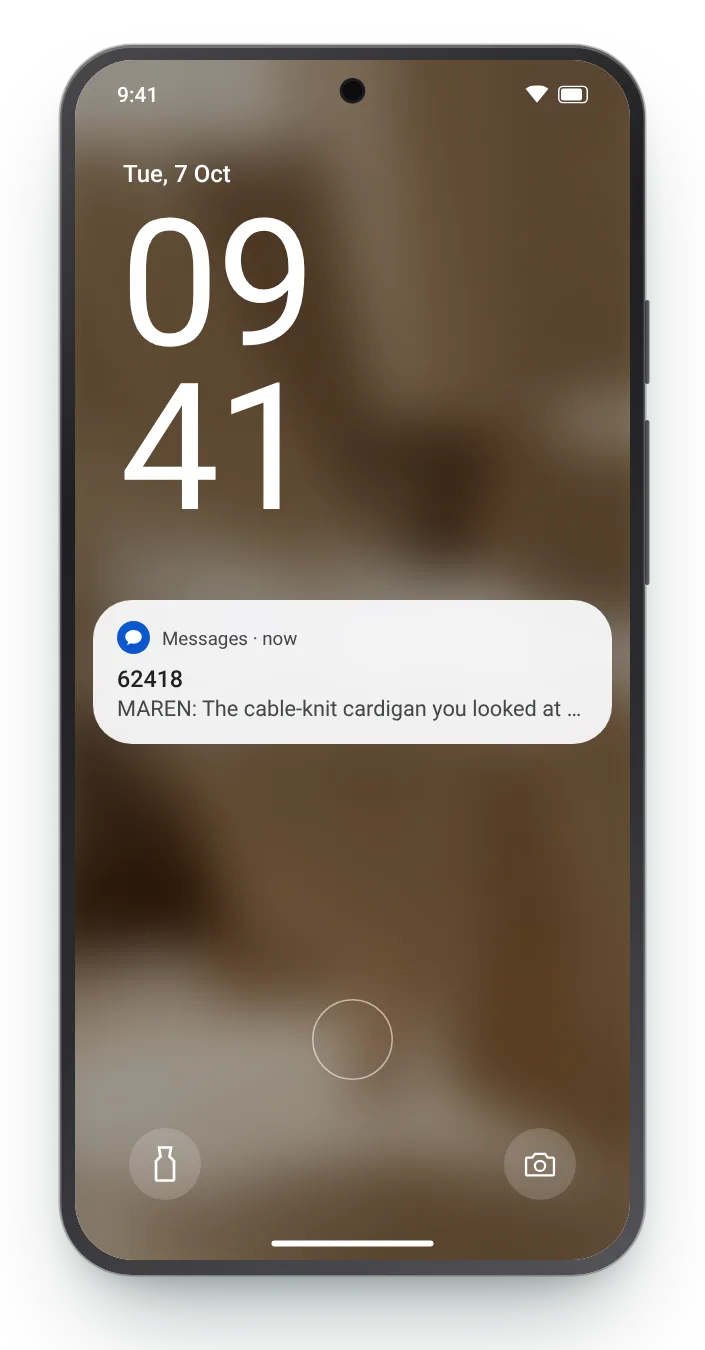
A browse follow-up arrives hours after the visit, when the product is half forgotten. The few words on the lock screen are what bring it back to mind.
Write 'the cable-knit cardigan', not 'something you looked at'. The product is the hook; the visit is only context.
Colours, a keyword or a guide: whatever the text adds should appear before the link.
When a reply is needed, put the keyword where even a one-line Android preview shows it.
Zefir drafts these texts with your team, fires one on SMS or WhatsApp when a known shopper leaves a product page, and credits any order that follows to the text behind it.
Request access See how it worksIt is a text to a subscriber who opened a product or category page and left with an empty cart. Zefir triggers them from product-view events in your store, on SMS or WhatsApp.
A cart reminder follows a shopper who picked items and stopped before paying, while a browse text follows someone who has not picked anything yet. Zefir writes both, each with its own timing and wording.
Repeat visits to one product, long looks at a category and side-by-side comparisons, rather than a single quick click. Zefir lets you set those rules so only meaningful visits trigger a message.
Yes, a keyword such as SMALL or 1 and 2 turns a one-way message into a short conversation. Zefir sends the matching next text for each keyword.
Yes, it is a marketing text, so it needs an opt-out line and can only reach numbers that consented. Zefir stores each number's consent, and it handles opt-outs and texting hours on its own.